19

复古自行车优雅女性时尚概念设计图
Enlarge

Example images

复古自行车优雅女性时尚概念设计图

Prompt
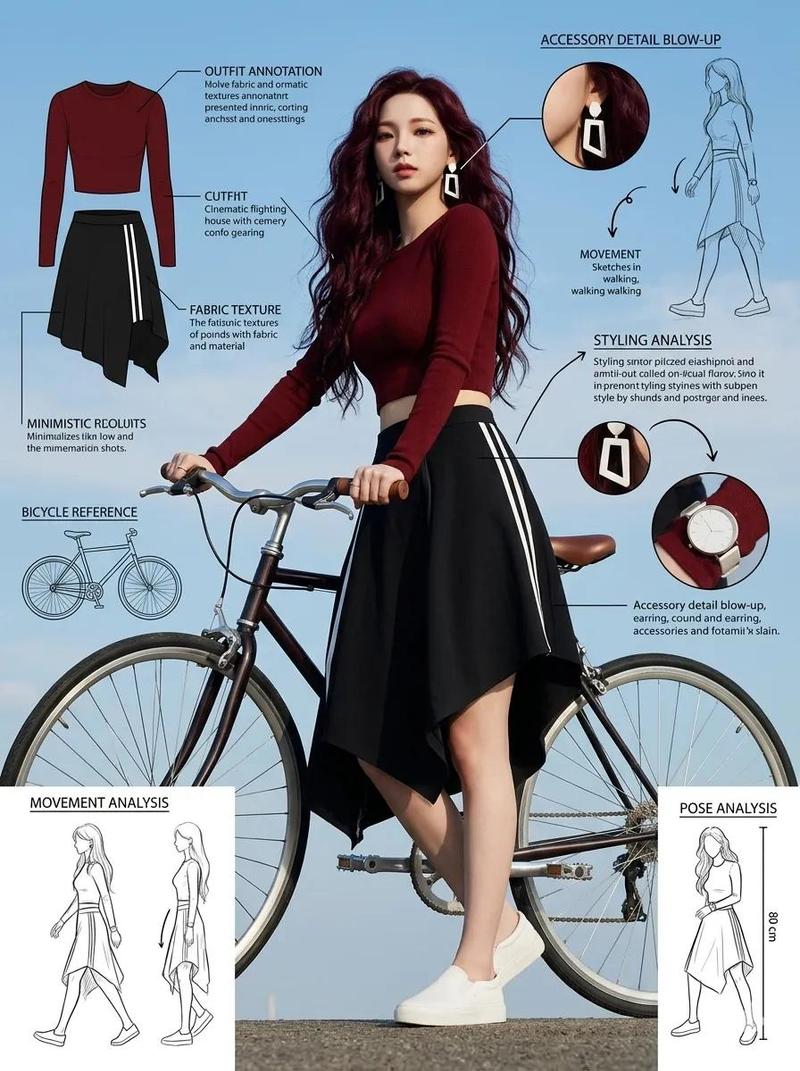
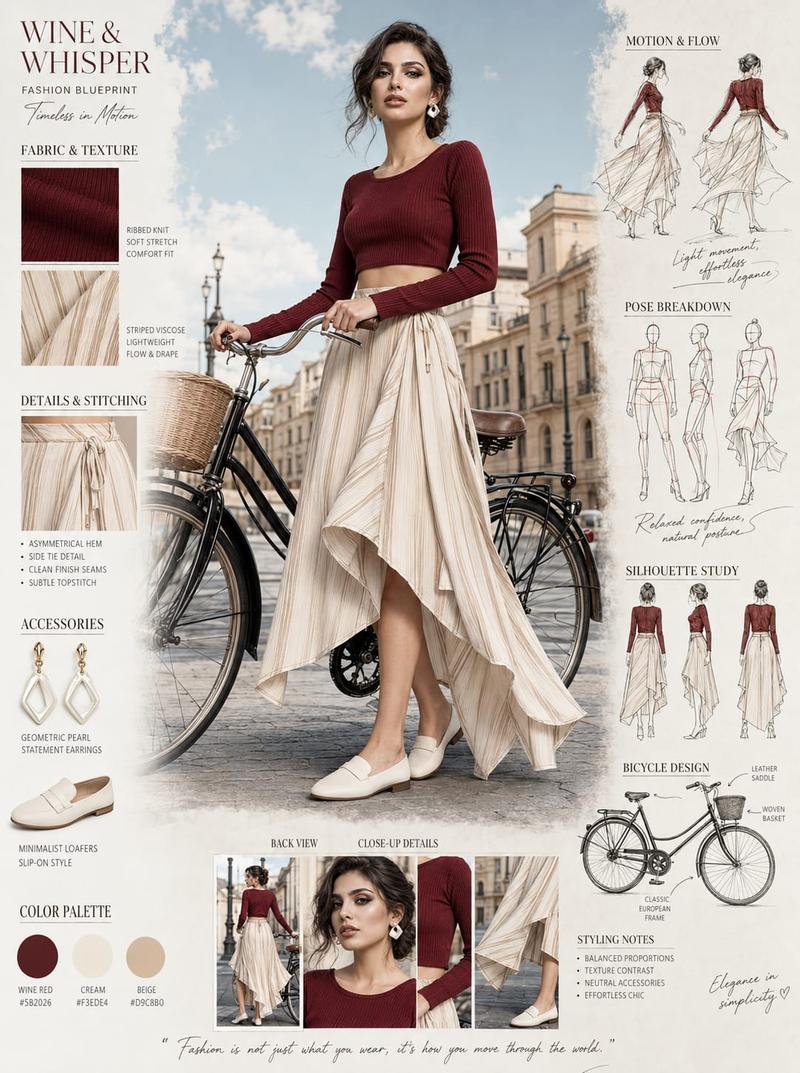
Fashion blueprint sheet of an elegant young woman posing beside a vintage bicycle, full-body low-angle view with detailed outfit annotations and fashion callout labels. Hair styled in a soft braided bun, geometric white statement earrings, fitted deep-red cropped top with long sleeves, flowing cream striped asymmetrical midi skirt, white minimalist slip-on shoes, relaxed artistic pose holding bicycle handlebars, modern European summer fashion aesthetic.

Surrounding the model and bicycle are fashion infographic elements, fabric texture notes, bicycle design callouts, movement flow sketches, styling breakdowns, accessory details, pose analysis, cinematic outdoor lighting, blue sky background, editorial lifestyle photography aesthetic, ultra detailed, professional fashion concept sheet, 8k, 1744x2336
Category
Charts & Infographics
Model
ChatGPT
Views82
Source ID
14655
Published
May 19, 2026

Guide

About "复古自行车优雅女性时尚概念设计图"

What is this prompt for?

"复古自行车优雅女性时尚概念设计图" AI image prompt for ChatGPT (Charts & Infographics). 优雅年轻女性在复古自行车旁摆姿势的时尚设计蓝图,全身低视角,带有详细的服装注释和时尚标注。发型为柔软的编织发髻,佩戴几何白色耳饰,穿着合身的深红色长袖短款上衣,飘逸的米色条纹…

The full copyable prompt and example visuals above are ready for AI image generation or one-click recreate in Picva.

How to use this prompt

  1. Step 1

    Open the prompt detail

    Review the example visuals, category, and full prompt text for "复古自行车优雅女性时尚概念设计图".

  2. Step 2

    Copy the prompt

    Copy the prompt body from this page, or load it directly in Studio.

  3. Step 3

    Pick a model (ChatGPT)

    Prefer ChatGPT. If you switch models, keep subject and composition and tweak style terms.

  4. Step 4

    Generate and export

    Recreate the look in Picva, or export into your workflow for editing and publishing.

FAQ

What is the "复古自行车优雅女性时尚概念设计图" prompt?
It is an AI image-generation prompt for ChatGPT in the Charts & Infographics category. This page includes the full prompt text, example visuals, and a one-click recreate path in Picva.
How do I use this prompt to generate an image?
Copy the prompt from this page, or use Generate / Studio. Paste it into a compatible image model, or recreate the look in Picva with optional reference images.
Which model is this prompt for?
This page lists ChatGPT. Most descriptive prompts also transfer to nearby image models such as GPT Image, Flux, or Midjourney with light style tweaks.
Can I use the result commercially?
You can usually copy the prompt for creation, but commercial use of the final image depends on the model terms, reference-image rights, and the generated content. Follow the source author and platform rules.