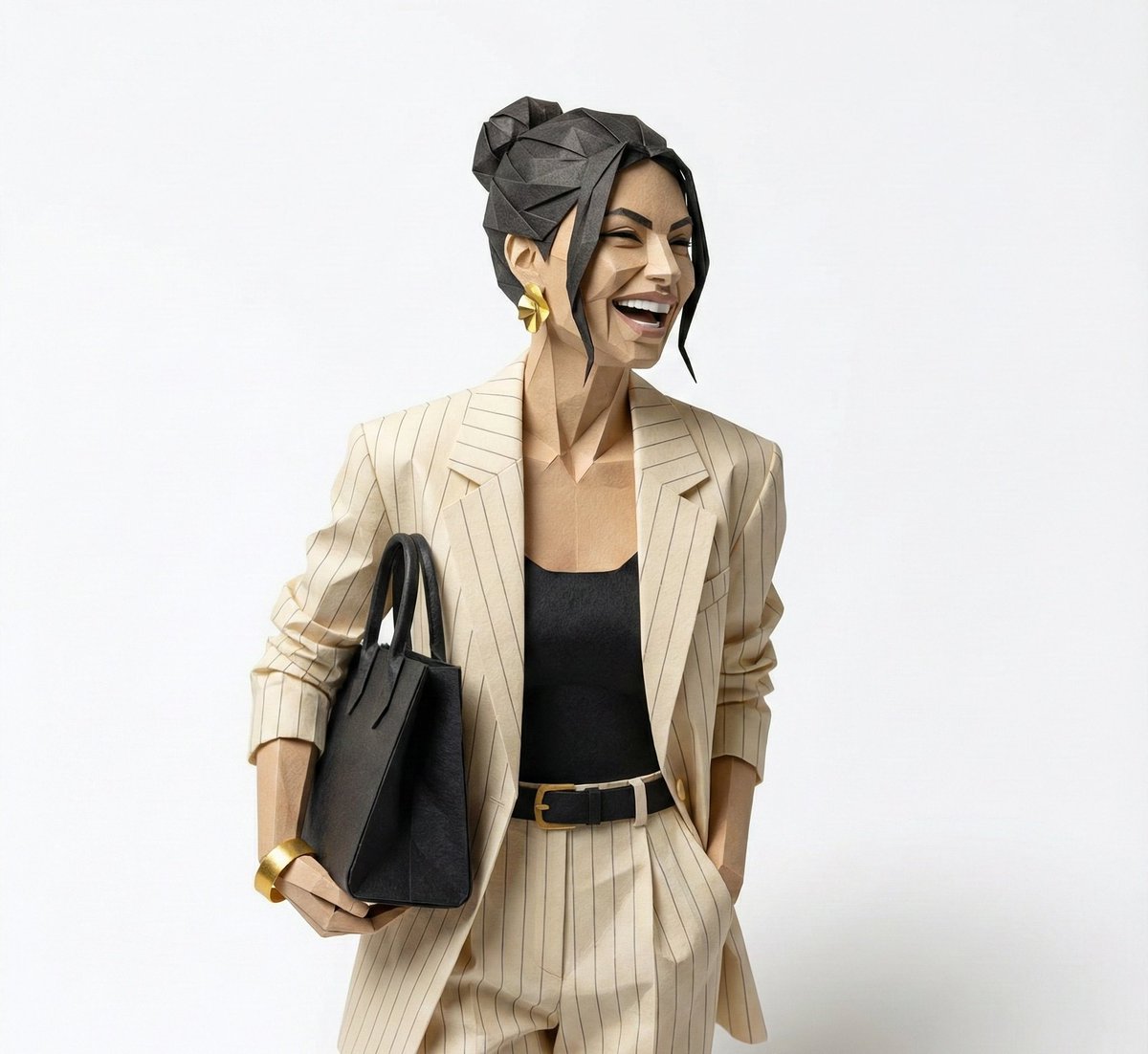
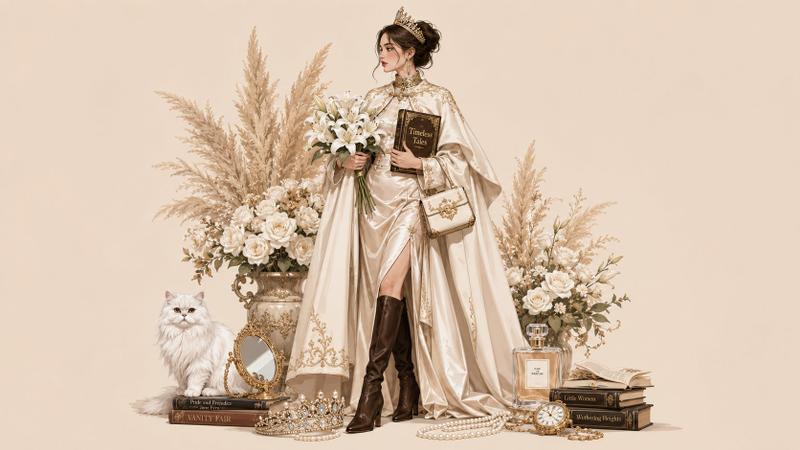
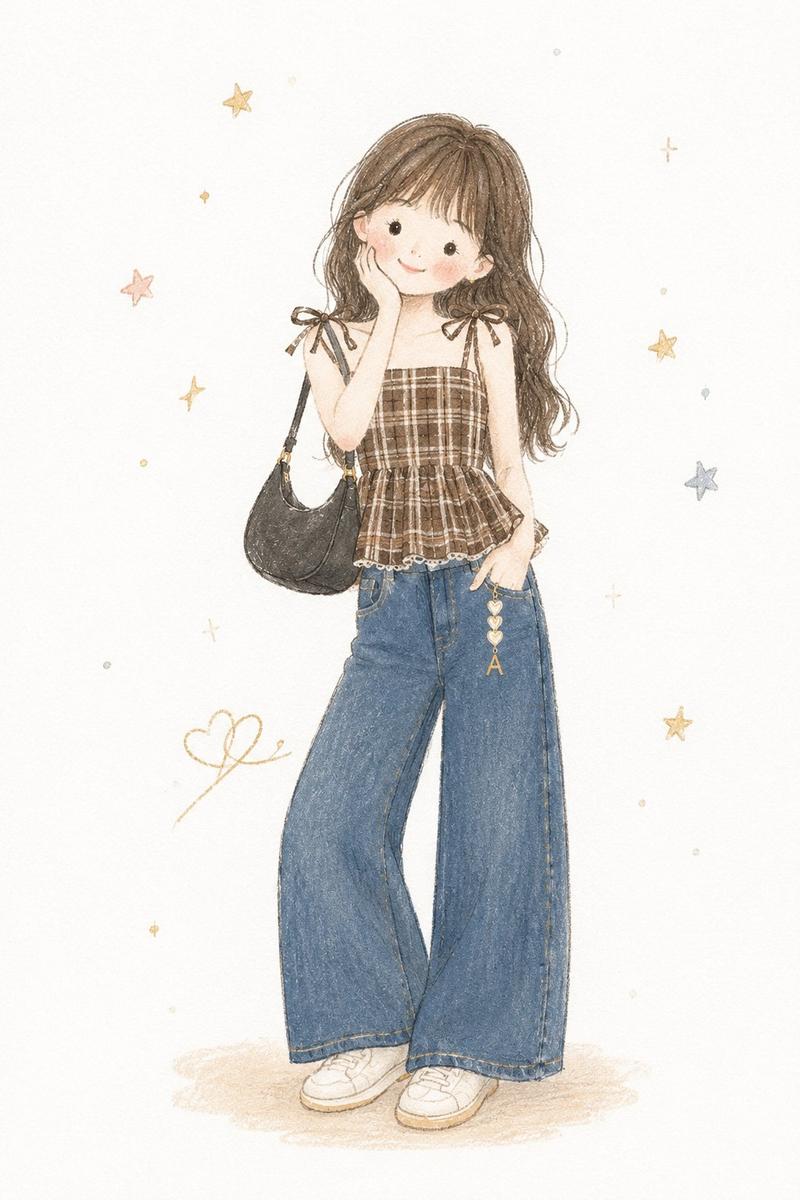
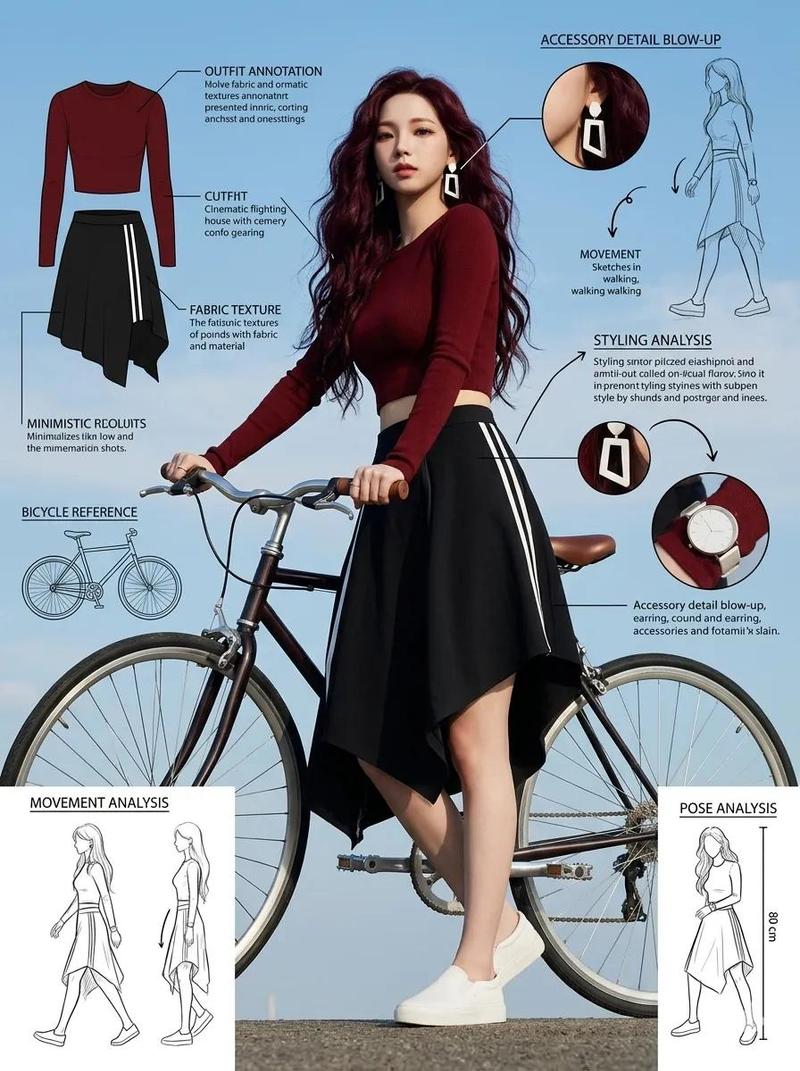
巴黎时尚生活方式插画
Prompt
Goal: Create a romantic Parisian fashion lifestyle illustration featuring {argument name="character name" default="a stylish young Parisian woman"} standing full body in the center, surrounded by flowers, pastries, perfume, books, and a vintage bicycle.

Canvas: Wide horizontal 16:9 composition on a warm cream-beige background, softly lit like watercolor mixed with detailed fashion editorial illustration. Elegant, airy, feminine, vintage Paris mood with delicate ink linework and muted blush, ivory, tan, navy, and black tones.

Main subject: A slim young woman with {argument name="hair color" default="dark brown"} curly hair in a loose messy updo, soft face turned slightly to the right, wearing a beige oversized blazer over a black-and-white striped top, high-waisted wide-leg dark navy trousers, black loafers with gold hardware, fine jewelry, and carrying a small quilted black handbag. She holds exactly 2 food/drink items: one croissant in her left hand and one takeaway coffee cup in her right hand.

Layout and objects: Place the woman slightly right of center. On the left, create a large cream metal flower bucket filled with tulips and greenery, sitting on a stack of books. Behind it, draw a delicate sketched Eiffel Tower and handwritten script text reading {argument name="handwritten text" default="Paris mon amour"} with two small hearts. On the right, place a cream vintage bicycle with tan leather saddle and handle grips; its front wicker basket is overflowing with tulips and has a small label reading "Paris". Around the bicycle base, add a large woven market tote, baguettes, a magazine, perfume, and sweets.

Count the visible discrete objects clearly: exactly 1 woman, 1 bicycle, 2 main flower arrangements, 1 Eiffel Tower sketch, 1 croissant, 1 takeaway coffee cup, 1 black handbag, 1 large left flower bucket, 1 wicker bicycle basket, 1 woven market tote, 3 visible baguettes, 2 perfume bottles, 1 teacup with saucer, 1 plate of macarons on the left, 1 Laduree-style macaron box on the right, 1 magazine titled "CEREAL", 1 pair of black sunglasses, and exactly 5 stacked books under the left flower bucket with legible Paris-themed titles where possible.

Text details: Use elegant French-inspired typography and readable labels including "MAISON FLEURS" on the flower bucket, "RIVE GAUCHE SAINT GERMAIN PARIS" on the woven tote, "CEREAL PARIS" on the magazine, and {argument name="flower bucket label" default="MAISON FLEURS"} on the large left bucket. Avoid adding extra unrelated text.

Visual style: High-detail fashion watercolor illustration, soft shadows, refined textures on wicker, leather, fabric, petals, paper, and pastry crust. Keep the background clean with scattered flower petals and tiny daisies near the floor, no hard borders, no watermark, no photorealism.- Category
- Charts & Infographics
- Model
- GPT Image 2
- Creator
- Zephyra Leigh
- Source ID
- 27395
- Published
- Jul 1, 2026
Views3