15

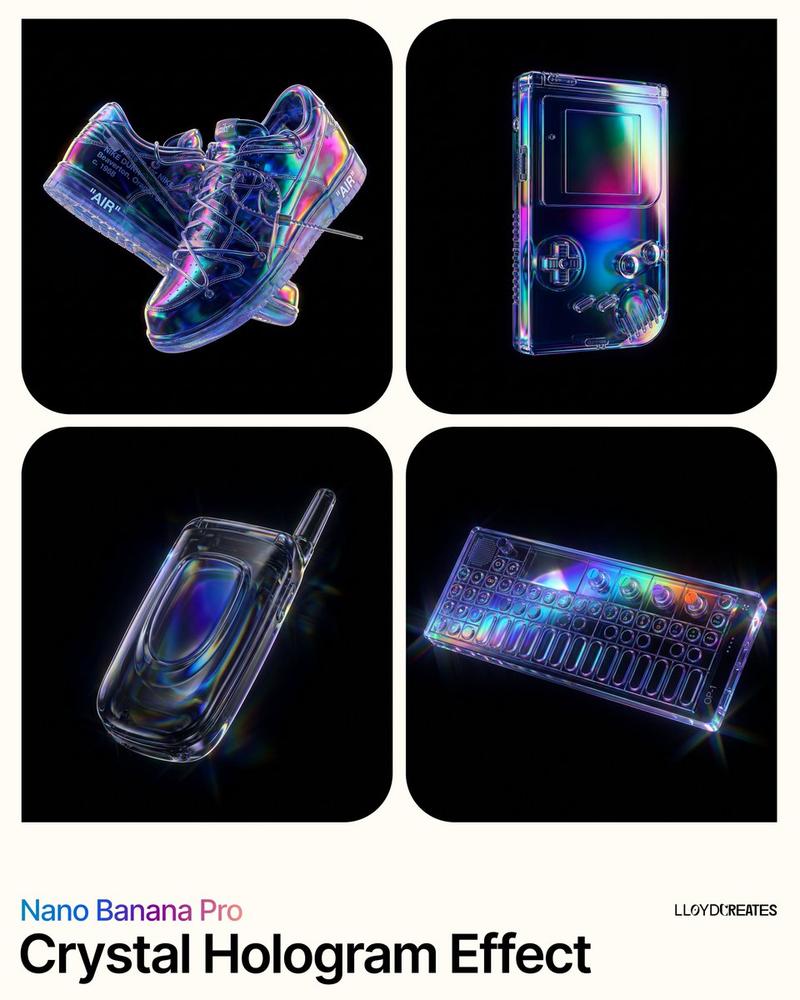
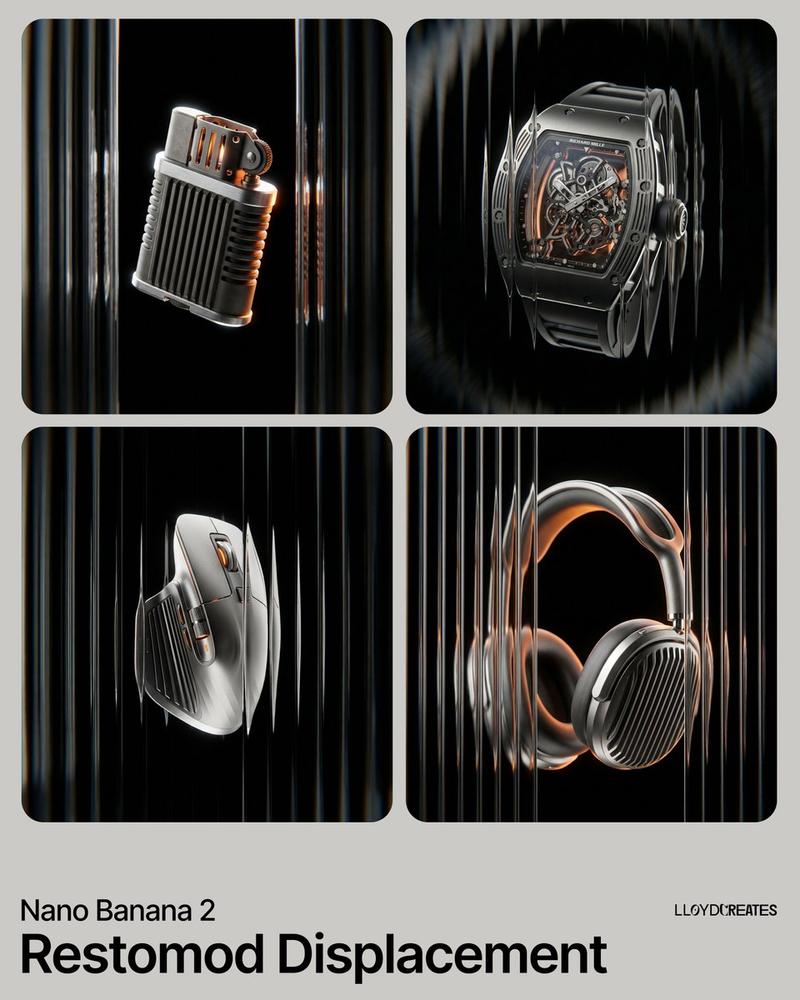
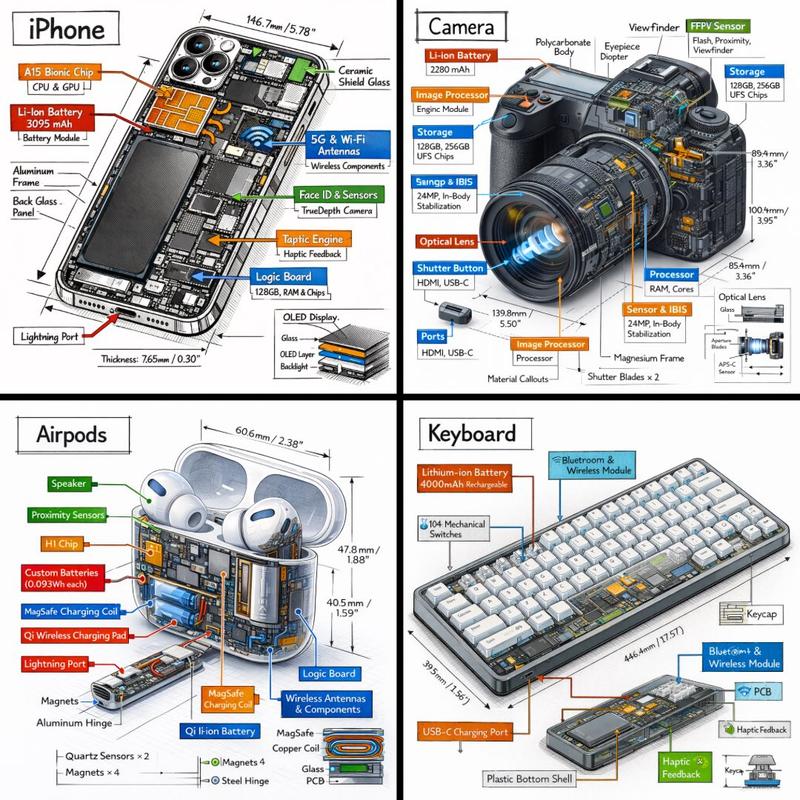
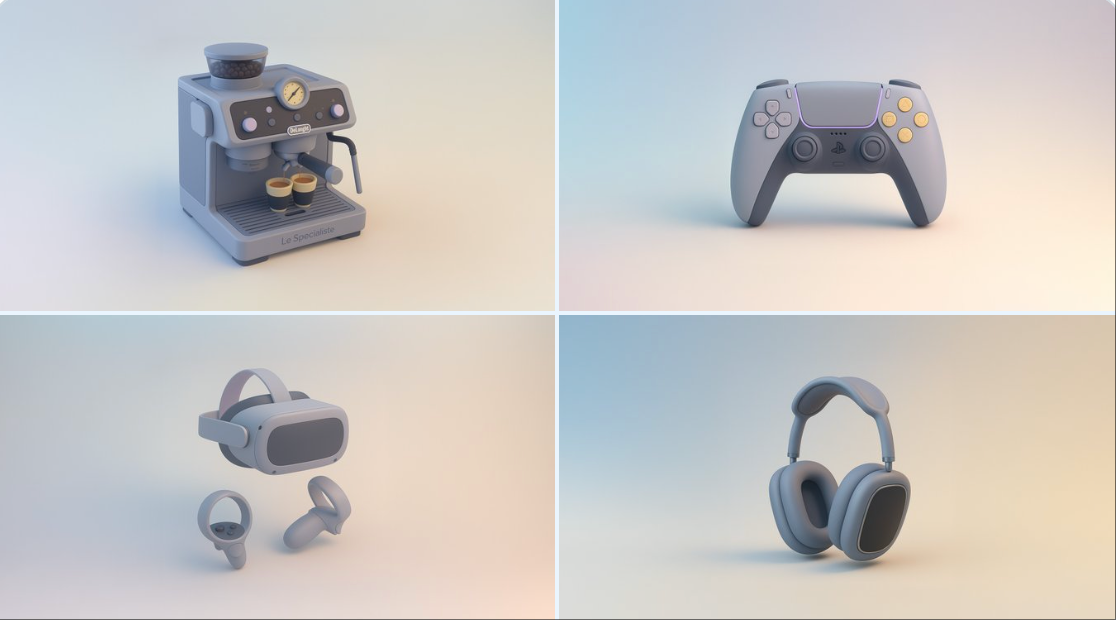
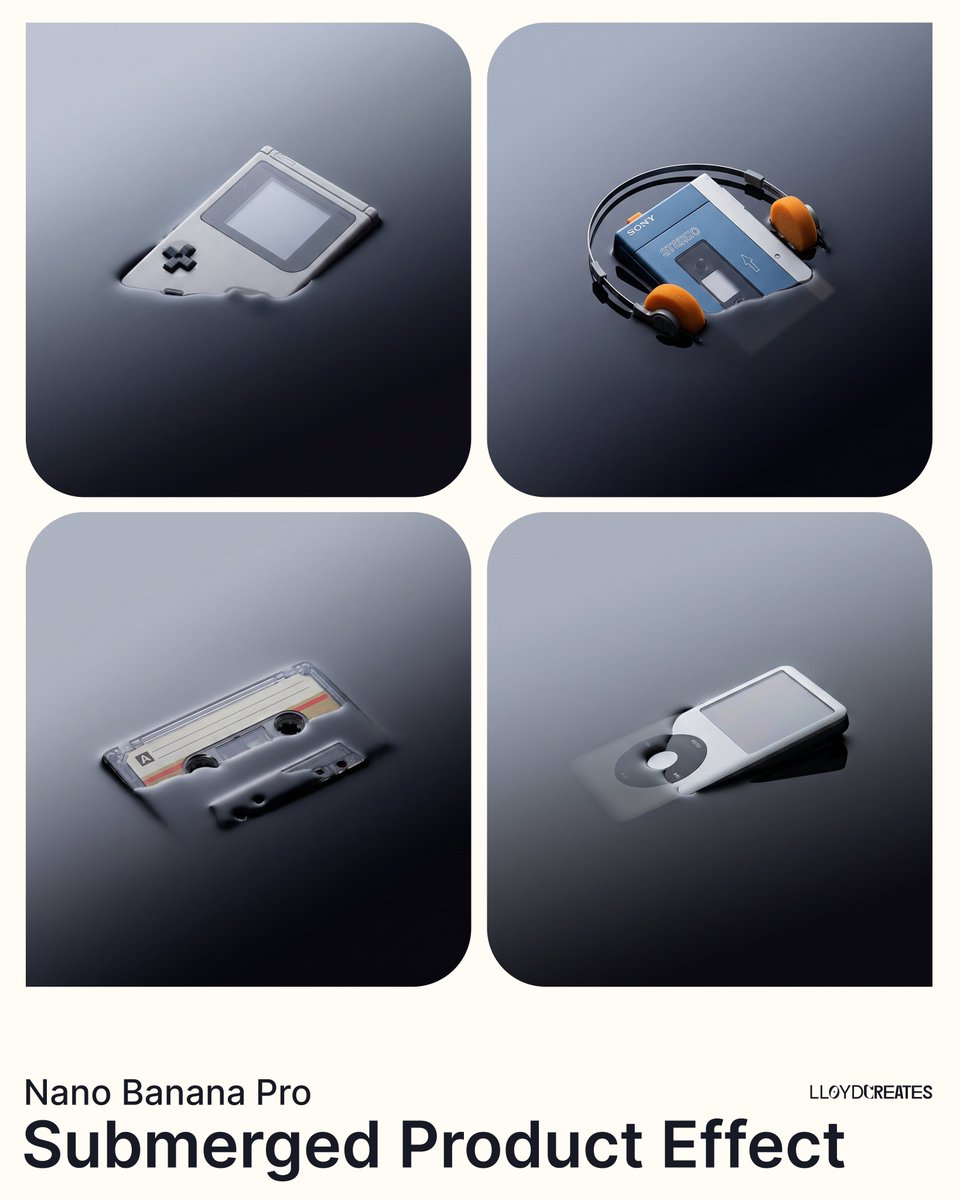
Y2K幻彩玻璃折射悬浮产品展示
Enlarge

Y2K幻彩玻璃折射悬浮产品展示

Prompt
{ "image_generation_request": { "subject": "INSERT PRODUCT HERE", "environment": { "background": "A smooth, professional dual-tone gradient transition between #111B24 and #CAEFFF", "lighting": "High-contrast studio lighting with bright rim highlights to emphasize glossy textures" }, "style_elements": { "aesthetic": "Y2K Frutiger Aero meets modern hyper-realism", "optical_effects": [ "Dynamic glass refraction", "Prismatic chromatic aberration at the edges of transparent objects", "Iridescent lens flares", "Distorted glass overlays floating in the foreground" ], "composition": "Floating, gravity-defying arrangement with a wide-angle perspective", "textures": "Polished chrome, transparent acrylic, and high-gloss plastic" }, "technical_specs": { "resolution": "8k UHD", "render_engine": "Octane Render style", "detailing": "Macro photography focus, hyper-detailed mechanical parts" } } }
Category
Products & E-commerce
Model
Nano Banana Pro
Views43
Source ID
11213
Published
Apr 25, 2026

Guide

About "Y2K幻彩玻璃折射悬浮产品展示"

What is this prompt for?

"Y2K幻彩玻璃折射悬浮产品展示" AI image prompt for Nano Banana Pro (Products & E-commerce). { "image_generation_request": { "subject": "{argument name=\"product name\" defa…

The full copyable prompt and example visuals above are ready for AI image generation or one-click recreate in Picva.

How to use this prompt

  1. Step 1

    Open the prompt detail

    Review the example visuals, category, and full prompt text for "Y2K幻彩玻璃折射悬浮产品展示".

  2. Step 2

    Copy the prompt

    Copy the prompt body from this page, or load it directly in Studio.

  3. Step 3

    Pick a model (Nano Banana Pro)

    Prefer Nano Banana Pro. If you switch models, keep subject and composition and tweak style terms.

  4. Step 4

    Generate and export

    Recreate the look in Picva, or export into your workflow for editing and publishing.

FAQ

What is the "Y2K幻彩玻璃折射悬浮产品展示" prompt?
It is an AI image-generation prompt for Nano Banana Pro in the Products & E-commerce category. This page includes the full prompt text, example visuals, and a one-click recreate path in Picva.
How do I use this prompt to generate an image?
Copy the prompt from this page, or use Generate / Studio. Paste it into a compatible image model, or recreate the look in Picva with optional reference images.
Which model is this prompt for?
This page lists Nano Banana Pro. Most descriptive prompts also transfer to nearby image models such as GPT Image, Flux, or Midjourney with light style tweaks.
Can I use the result commercially?
You can usually copy the prompt for creation, but commercial use of the final image depends on the model terms, reference-image rights, and the generated content. Follow the source author and platform rules.