17

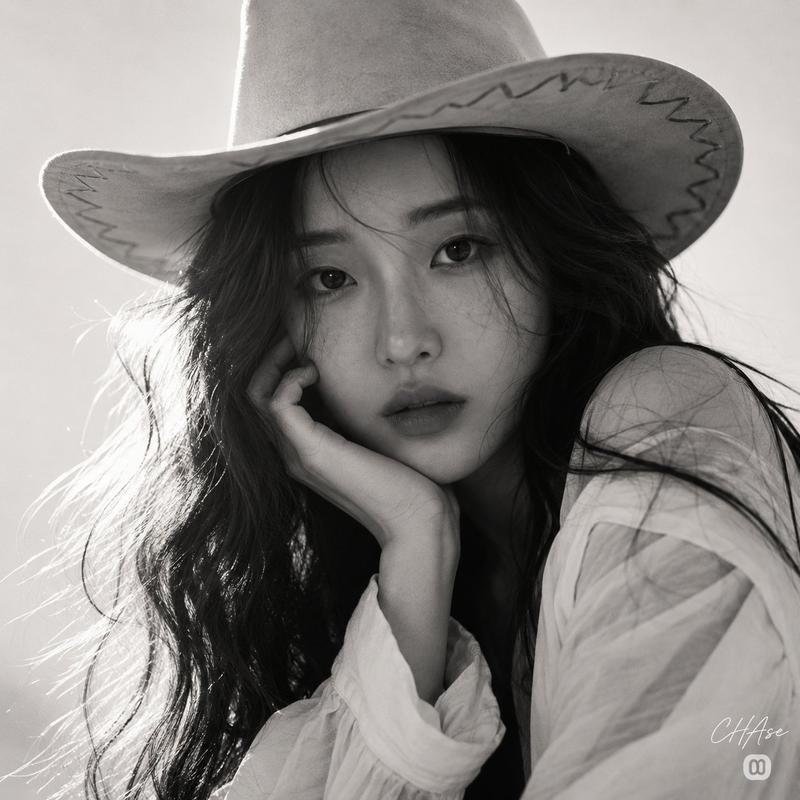
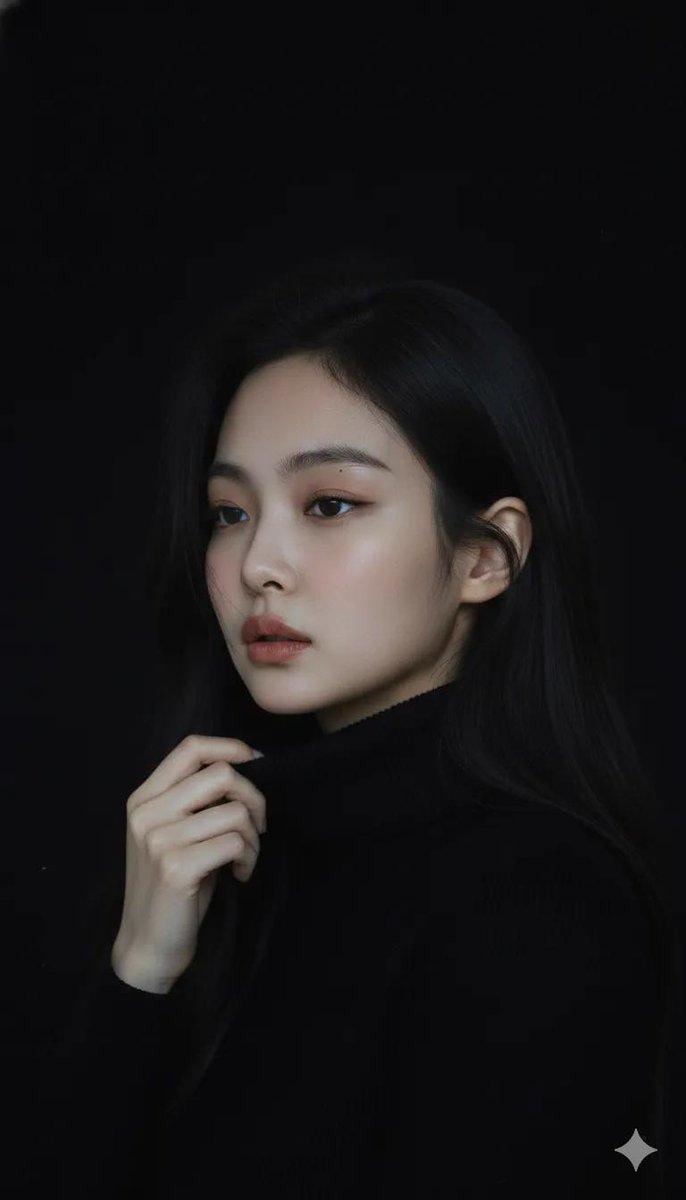
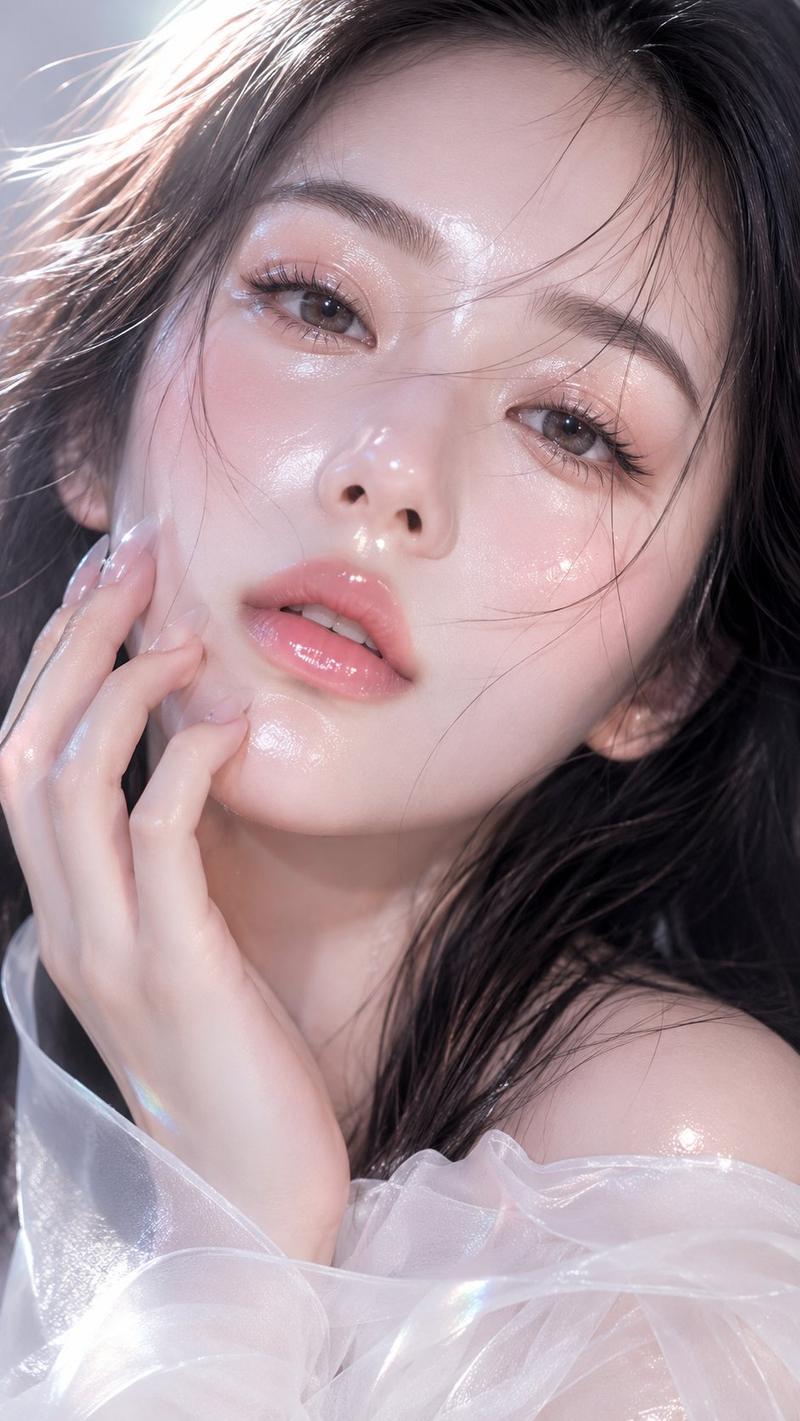
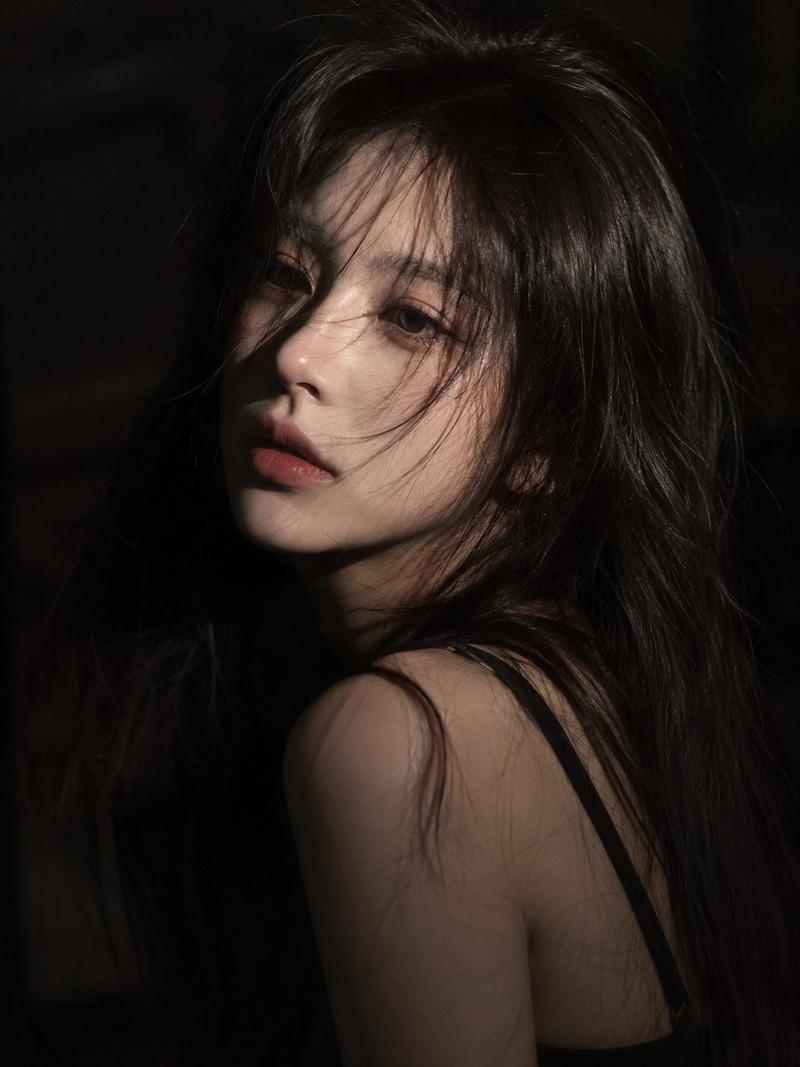
韩系时尚杂志人像
Enlarge

Example images

韩系时尚杂志人像

Prompt
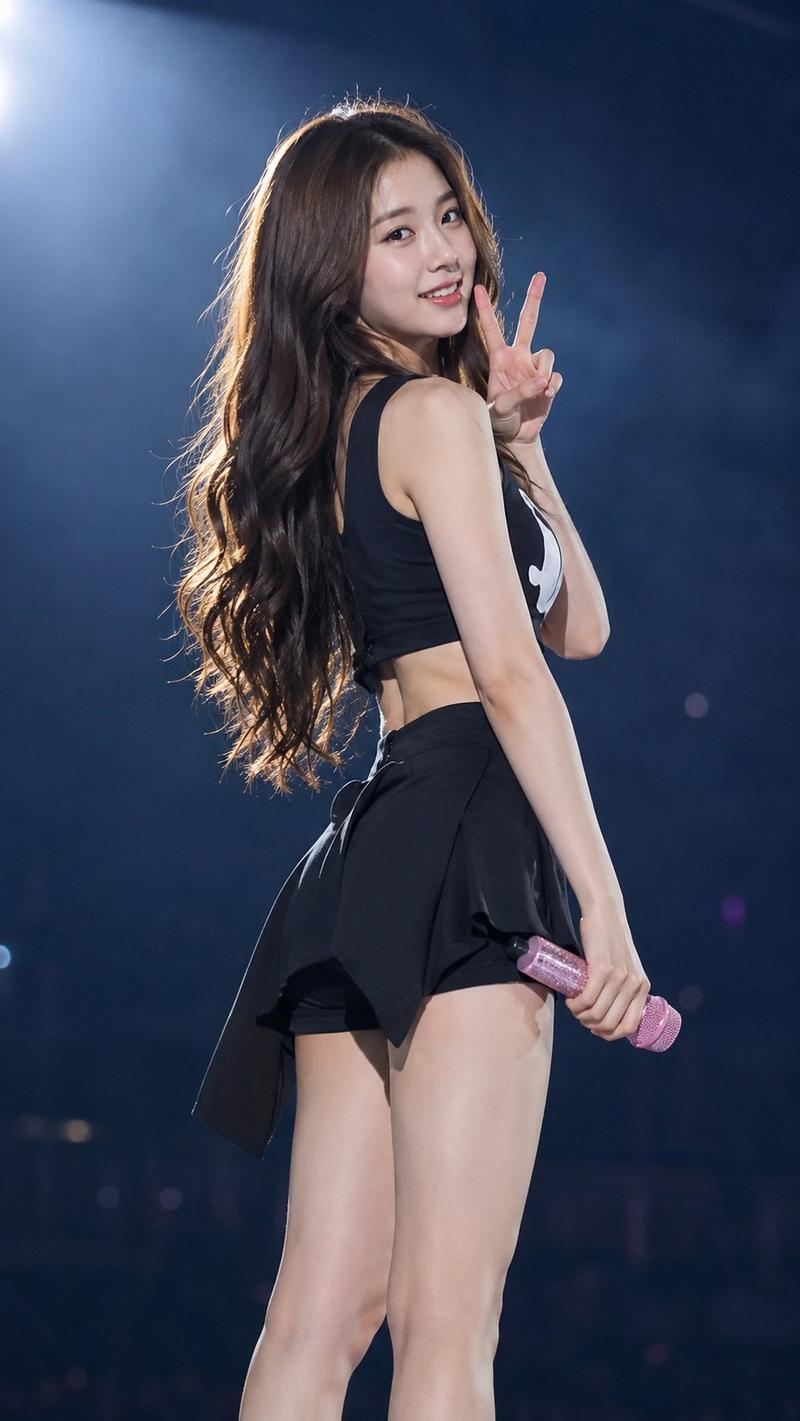
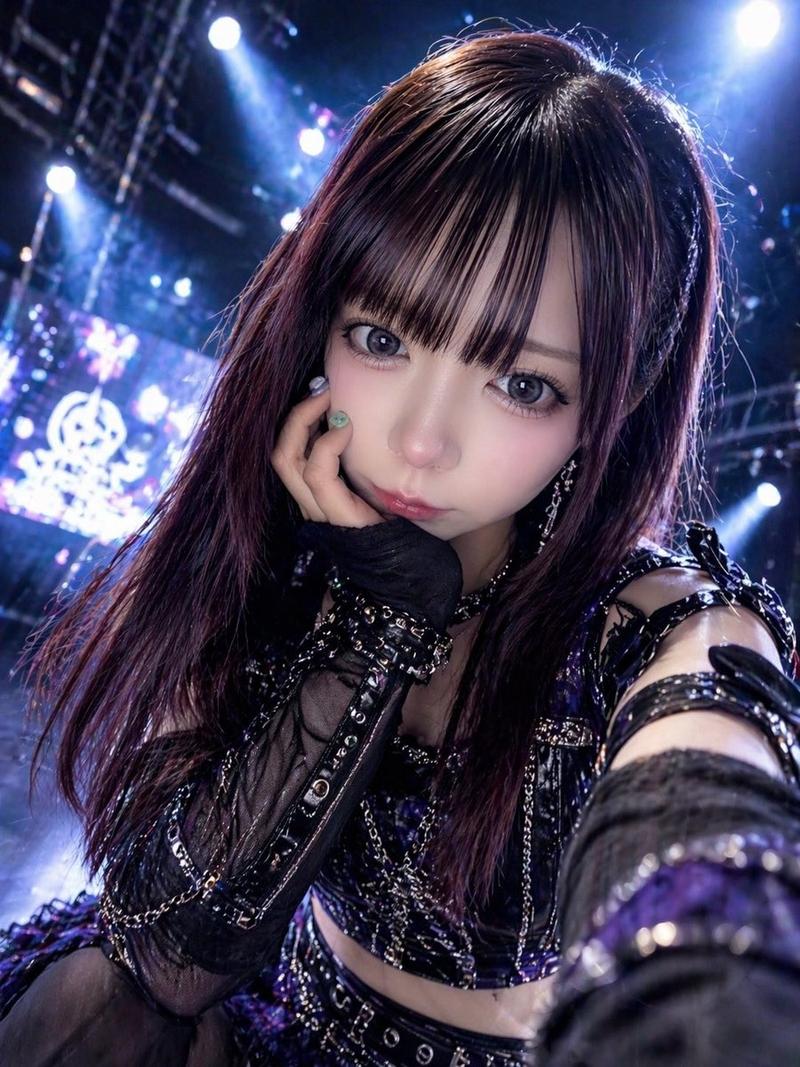
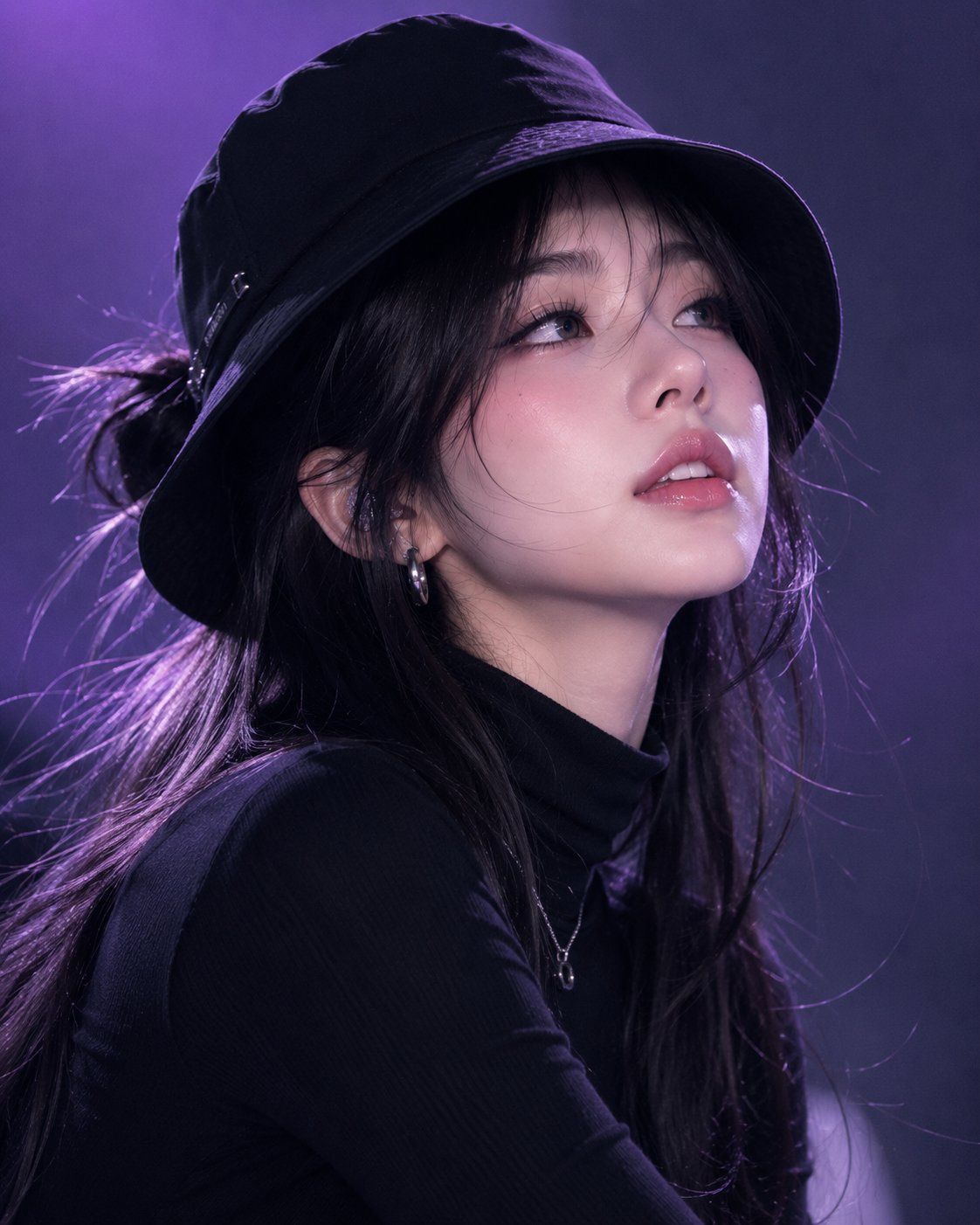
{argument name="subject" default="Young Korean woman"}, {argument name="accessory" default="black bucket hat"}, {argument name="outfit" default="black turtleneck sweater"}, long black hair in a half-up hairstyle, glossy pink lips, flawless radiant skin, chin slightly lowered with eyes looking upward toward the camera, confident and mysterious expression. Minimal gradient purple studio background, cool dramatic lighting, soft shadows, fashion performance aesthetic, close-up portrait composition, Korean beauty editorial style, ultra-realistic photography, detailed skin texture, natural makeup, cinematic mood, professional DSLR shot, shallow depth of field, luxury fashion campaign, photorealistic, 8K quality.
Category
Posters & Typography
Model
GPT Image 2
Views2
Source ID
25154
Published
Jun 11, 2026

Guide

About "韩系时尚杂志人像"

What is this prompt for?

"韩系时尚杂志人像" AI image prompt for GPT Image 2 (Posters & Typography). 创作一张高端韩系美妆杂志人像,展现神秘人物,采用专业影棚布光及逼真的皮肤质感。 Copy it on Picva and recreate the look in one click.

The full copyable prompt and example visuals above are ready for AI image generation or one-click recreate in Picva.

How to use this prompt

  1. Step 1

    Open the prompt detail

    Review the example visuals, category, and full prompt text for "韩系时尚杂志人像".

  2. Step 2

    Copy the prompt

    Copy the prompt body from this page, or load it directly in Studio.

  3. Step 3

    Pick a model (GPT Image 2)

    Prefer GPT Image 2. If you switch models, keep subject and composition and tweak style terms.

  4. Step 4

    Generate and export

    Recreate the look in Picva, or export into your workflow for editing and publishing.

FAQ

What is the "韩系时尚杂志人像" prompt?
It is an AI image-generation prompt for GPT Image 2 in the Posters & Typography category. This page includes the full prompt text, example visuals, and a one-click recreate path in Picva.
How do I use this prompt to generate an image?
Copy the prompt from this page, or use Generate / Studio. Paste it into a compatible image model, or recreate the look in Picva with optional reference images.
Which model is this prompt for?
This page lists GPT Image 2. Most descriptive prompts also transfer to nearby image models such as GPT Image, Flux, or Midjourney with light style tweaks.
Can I use the result commercially?
You can usually copy the prompt for creation, but commercial use of the final image depends on the model terms, reference-image rights, and the generated content. Follow the source author and platform rules.