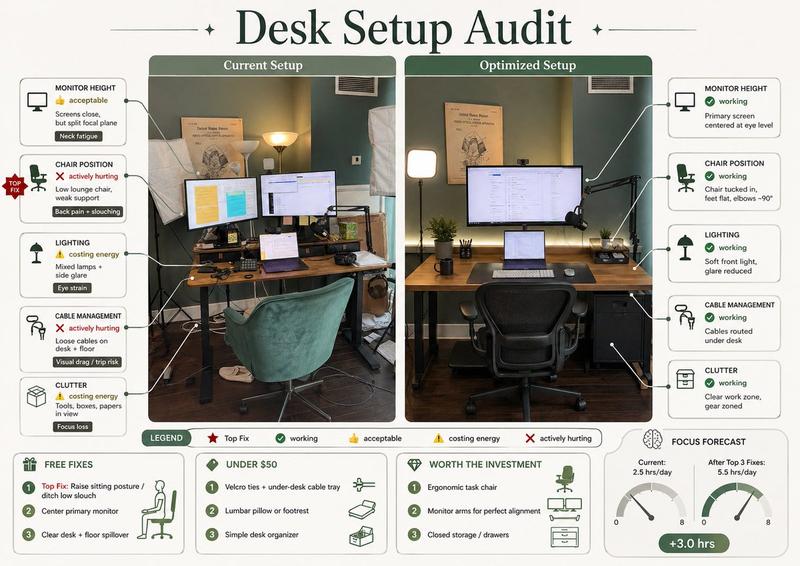
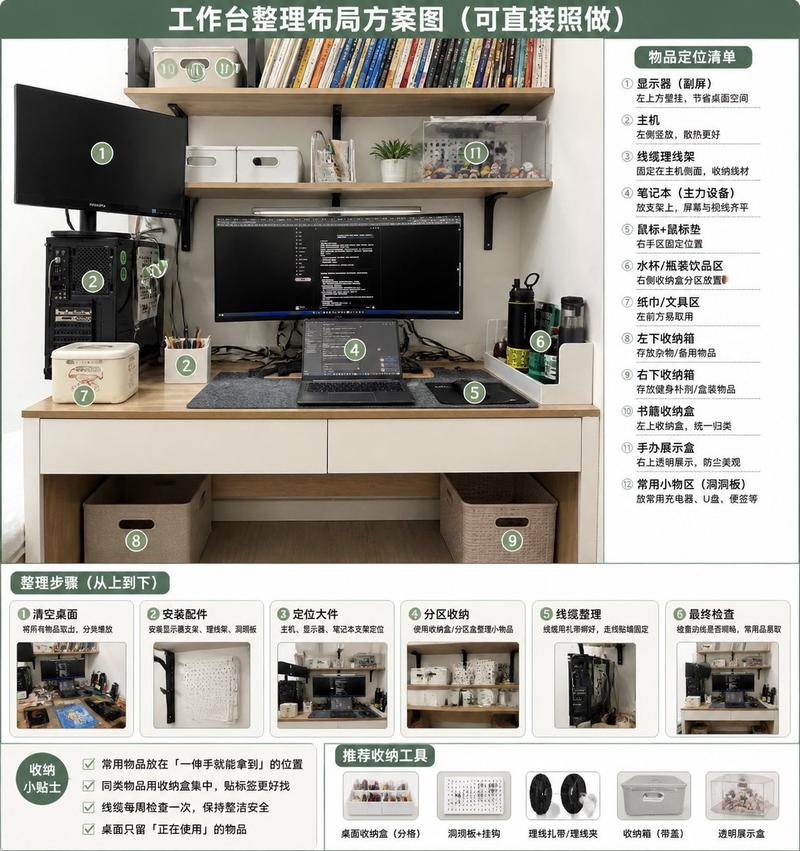
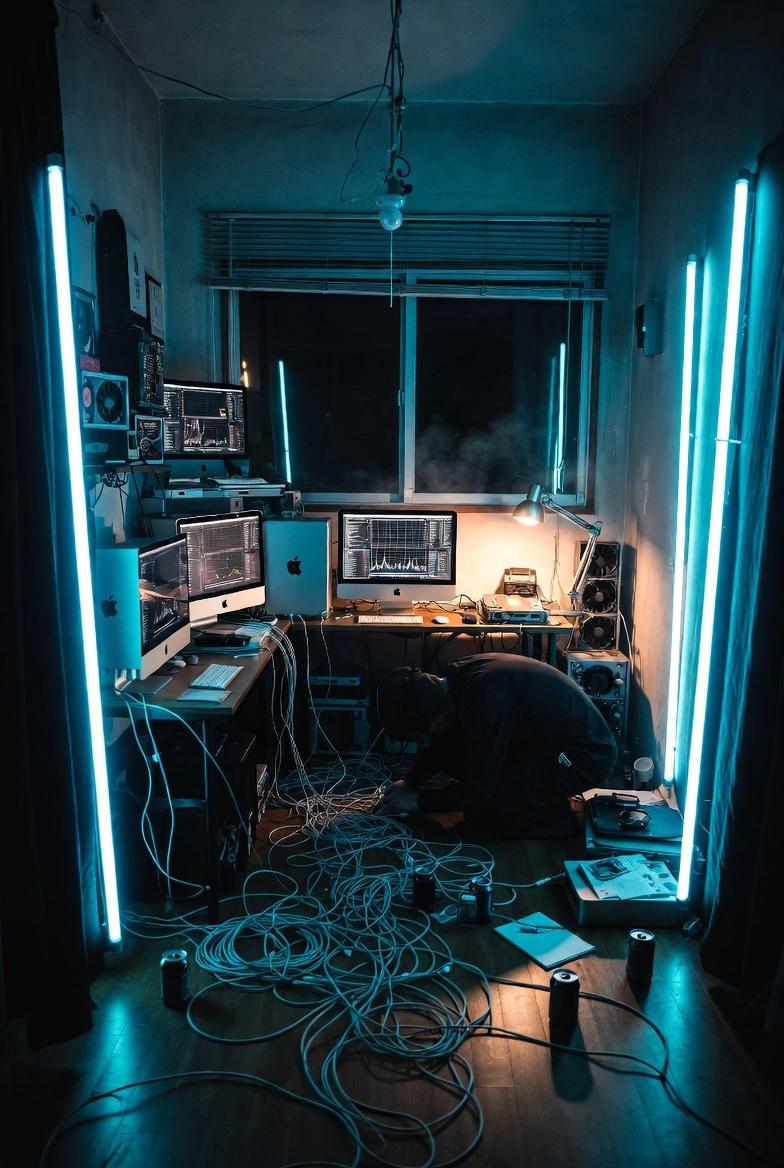
逼真的现代深色卧室与工作区室内设计
Prompt
{
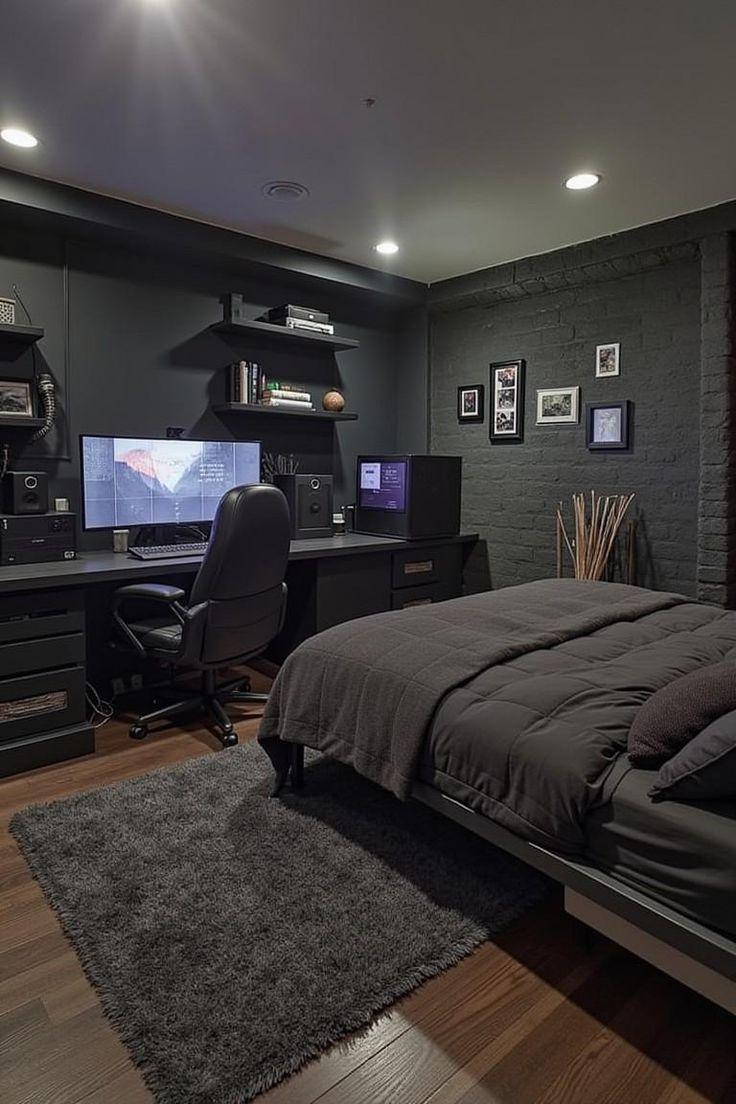
  "prompt": "A highly detailed, photorealistic interior shot of a modern, dark-themed bedroom and workspace. The room features a monochromatic charcoal and black color palette. On the left, a sleek black desk spans the wall, hosting a high-end gaming PC with internal lighting, a large monitor displaying a wallpaper, and a black leather executive chair. Above the desk, floating black shelves hold books and decor. To the right, a bed with a grey metal frame is dressed in dark charcoal duvet and pillows. The wall behind the bed is painted black brick, decorated with a gallery of small framed photos. A plush, dark grey shag rug sits on the warm walnut wood floor. Lighting is provided by recessed ceiling downlights, creating a moody, sophisticated, and masculine atmosphere. The image is sharp, 8k resolution, with architectural photography quality.",
  "subject": "A dark, modern bedroom featuring a high-end gaming desk setup and a bed with charcoal bedding.",
  "style": "Photorealistic interior design photography, industrial chic aesthetic.",
  "lighting": "Recessed ceiling downlights creating soft pools of light, supplemented by cool monitor glow.",
  "colors": "Monochromatic dark palette: charcoal, matte black, slate grey, with warm walnut wood flooring.",
  "composition": "Wide-angle corner shot showing the relationship between the workspace and sleeping area.",
  "environment": "Cozy, masculine urban apartment bedroom with painted brick walls.",
  "mood": "Serene, sophisticated, moody, organized, masculine.",
  "technicalQuality": "4K resolution, sharp focus, high dynamic range, architectural photography.",
  "subjectDetails": {
    "mainSubject": "Bedroom and gaming workspace combination",
    "subjectType": "Interior design / Architecture",
    "accessories": "Framed gallery wall, dried decorative reeds in vase, books on floating shelves",
    "action": "Static interior scene",
    "appearance": "Sleek, modern, clean lines, dark theme",
    "clothing": "N/A (Bedding: dark grey duvet, plush pillows)",
    "scale": "Room scale"
  },
  "lightingDetails": {
    "lightType": "Recessed LED downlights, ambient screen glow",
    "direction": "Overhead and frontal emission from screen",
    "quality": "Soft, diffused, moody, controlled",
    "highlights": "Reflections on PC glass case, sheen on leather chair, floor varnish",
    "lightingSetup": "Interior architectural lighting with accent sources",
    "shadows": "Soft shadows in corners and under furniture, deep blacks",
    "temperature": "Mixed: warm ceiling lights (3000K) vs cool monitor (6500K)",
    "timeOfDay": "Night or artificially lit environment"
  },
  "colorAnalysis": {
    "dominantColors": [
      "#1a1a1a (Charcoal)",
      "#2f2f2f (Dark Grey)",
      "#5c4033 (Walnut Wood)",
      "#e0e0e0 (White accents)",
      "#101010 (Black)"
    ],
    "colorPalette": "Monochromatic darks with wood accents",
    "saturation": "Desaturated/Muted",
"accentColors"- Category
- 创意图片
- Model
- Nano Banana Pro
- Creator
- Zifah Prompt
- Source ID
- 0a6d02e5-5f04-4e51-8ede-a28e3298bb92
- Published
- Mar 8, 2026
Views0