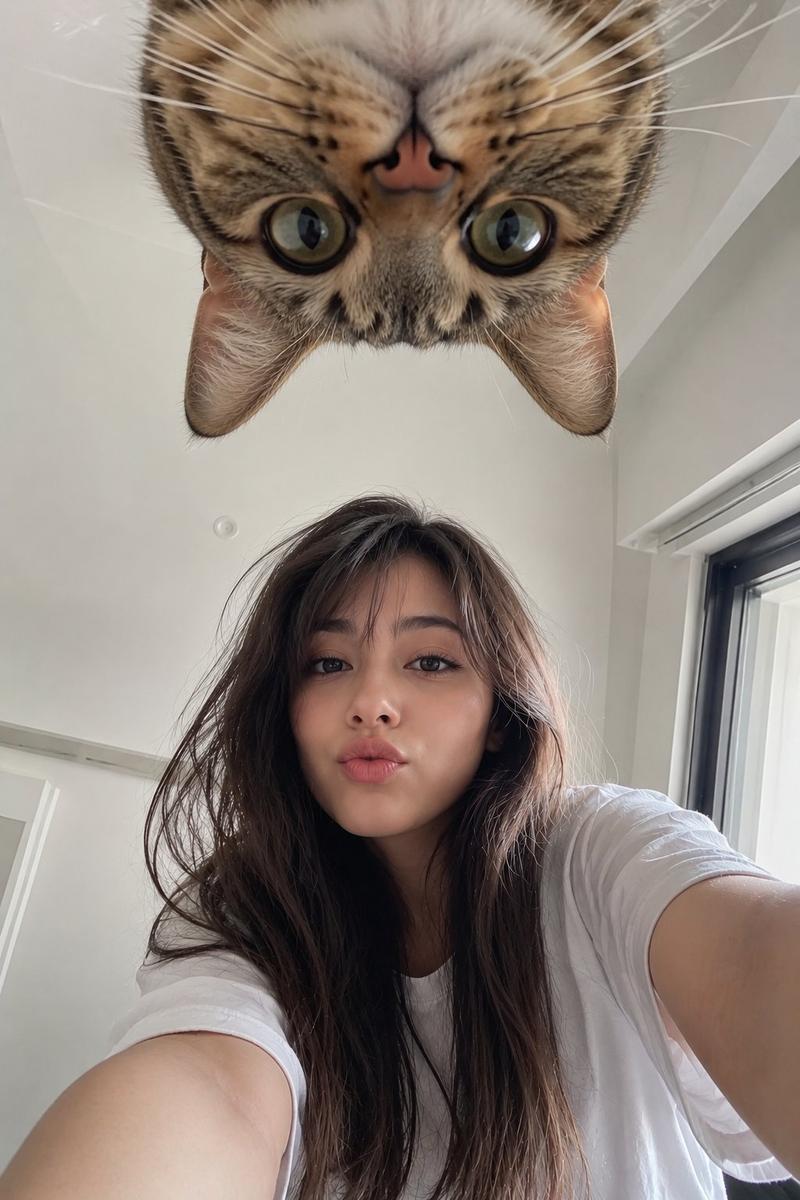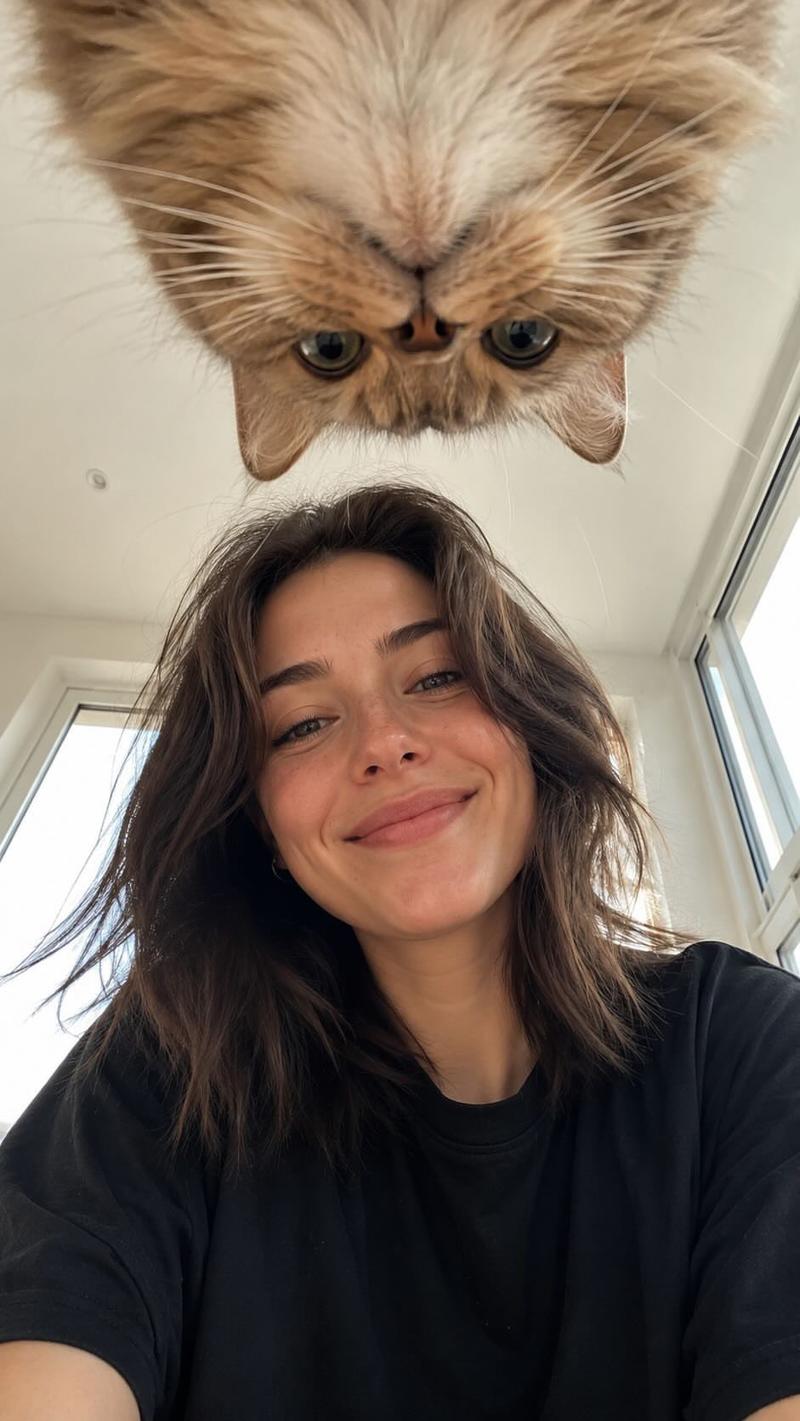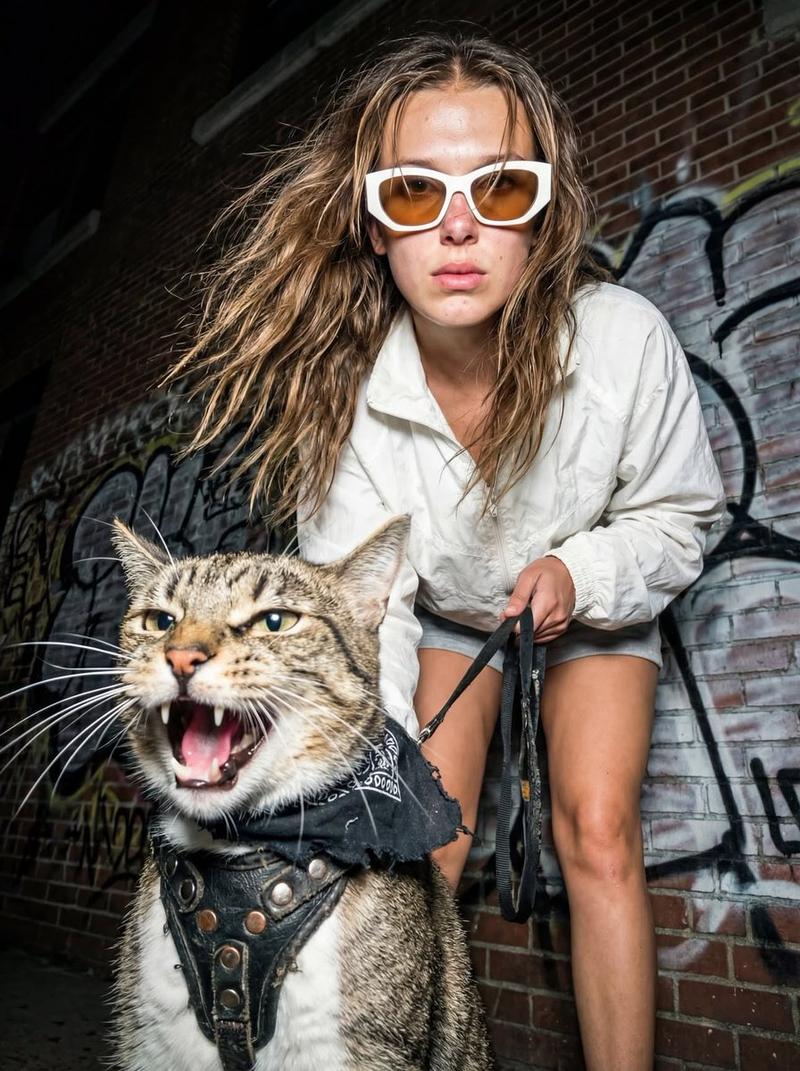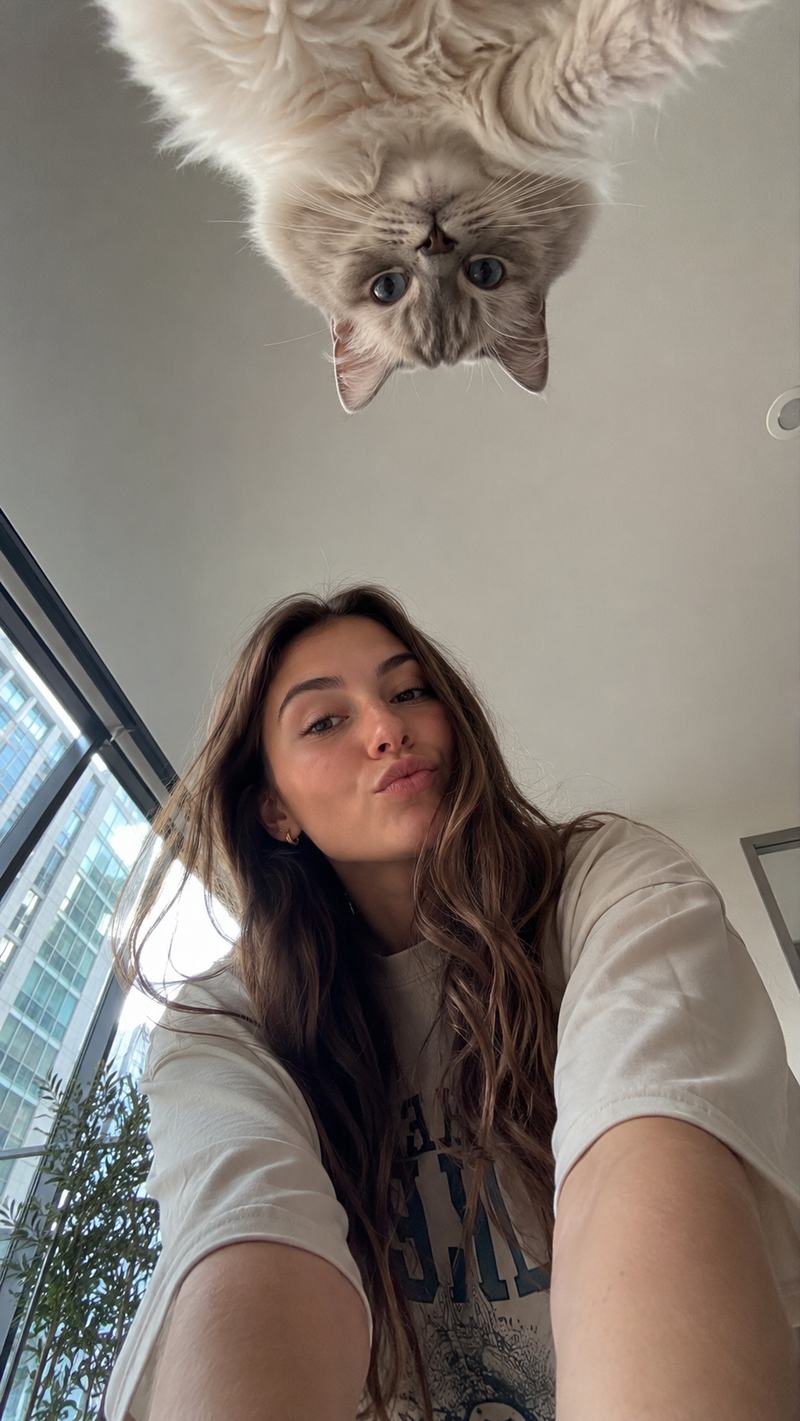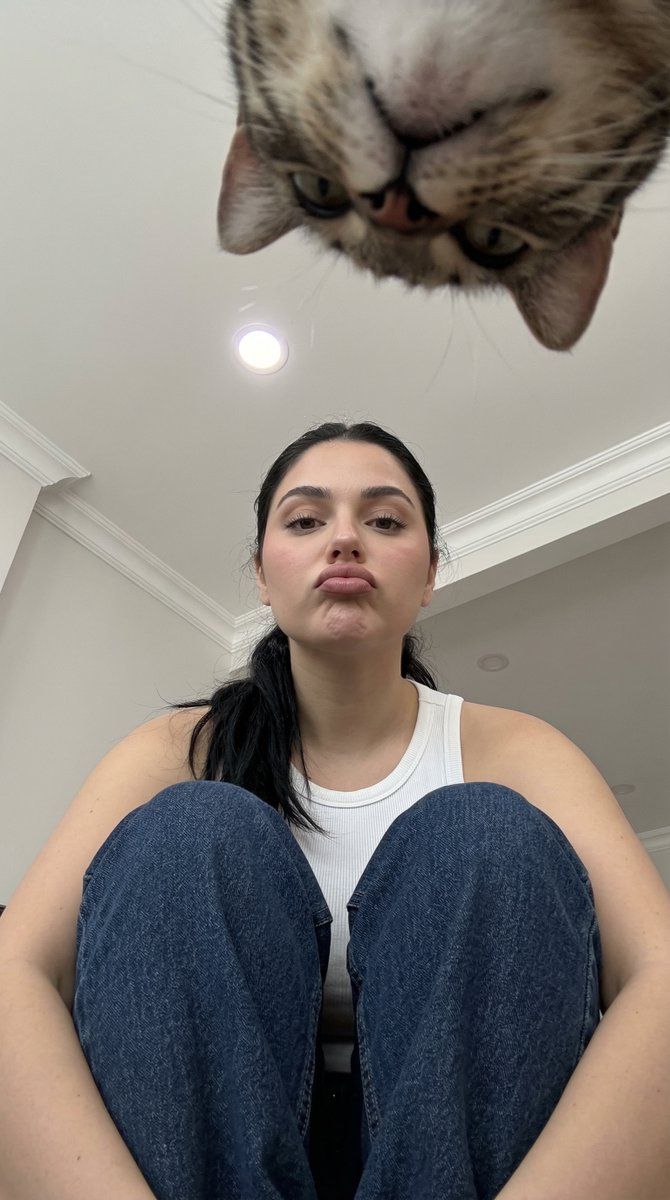
低角度业余快照,透视感极强
Prompt
{
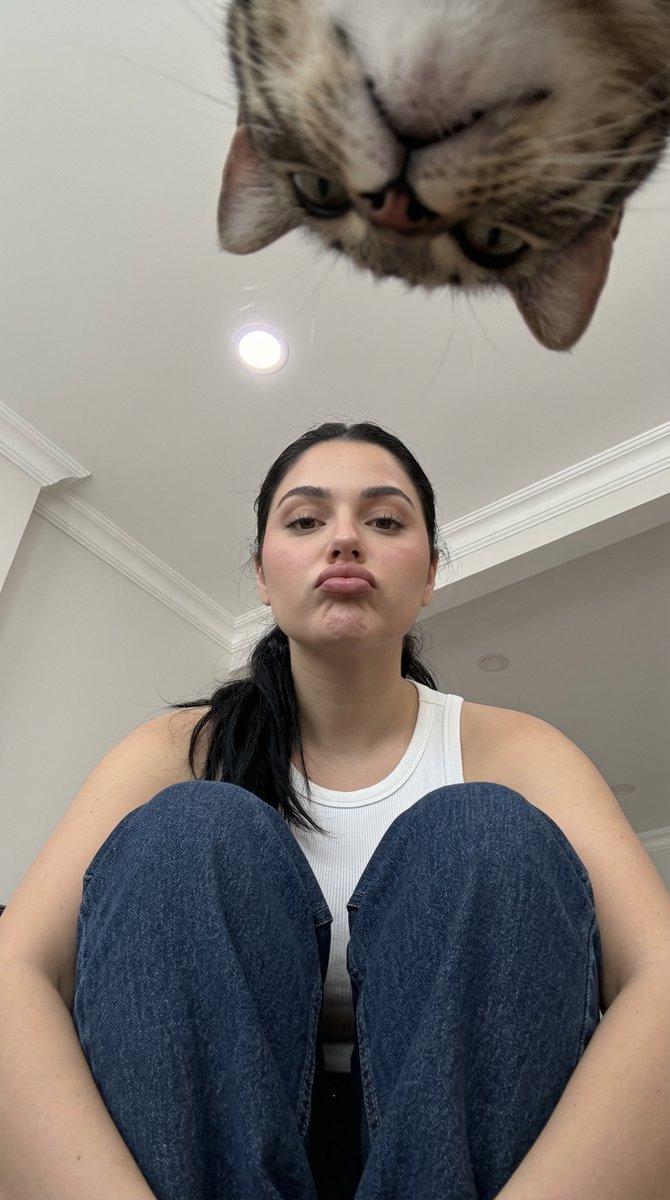
  "photo_type": "Amateur low-angle smartphone snapshot",
  "subject": {
    "age": "Young adult",
    "body_type": "Well Endowed Young Woman (From Uploaded reference Image)",
    "description": "A Well Endowed Young Woman looking up at the camera from a low seated position, appearing smaller in the frame due to the extreme perspective.",
    "ethnicity": "NA",
    "expression": "Slightly pouting, looking directly up at the lens",
    "gender": "Female",
    "mirror_rules": "None",
    "pose_description": "Sitting on the floor with knees pulled tightly to the chest, head tilted back and looking straight up into the camera lens.",
    "tattoos": "None"
  },
  "clothing": {
    "bottom": {
      "color": "Dark blue",
      "details": "Visible denim grain and vertical seam stitching",
      "fabric": "Denim",
      "type": "Jeans"
    },
    "fit_and_physics": "The jeans are bunched up around the knees and thighs due to the crouched sitting position; the white top is pulled taut across the chest and shoulders.",
    "outerwear": {
      "color": "None",
      "details": "None",
      "fabric": "None",
      "type": "None"
    },
    "shoes": {
      "color": "None",
      "details": "Not visible",
      "fabric": "None",
      "type": "None"
    },
    "top": {
      "color": "White",
      "details": "Ribbed texture, sleeveless tank style",
      "fabric": "Cotton",
      "type": "Tank top"
    }
  },
  "hair": {
    "color": "Dark brown to black",
    "interaction": "Tied back away from the face",
    "style": "Long, wavy texture, high density, pulled into a low ponytail that drapes over the shoulder"
  },
  "face": {
    "description": "Use the uploaded character reference image, keep all facial details 100% unchanged",
    "eyebrows": "Thick, dark, and arched",
    "eyes": "Dark brown, almond-shaped",
    "lips": "Full lips held in a pursed pout",
    "makeup": "Minimal, natural look"
  },
  "skin_texture": "Light-to-medium skin tone with warm undertones, clear texture with visible vellus hair on the jawline",
  "biological_features": {
    "eye_complexity": "Sharp corneal reflections, visible wetness on the tear duct, slight veins in the sclera",
    "hair_strand_physics": "Fine stray hairs escaping the ponytail, individual strands catching the overhead light",
    "skin_micro_texture": "Visible pores on the nose and cheeks, subsurface scattering around the ears",
    "subsurface_scattering": "Natural warmth visible where light hits the skin edges",
    "vascularity_and_pigment": "Faint natural redness on the cheeks and knuckles"
  },
  "texture_details": {
    "environment": "Smooth matte white ceiling with slight texture, recessed plastic light fixture",
    "fabric": "Rough, heavy weave of denim contrasted with soft, thin cotton ribbing",
    "hair": "Richly textured dark strands with a healthy sheen",
    "skin": "Natural skin with subtle imperfections, not "
  }
}- Category
- 创意图片
- Model
- Nano Banana Pro
- Creator
- Layla 🌙
- Source ID
- ad41a7f4-f30a-480a-9f5b-304e05e058b2
- Published
- Mar 8, 2026
Views1