18

手势墨水时尚插画
Enlarge

手势墨水时尚插画

Prompt
ASPECT_RATIO: [{argument name="aspect ratio" default="3:4"}]

SOURCE_IMAGE: [{argument name="reference" default="uploaded photo"}]

ACCENT_COLOR: [{argument name="accent color" default="single vivid highlight color"}]

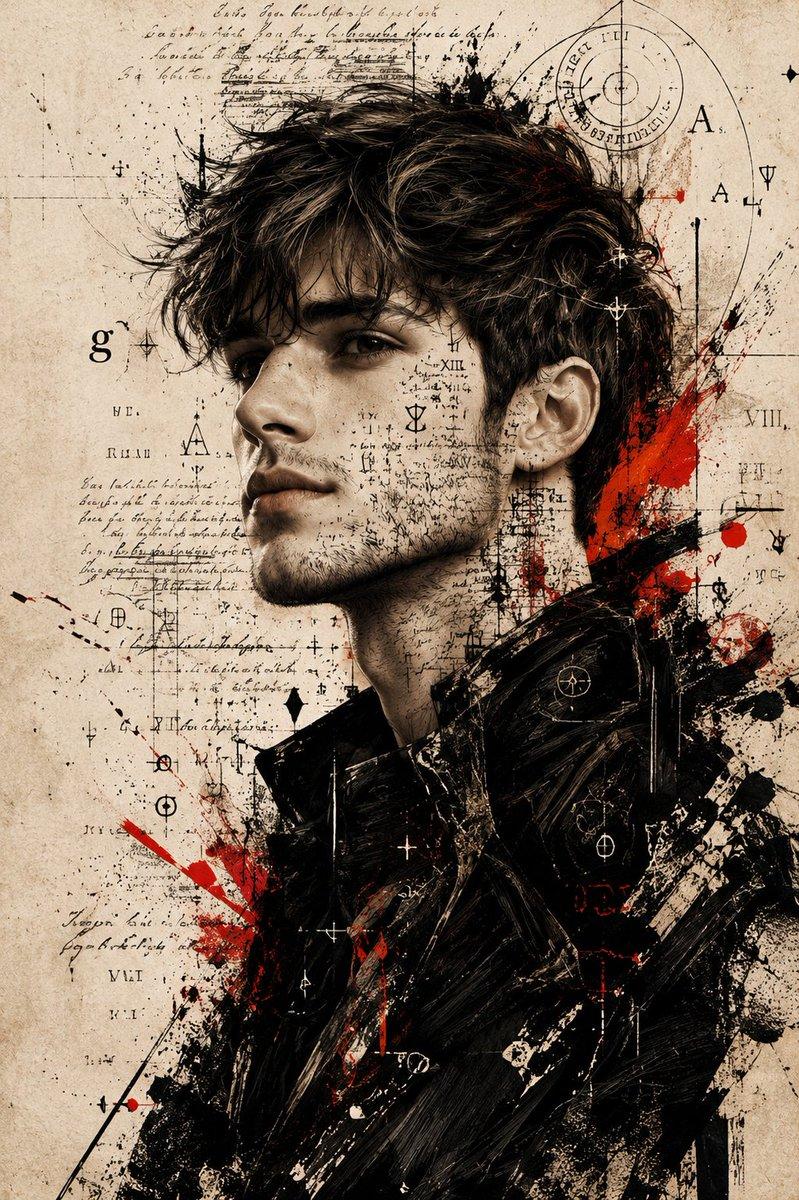
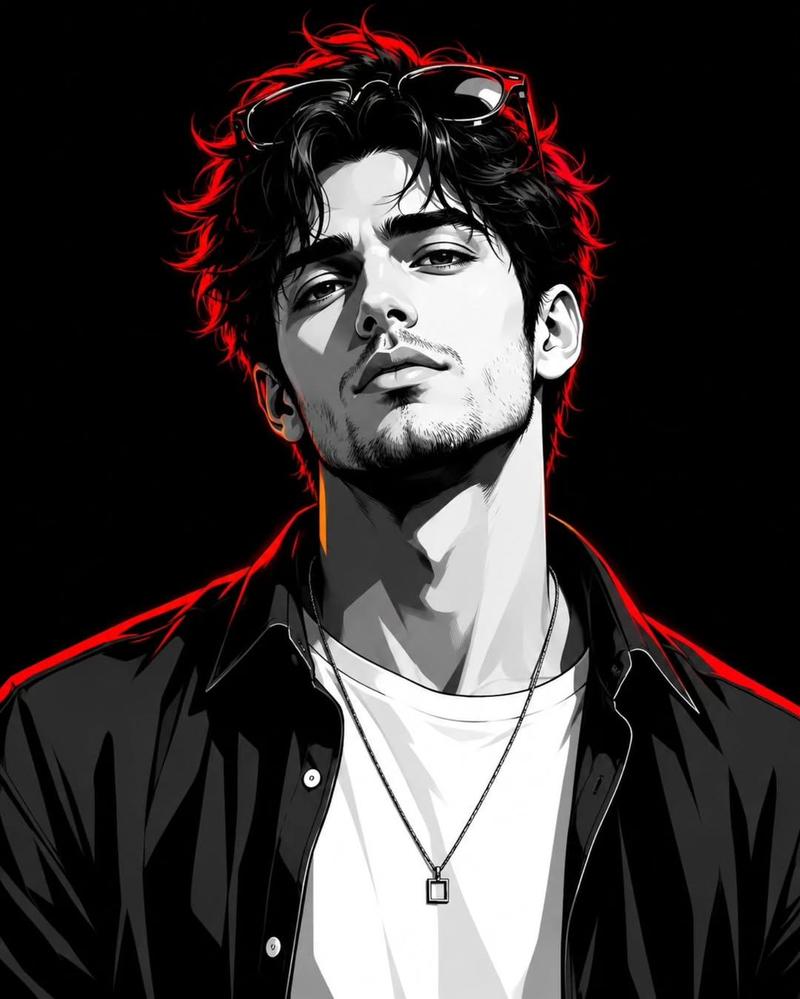
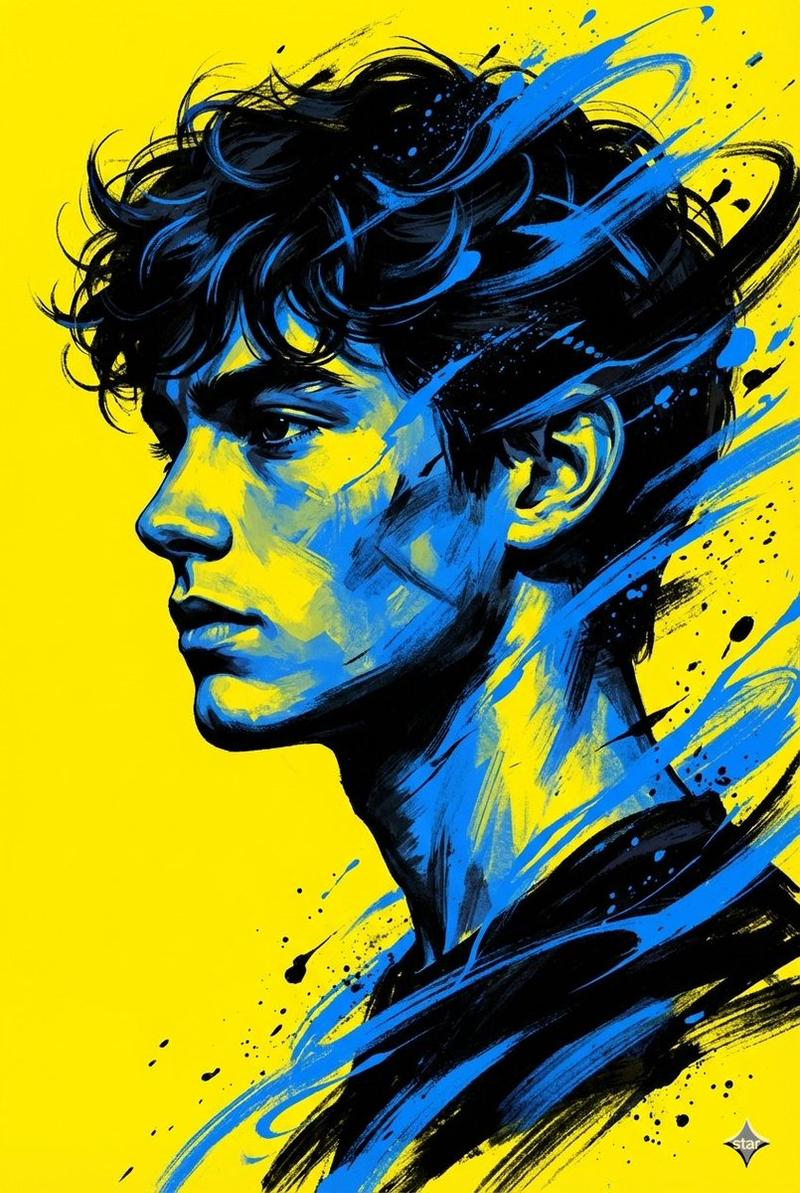
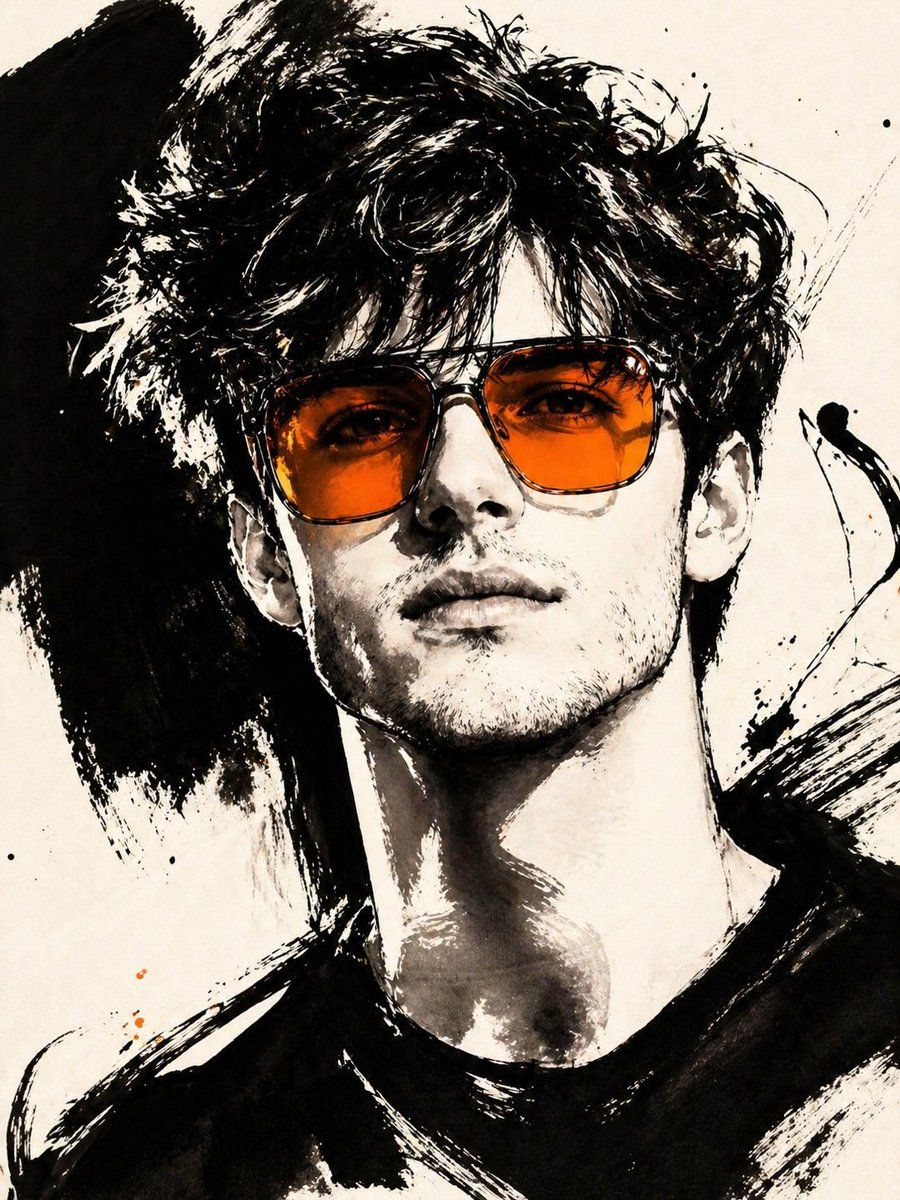
Use the uploaded photo as the base image and the only identity source. Keep the person exactly the same and clearly recognizable. Ignore the original framing and always recompose into a tight close-up or upper-body editorial crop, with the face dominating the frame. Transform the image into a gestural editorial ink fashion illustration. The style must be built from bold black brushwork, not delicate sketch lines.

Use:

very thick black brush strokes

broad dry-brush sweeps

large asymmetrical black ink masses

long loose calligraphic lines

broken contours

scratchy secondary linework

strong black-on-ivory contrast

smooth monochrome skin

The thick strokes must be clearly dominant. Do not render the portrait mainly with thin contour lines. Do not make it neat, polished, or softly illustrated. The image should feel painted with a loaded brush and finished with sharp expressive pen marks.

Keep the portrait stylish and high-fashion.

Use one hero accessory, preferably oversized translucent tinted sunglasses.

The accent color [ACCENT_COLOR] must live mainly inside that accessory, especially in the lenses, as a bold luminous tint. Only tiny supporting traces of the same color may appear elsewhere.
Category
Charts & Infographics
Model
GPT Image 2
Creator
Harboris
Views2
Source ID
16217
Published
Apr 26, 2026

Guide

About "手势墨水时尚插画"

What is this prompt for?

"手势墨水时尚插画" AI image prompt for GPT Image 2 (Charts & Infographics). 一个先进的“以图生图”提示词,可将照片转化为具有特定色彩点缀的粗犷高定黑色墨水插画。 Copy it on Picva and recreate the look in one cl…

The full copyable prompt and example visuals above are ready for AI image generation or one-click recreate in Picva.

How to use this prompt

  1. Step 1

    Open the prompt detail

    Review the example visuals, category, and full prompt text for "手势墨水时尚插画".

  2. Step 2

    Copy the prompt

    Copy the prompt body from this page, or load it directly in Studio.

  3. Step 3

    Pick a model (GPT Image 2)

    Prefer GPT Image 2. If you switch models, keep subject and composition and tweak style terms.

  4. Step 4

    Generate and export

    Recreate the look in Picva, or export into your workflow for editing and publishing.

FAQ

What is the "手势墨水时尚插画" prompt?
It is an AI image-generation prompt for GPT Image 2 in the Charts & Infographics category. This page includes the full prompt text, example visuals, and a one-click recreate path in Picva.
How do I use this prompt to generate an image?
Copy the prompt from this page, or use Generate / Studio. Paste it into a compatible image model, or recreate the look in Picva with optional reference images.
Which model is this prompt for?
This page lists GPT Image 2. Most descriptive prompts also transfer to nearby image models such as GPT Image, Flux, or Midjourney with light style tweaks.
Can I use the result commercially?
You can usually copy the prompt for creation, but commercial use of the final image depends on the model terms, reference-image rights, and the generated content. Follow the source author and platform rules.