15

Ultra-realistic scene in a modern corporate conference room, 16:9. A large wall-mounted glass boa...
Enlarge

Example images

Ultra-realistic scene in a modern corporate conference room, 16:9. A large wall-mounted glass boa...

Prompt
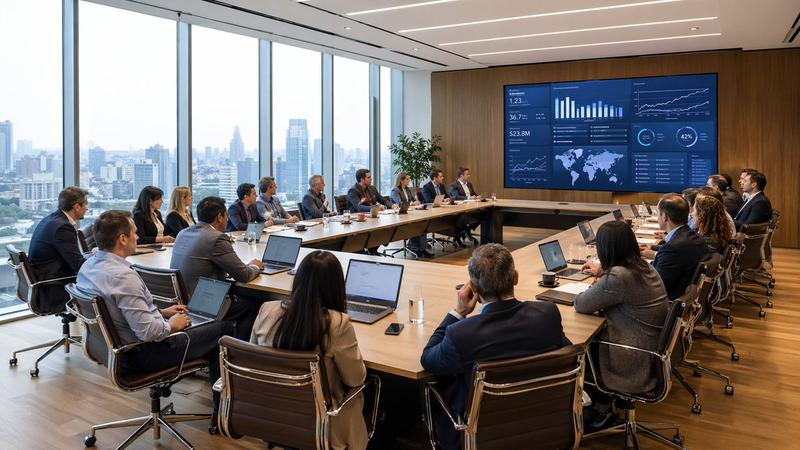
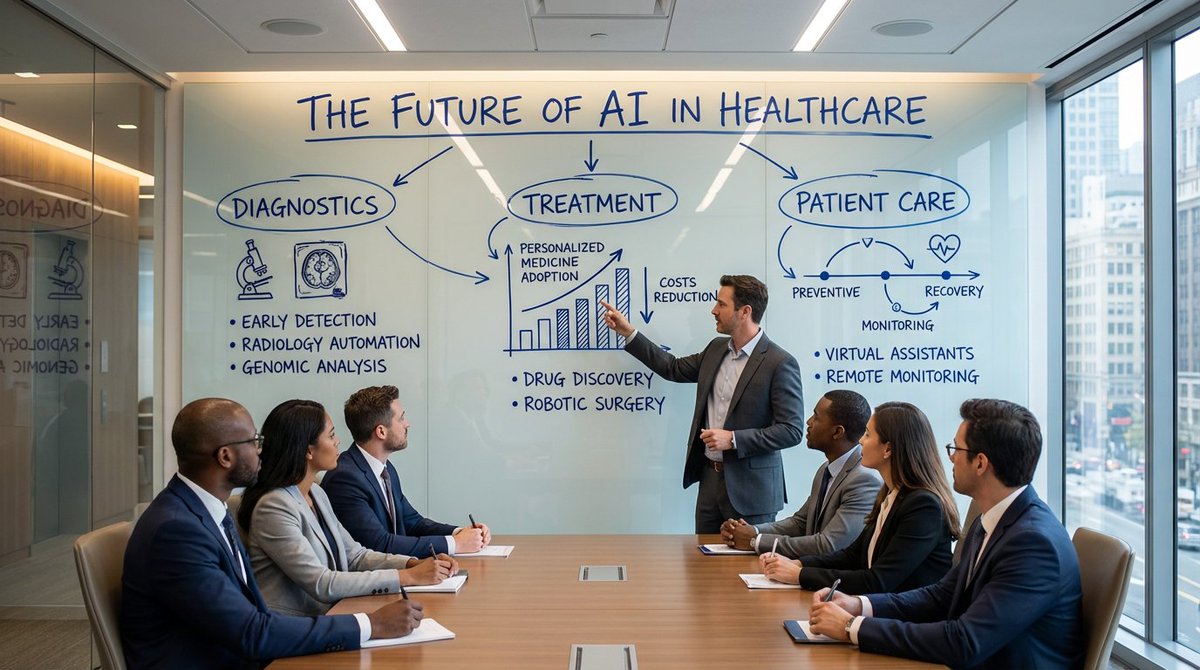
Ultra-realistic scene in a modern corporate conference room, 16:9. A large wall-mounted glass board is the focal point, covered in deep cobalt-blue marker in natural human handwriting. A presenter stands beside the board, mid-gesture, explaining the content to a group of professionals seated around a sleek conference table, all facing the board and paying close attention.

Text and diagrams are clearly handwritten: bold all-caps headings, slightly imperfect; italic subheadings; smaller, neat notes; arrows and icons with slight wobble and pressure variation. The blue ink looks convincingly real with darker edges, subtle streaks, glossy reflections, and tiny smudges at stroke ends.

Topic on the board: THE FUTURE OF AI IN HEALTHCARE, divided into three hand-drawn clusters (DIAGNOSTICS, TREATMENT, PATIENT CARE) with sketched icons, a rough bar chart, and a circular mini-timeline. Glass shows reflections of room lights and attendees, background with windows and city hints, cinematic, premium office lighting, 8K
Category
创意图片
Model
Nano Banana Pro
Creator
Pixshop
Views0
Source ID
ffc9c5ec-7310-4a54-9381-772921f72382
Published
Jan 14, 2026

Guide

About "Ultra-realistic scene in a modern corporate conference room, 16:9. A large wall-mounted glass boa..."

What is this prompt for?

"Ultra-realistic scene in a modern corporate conference room, 16:9. A large wall-mounted glass boa..." AI image prompt for Nano Banana Pro (创意图片). 创意图片 Copy it…

The full copyable prompt and example visuals above are ready for AI image generation or one-click recreate in Picva.

How to use this prompt

  1. Step 1

    Open the prompt detail

    Review the example visuals, category, and full prompt text for "Ultra-realistic scene in a modern corporate conference room, 16:9. A large wall-mounted glass boa...".

  2. Step 2

    Copy the prompt

    Copy the prompt body from this page, or load it directly in Studio.

  3. Step 3

    Pick a model (Nano Banana Pro)

    Prefer Nano Banana Pro. If you switch models, keep subject and composition and tweak style terms.

  4. Step 4

    Generate and export

    Recreate the look in Picva, or export into your workflow for editing and publishing.

FAQ

What is the "Ultra-realistic scene in a modern corporate conference room, 16:9. A large wall-mounted glass boa..." prompt?
It is an AI image-generation prompt for Nano Banana Pro in the 创意图片 category. This page includes the full prompt text, example visuals, and a one-click recreate path in Picva.
How do I use this prompt to generate an image?
Copy the prompt from this page, or use Generate / Studio. Paste it into a compatible image model, or recreate the look in Picva with optional reference images.
Which model is this prompt for?
This page lists Nano Banana Pro. Most descriptive prompts also transfer to nearby image models such as GPT Image, Flux, or Midjourney with light style tweaks.
Can I use the result commercially?
You can usually copy the prompt for creation, but commercial use of the final image depends on the model terms, reference-image rights, and the generated content. Follow the source author and platform rules.