18

超逼真复古棕褐色肖像提示
Enlarge

超逼真复古棕褐色肖像提示

Prompt
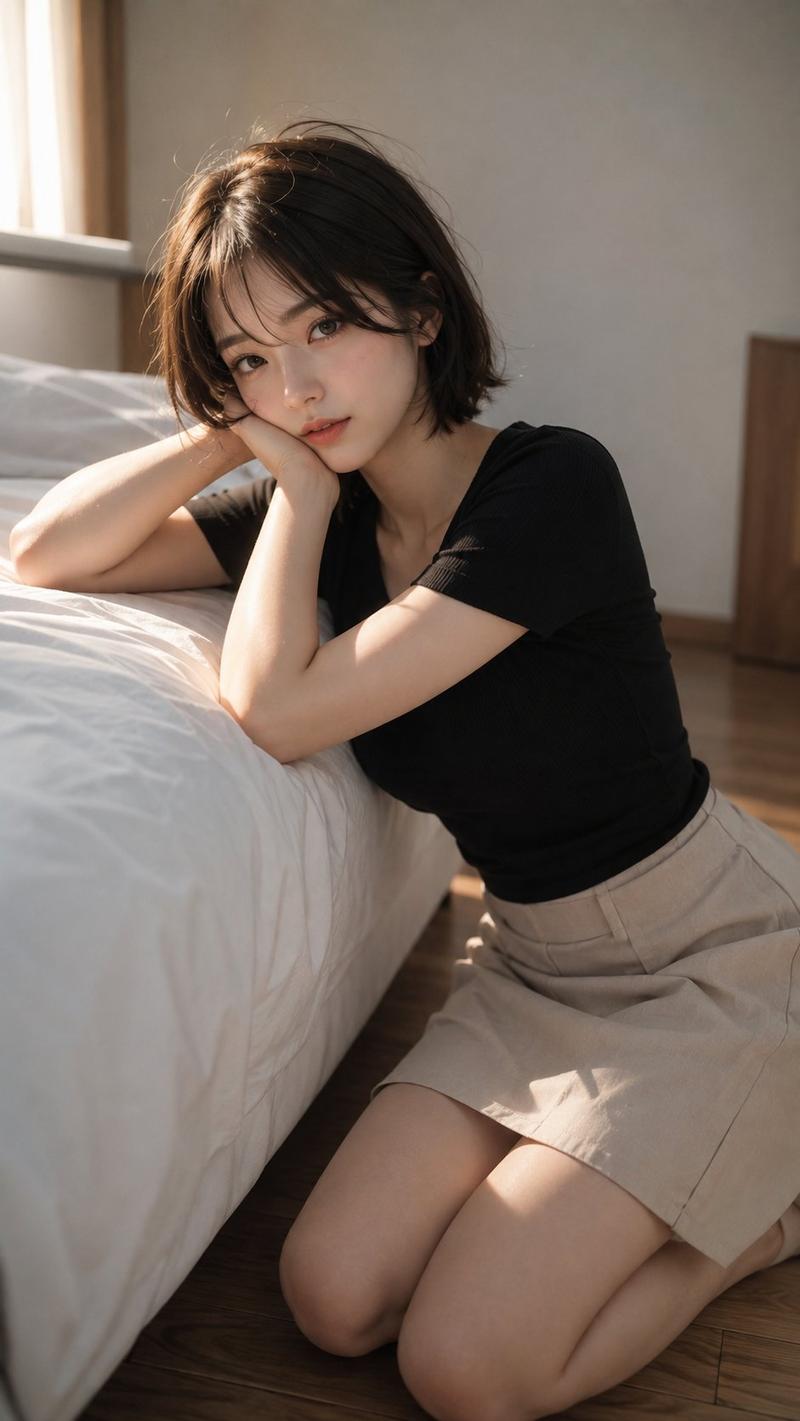
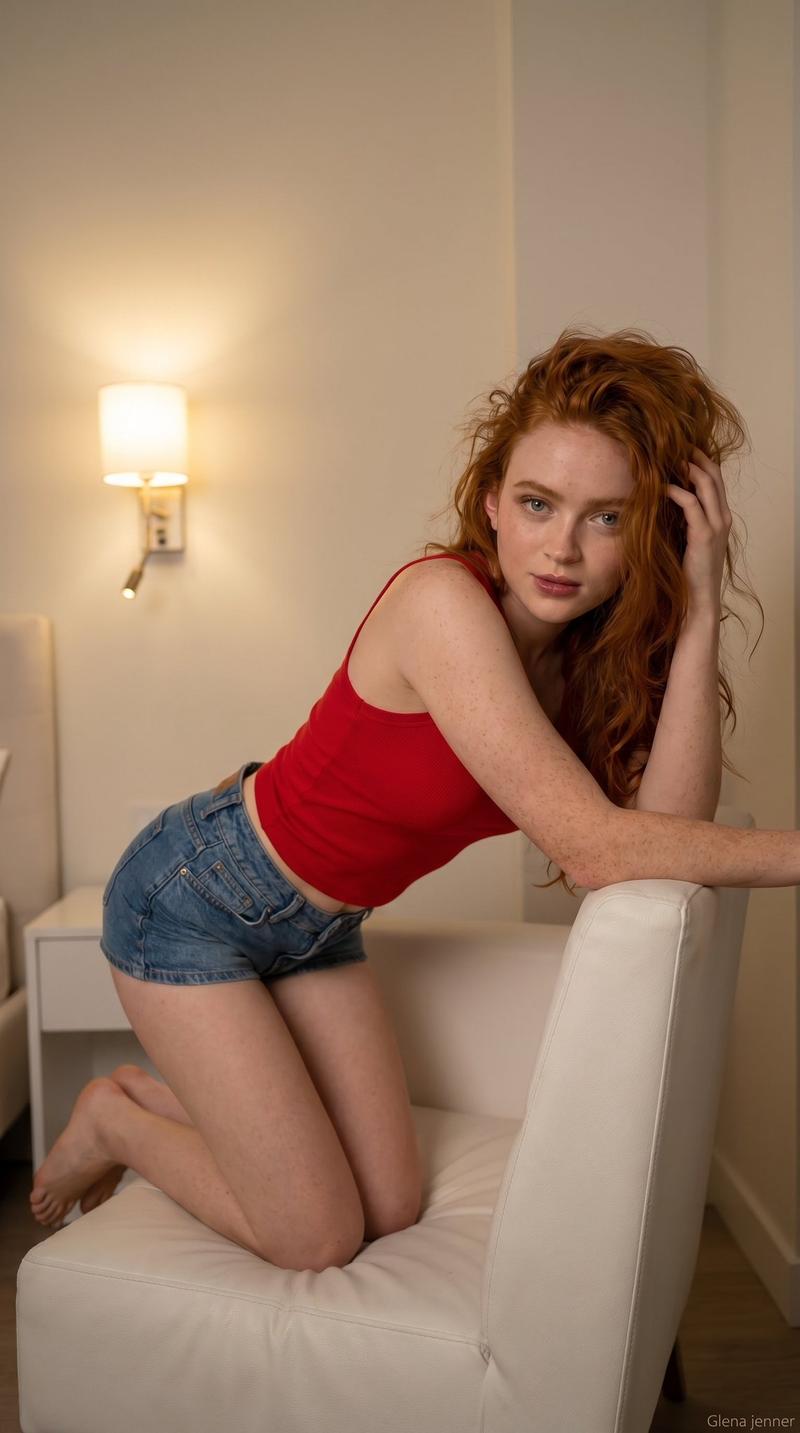
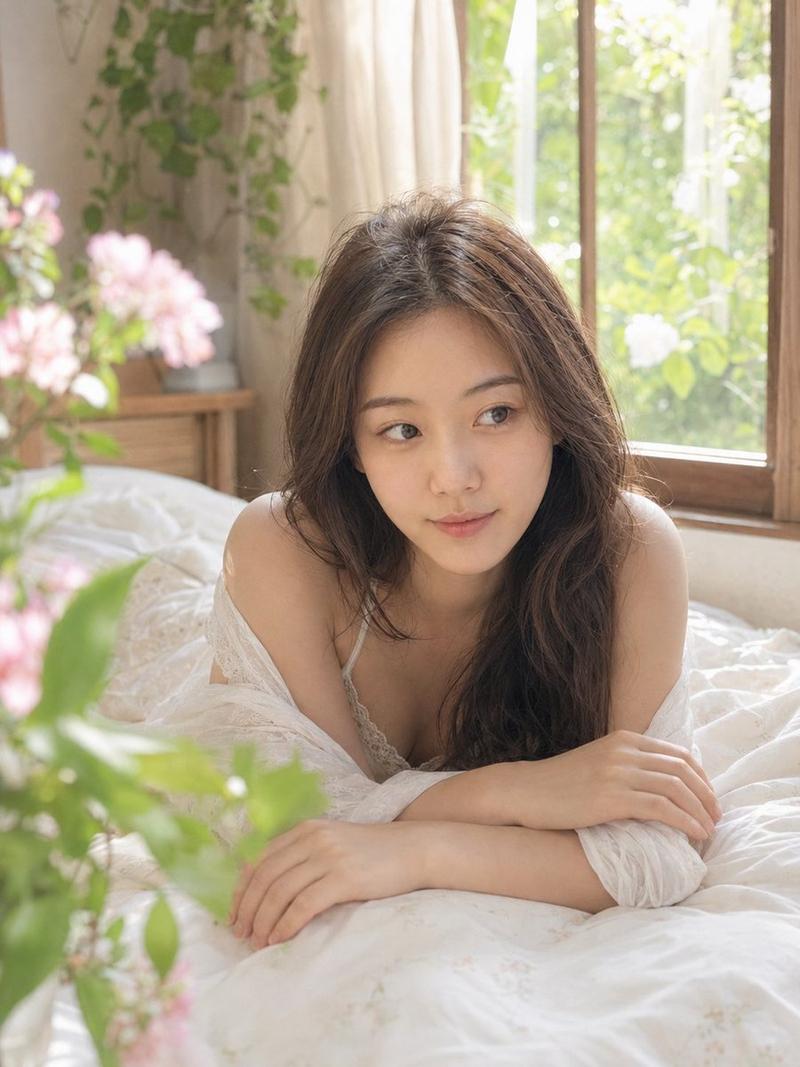
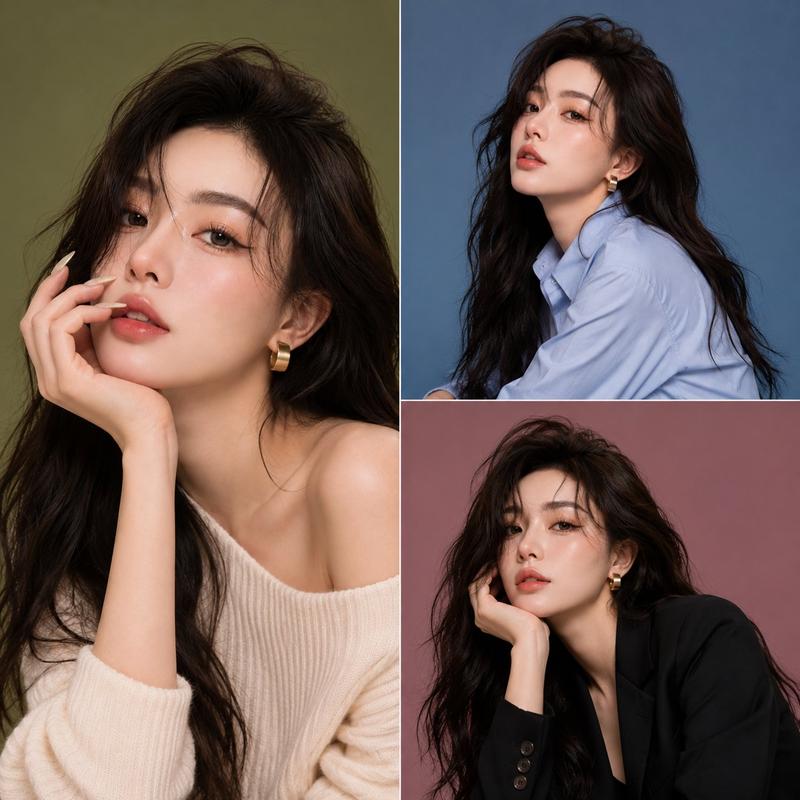
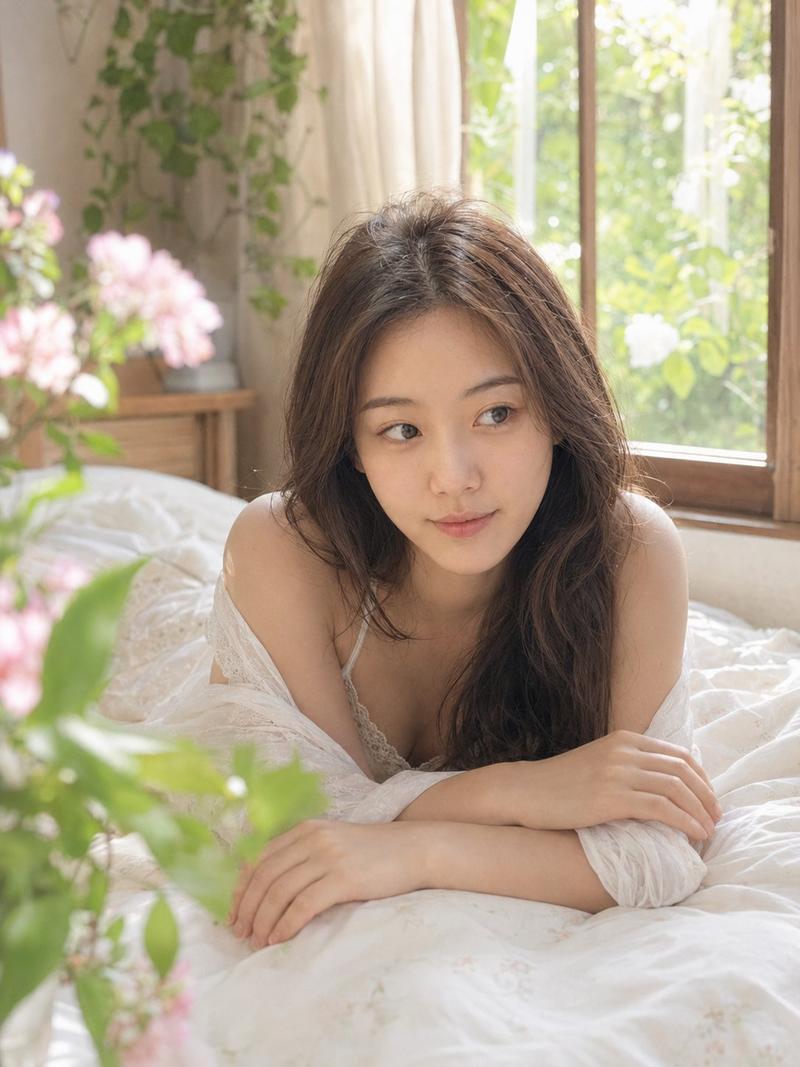
A hyper-realistic portrait of a beautiful young woman with long, loose wavy hair, winking one eye playfully at the camera with a subtle smirk. She is wearing a fitted, beige ribbed sleeveless crop top with side drawstring ruching details. The lighting is soft and diffused studio lighting. The background is a blurred vertical wood grain texture. The image has a vintage {argument name="filter type" default="sepia tone"} filter, warm monochrome photography style, highly detailed skin texture, shot on 35mm film, 85mm lens, depth of field, sharp focus on eyes --ar 2:3 --stylize 250
Category
创意图片
Model
Nano Banana Pro
Views1
Source ID
956c7014-da1e-4018-b54f-739c59cc5aaa
Published
Mar 8, 2026

Guide

About "超逼真复古棕褐色肖像提示"

What is this prompt for?

"超逼真复古棕褐色肖像提示" AI image prompt for Nano Banana Pro (创意图片). 一个用于生成眨眼年轻女性超逼真肖像的提示,具有复古深褐色滤镜和温暖的单色摄影风格。它详细说明了米色罗纹短款上衣、柔和漫射的影棚灯光、模糊的木纹背景以及技术相机设置(35mm 胶片、85mm 镜头、景深…

The full copyable prompt and example visuals above are ready for AI image generation or one-click recreate in Picva.

How to use this prompt

  1. Step 1

    Open the prompt detail

    Review the example visuals, category, and full prompt text for "超逼真复古棕褐色肖像提示".

  2. Step 2

    Copy the prompt

    Copy the prompt body from this page, or load it directly in Studio.

  3. Step 3

    Pick a model (Nano Banana Pro)

    Prefer Nano Banana Pro. If you switch models, keep subject and composition and tweak style terms.

  4. Step 4

    Generate and export

    Recreate the look in Picva, or export into your workflow for editing and publishing.

FAQ

What is the "超逼真复古棕褐色肖像提示" prompt?
It is an AI image-generation prompt for Nano Banana Pro in the 创意图片 category. This page includes the full prompt text, example visuals, and a one-click recreate path in Picva.
How do I use this prompt to generate an image?
Copy the prompt from this page, or use Generate / Studio. Paste it into a compatible image model, or recreate the look in Picva with optional reference images.
Which model is this prompt for?
This page lists Nano Banana Pro. Most descriptive prompts also transfer to nearby image models such as GPT Image, Flux, or Midjourney with light style tweaks.
Can I use the result commercially?
You can usually copy the prompt for creation, but commercial use of the final image depends on the model terms, reference-image rights, and the generated content. Follow the source author and platform rules.