20

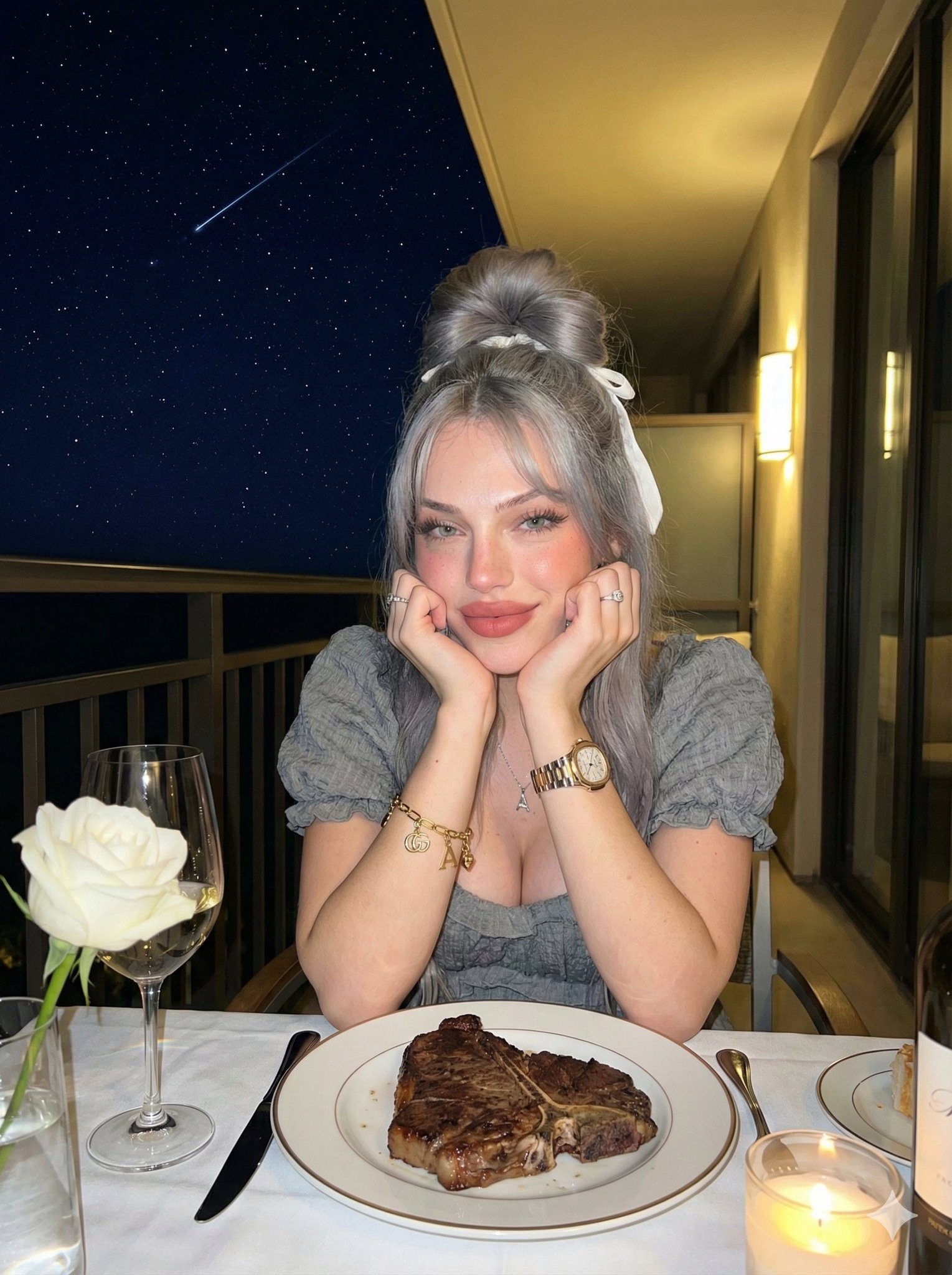
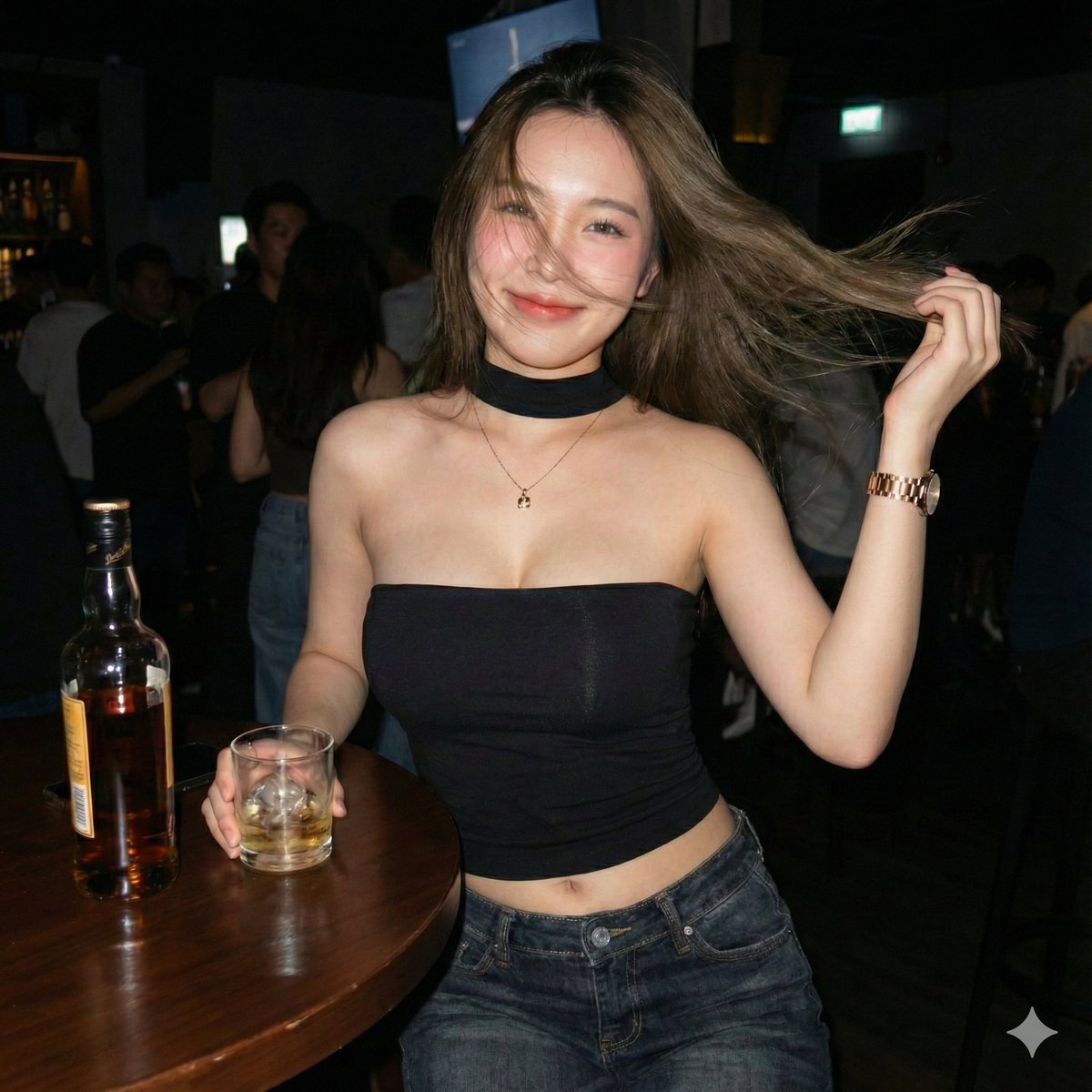
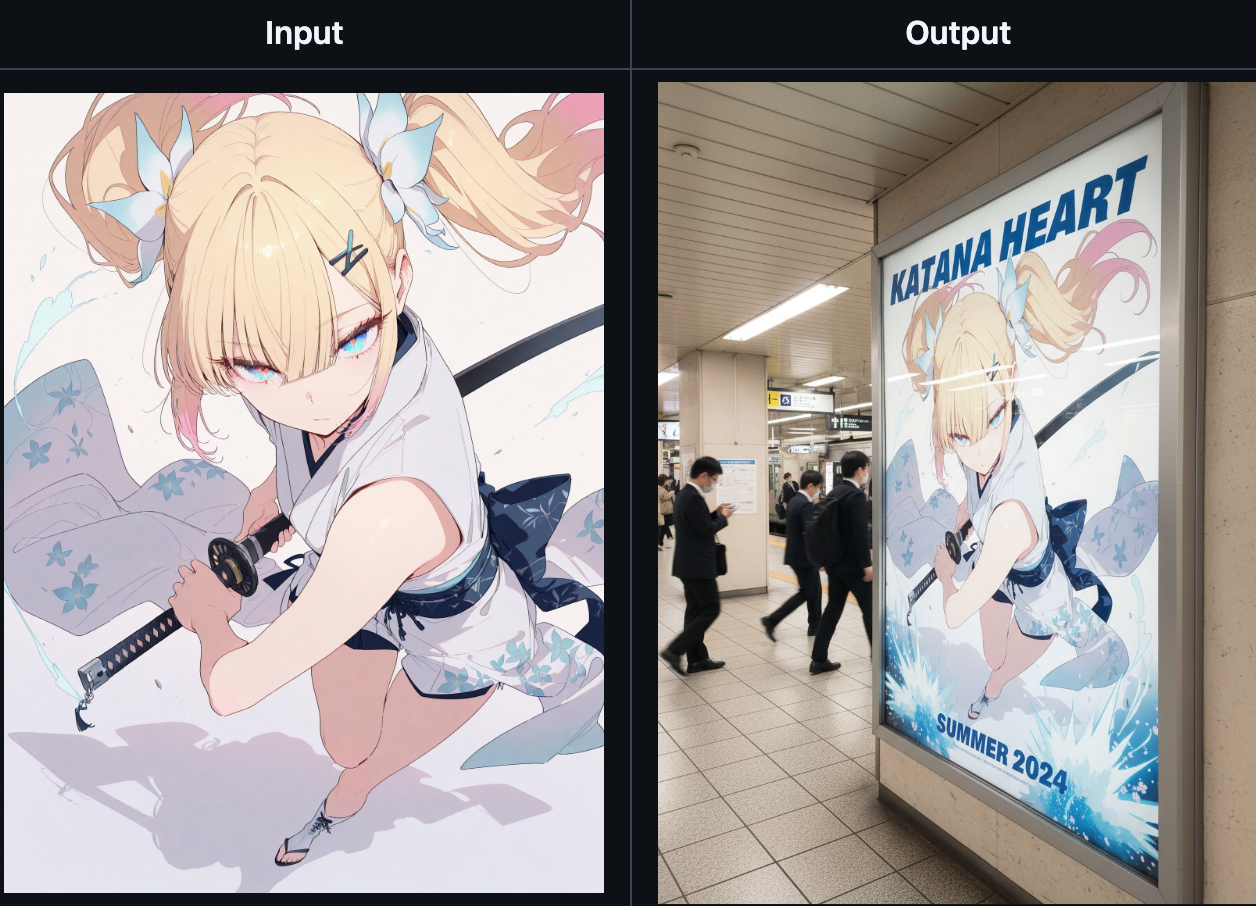
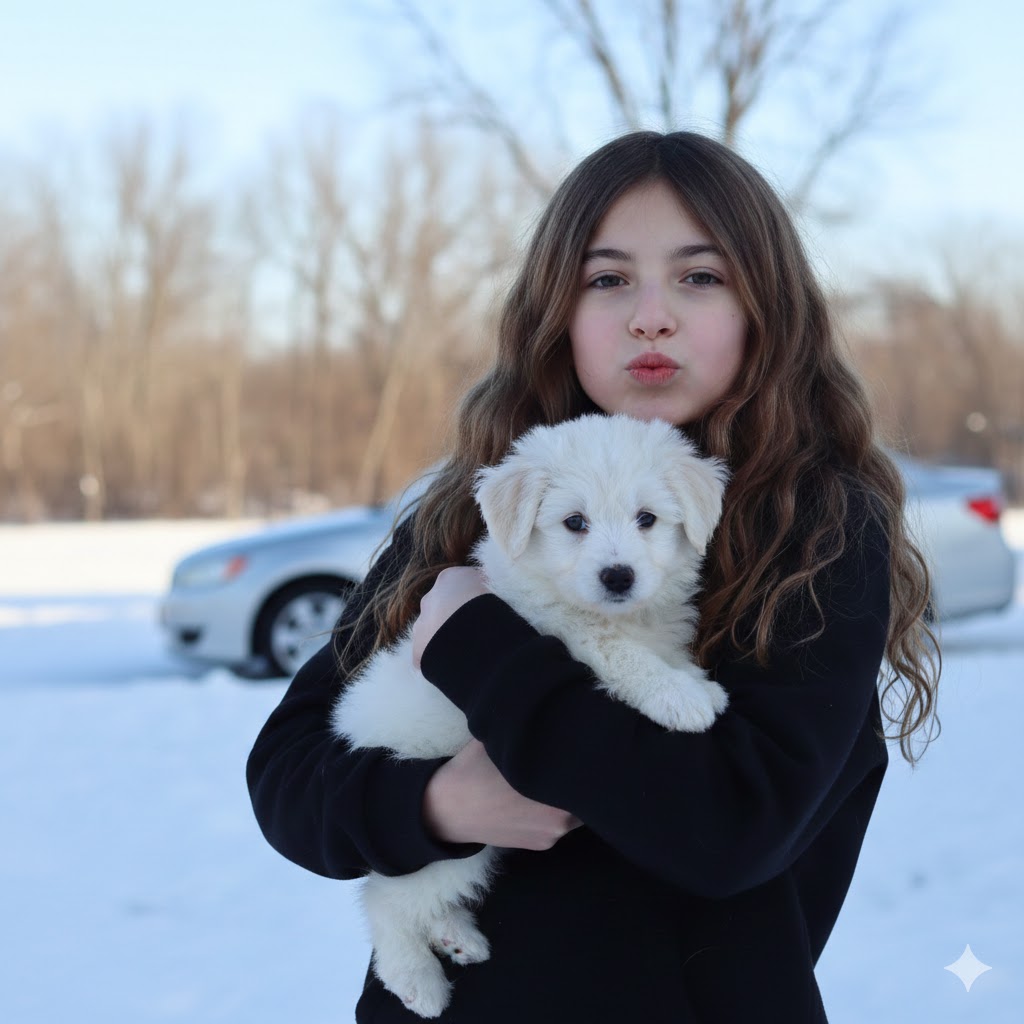
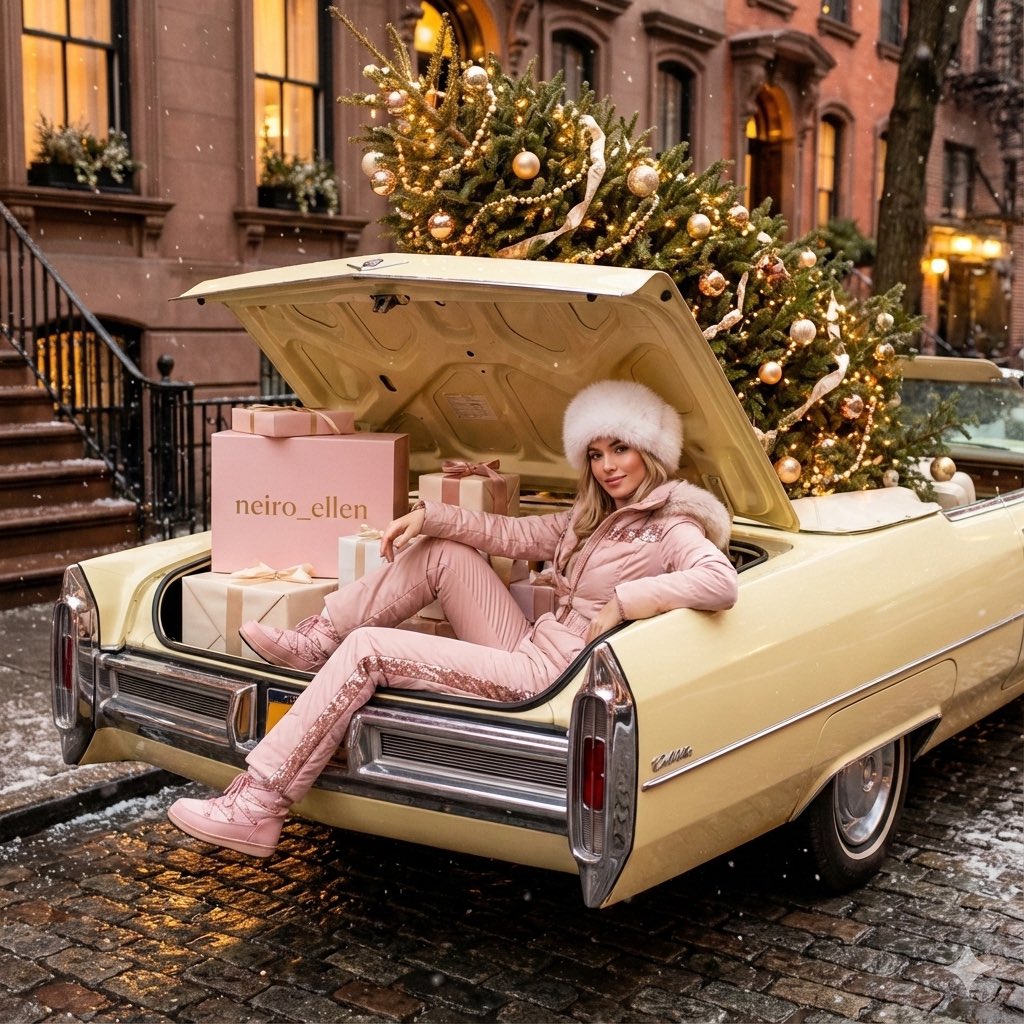
将漫画人物转化为超逼真的人类 (变体 2)
Enlarge

将漫画人物转化为超逼真的人类 (变体 2)

Prompt
将漫画人物转化为超逼真的人类

----提示----
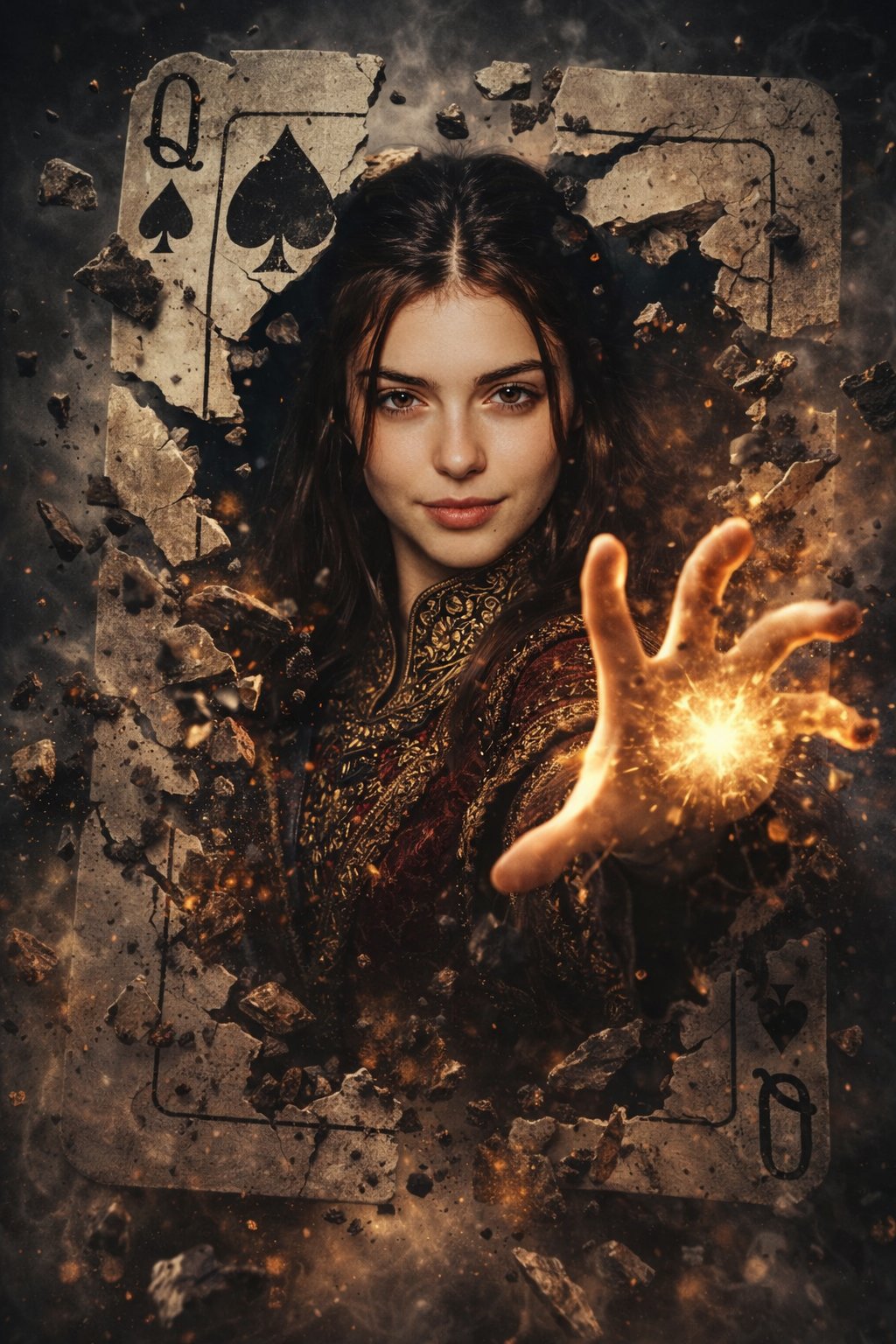
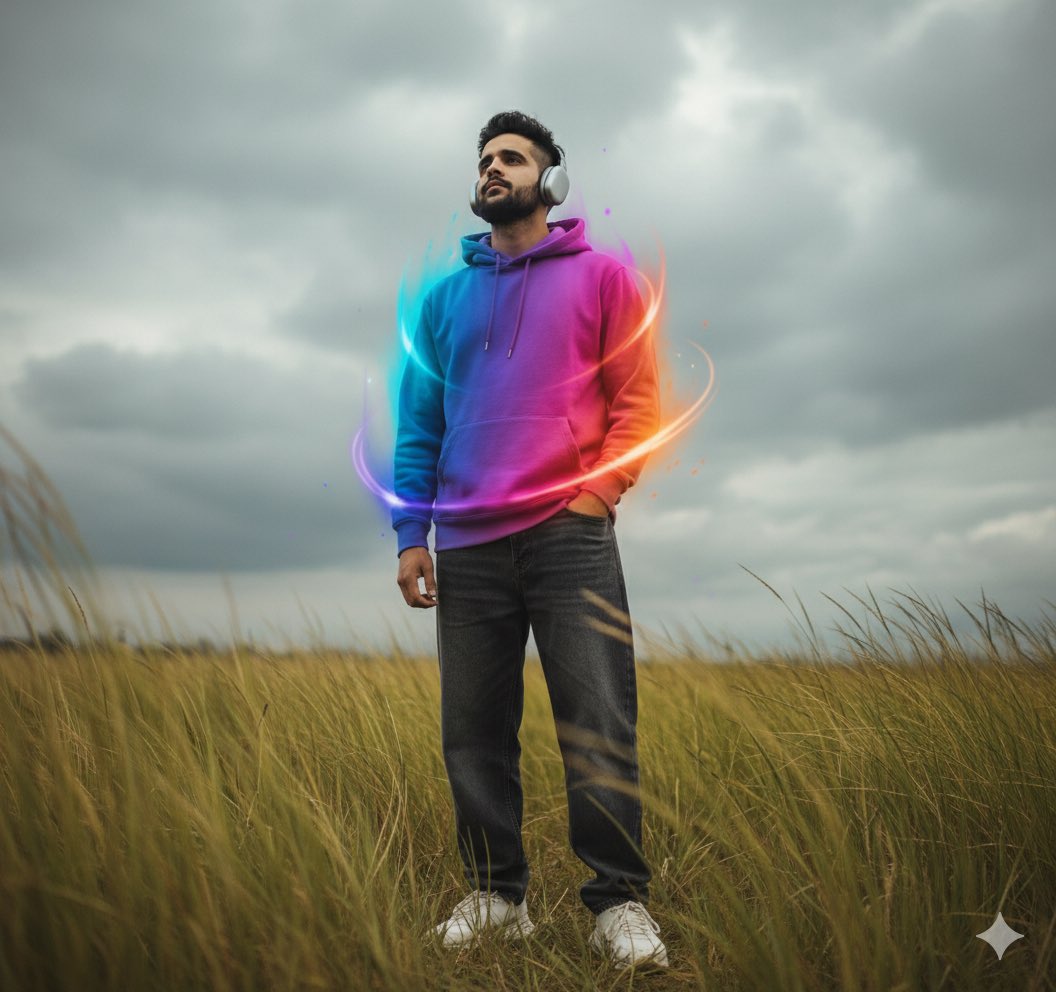
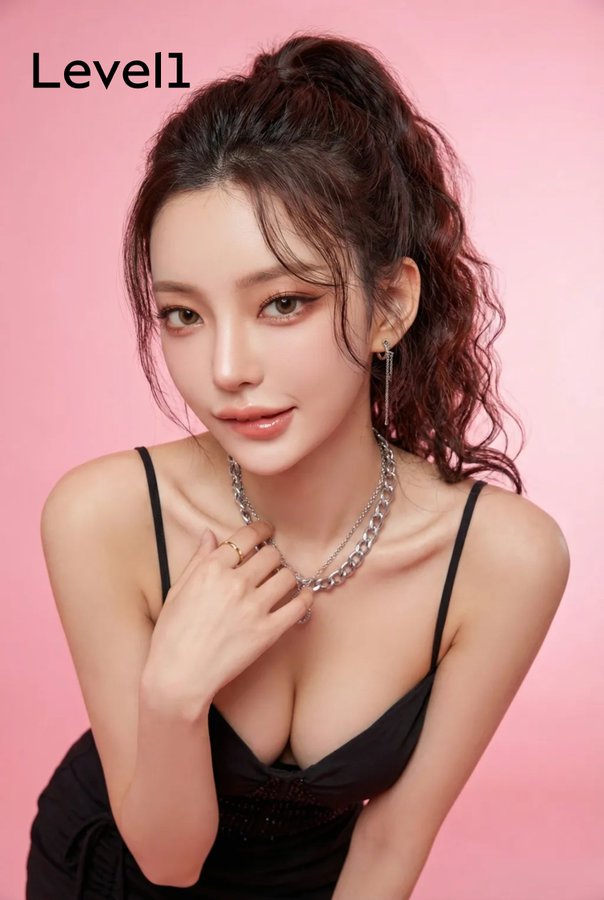
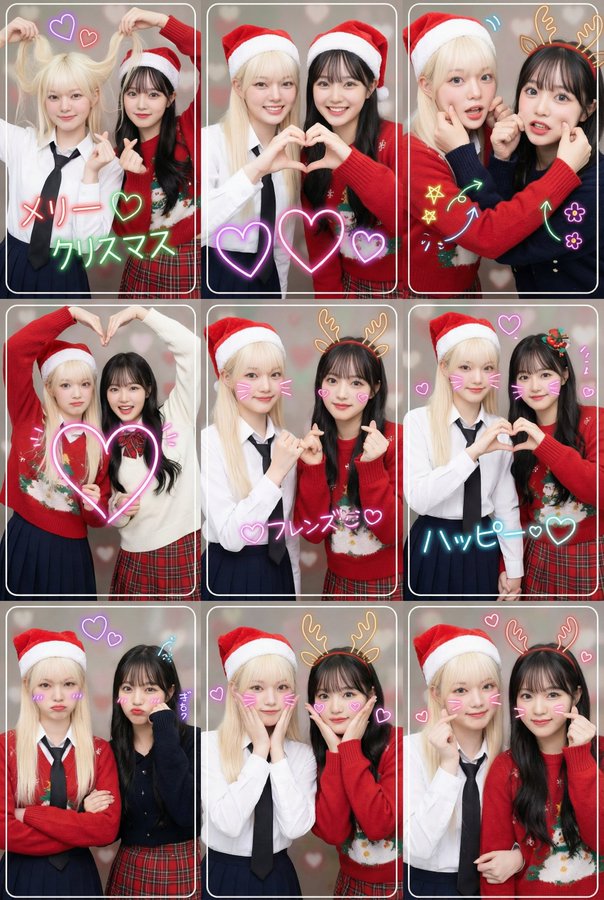
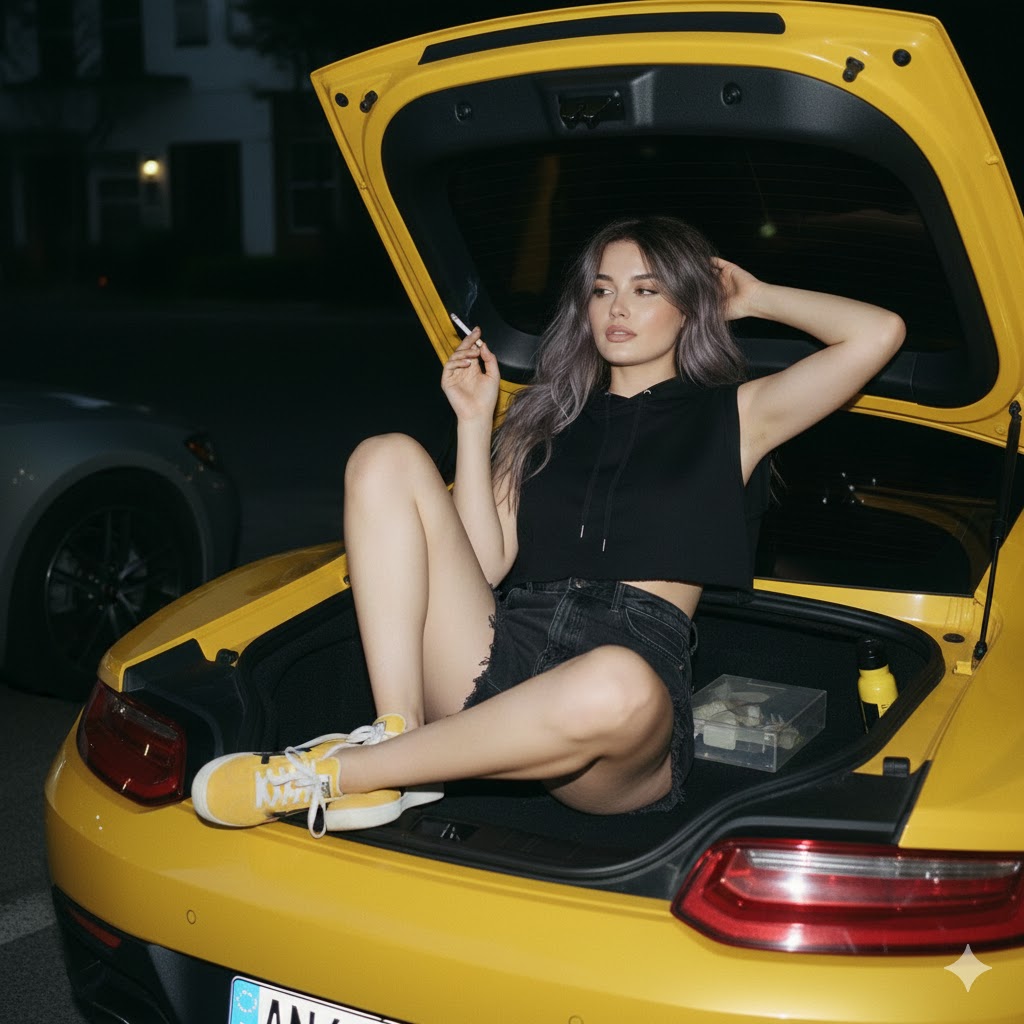
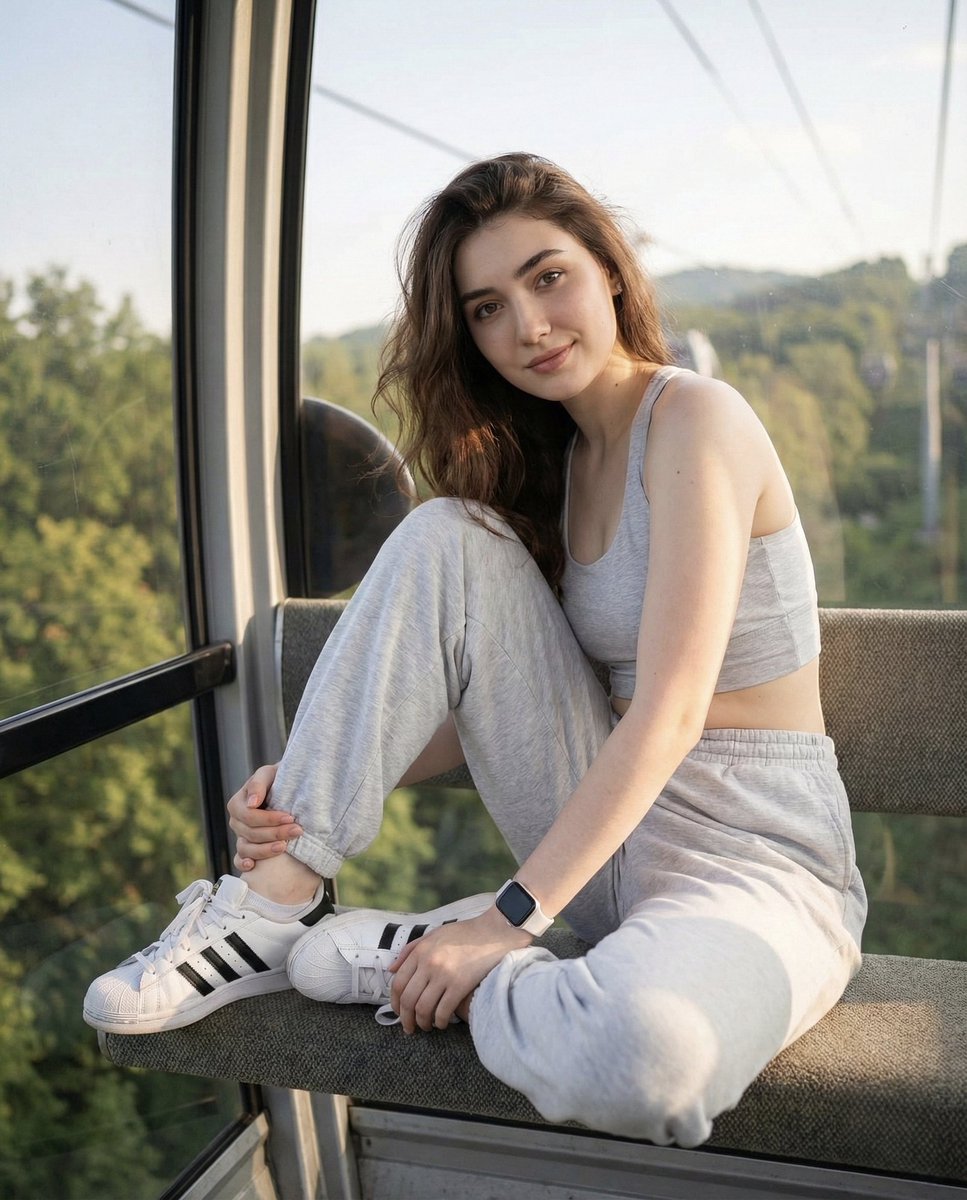
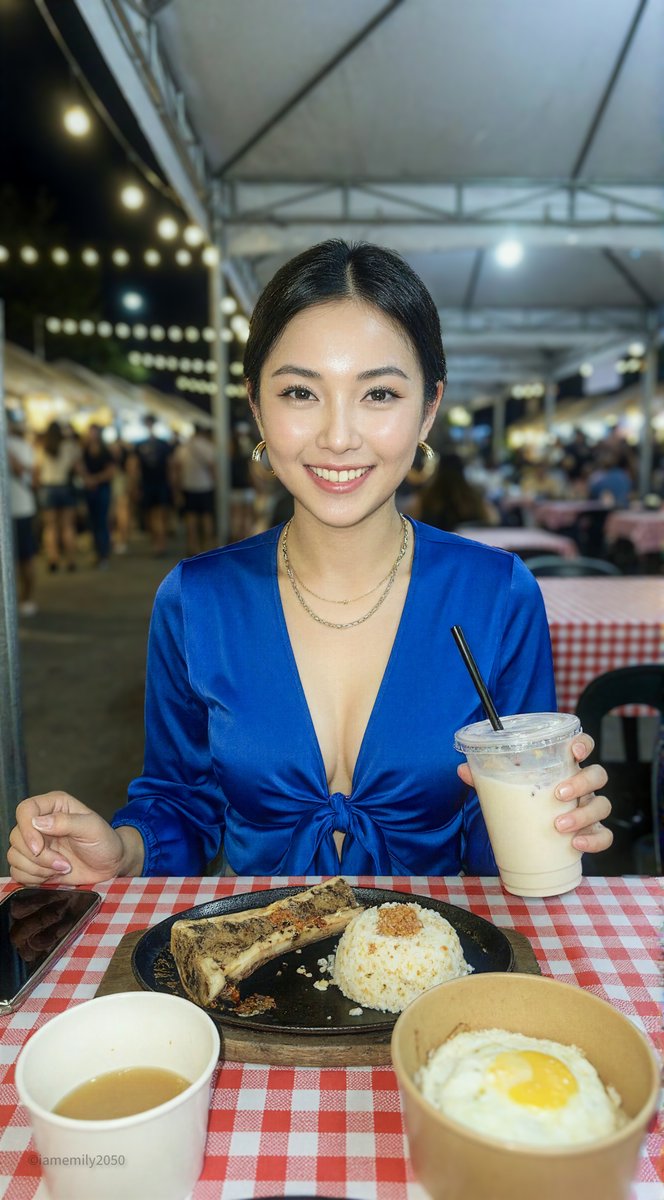
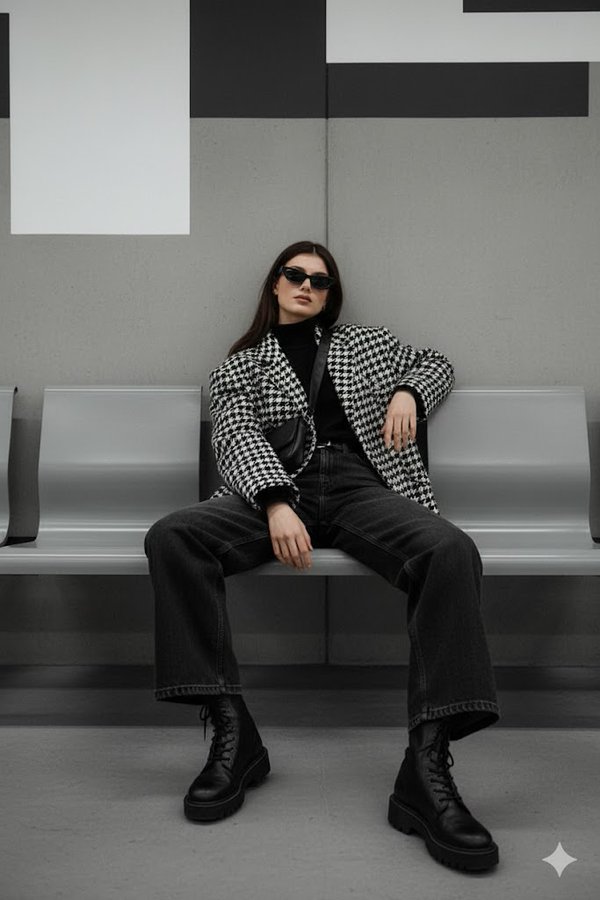
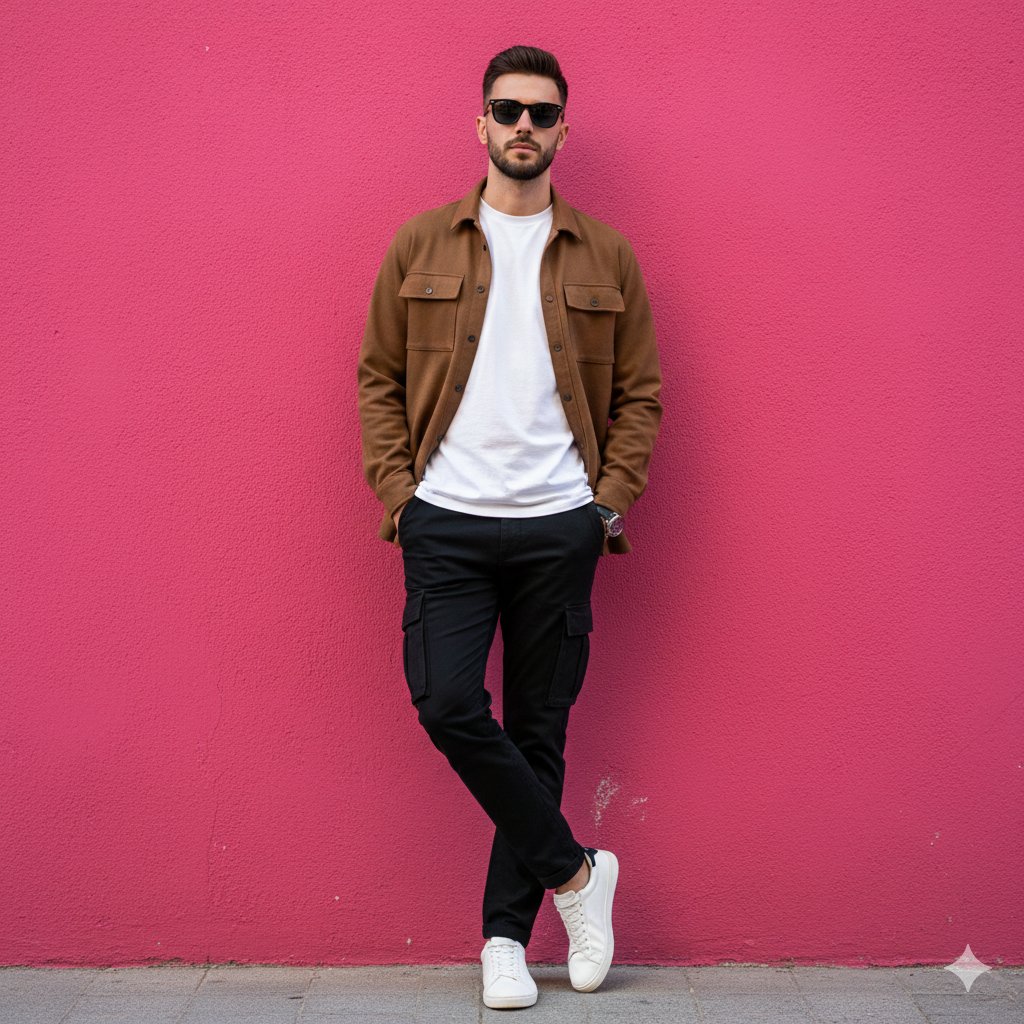
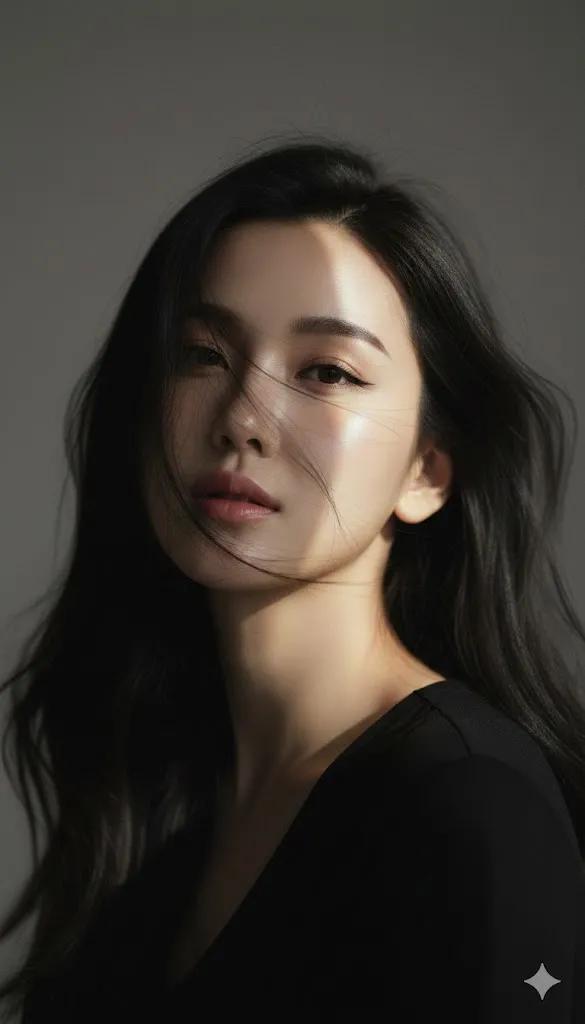
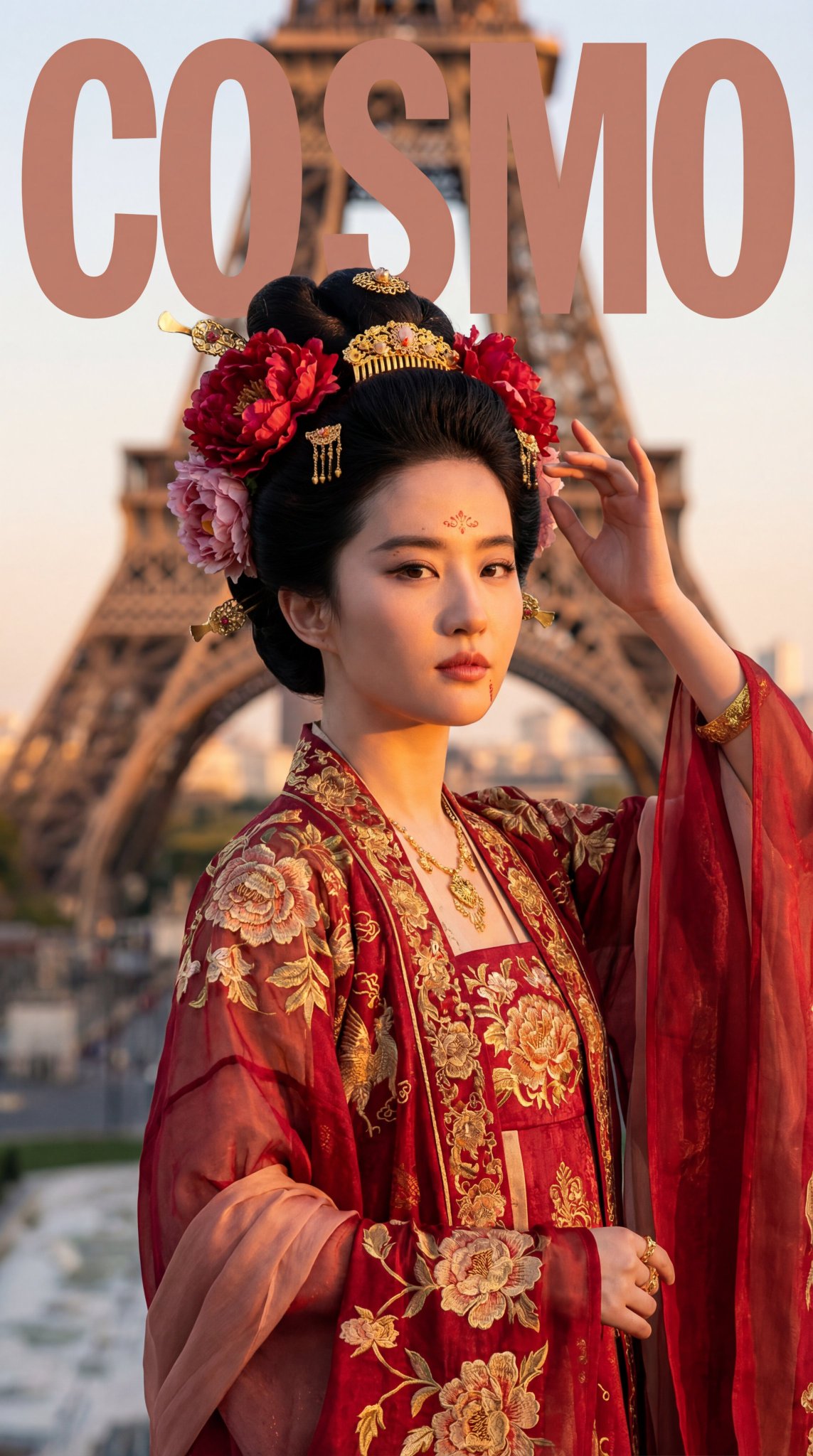
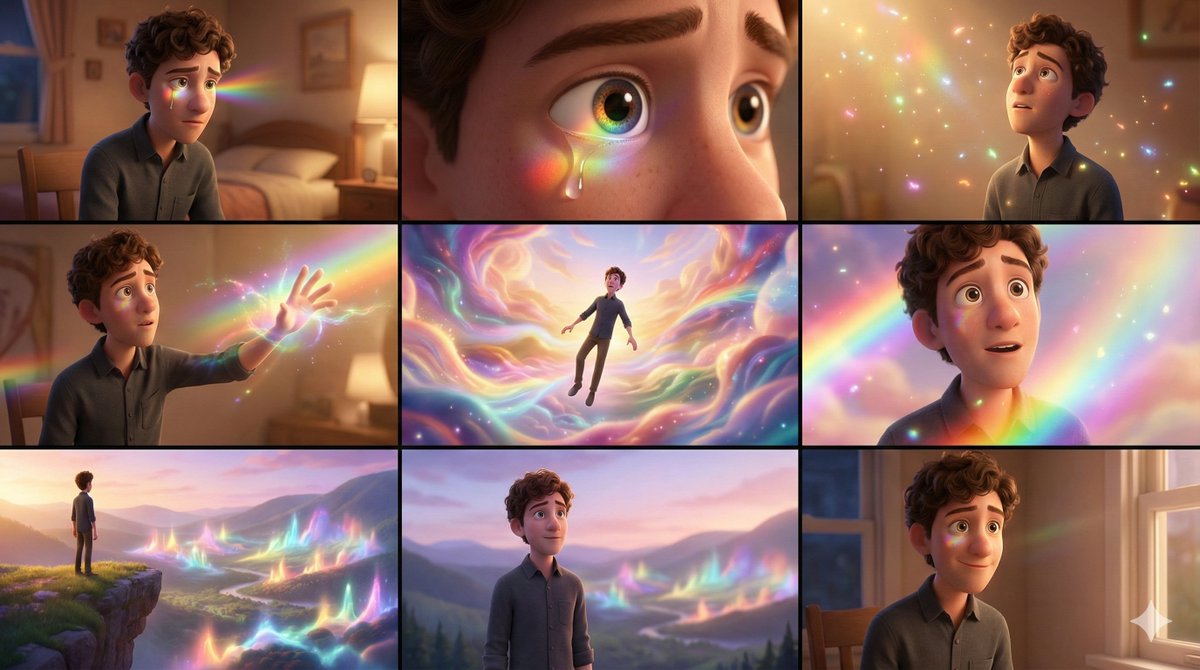
将这个漫画人物变成一个超逼真的人类,同时保留原有的发型、服装、面部表情和整体人物特征。
整个场景应使用大景深,使模特和环境都非常清晰,从而营造出沉浸式、电影般的智能手机摄影效果。

风格:
- 电影级超写实时尚摄影
- 高分辨率智能手机相机美学,呈现清晰锐利的细节
- 暖色调工作灯与冷色调黄昏灯光之间形成鲜明的明暗对比
模型是主要对象,同时保留了丰富的环境细节。

技术规格:
- 摄像头:旗舰智能手机摄像头
- 镜头:标准内置手机镜头
- 光圈:f/8–f/11,以获得较大的景深
分辨率:4K 或更高

否定提示:
- 背景虚化、浅景深、散景
模糊不清、扭曲的脸
卡通、动画、CGI角色、插画、绘画风格
画质差、像素化、噪点
- 强烈的阳光直射或过度曝光的灯光
Category
creative_scene
Model
Nano Banana Pro
Creator
@dotey
Views1
Source ID
e245f92d-a33a-4bc5-9fd3-dc6a2709e9f2
Published
Dec 27, 2025

Guide

About "将漫画人物转化为超逼真的人类 (变体 2)"

What is this prompt for?

"将漫画人物转化为超逼真的人类 (变体 2)" AI image prompt for Nano Banana Pro (creative_scene). creative_scene Copy it on Picva and recreate the look in one click.

The full copyable prompt and example visuals above are ready for AI image generation or one-click recreate in Picva.

How to use this prompt

  1. Step 1

    Open the prompt detail

    Review the example visuals, category, and full prompt text for "将漫画人物转化为超逼真的人类 (变体 2)".

  2. Step 2

    Copy the prompt

    Copy the prompt body from this page, or load it directly in Studio.

  3. Step 3

    Pick a model (Nano Banana Pro)

    Prefer Nano Banana Pro. If you switch models, keep subject and composition and tweak style terms.

  4. Step 4

    Generate and export

    Recreate the look in Picva, or export into your workflow for editing and publishing.

FAQ

What is the "将漫画人物转化为超逼真的人类 (变体 2)" prompt?
It is an AI image-generation prompt for Nano Banana Pro in the creative_scene category. This page includes the full prompt text, example visuals, and a one-click recreate path in Picva.
How do I use this prompt to generate an image?
Copy the prompt from this page, or use Generate / Studio. Paste it into a compatible image model, or recreate the look in Picva with optional reference images.
Which model is this prompt for?
This page lists Nano Banana Pro. Most descriptive prompts also transfer to nearby image models such as GPT Image, Flux, or Midjourney with light style tweaks.
Can I use the result commercially?
You can usually copy the prompt for creation, but commercial use of the final image depends on the model terms, reference-image rights, and the generated content. Follow the source author and platform rules.