18

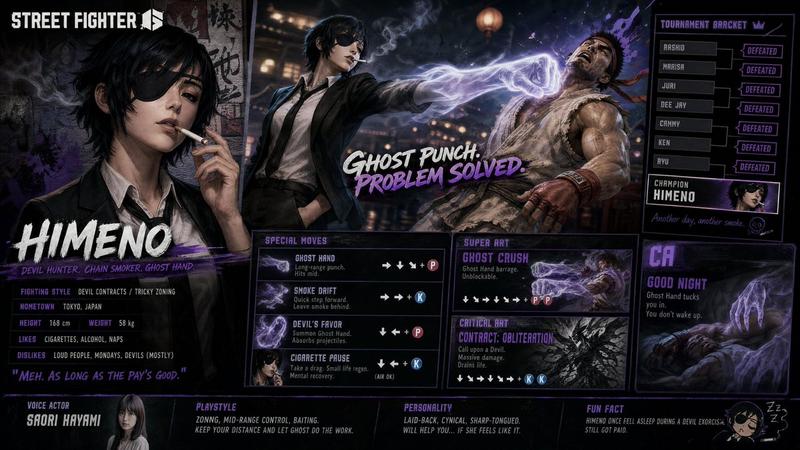
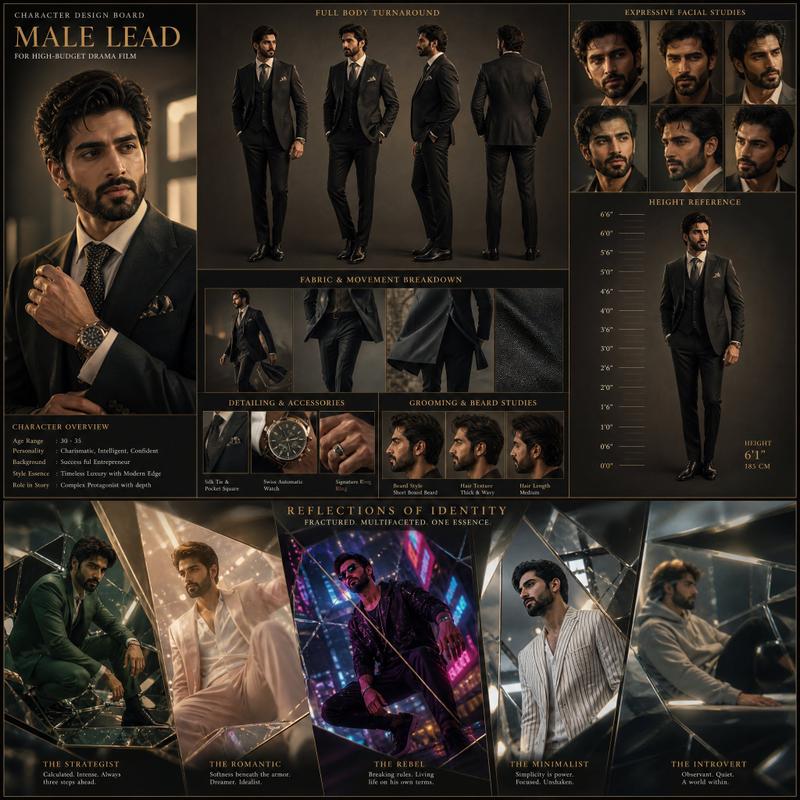
A vertical character poster, using reference images one and two as the absolute
Enlarge

A vertical character poster, using reference images one and two as the absolute

Prompt
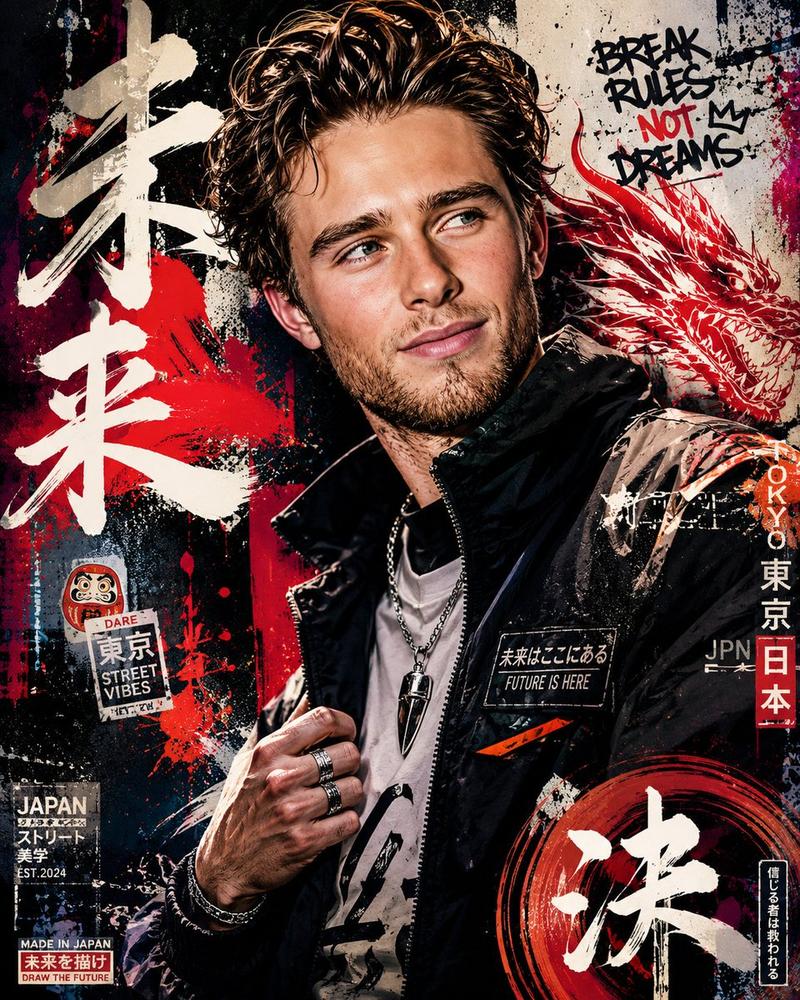
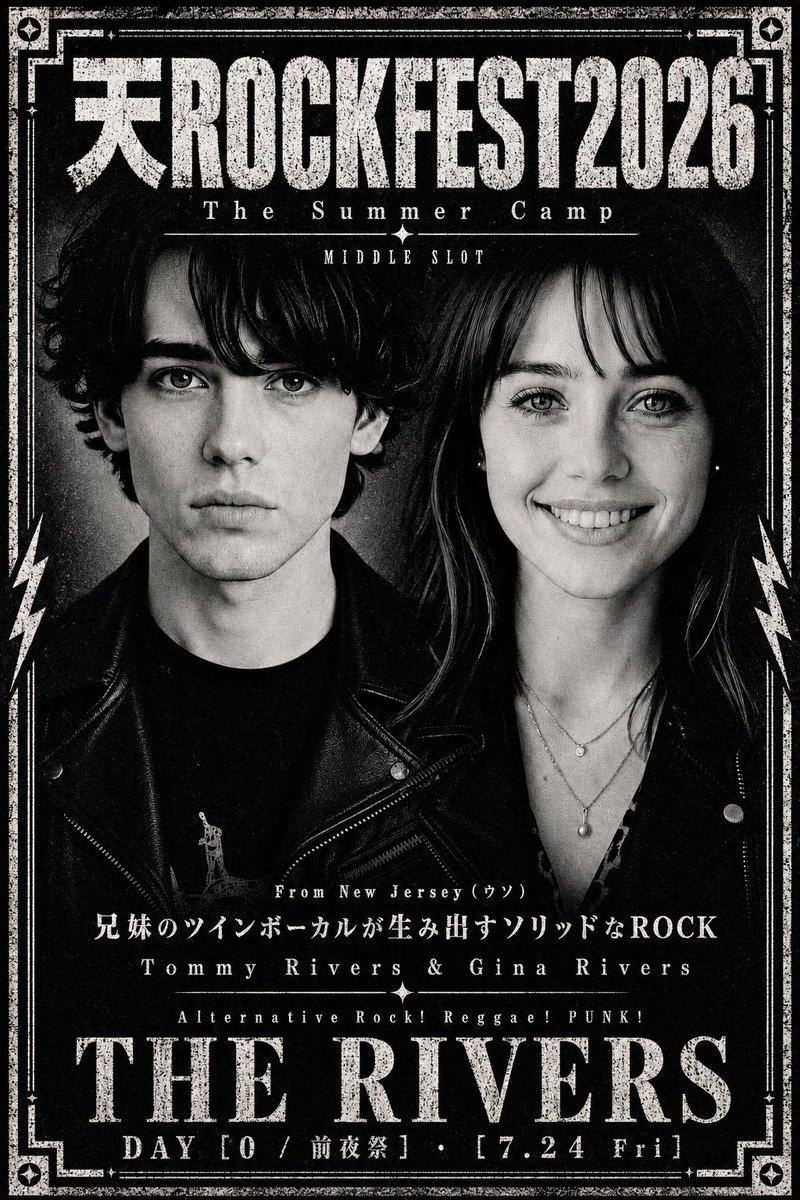
A vertical character poster, using reference images one and two as the absolute main visual, occupies most of the image space. The overall style blends semi-realistic anime aesthetics with the hyper-realistic rendering of Unreal Engine 5. It features half-body portraits from the chest up, with two figures close together at eye level, approximately chest height, employing strong close-up perspective.

Behind the main subject, a prominent "BREAKING Training Camp" sign is added in large font, with irregular scratches, a mottled texture, sharp cut marks, and an aged, vintage poster printing effect. Below the characters, a subtitle "Training programs" is added, displaying the following in smaller print: POWER MOVE (Strengthening and Connecting), Body development (Fitness, Power, Texture), FOOT WORK (Extension and Training), FREEZE (Practice and Creation), routine (Routine Arrangement), and customization (Specific training methods provided according to needs), along with barcodes and warning labels.

The dates are clearly indicated: July 15th - August 30th, Session 1; August 1st - August 15th, Session 2.

The overall color scheme should match the character's clothing and signature colors. It utilizes cinematic studio lighting, strong rim lighting, subtle volumetric lighting, high contrast, clean poster composition, high-end game promotional poster quality, ultra-high detail, sharp focus, excellent depth of field, UE5 rendering, and 4K resolution.
Category
Posters & Typography
Model
GPT Image 2
Creator
陈道暗
Views52
Source ID
19308
Published
Jun 11, 2026

Guide

About "A vertical character poster, using reference images one and two as the absolute "

What is this prompt for?

"A vertical character poster, using reference images one and two as the absolute " AI image prompt for GPT Image 2 (Posters & Typography). A vertical character…

The full copyable prompt and example visuals above are ready for AI image generation or one-click recreate in Picva.

How to use this prompt

  1. Step 1

    Open the prompt detail

    Review the example visuals, category, and full prompt text for "A vertical character poster, using reference images one and two as the absolute ".

  2. Step 2

    Copy the prompt

    Copy the prompt body from this page, or load it directly in Studio.

  3. Step 3

    Pick a model (GPT Image 2)

    Prefer GPT Image 2. If you switch models, keep subject and composition and tweak style terms.

  4. Step 4

    Generate and export

    Recreate the look in Picva, or export into your workflow for editing and publishing.

FAQ

What is the "A vertical character poster, using reference images one and two as the absolute " prompt?
It is an AI image-generation prompt for GPT Image 2 in the Posters & Typography category. This page includes the full prompt text, example visuals, and a one-click recreate path in Picva.
How do I use this prompt to generate an image?
Copy the prompt from this page, or use Generate / Studio. Paste it into a compatible image model, or recreate the look in Picva with optional reference images.
Which model is this prompt for?
This page lists GPT Image 2. Most descriptive prompts also transfer to nearby image models such as GPT Image, Flux, or Midjourney with light style tweaks.
Can I use the result commercially?
You can usually copy the prompt for creation, but commercial use of the final image depends on the model terms, reference-image rights, and the generated content. Follow the source author and platform rules.