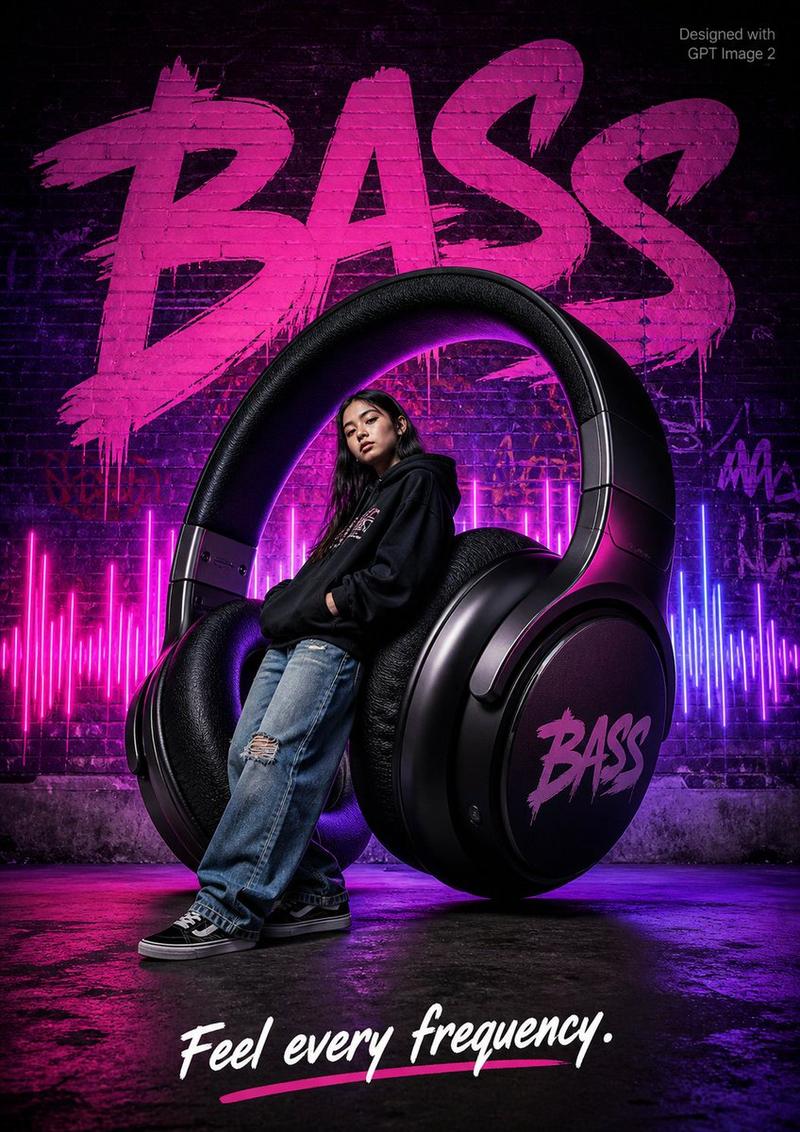
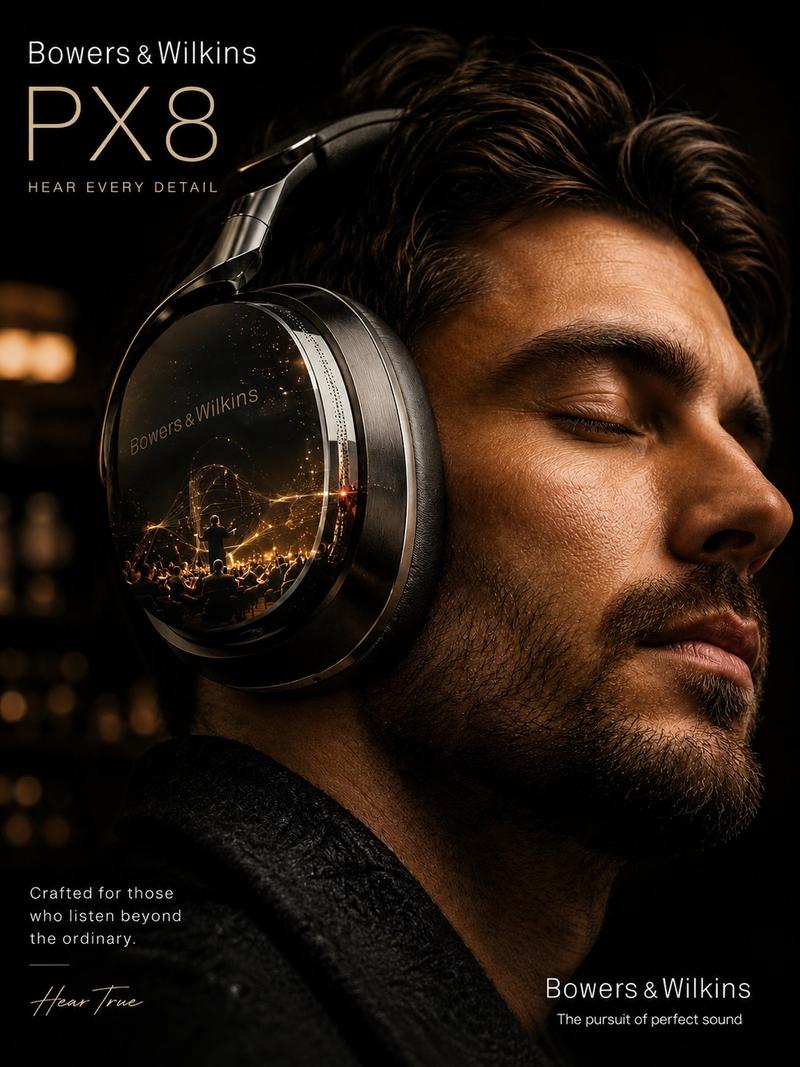
![Create a premium advertising poster for [BRAND] featuring [PRODUCT]](https://i.pixshop.app/storage/v1/render/image/public/prompt-source-media/promptsref/work-38059/image-1-b176c3dbd3311ae4.png?width=1200&quality=80&resize=contain)
Create a premium advertising poster for [BRAND] featuring [PRODUCT]
Prompt
Create a premium advertising poster for [BRAND] featuring [PRODUCT].

Turn the product into a monumental hero inside a miniature cinematic world.

The product must stay accurate, recognizable, sharp, and visually dominant. Build a tiny world around it using people, vehicles, architecture, lights, atmosphere, props, and scale cues that make the product feel massive, iconic, and campaign-worthy.

The world should express the product’s core promise:
- audio products become sound arenas, silence temples, or immersive listening spaces
- fashion products become bridges, streets, runways, or cultural landmarks
- beauty products become glass towers, luxury cities, or elegant monuments
- food products become moons, planets, islands, mountains, or playful worlds
- tech products become future cities, creative labs, portals, or innovation landmarks
- sports products become arenas, tracks, obstacles, or performance landscapes

Use premium commercial photography, cinematic lighting, realistic scale contrast, tiny human figures, rich atmospheric depth, polished reflections, strong shadows, shallow depth of field, sharp product detail, tasteful poster typography, and a bold 3-word slogan.

The final image should feel like a world-class campaign poster where the product is not just shown — it becomes the place.

Avoid copying any existing campaign. Create a fresh original visual universe.

Aspect ratio: [RATIO]
- Category
- Posters & Typography
- Model
- GPT Image 2
- Creator
- xie underwood
- Source ID
- 38059
- Published
- Jun 29, 2026
Views36


![PROMPT TO ART [PRODUCT] suspended mid-air, glowing sparks swirling around, drama](https://cdn.pixshop.app/prompt-library/tweet-2004298915001389518/preview-0-1768180070905-1qrz1hrl.jpeg)