19

Use the uploaded photo as the facial and body reference
Enlarge

Use the uploaded photo as the facial and body reference

Prompt
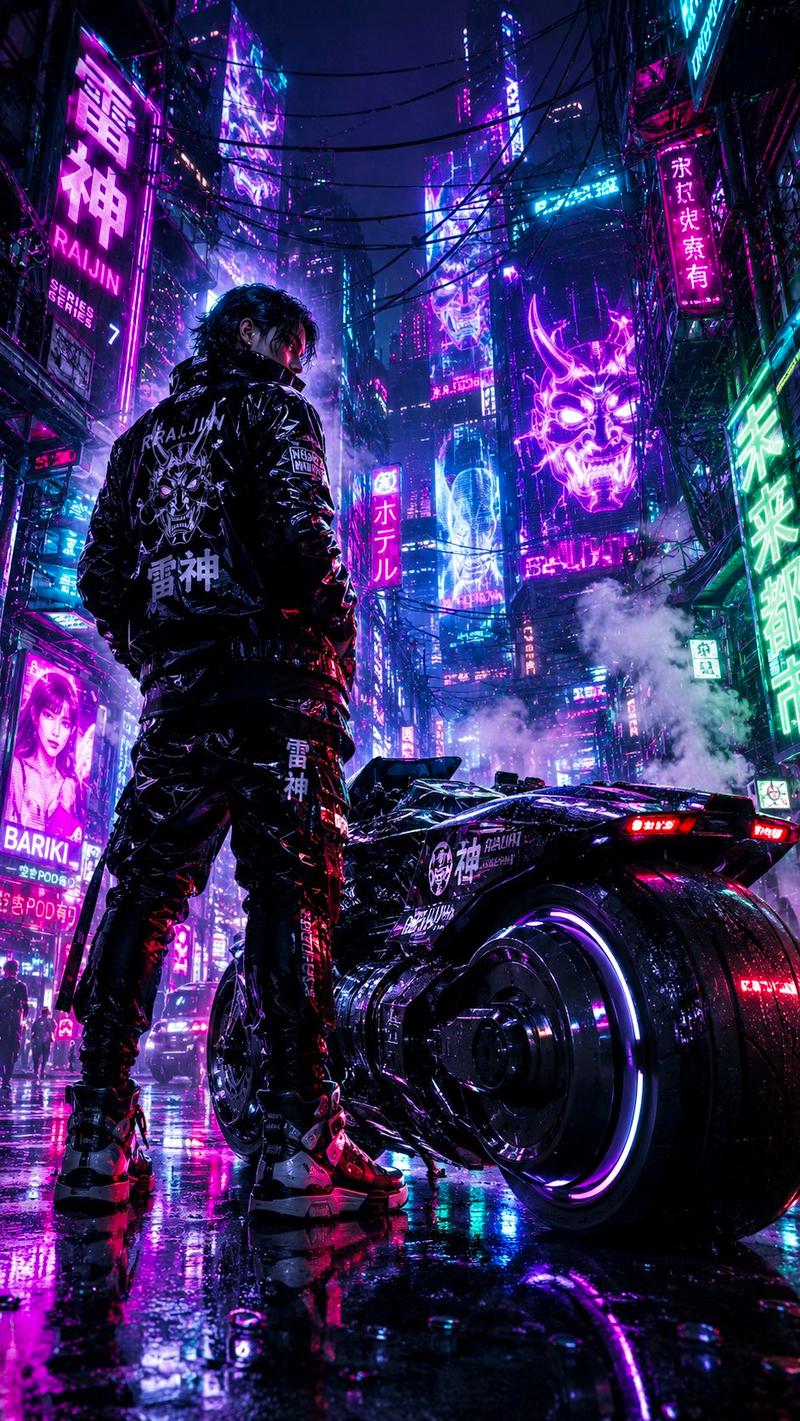
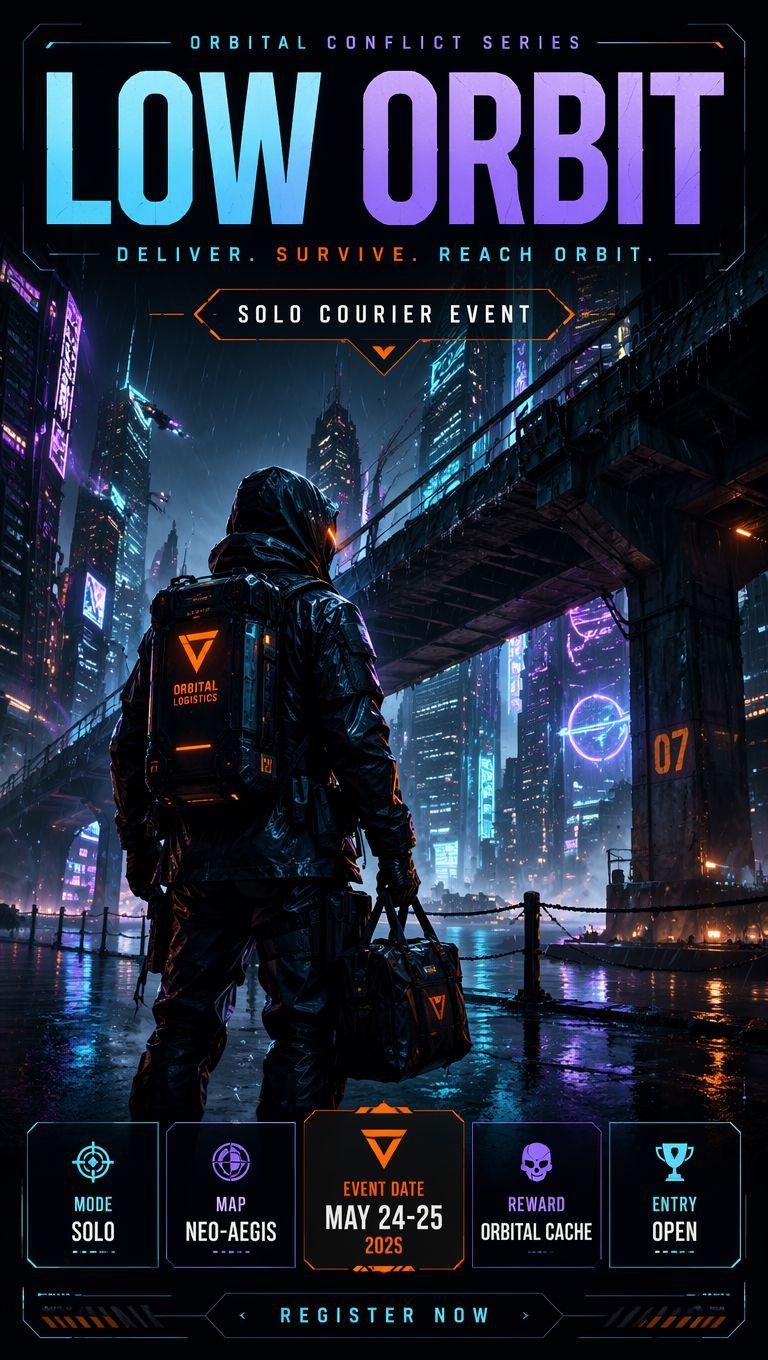
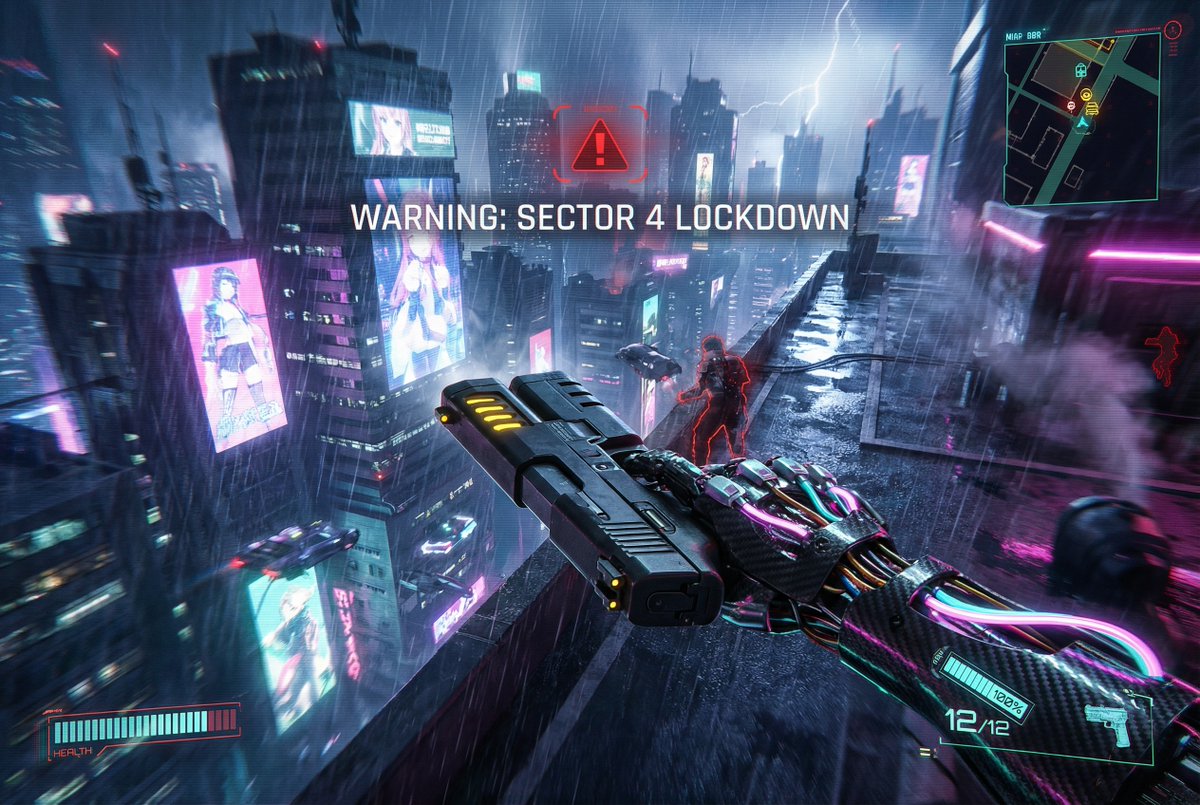
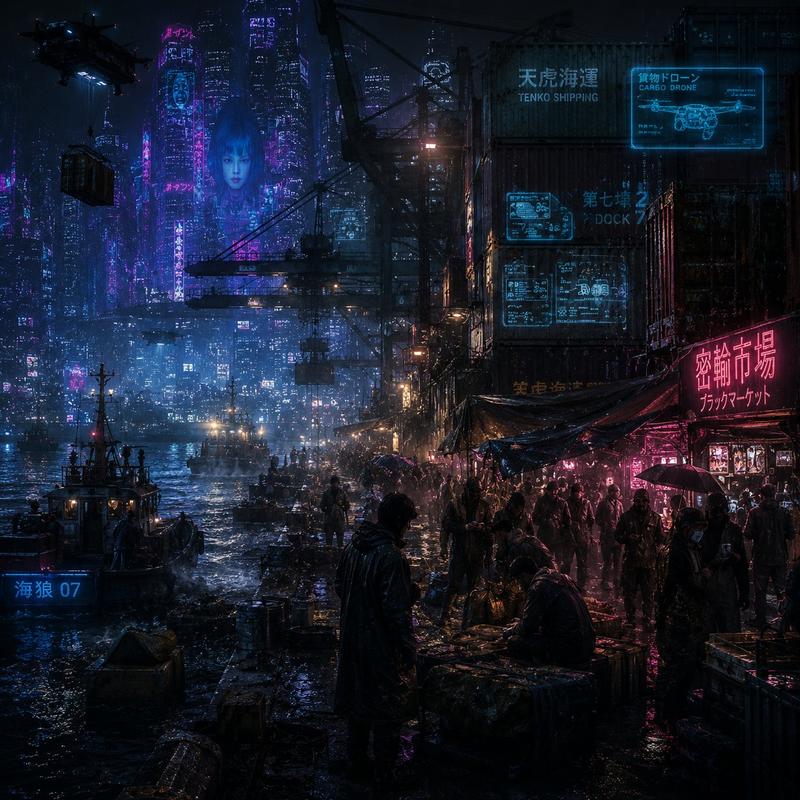
Use the uploaded photo as the facial and body reference. Preserve the same facial structure, skin tone, glasses, durag, silver chain, and confident expression. Transform the outfit into a futuristic drive-in restaurant employee uniform inspired by cyberpunk Japan. The uniform should be sleek black with neon cyan and purple accents, holographic name badge, illuminated shoulder patches, high-tech utility belt, fingerless gloves, and subtle armor plating. Standing at a retro-futuristic drive-thru ordering station during the late evening in a neon-lit city. Behind him are glowing menu screens with holographic food icons, autonomous delivery drones, self-driving vehicles, rain-slick pavement reflecting colorful lights, animated billboards, and futuristic skyscrapers. The restaurant blends 1990s American drive-in aesthetics with advanced cyberpunk technology. Cinematic composition, low-angle perspective, dramatic rim lighting, volumetric fog, reflective surfaces, ultra-detailed anime rendering, realistic proportions, intricate clothing folds, vibrant neon lighting, highly detailed eyes, Ghost in the Shell (1995) aesthetic, Production I.G.-inspired mechanical design, futuristic technology, sharp line art, beautiful color grading, masterpiece, best quality, 8k anime illustration.
Category
Products & E-commerce
Model
GPT Image 2
Creator
KINGTAE330
Views25
Source ID
37251
Published
Jun 27, 2026

Guide

About "Use the uploaded photo as the facial and body reference"

What is this prompt for?

"Use the uploaded photo as the facial and body reference" AI image prompt for GPT Image 2 (Products & E-commerce). Use the uploaded photo as the facial and bod…

The full copyable prompt and example visuals above are ready for AI image generation or one-click recreate in Picva.

How to use this prompt

  1. Step 1

    Open the prompt detail

    Review the example visuals, category, and full prompt text for "Use the uploaded photo as the facial and body reference".

  2. Step 2

    Copy the prompt

    Copy the prompt body from this page, or load it directly in Studio.

  3. Step 3

    Pick a model (GPT Image 2)

    Prefer GPT Image 2. If you switch models, keep subject and composition and tweak style terms.

  4. Step 4

    Generate and export

    Recreate the look in Picva, or export into your workflow for editing and publishing.

FAQ

What is the "Use the uploaded photo as the facial and body reference" prompt?
It is an AI image-generation prompt for GPT Image 2 in the Products & E-commerce category. This page includes the full prompt text, example visuals, and a one-click recreate path in Picva.
How do I use this prompt to generate an image?
Copy the prompt from this page, or use Generate / Studio. Paste it into a compatible image model, or recreate the look in Picva with optional reference images.
Which model is this prompt for?
This page lists GPT Image 2. Most descriptive prompts also transfer to nearby image models such as GPT Image, Flux, or Midjourney with light style tweaks.
Can I use the result commercially?
You can usually copy the prompt for creation, but commercial use of the final image depends on the model terms, reference-image rights, and the generated content. Follow the source author and platform rules.