12

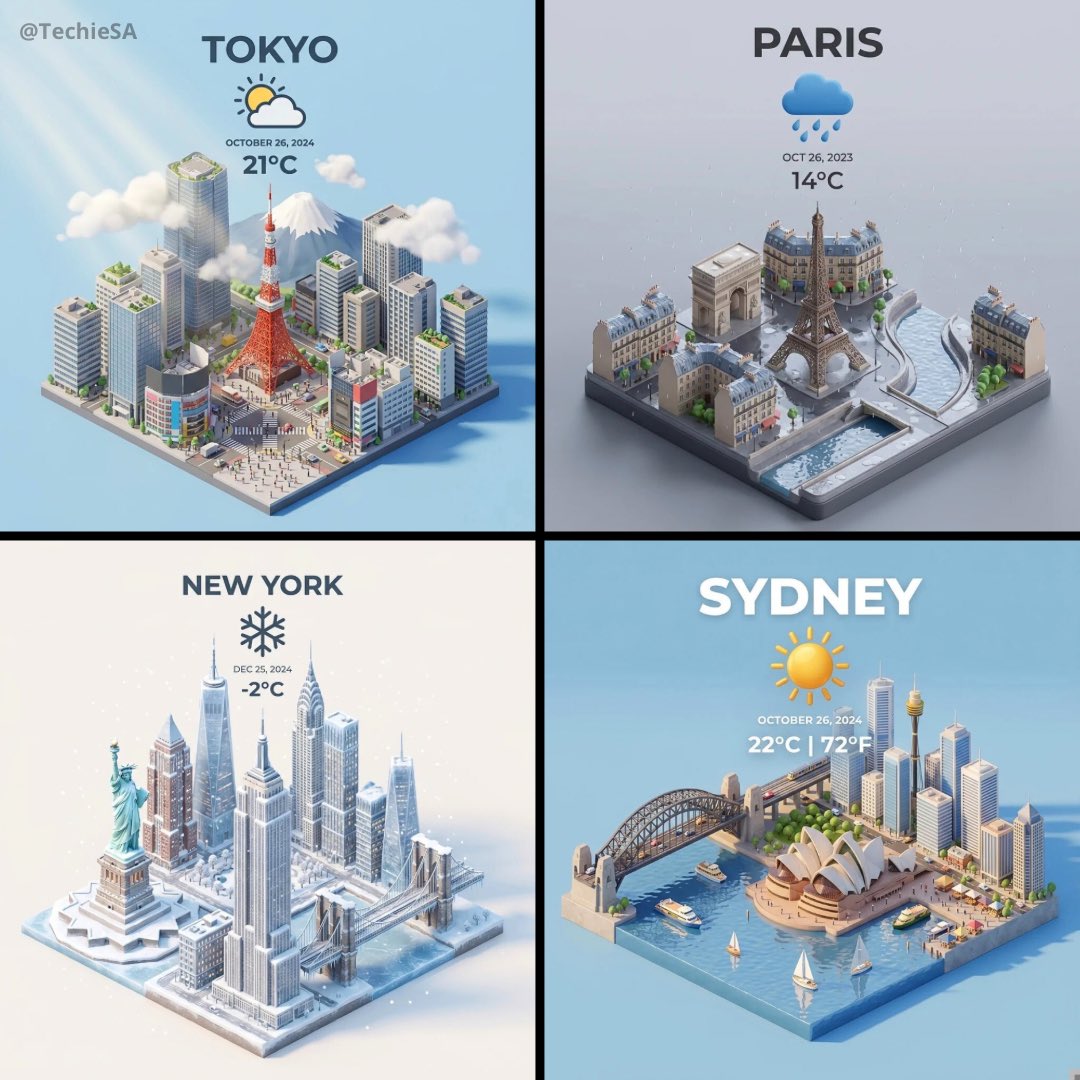
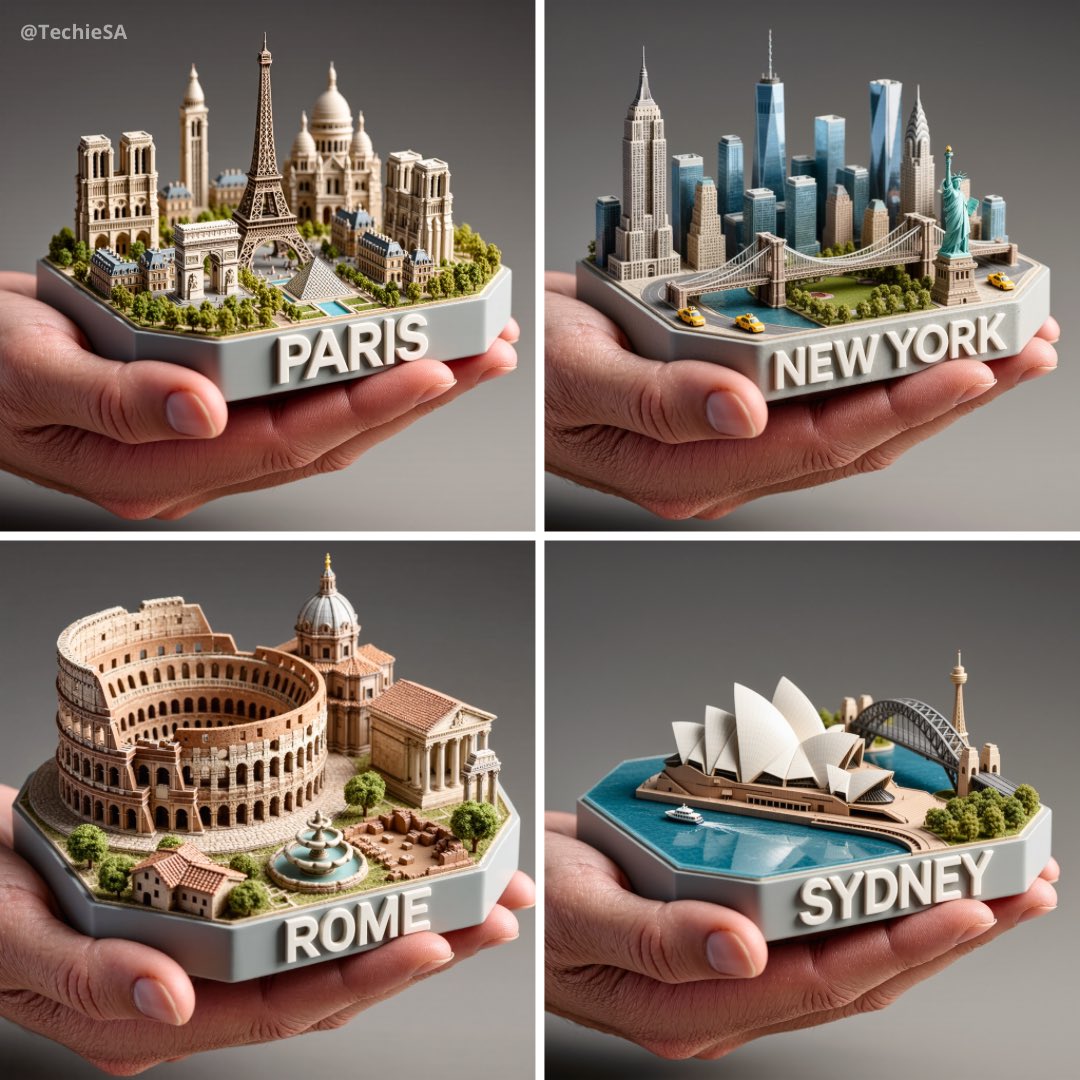
城市俯视等距3D卡通微缩场景
Enlarge

城市俯视等距3D卡通微缩场景

Prompt
Present a clear, 45° top-down isometric miniature 3D cartoon scene of [CITY], featuring its most iconic landmarks and architectural elements. Use soft, refined textures with realistic PBR materials and gentle, lifelike lighting and shadows. Integrate the current weather conditions directly into the city environment to create an immersive atmospheric mood.\nUse a clean, minimalistic composition with a soft, solid-colored background.\n\nAt the top-center, place the title “[CITY]” in large bold text, a prominent weather icon beneath it, then the date (small text) and temperature (medium text).\nAll text must be centered with consistent spacing, and may subtly overlap the tops of the buildings.\nSquare 1080x1080 dimension.
呈现[城市]清晰的45°俯视等距3D卡通微缩场景,展现其最具标志性的地标和建筑元素。使用柔和细腻的纹理、逼真的PBR材质以及柔和自然的灯光和阴影。将当前天气状况直接融入城市环境,营造身临其境的氛围。”\n使用简洁的极简主义构图,搭配柔和的纯色背景。\n\n在顶部中心位置,用粗体大字显示标题“[城市]”,在其下方放置一个醒目的天气图标,然后是日期(小字)和温度(中字)。\n所有文字必须居中,间距一致,并且可以略微与建筑物顶部重叠。\n1080x1080 正方形。
Category
Illustration & Art
Model
Unknown
Creator
TechieSA
Views0
Source ID
city-top-down-isometric-3d-cartoon-miniature-scene

Guide

About "城市俯视等距3D卡通微缩场景"

What is this prompt for?

"城市俯视等距3D卡通微缩场景" AI image prompt for Unknown (Illustration & Art). Present a clear, 45° top-down isometric miniature 3D cartoon scene of [CITY], featuring its…

The full copyable prompt and example visuals above are ready for AI image generation or one-click recreate in Picva.

How to use this prompt

  1. Step 1

    Open the prompt detail

    Review the example visuals, category, and full prompt text for "城市俯视等距3D卡通微缩场景".

  2. Step 2

    Copy the prompt

    Copy the prompt body from this page, or load it directly in Studio.

  3. Step 3

    Pick a model (Unknown)

    Prefer Unknown. If you switch models, keep subject and composition and tweak style terms.

  4. Step 4

    Generate and export

    Recreate the look in Picva, or export into your workflow for editing and publishing.

FAQ

What is the "城市俯视等距3D卡通微缩场景" prompt?
It is an AI image-generation prompt for Unknown in the Illustration & Art category. This page includes the full prompt text, example visuals, and a one-click recreate path in Picva.
How do I use this prompt to generate an image?
Copy the prompt from this page, or use Generate / Studio. Paste it into a compatible image model, or recreate the look in Picva with optional reference images.
Which model is this prompt for?
This page lists Unknown. Most descriptive prompts also transfer to nearby image models such as GPT Image, Flux, or Midjourney with light style tweaks.
Can I use the result commercially?
You can usually copy the prompt for creation, but commercial use of the final image depends on the model terms, reference-image rights, and the generated content. Follow the source author and platform rules.