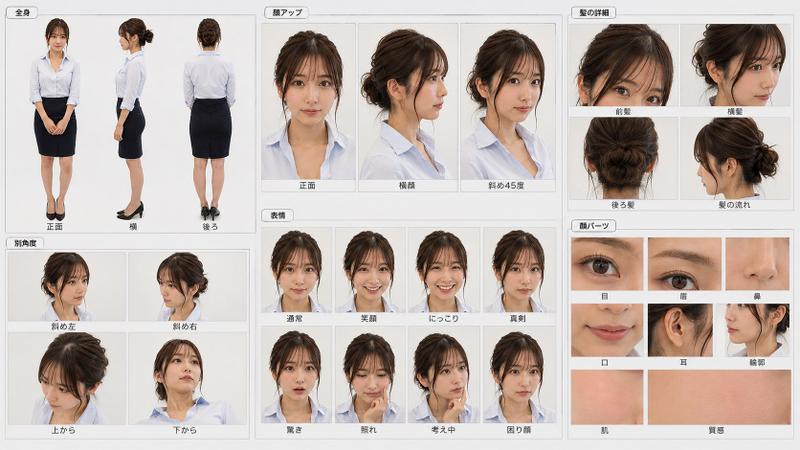
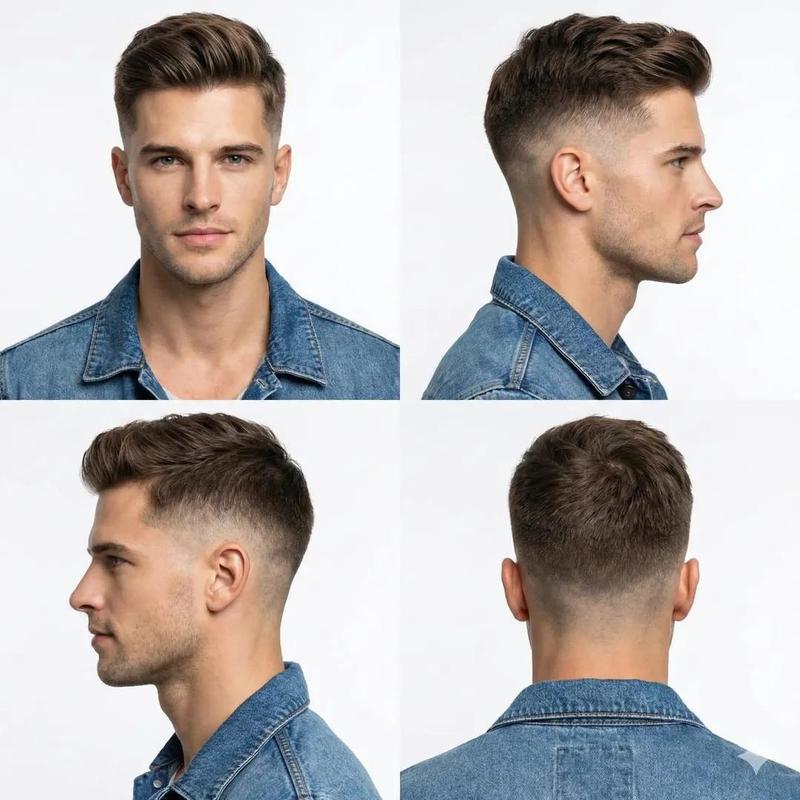
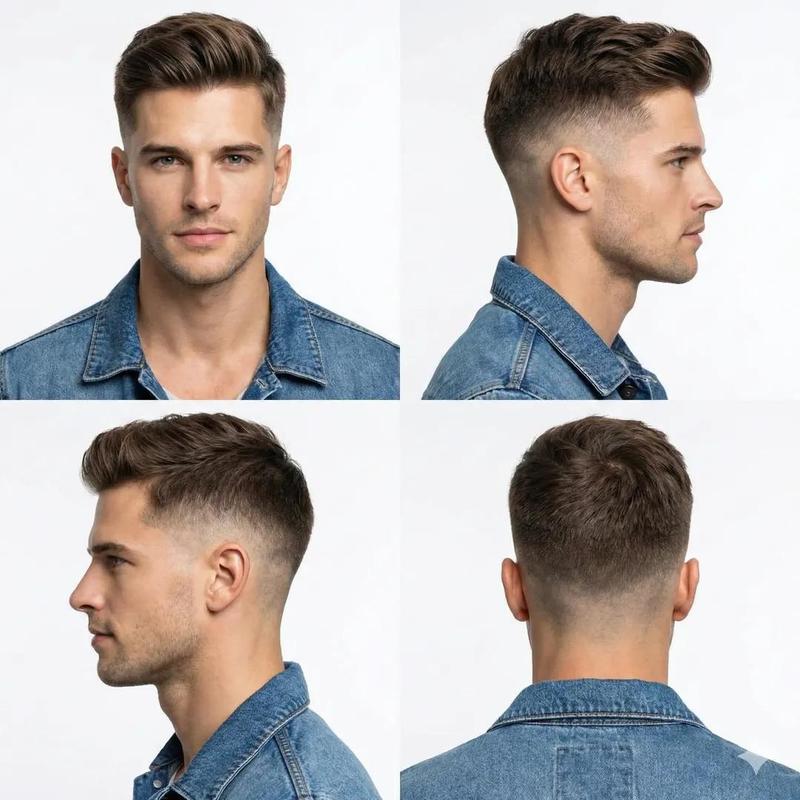
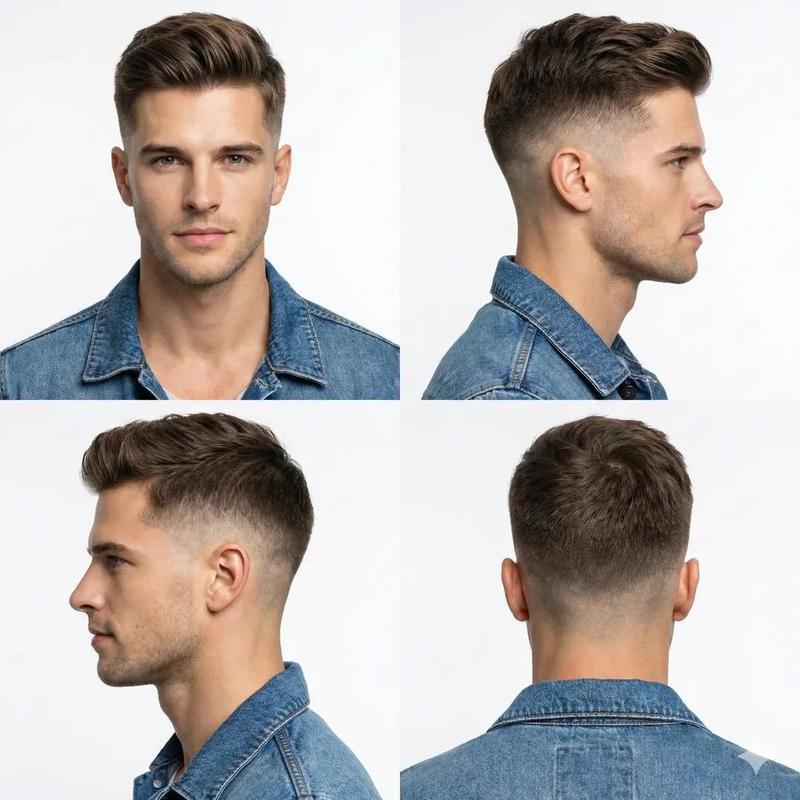
发型设计提示词生成器
Prompt
这是一个能帮你设计想要的发型设计说明书风格的提示词,可以根据你想要的发型类别生成对应的修剪程序和最终展示效果,男女都可以适配,关键词已匹配。
{
 "prompt": "Generate an extremely detailed [hairstyle name, such as: American front thorn] hairstyle design guide, the image ratio is 21:9. Each view should be a high-resolution, realistic 3D rendering image. The model is [model description, for example: Asian young man, medium figure, long face type], and the background is a pure white studio environment to ensure that the details of the hairstyle are visible in high definition, such as single hair texture, color gradient (if there is high or low light), solid The complete steps are as follows: 1. B) Use straight scissors and fine-toothed combs, hold the comb horizontally as a guide line, and cut the scissors in parallel (illustration: measure from behind the ear to the neck, centimeter ruler). Layer creation: a) Vertical partitioning, raise the hair at a 90-degree angle. Final shape: a) Blow-dry: use a round comb to lift from the root to create volume (illustration: wind arrow). Nursing), potential risk warnings and professional certification badges; ensure that the guidelines are comprehensive and printable for professional training, salon use or DIY enthusiasts.",
 "parameters": {
 "aspect_ratio": "21:9",
 "quality": "The description text uses Song Simplified Chinese, ultra-high resolution, 8K, extremely detailed texture and rendering"
 },
 "negative_prompt": "Blury or low-resolution details, cartoon or abstract style, non-Simplified Chinese font, asymmetrical or unprofessional hairstyle, messy or colored background"
}- Category
- Illustration & Art
- Model
- Unknown
- Creator
- 就是玩AI
- Source ID
- hair-styling-prompt-generator
Views1