19

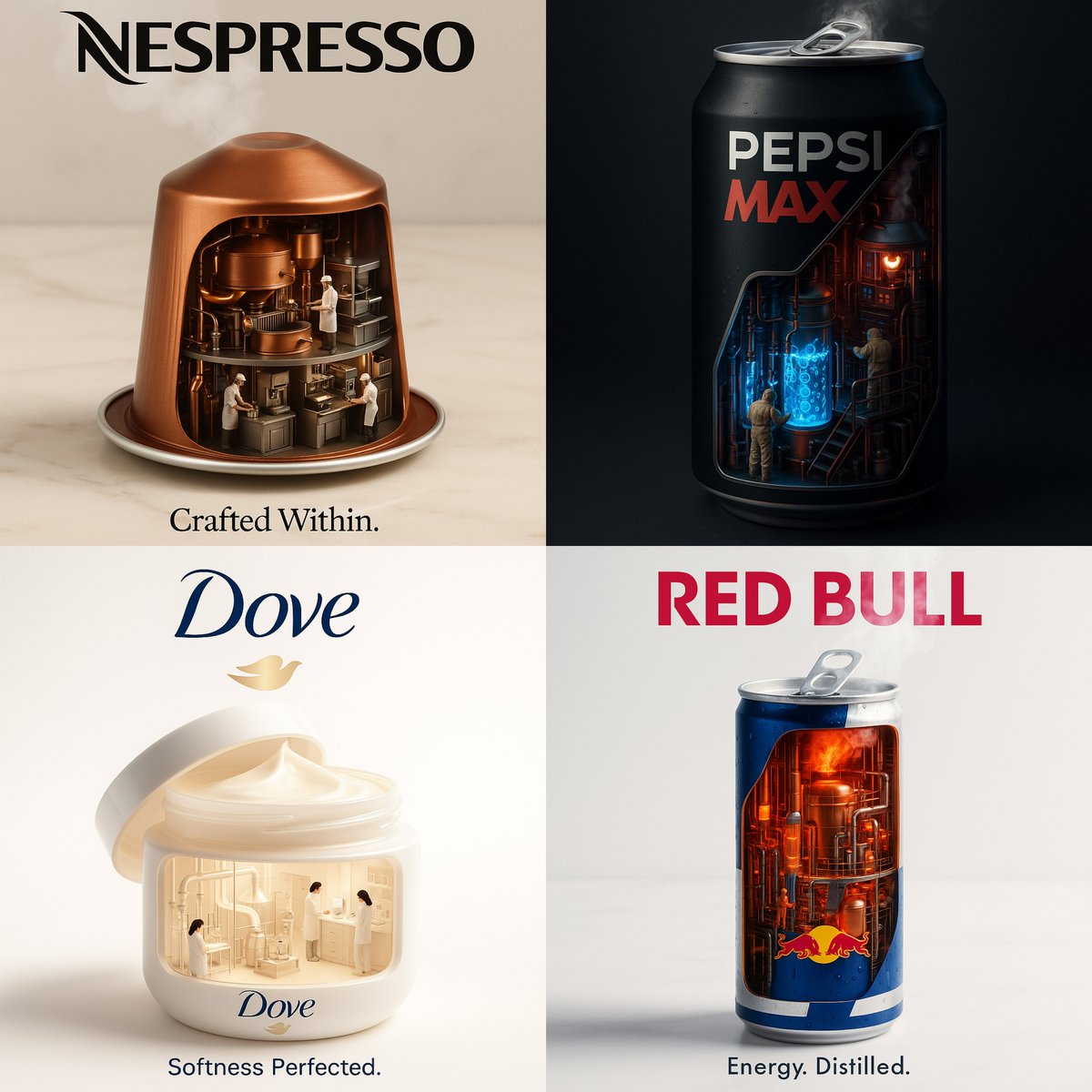
工业内部品牌广告
Enlarge

工业内部品牌广告

Prompt
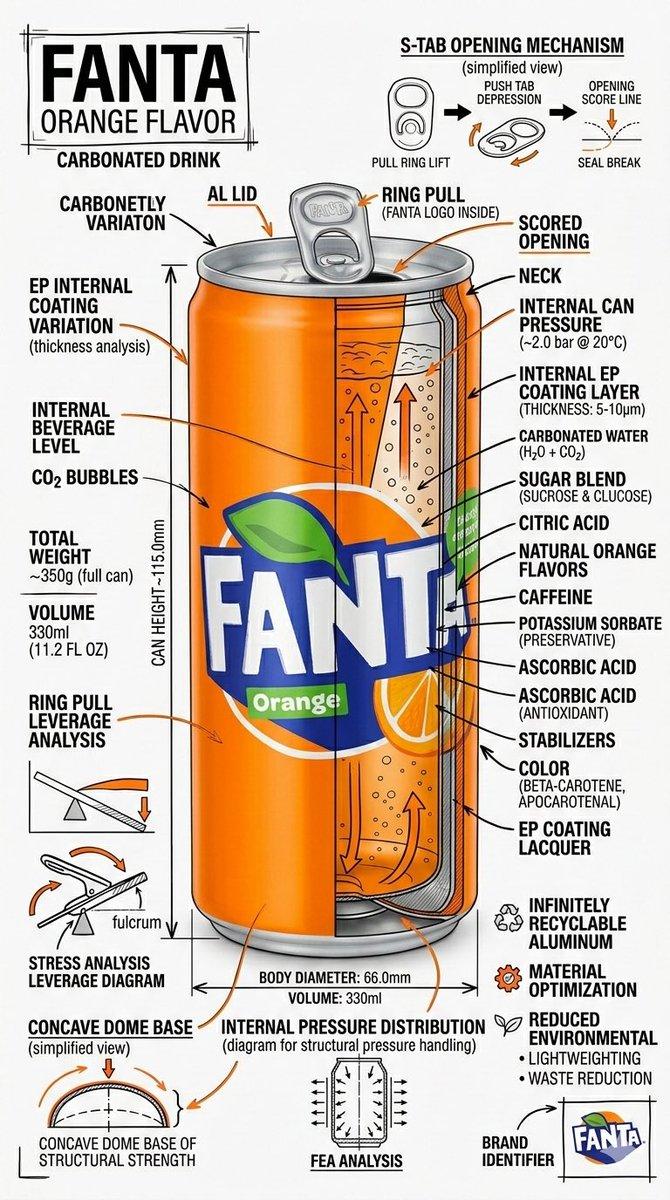
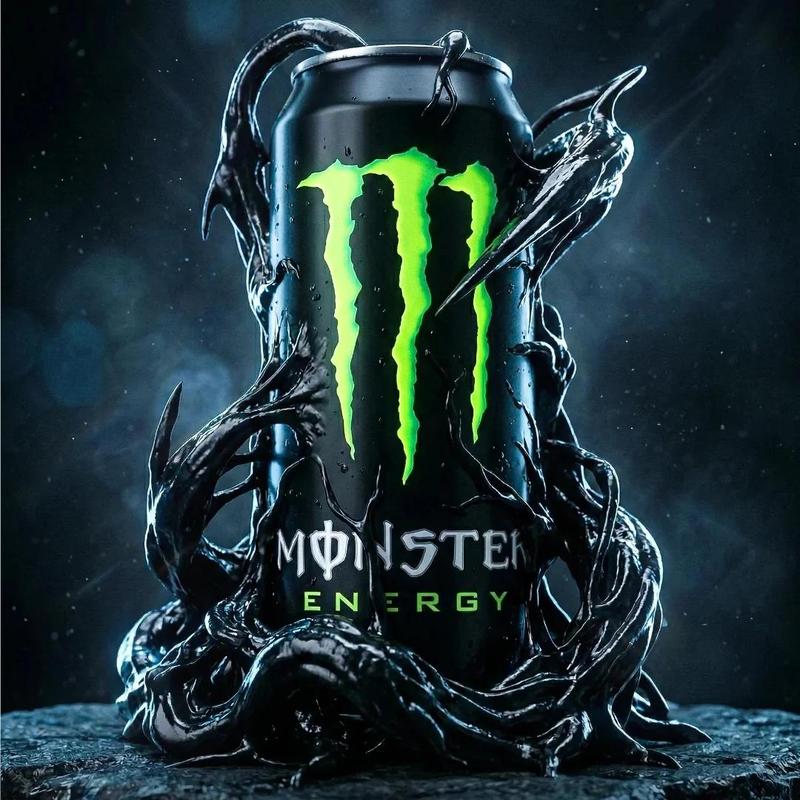
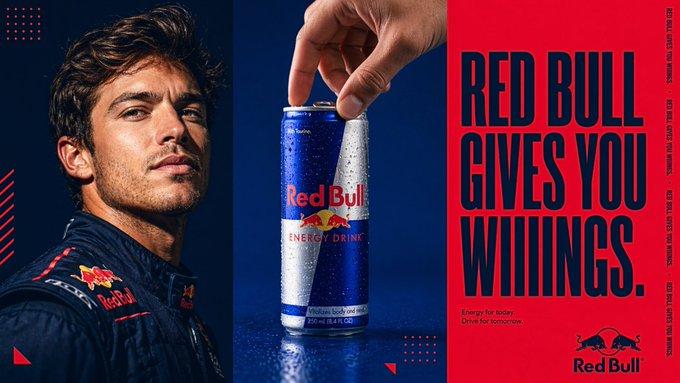
Create a hyperrealistic, surreal 1:1 advertisement for [Brand Name].\nTransform the product into a miniature industrial factory or laboratory from the inside.\nReveal detailed internal systems: pipes, workers, glowing fluids, steam, and machines — all functioning to reflect the product’s core purpose (energy, beauty, flavor, etc).\nKeep the outer product branding realistic and sharp.\nSet the background minimal and cinematic.\nAdd the brand logo at the top, and a short, powerful slogan at the bottom.\nStyle: studio-grade lighting, high contrast, photorealistic textures.
创建一个超现实、1:1 比例的品牌广告。\n将产品内部转化为微型工厂或实验室。\n展示详细的内部系统:管道、工人、发光的液体、蒸汽和机器——所有这些都运作起来,反映产品的核心功能(能量、美丽、风味等)。\n保持外层产品的品牌标识真实锐利。\n将背景设置得简约且电影感十足。\n在顶部添加品牌标志,底部添加一句简短有力的口号。\n风格:影棚级灯光,高对比度,照片级真实纹理。
Category
Photography & Realism
Model
Unknown
Creator
aziz4ai
Views0
Source ID
industrial-interior-brand-ad

Guide

About "工业内部品牌广告"

What is this prompt for?

"工业内部品牌广告" AI image prompt for Unknown (Photography & Realism). Create a hyperrealistic, surreal 1:1 advertisement for [Brand Name].\nTransform the product int…

The full copyable prompt and example visuals above are ready for AI image generation or one-click recreate in Picva.

How to use this prompt

  1. Step 1

    Open the prompt detail

    Review the example visuals, category, and full prompt text for "工业内部品牌广告".

  2. Step 2

    Copy the prompt

    Copy the prompt body from this page, or load it directly in Studio.

  3. Step 3

    Pick a model (Unknown)

    Prefer Unknown. If you switch models, keep subject and composition and tweak style terms.

  4. Step 4

    Generate and export

    Recreate the look in Picva, or export into your workflow for editing and publishing.

FAQ

What is the "工业内部品牌广告" prompt?
It is an AI image-generation prompt for Unknown in the Photography & Realism category. This page includes the full prompt text, example visuals, and a one-click recreate path in Picva.
How do I use this prompt to generate an image?
Copy the prompt from this page, or use Generate / Studio. Paste it into a compatible image model, or recreate the look in Picva with optional reference images.
Which model is this prompt for?
This page lists Unknown. Most descriptive prompts also transfer to nearby image models such as GPT Image, Flux, or Midjourney with light style tweaks.
Can I use the result commercially?
You can usually copy the prompt for creation, but commercial use of the final image depends on the model terms, reference-image rights, and the generated content. Follow the source author and platform rules.