17

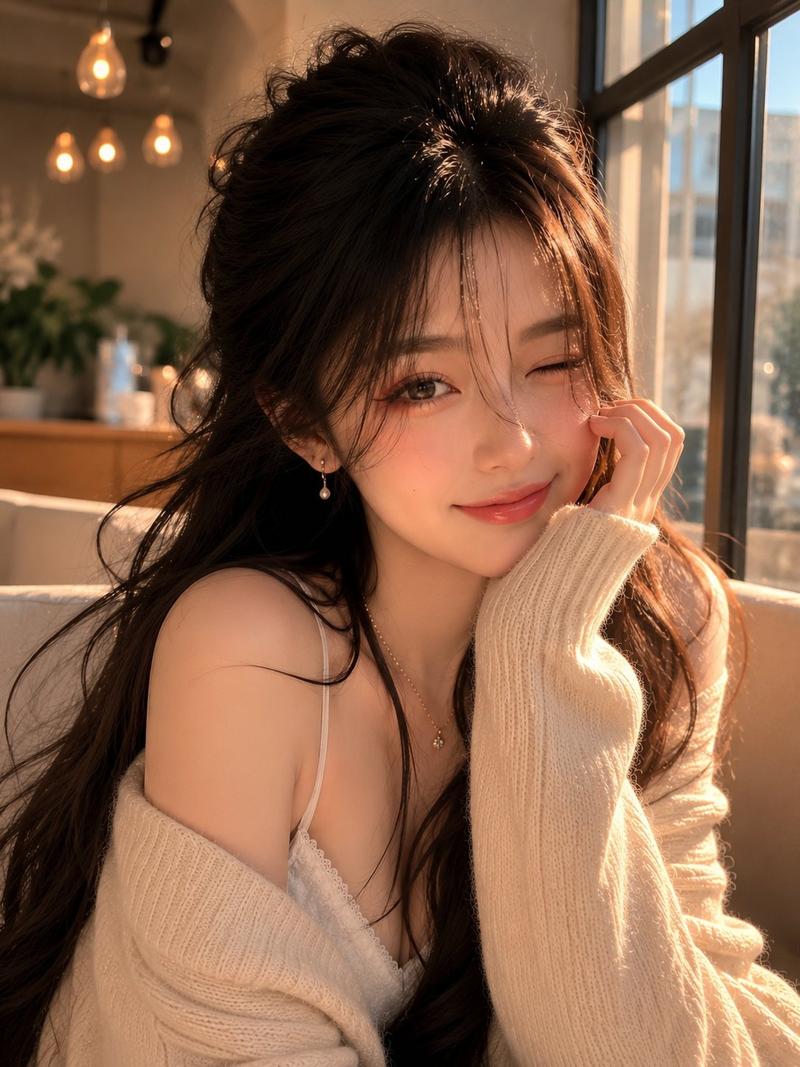
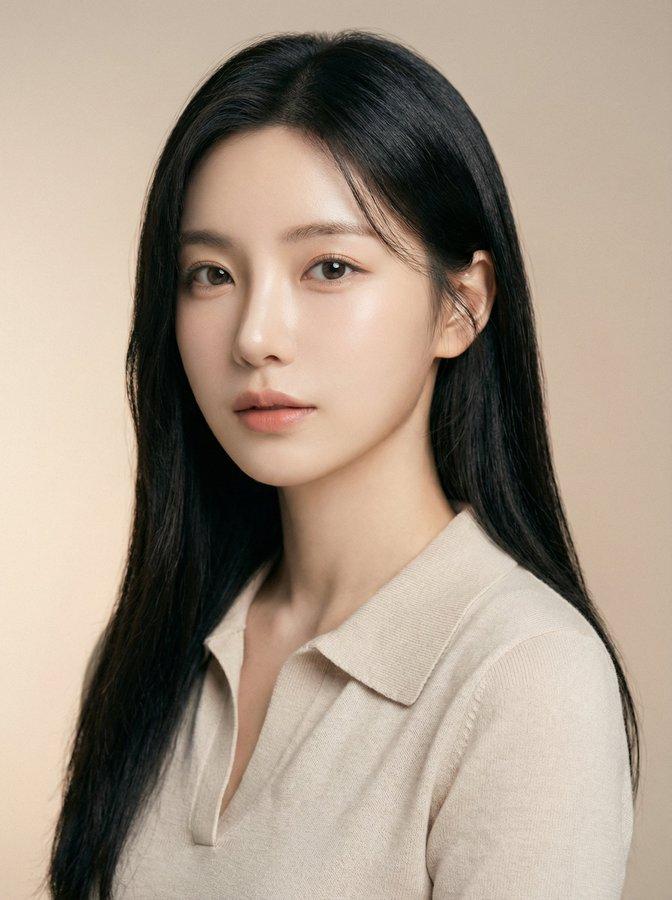
照片级写实时尚杂志封面
Enlarge

照片级写实时尚杂志封面

Prompt
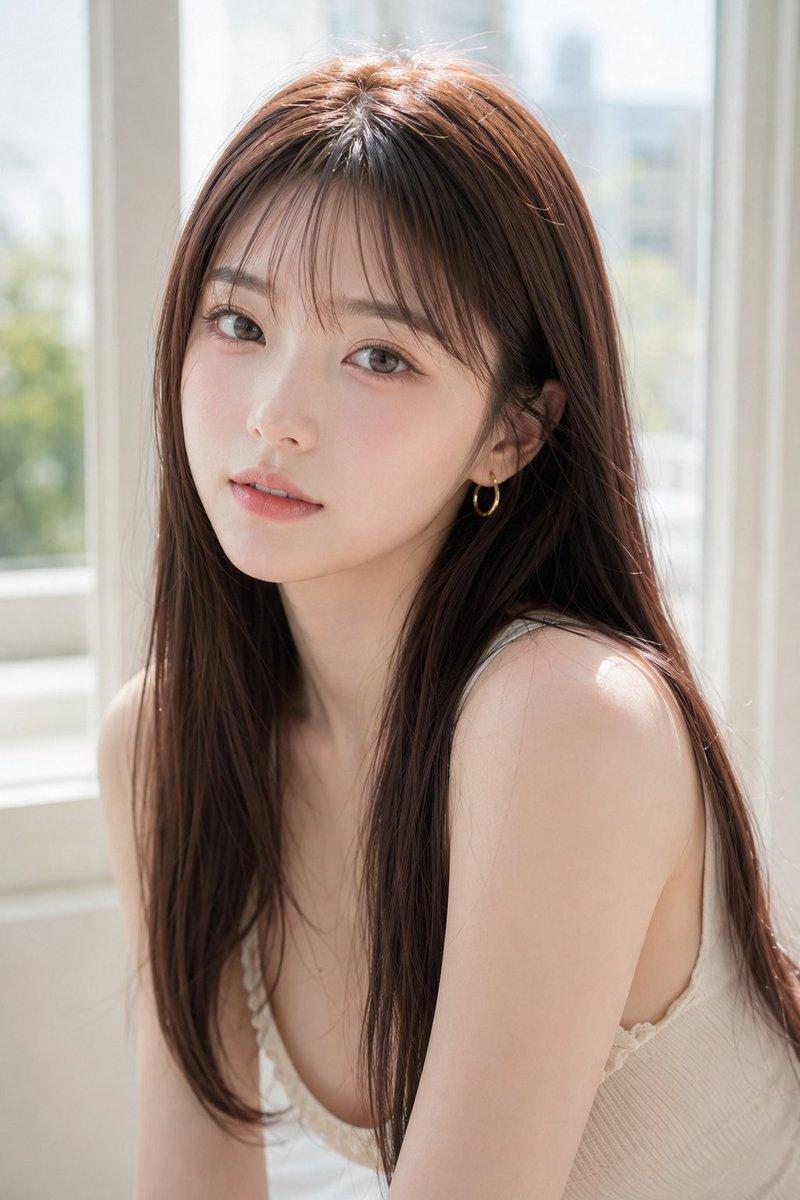
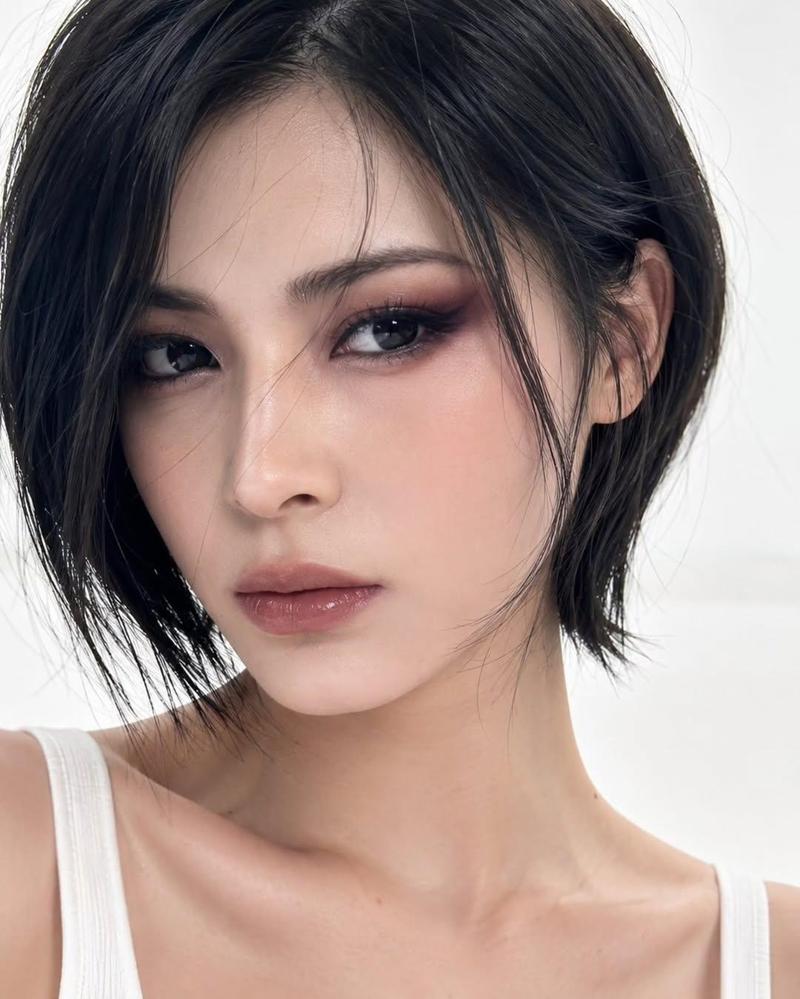
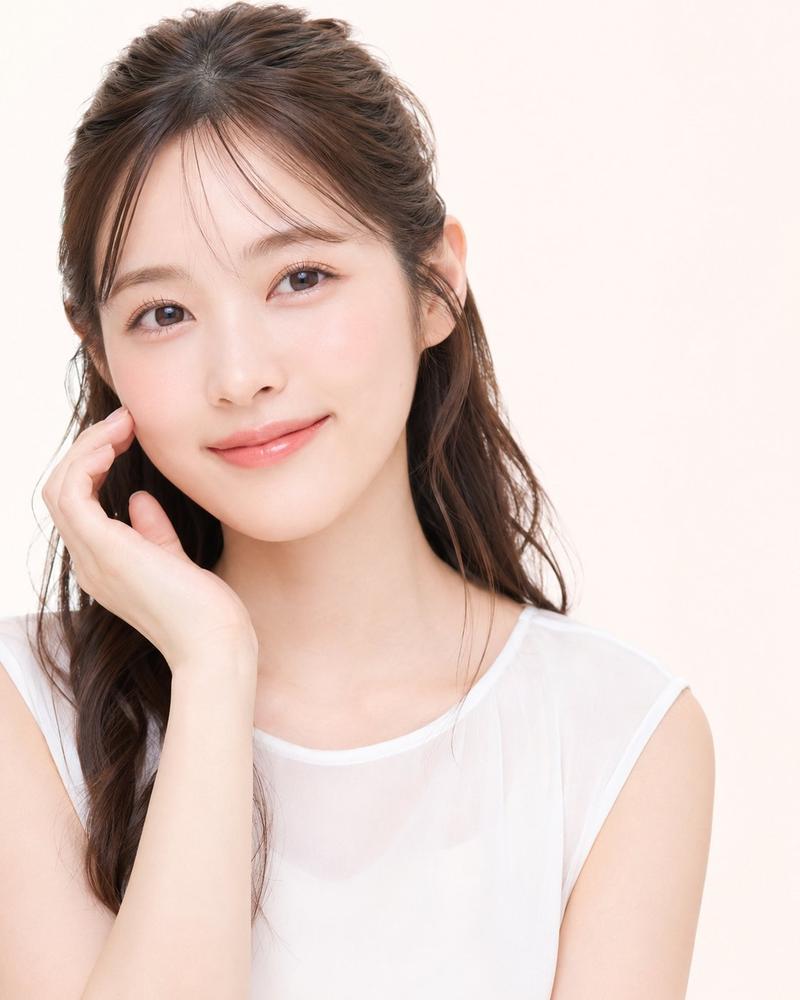
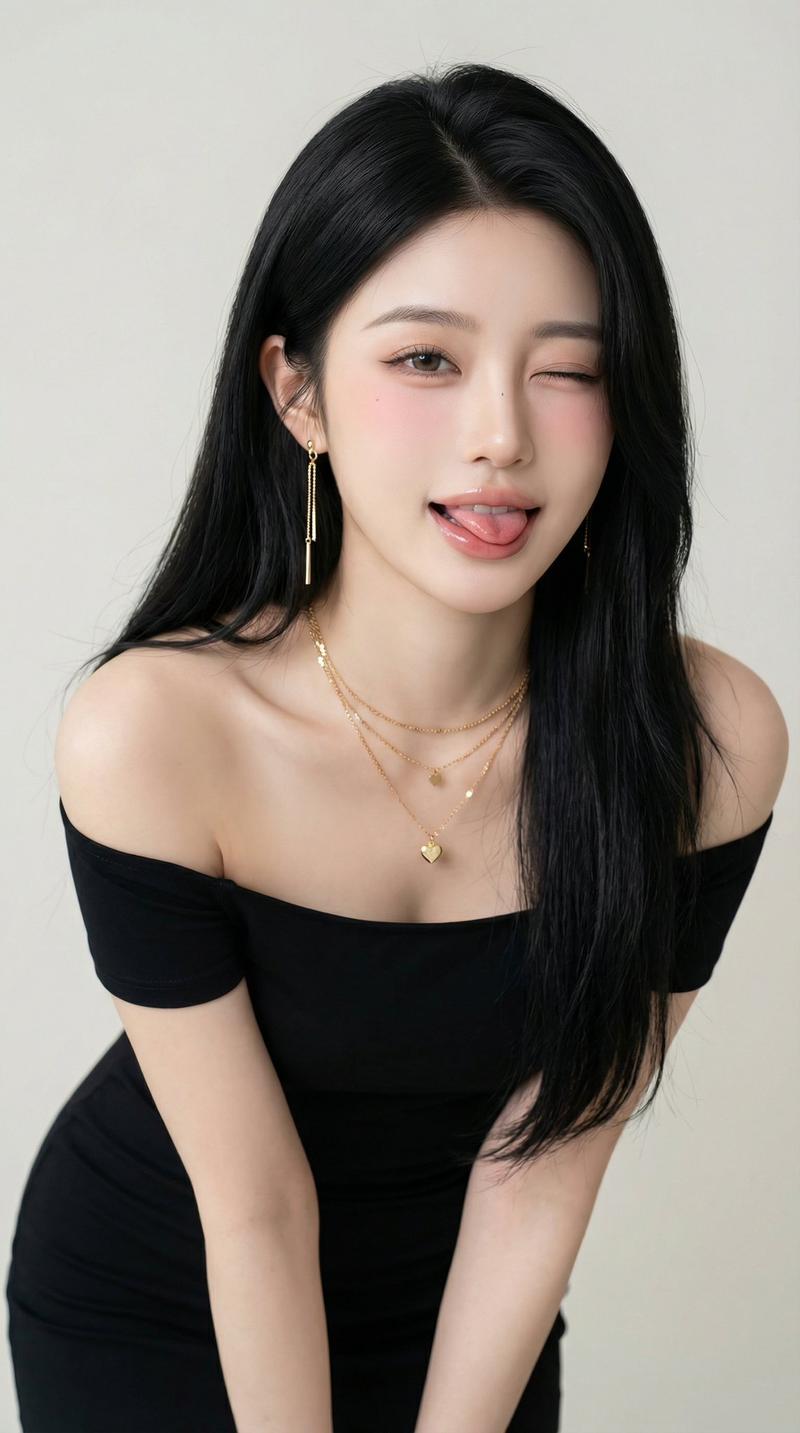
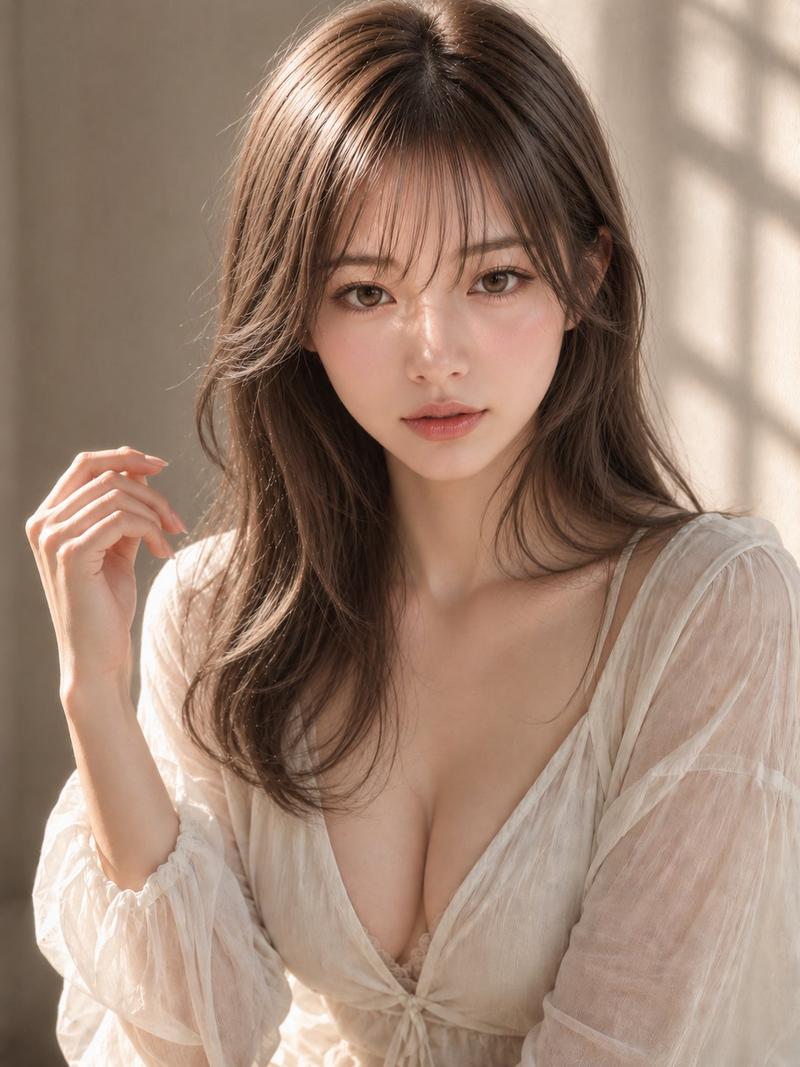
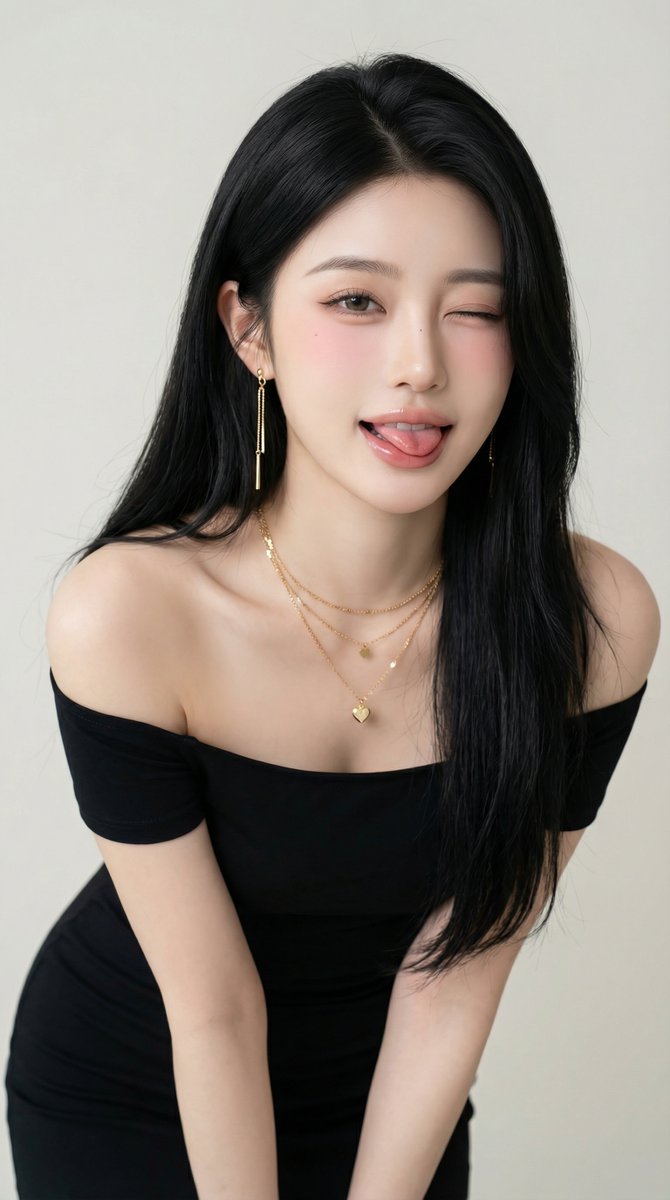
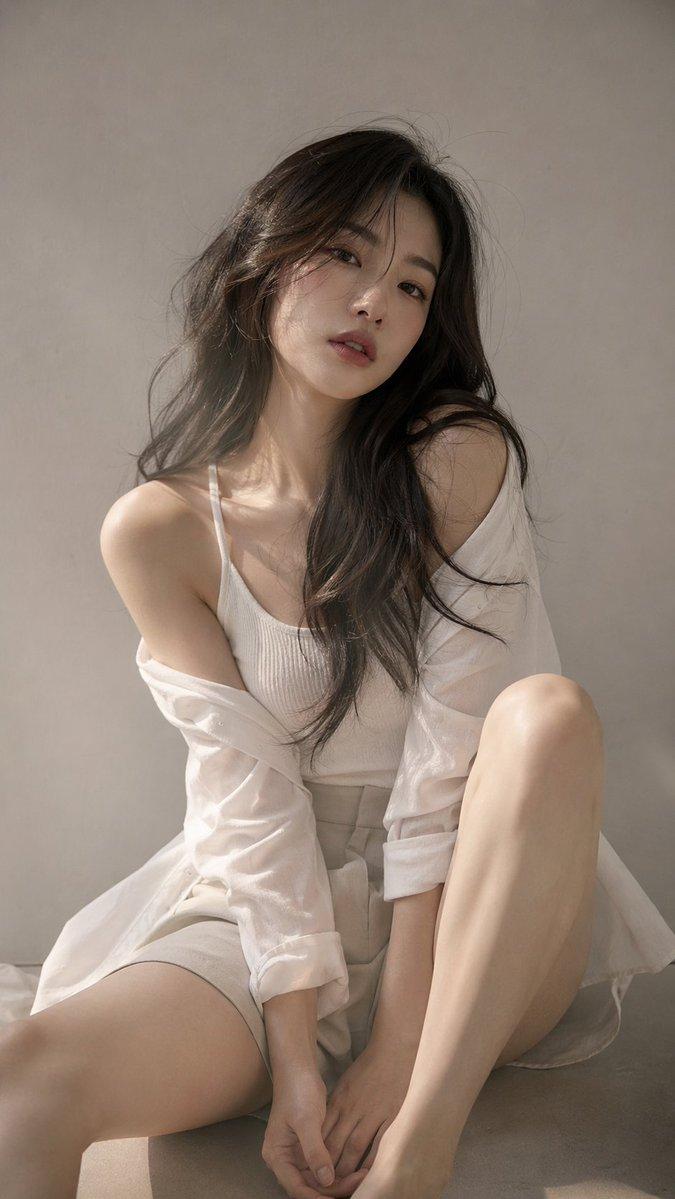
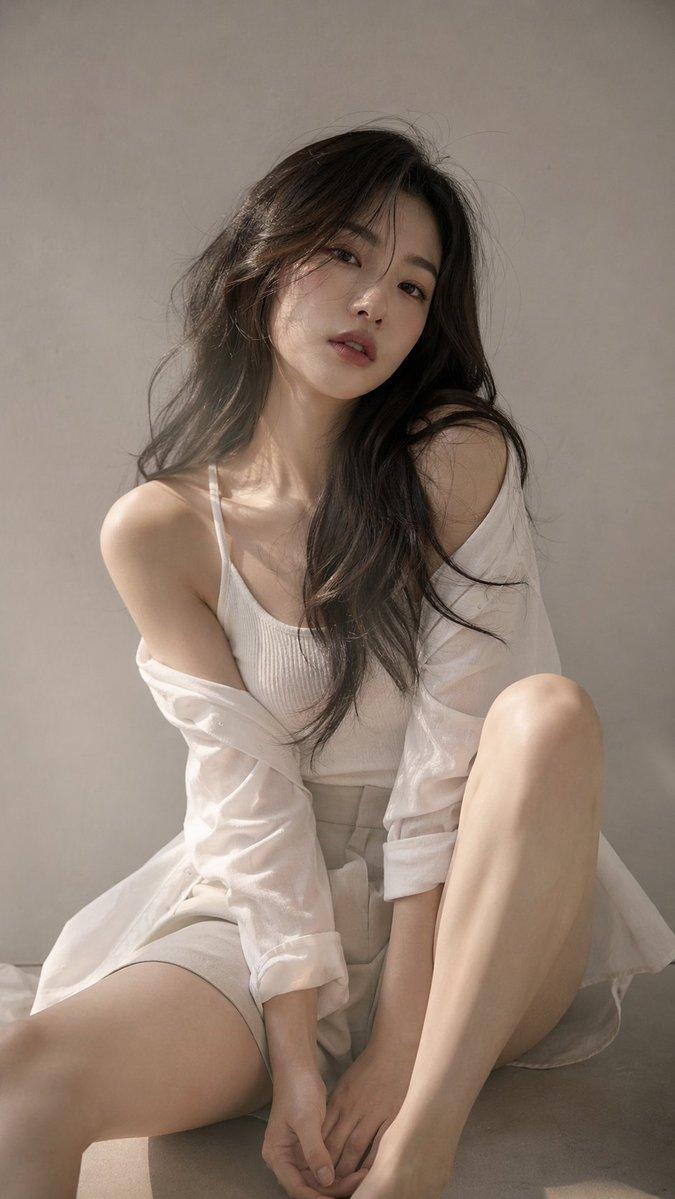
A photorealistic fashion magazine cover featuring a portrait of a beautiful young Asian woman. She has {argument name="hair style" default="light brown hair with blonde highlights and a braided crown"}, soft elegant makeup, and a gentle expression. She is wearing a {argument name="clothing" default="white ribbed off-the-shoulder top with spaghetti straps"} and delicate gold drop earrings. The background is a soft, textured neutral gray. The layout includes elegant typography: a large masthead at the top reading "{argument name="magazine title" default="LUMINA"}" in a classic serif font. On the left side, text reads "THE NEW ERA OF AI BEAUTY" above a larger "{argument name="main headline" default="STYLE EVOLUTION"}". On the right side, text reads "FUTURE FASHION" above "WHAT'S NEXT?". At the bottom, text reads "{argument name="bottom text" default="BEAUTY SECRETS of TOMORROW"}" above "ELEGANT & CHIC". The overall lighting is soft, professional studio illumination.
Category
Charts & Infographics
Model
GPT Image 2
Views5
Source ID
13495
Published
Apr 19, 2026

Guide

About "照片级写实时尚杂志封面"

What is this prompt for?

"照片级写实时尚杂志封面" AI image prompt for GPT Image 2 (Charts & Infographics). 生成一张高度逼真的杂志封面,包含女性肖像,并支持自定义排版和造型。 Copy it on Picva and recreate the look in one click.

The full copyable prompt and example visuals above are ready for AI image generation or one-click recreate in Picva.

How to use this prompt

  1. Step 1

    Open the prompt detail

    Review the example visuals, category, and full prompt text for "照片级写实时尚杂志封面".

  2. Step 2

    Copy the prompt

    Copy the prompt body from this page, or load it directly in Studio.

  3. Step 3

    Pick a model (GPT Image 2)

    Prefer GPT Image 2. If you switch models, keep subject and composition and tweak style terms.

  4. Step 4

    Generate and export

    Recreate the look in Picva, or export into your workflow for editing and publishing.

FAQ

What is the "照片级写实时尚杂志封面" prompt?
It is an AI image-generation prompt for GPT Image 2 in the Charts & Infographics category. This page includes the full prompt text, example visuals, and a one-click recreate path in Picva.
How do I use this prompt to generate an image?
Copy the prompt from this page, or use Generate / Studio. Paste it into a compatible image model, or recreate the look in Picva with optional reference images.
Which model is this prompt for?
This page lists GPT Image 2. Most descriptive prompts also transfer to nearby image models such as GPT Image, Flux, or Midjourney with light style tweaks.
Can I use the result commercially?
You can usually copy the prompt for creation, but commercial use of the final image depends on the model terms, reference-image rights, and the generated content. Follow the source author and platform rules.