15

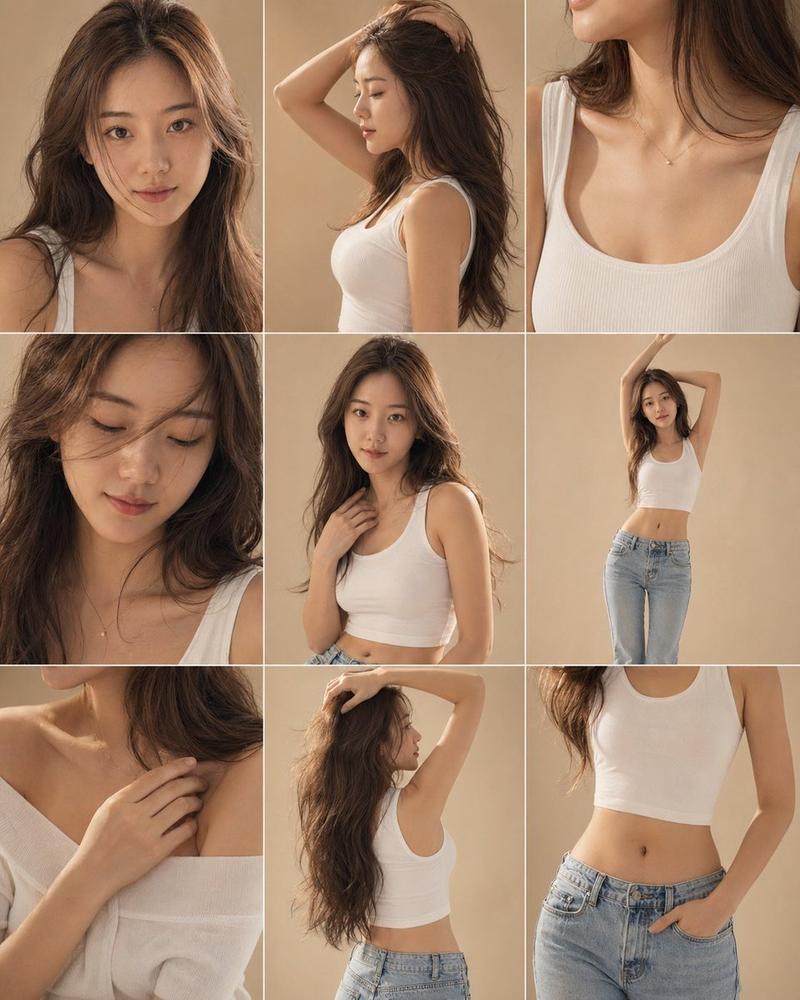
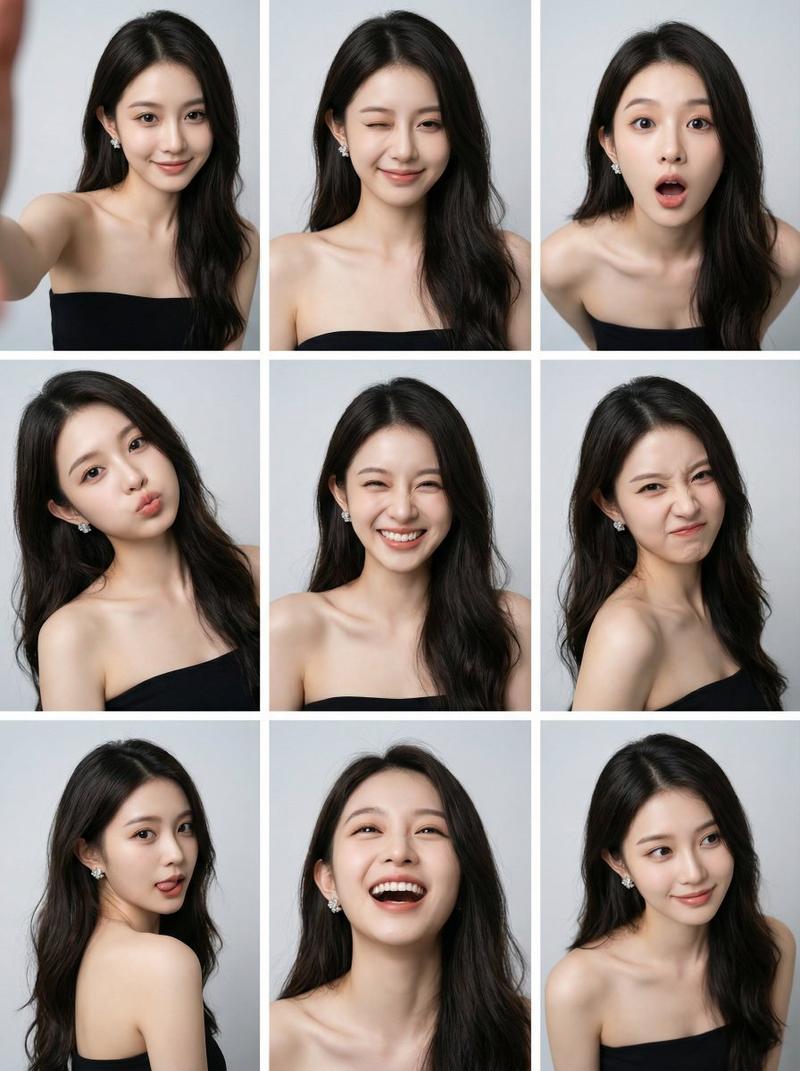
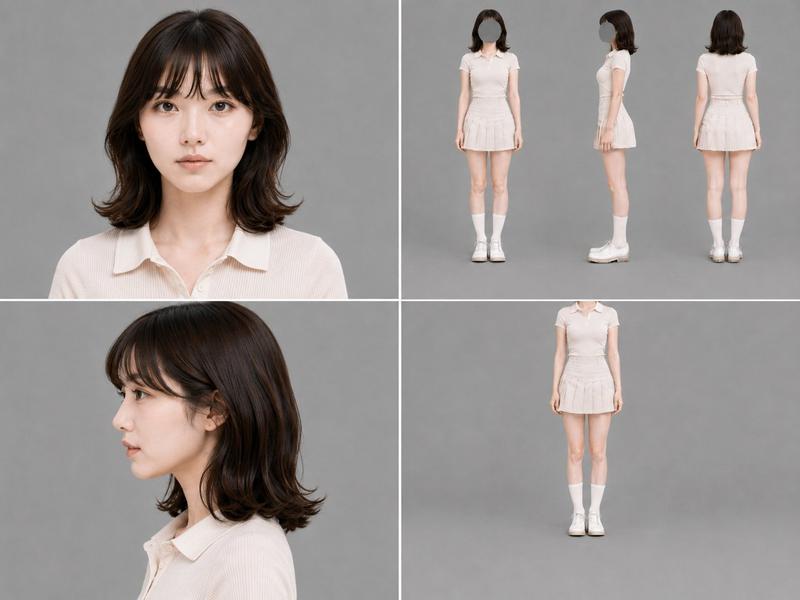
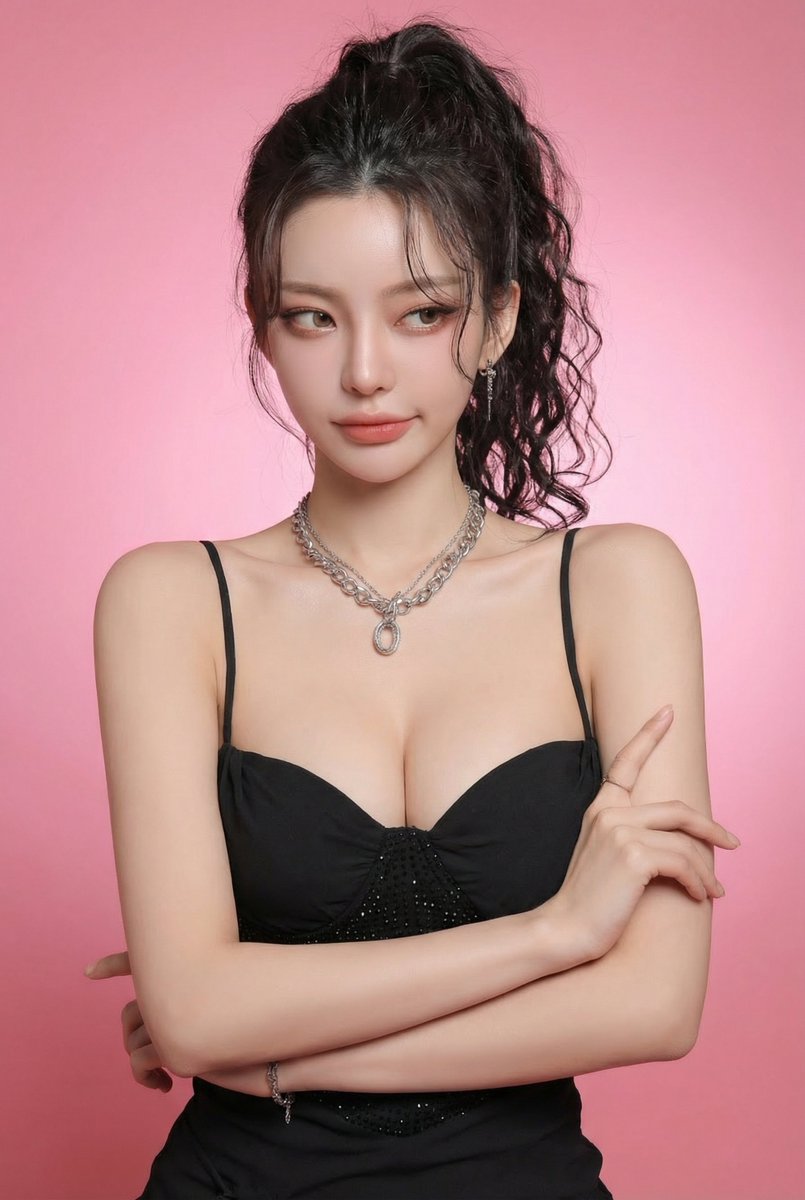
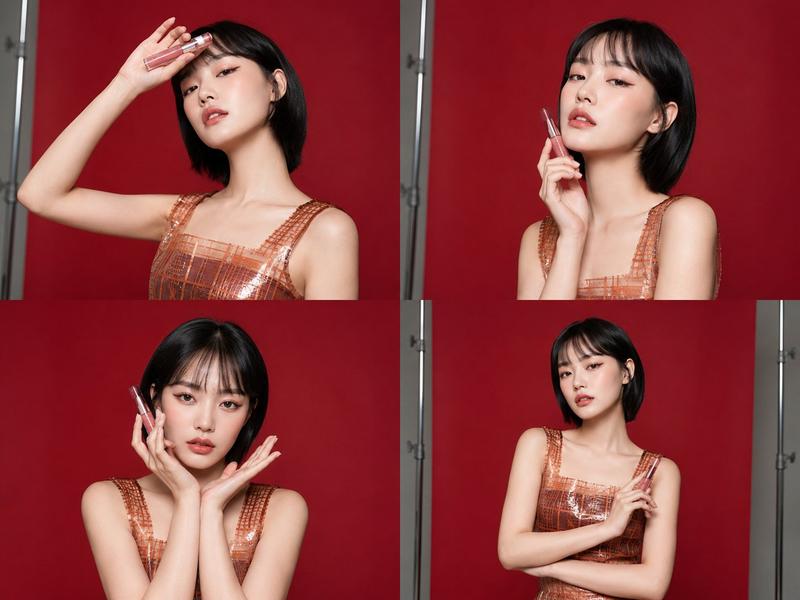
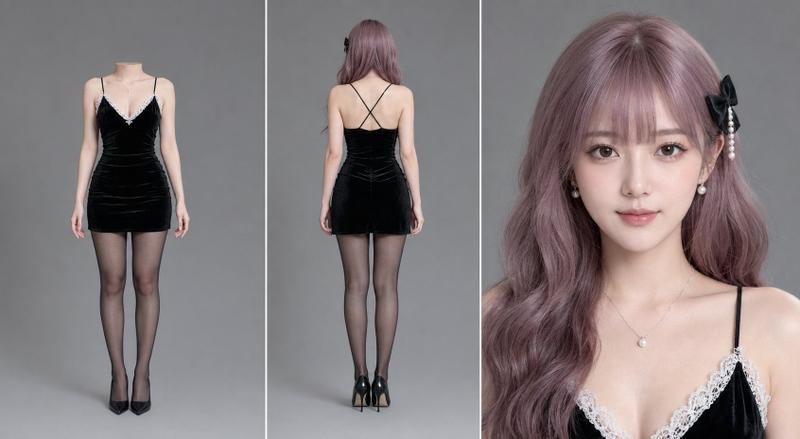
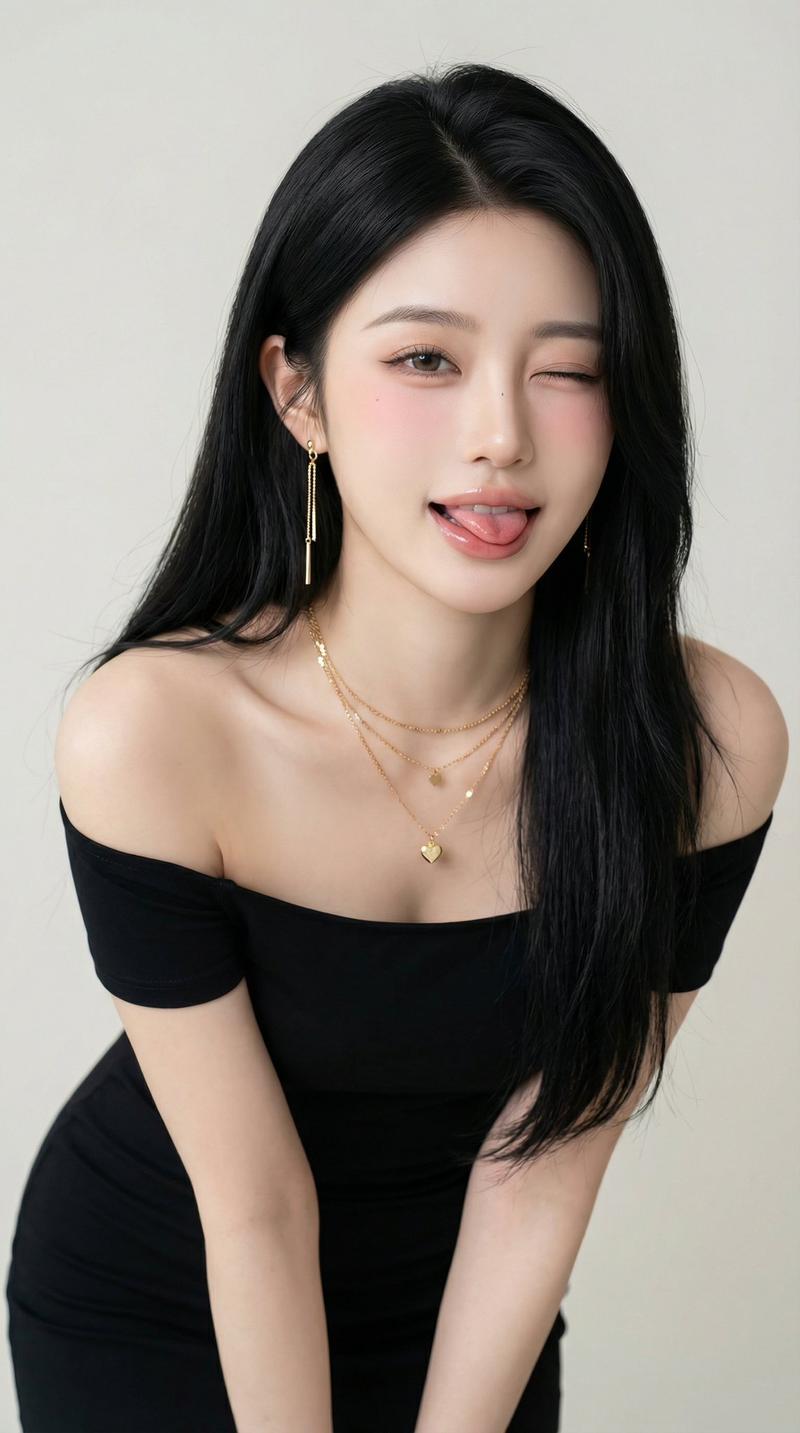
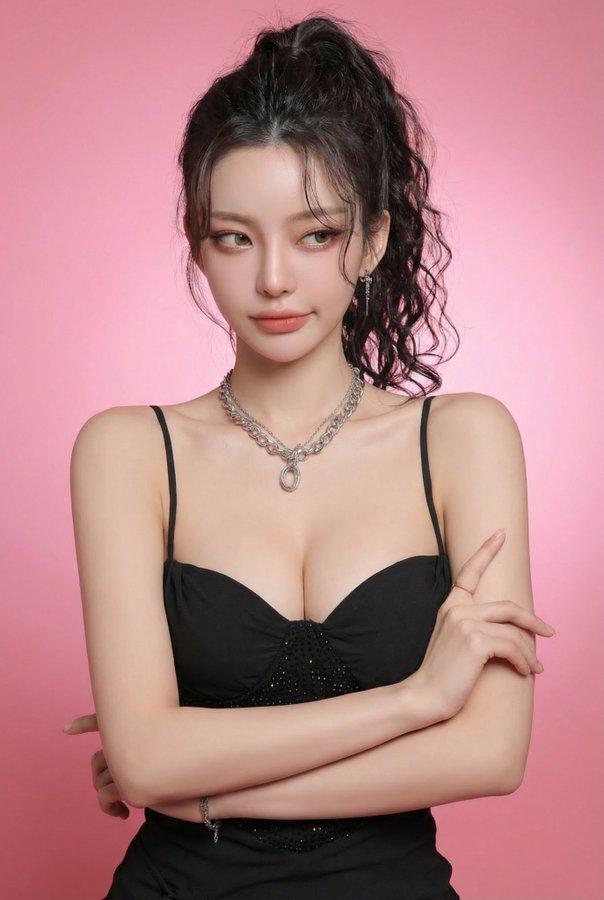
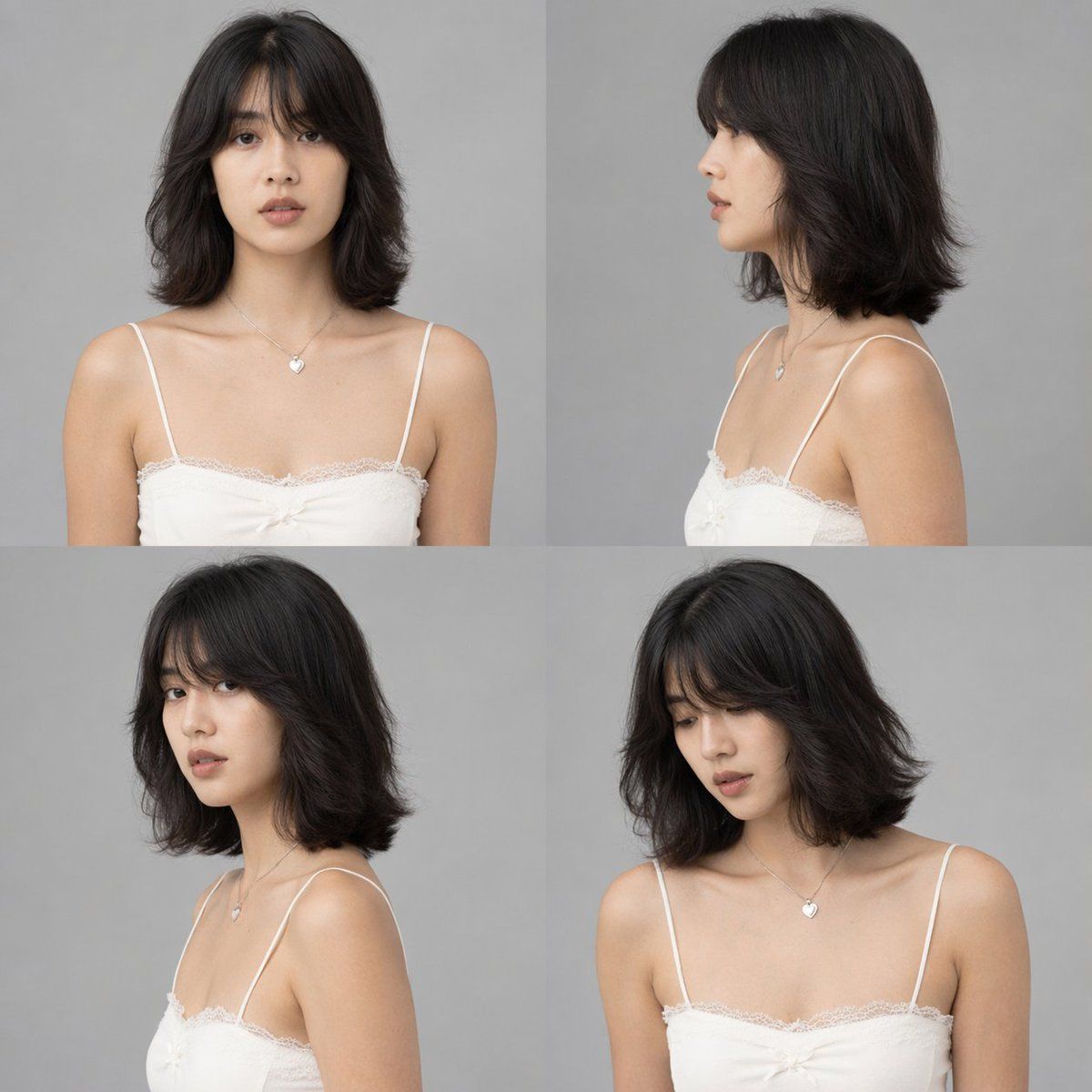
多角度工作室角色设定图
Enlarge

Example images

多角度工作室角色设定图

Prompt
Using the provided reference image, generate a {argument name="number of panels" default="4"}-panel studio-style character sheet. Transform the black-and-white reference into full color, applying natural skin tones and black hair. Remove the original environment and place the subject against a {argument name="background color" default="plain grey"} background with {argument name="lighting style" default="clean, neutral studio lighting"}. The generated grid must show the exact same character, wearing the preserved white lace camisole and heart necklace, in {argument name="number of panels" default="4"} distinct poses: 1) straight-on front view, 2) right profile view, 3) left 3/4 view looking over the shoulder, and 4) right 3/4 view looking slightly down.
Category
Characters & People
Model
GPT Image 2
Views4
Source ID
13509
Published
Apr 19, 2026

Guide

About "多角度工作室角色设定图"

What is this prompt for?

"多角度工作室角色设定图" AI image prompt for GPT Image 2 (Characters & People). 将单张参考肖像转换为带有干净工作室灯光效果的彩色多角度角色设定图。 Copy it on Picva and recreate the look in one click.

The full copyable prompt and example visuals above are ready for AI image generation or one-click recreate in Picva.

How to use this prompt

  1. Step 1

    Open the prompt detail

    Review the example visuals, category, and full prompt text for "多角度工作室角色设定图".

  2. Step 2

    Copy the prompt

    Copy the prompt body from this page, or load it directly in Studio.

  3. Step 3

    Pick a model (GPT Image 2)

    Prefer GPT Image 2. If you switch models, keep subject and composition and tweak style terms.

  4. Step 4

    Generate and export

    Recreate the look in Picva, or export into your workflow for editing and publishing.

FAQ

What is the "多角度工作室角色设定图" prompt?
It is an AI image-generation prompt for GPT Image 2 in the Characters & People category. This page includes the full prompt text, example visuals, and a one-click recreate path in Picva.
How do I use this prompt to generate an image?
Copy the prompt from this page, or use Generate / Studio. Paste it into a compatible image model, or recreate the look in Picva with optional reference images.
Which model is this prompt for?
This page lists GPT Image 2. Most descriptive prompts also transfer to nearby image models such as GPT Image, Flux, or Midjourney with light style tweaks.
Can I use the result commercially?
You can usually copy the prompt for creation, but commercial use of the final image depends on the model terms, reference-image rights, and the generated content. Follow the source author and platform rules.