16

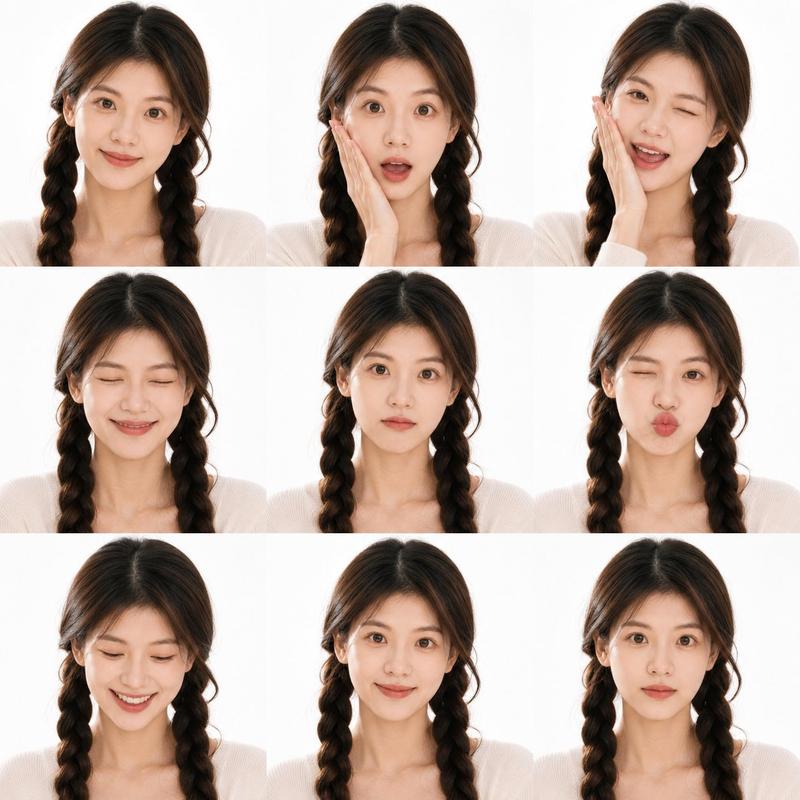
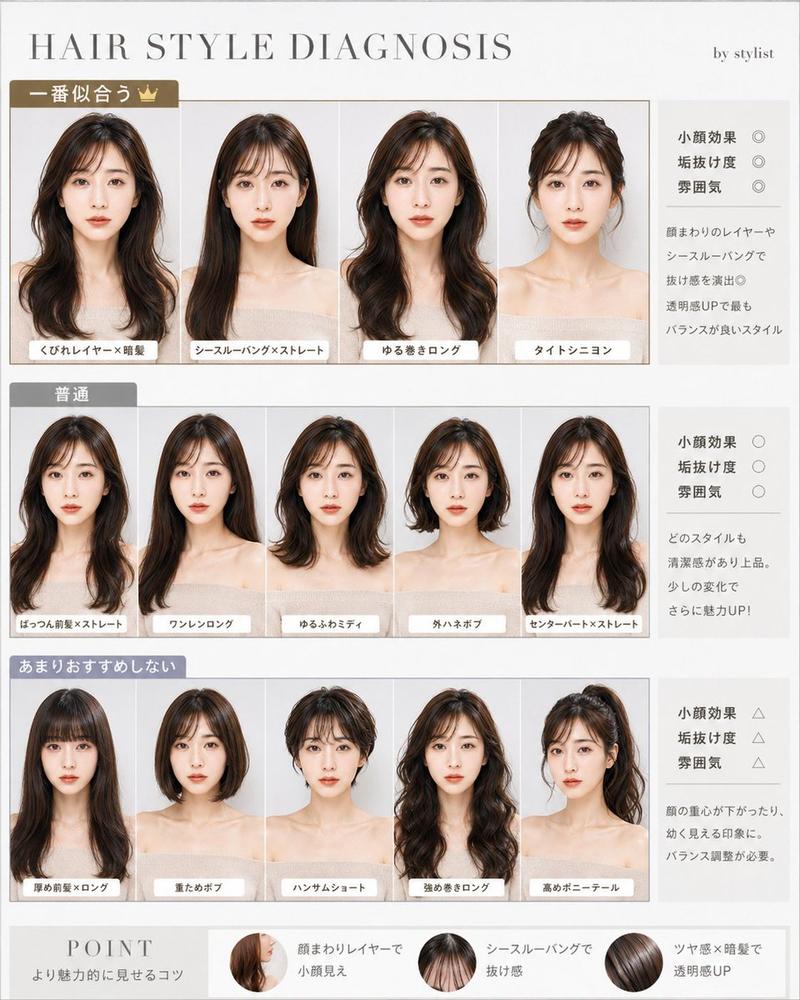
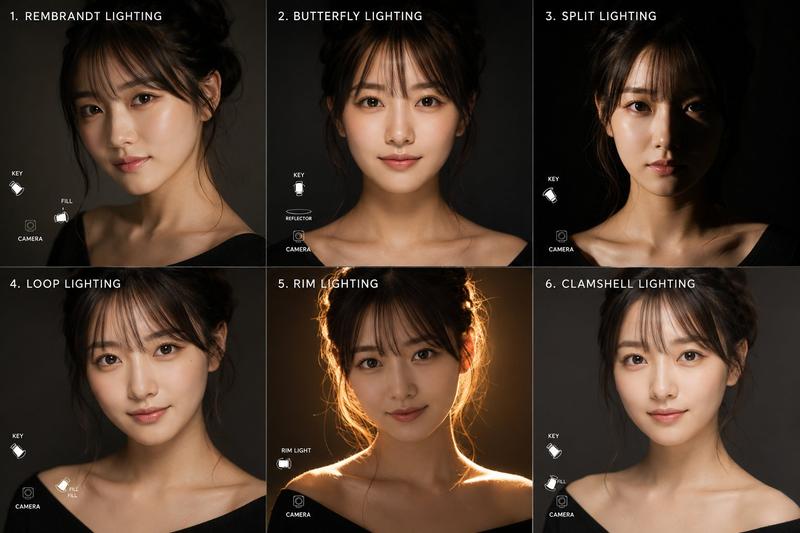
专业角色设定表模板
Enlarge

专业角色设定表模板

Prompt
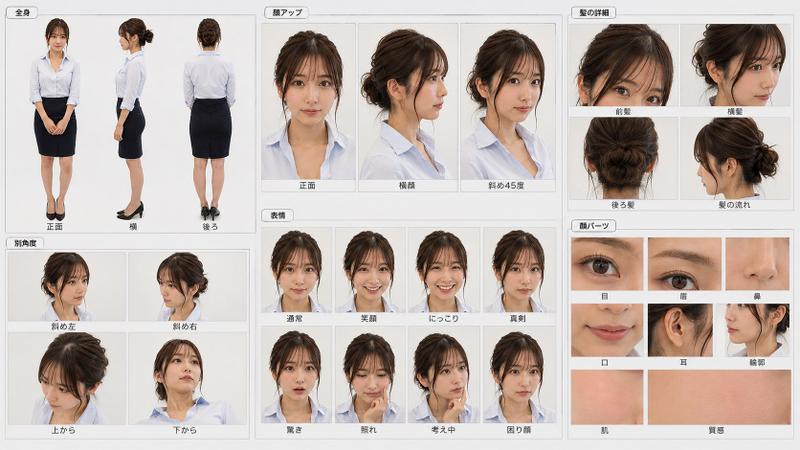
[布局]
配置为单一、有组织的设定表。白色或极浅灰色的背景。布局整洁,留白易读。每个面板应带有深蓝色或冷静蓝色的标题标签。装饰极简,优先考虑信息清晰度。

[必需的面板配置]
1. 全身(正面)
2. 全身(侧面)
3. 全身(背面)
4. 面部特写(正面)
5. 面部特写(45 度角)
6. 面部特写(侧脸)
7. 上半身特写(正面)

[各面板内容]
- 全身(正面):自然的站立姿势。确保面部、头发、整套服装、裙长、黑色长筒袜和鞋子清晰可见。
- 全身(侧面):侧身站立姿势。确保面部侧影、胸部、腰部、臀部、腿部线条、头发垂落感及双马尾位置清晰可见。
- 全身(背面):背面视图。展示发缝、双马尾的背面效果、夹克背面、裙子背面及腿部线条。
- 面部特写(正面):面部参考图。清晰展示眼睛、鼻子、嘴巴、轮廓、刘海及丝带位置。
- 面部特写(45 度角):展示从侧角观察的面部立体感、脸颊外观、刘海垂落感及一侧双马尾。
- 面部特写(侧脸):清晰展示额头、鼻梁、嘴巴、下巴、耳朵位置、颈部连接处及侧面轮廓。
- 上半身特写(正面):除面部外,展示夹克领口、衬衫领口、肩部形状以及从胸部到上腰部的轮廓。

[风格/质感]
偏向写实的高质量肖像表现。避免过度 AI 风格的皮肤处理;保持 {argument name="subject" default="年轻人"} 自然的皮肤质感。皮肤应干净光滑,但不能像蜡像。{argument name="hair" default="黑发"} 应具有自然光泽。{argument name="outfit" default="西装"} 应具有干净、高质量的织物感。整体呈现明亮、清晰且信息量丰富的效果。

[排除项]
无微小的服装细节窗口。无色板栏。无长篇个人资料部分。无过多的说明性文字。无场景、背景或道具布置。

[禁止事项]
更换人物、使其看起来更年轻、量产型动漫脸、大眼睛、不稳定的鼻子或下巴形状、破碎的侧脸轮廓、改变双马尾位置、改变丝带形状、更改发型、改变西装颜色、不必要的配饰、过度美颜、过度阴影或杂乱的布局。
Category
Characters & People
Model
GPT Image 2
Views3
Source ID
21690
Published
May 20, 2026

Guide

About "专业角色设定表模板"

What is this prompt for?

"专业角色设定表模板" AI image prompt for GPT Image 2 (Characters & People). 一个全面的结构化提示词,用于生成包含多角度和特写的专业角色参考图,以确保角色的一致性。 Copy it on Picva and recreate the look in one cl…

The full copyable prompt and example visuals above are ready for AI image generation or one-click recreate in Picva.

How to use this prompt

  1. Step 1

    Open the prompt detail

    Review the example visuals, category, and full prompt text for "专业角色设定表模板".

  2. Step 2

    Copy the prompt

    Copy the prompt body from this page, or load it directly in Studio.

  3. Step 3

    Pick a model (GPT Image 2)

    Prefer GPT Image 2. If you switch models, keep subject and composition and tweak style terms.

  4. Step 4

    Generate and export

    Recreate the look in Picva, or export into your workflow for editing and publishing.

FAQ

What is the "专业角色设定表模板" prompt?
It is an AI image-generation prompt for GPT Image 2 in the Characters & People category. This page includes the full prompt text, example visuals, and a one-click recreate path in Picva.
How do I use this prompt to generate an image?
Copy the prompt from this page, or use Generate / Studio. Paste it into a compatible image model, or recreate the look in Picva with optional reference images.
Which model is this prompt for?
This page lists GPT Image 2. Most descriptive prompts also transfer to nearby image models such as GPT Image, Flux, or Midjourney with light style tweaks.
Can I use the result commercially?
You can usually copy the prompt for creation, but commercial use of the final image depends on the model terms, reference-image rights, and the generated content. Follow the source author and platform rules.