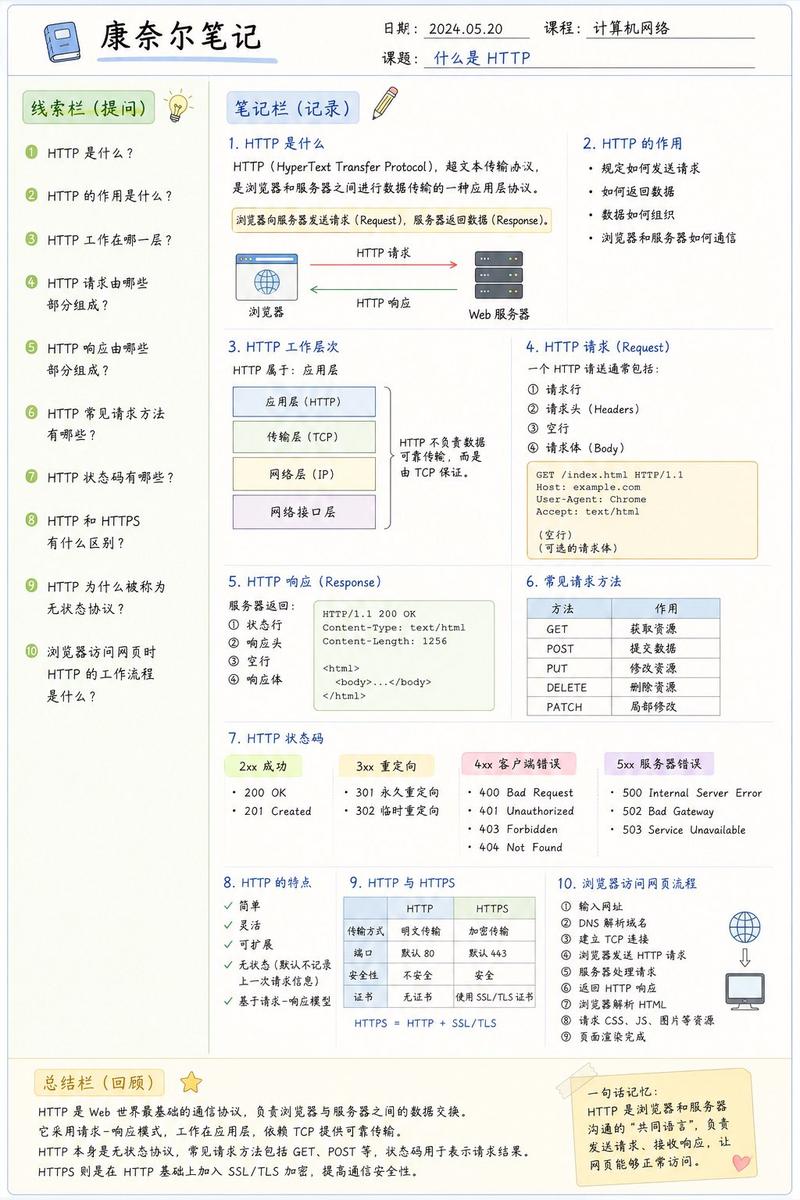
AI 机制信息图
Prompt
{
  "type": "educational infographic",
  "header": {
    "title": "{argument name=\"main title\" default=\"最新AI (ChatGPT / Claude) の仕組み\"}",
    "badge": "{argument name=\"target audience badge\" default=\"高校生でもわかる!\"}",
    "subtitle": "{argument name=\"subtitle\" default=\"文章・画像・音声も理解し、考えて動けるAIのしくみを1枚で解説!\"}"
  },
  "layout": {
    "style": "clean, flat design, structured grid, Japanese text",
    "sections": [
      {
        "title": "AIが答えを出すまで(基本の流れ)",
        "position": "left column",
        "count": 6,
        "labels": ["入力", "トークン化 (Token)", "ベクトル化 (Embedding)", "Transformer (AIの頭脳)", "次のトークンを予測 (生成)", "出力"],
        "visuals": "vertical flow with arrows, boy using laptop, token splitting diagram, vector number arrays, self-attention tree, robot icon"
      },
      {
        "title": "ここがコア! 3つの重要ポイント",
        "position": "top right",
        "count": 3,
        "labels": ["Token (トークン)", "Transformer (トランスフォーマー)", "次トークン予測"],
        "visuals": "tokenization blocks, self-attention node network, word prediction sequence"
      },
      {
        "title": "最近のブレイクスルー (2024-2025)",
        "position": "middle right",
        "count": 4,
        "labels": ["マルチモーダル", "エージェント化", "長文・推論能力の向上", "効率化・高速化"],
        "visuals": "image/audio/text icons, robot agent flowchart, lightbulb and book, speedometer with 3 expert nodes"
      },
      {
        "title": "全体まとめ",
        "position": "bottom full width",
        "elements": [
          "horizontal 6-step flowchart",
          "yellow summary box with text: {argument name=\"summary text\" default=\"「AIは、情報を細かく分けて数字に変換し、関係性を計算して、次に来るものを予測する巨大な数学マシン」です!\"}",
          "{argument name=\"character style\" default=\"anime-style female student pointing and smiling\"}"
        ]
      }
    ]
  }
}- Category
- Charts & Infographics
- Model
- GPT Image 2
- Creator
- らけしで / Mizmic Studio
- Source ID
- 13821
- Published
- Apr 16, 2026
Views6