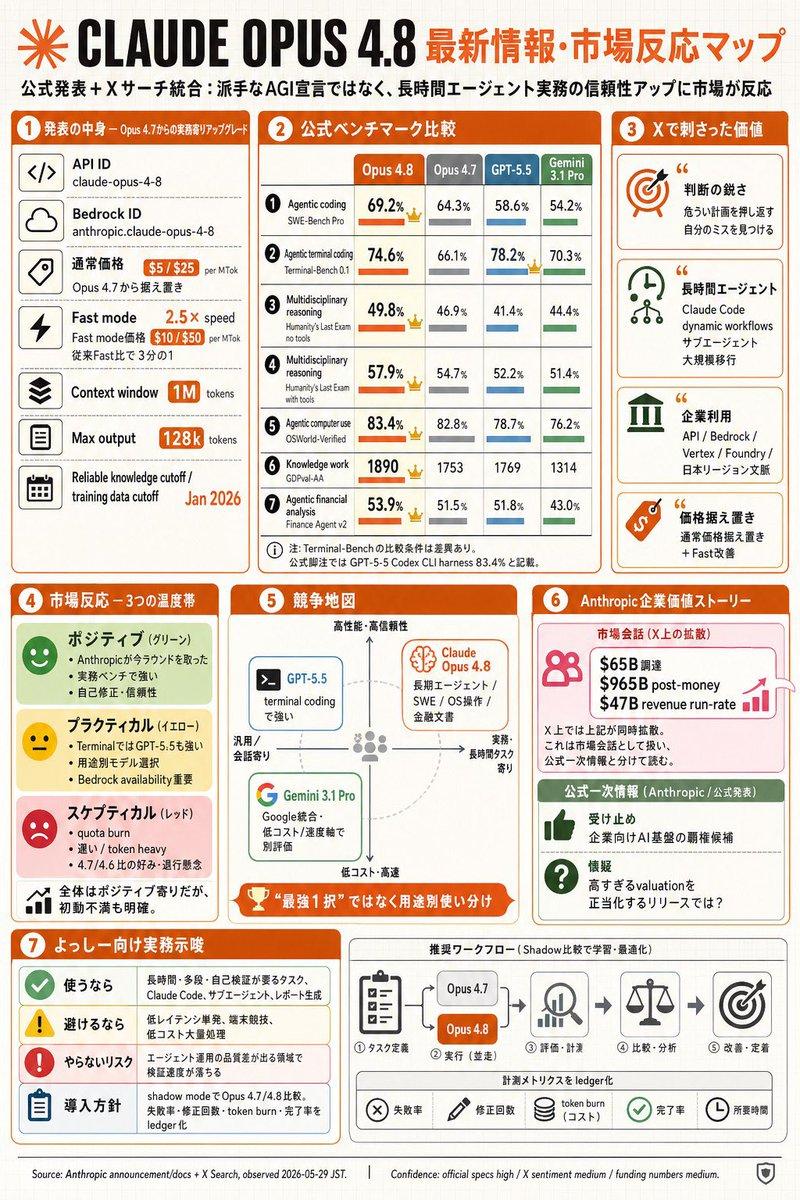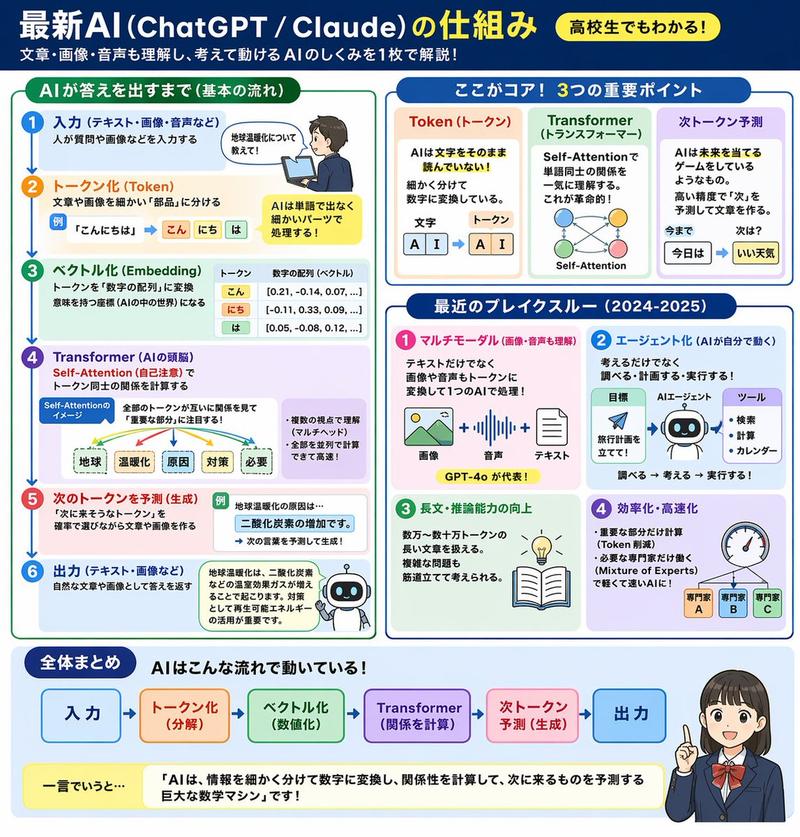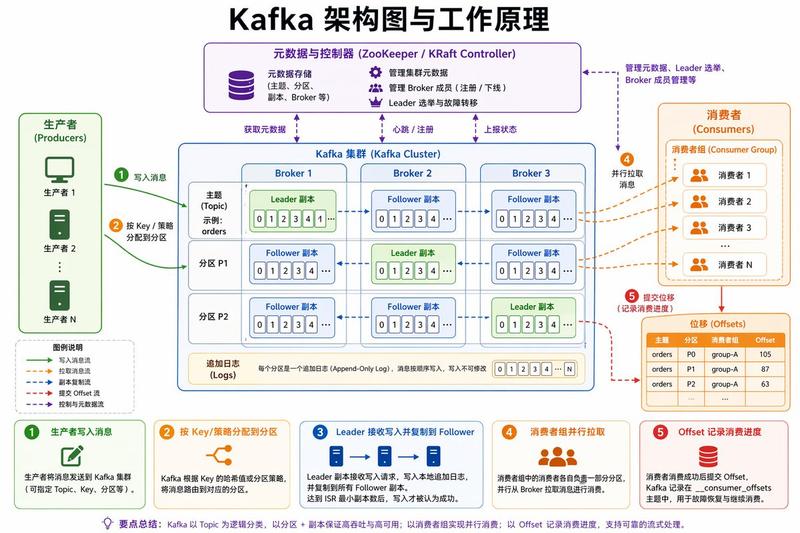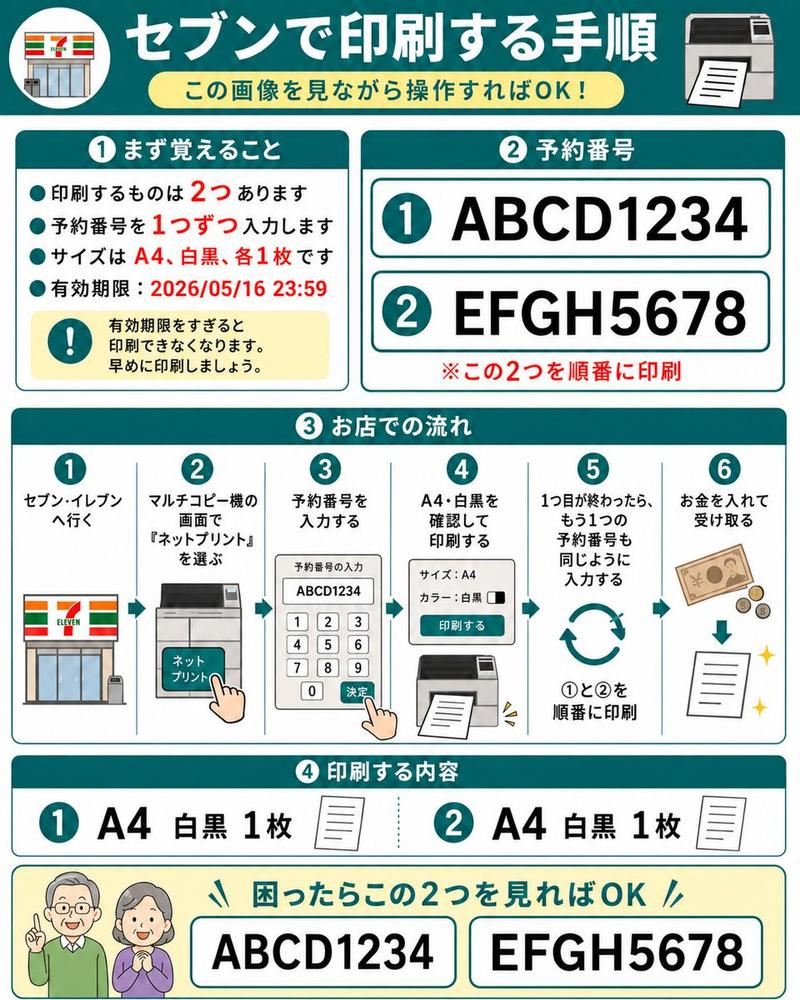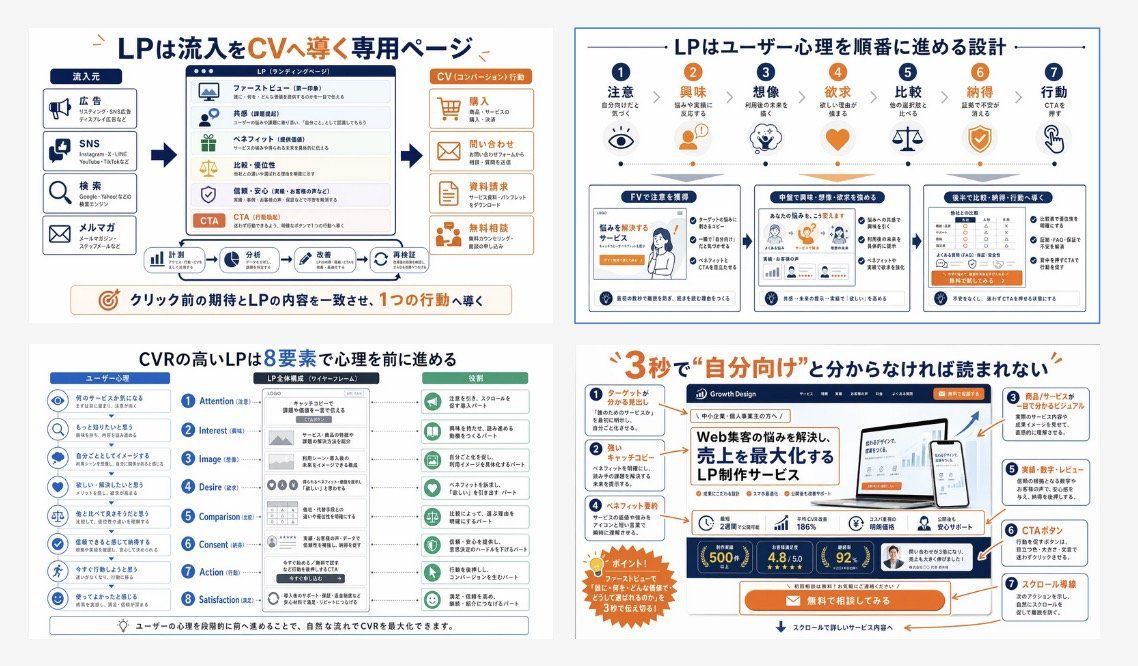
日语 LP 转化信息图网格
Prompt
{"type":"Japanese landing page education infographic collage","style":"clean corporate training slide, flat vector infographic mixed with UI mockup thumbnails, white background, navy blue and orange accent palette, thin gray dividers, rounded boxes, clear iconography, presentation-ready","language":"Japanese","canvas":{"aspect_ratio":"16:9","background":"light gray outer margin with four white infographic panels in a 2x2 grid"},"layout":{"grid":{"rows":2,"columns":2,"count":4},"sections":[{"title":"LPは流入をCVへ導く専用ページ","position":"top-left","count":4,"labels":["流入元","LP(ランディングページ)","CV(コンバージョン)行動","クリック前の期待とLPの内容を一致させ、1つの行動へ導く"]},{"title":"LPはユーザー心理を順番に進める設計","position":"top-right","count":7,"labels":["注意","興味","想像","欲求","比較","納得","行動"]},{"title":"CVRの高いLPは8要素で心理を前に進める","position":"bottom-left","count":8,"labels":["Attention","Interest","Image","Desire","Comparison","Consent","Action","Satisfaction"]},{"title":"3秒で“自分向け”と分からなければ読まれない","position":"bottom-right","count":7,"labels":["ターゲットがわかる見出し","キャッチコピー","商品/サービスが誰でも分かるビジュアル","ベネフィット・実績","実績・数字・レビュー","CTAボタン","スクロール導線"]}]},"panel_details":{"top_left":{"diagram_type":"conversion funnel explainer","source_count":4,"sources":["広告","SNS","検索","メルマガ"],"lp_module_count":6,"lp_modules":["ファーストビュー","共感","ベネフィット","比較・優位性","信頼・安心","CTA"],"conversion_count":4,"conversions":["購入","問い合わせ","資料請求","無料相談"],"footer_flow_count":5,"footer_flows":["計測","分析","改善案","実装依頼","再検証"]},"top_right":{"diagram_type":"user psychology progression with icons and three sample LP thumbnails","step_count":7,"steps":[{"label":"注意","icon":"eye"},{"label":"興味","icon":"person"},{"label":"想像","icon":"head with spark"},{"label":"欲求","icon":"heart"},{"label":"比較","icon":"scales"},{"label":"納得","icon":"shield check"},{"label":"行動","icon":"hand clicking"}],"sample_card_count":3,"sample_cards":["FVで注意を獲得","中盤で興味・想像・欲求を深める","後半で比較・納得・行動へ導線" ]},"bottom_left":{"diagram_type":"8-step CVR framework","left_column_count":8,"left_column":"user psychology prompts with blue circular icons","center_column_count":8,"center_column":"LP structure blocks aligned to each stage inside a smartphone-like wireframe","right_column_count":8,"right_column":"green action or reading-state outcomes for each stage","header_labels_count":3,"header_labels":["ユーザー心理","LP全体構成(ワイヤーフレーム)","役割"]},"bottom_right":{"diagram_type":"annotated LP hero critique","headline":"{argument name=\"headline text\" default=\"3秒で\"自分向け\"と分からなければ読まれない\"}","annotation_count":7,"annotations":["ターゲットがわかる見出し","キャッチコピー","商品/サービスが誰でも分かるビジュアル","ベネフィット・実績","実績・数字・レビュー","CTAボタン","スクロール導線"],"mockup_brand":"{argument name=\"brand name\" default=\"Growth Design\"}","mockup_headline":"{argument name=\"mockup headline\" default=\"Web集客の悩みを解決し、売上を最大化するLP制作サービス\"}","device_count":2,"devices":["desktop monitor","smartphone"],"metric_badge_count":3,"metric_badges":["500+","4.8/5.0","92%"],"cta_text":"{argument name=\"CTA text\" default=\"無料で相談してみる\"}"}},"visual_notes":{"icon_style":"simple line and flat icons in navy, orange, and muted green","typography":"bold Japanese sans-serif headlines, smaller readable body text, emphasis in orange for key words and numbers","composition":"dense but orderly educational poster, each panel framed separately with consistent spacing","quality":"sharp, high-resolution slide suitable for social media post or training manual cover","avoid":"photorealism, messy hand-drawn look, dark background, 3D rendering"}}- Category
- Charts & Infographics
- Model
- GPT Image 2
- Creator
- 動画マーケのNaoです
- Source ID
- 16920
- Published
- Apr 28, 2026
Views3