18

柔粉与银色华丽风格迁移
Enlarge

柔粉与银色华丽风格迁移

Prompt
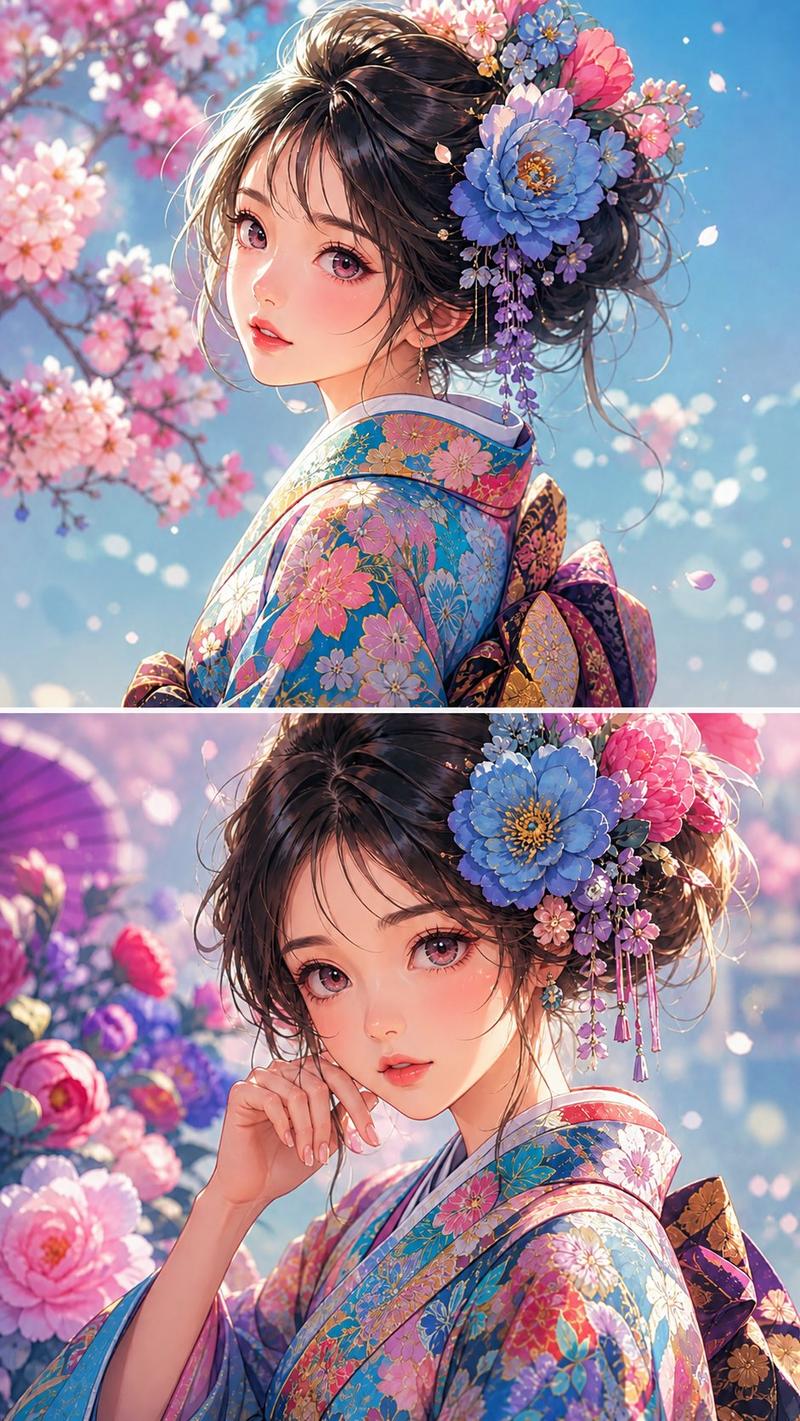
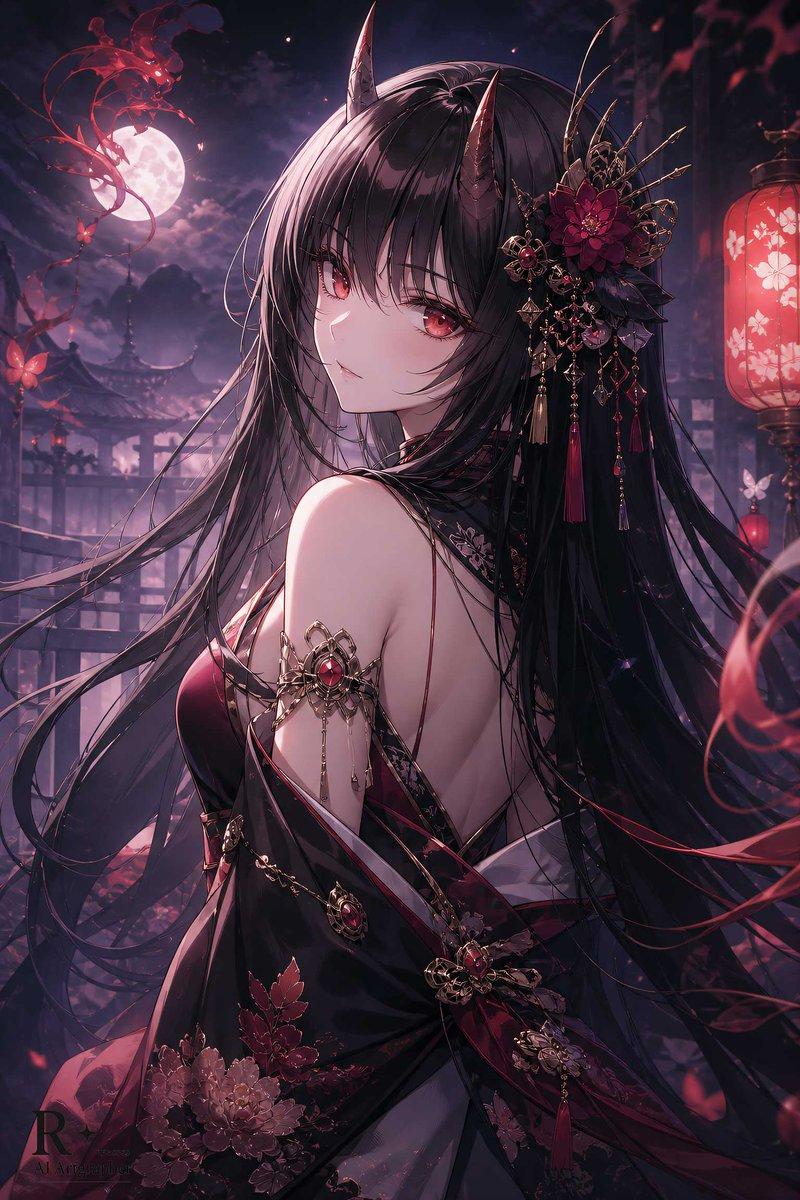
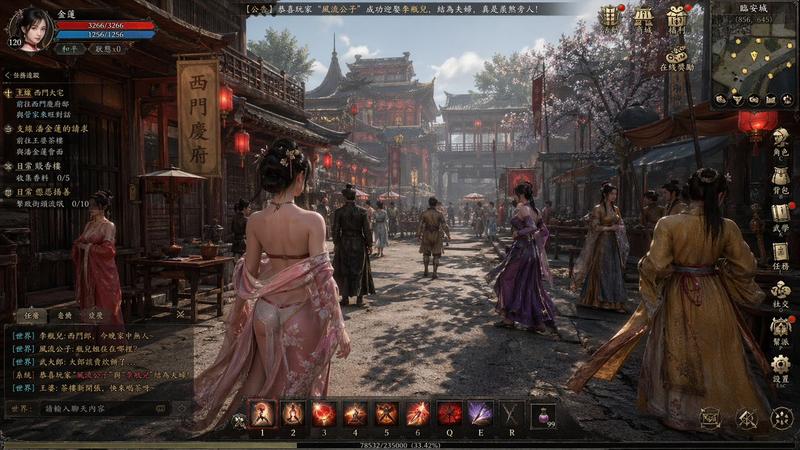
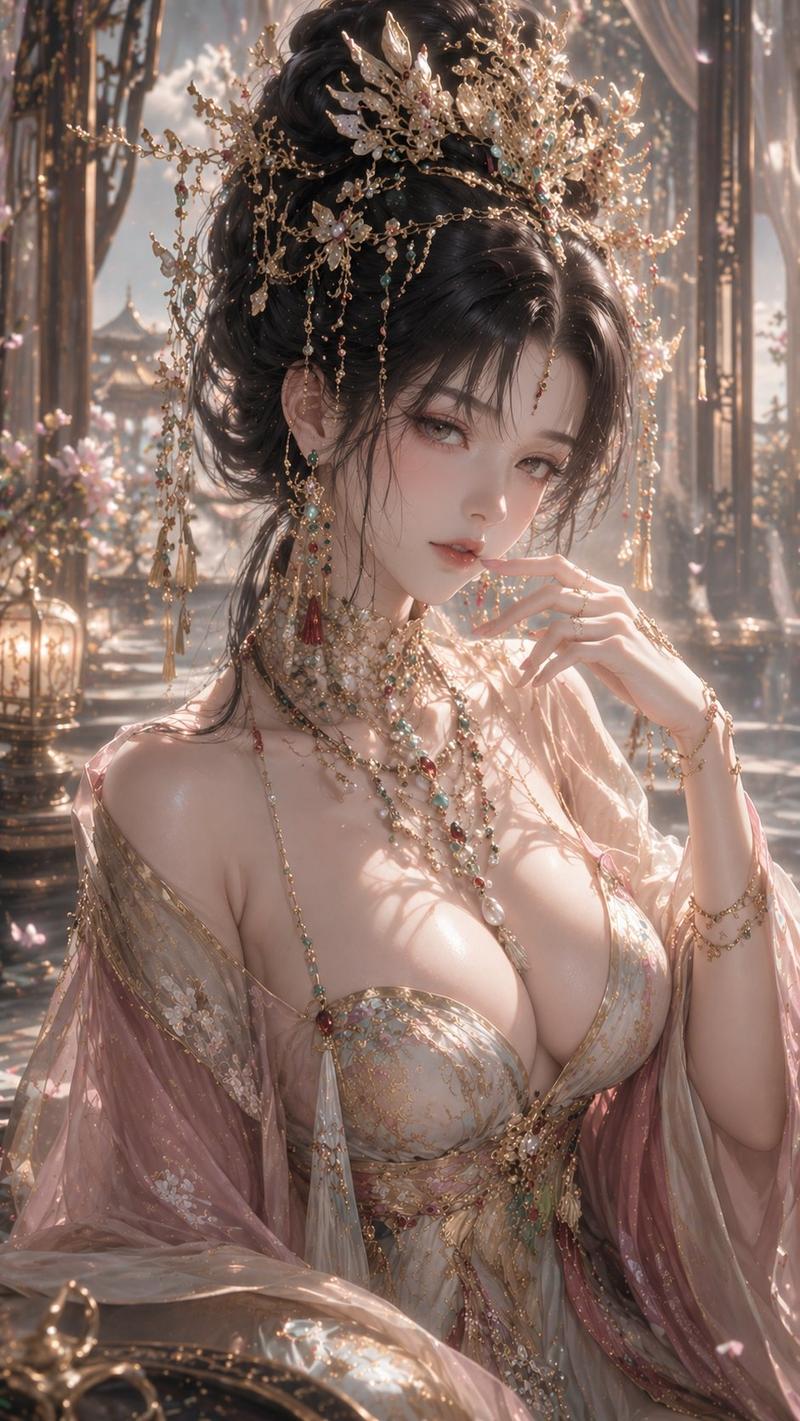
Using REFERENCE_0, transform the image's aesthetic to a highly detailed, ornate fantasy style. Change the entire color palette from warm reds and blacks to {argument name="color palette" default="pastel pink, white, and silver"}. Convert the character's dark clothing into a lavish white garment featuring {argument name="clothing details" default="pink floral embroidery and heavy silver filigree"}. Replace her hair accessories with elaborate pink roses, white pearls, and silver ornaments. In the background, transform the 3 prominent hanging lanterns into {argument name="lantern style" default="white and pink ornate lanterns with tassels"}. Cover the surrounding street and buildings with {argument name="environment details" default="white and pink blossoms and intricate silver architectural elements"}. Adjust the lighting to a {argument name="lighting" default="bright, soft, ethereal daylight"}. Preserve the character's original pose, facial expression, and the overall structural composition of the scene.
Category
Posters & Typography
Model
GPT Image 2
Views3
Source ID
13825
Published
Apr 16, 2026

Guide

About "柔粉与银色华丽风格迁移"

What is this prompt for?

"柔粉与银色华丽风格迁移" AI image prompt for GPT Image 2 (Posters & Typography). 将参考图像转换为具有柔粉色、白色和银色调的、高度细腻且空灵的奇幻美学风格。 Copy it on Picva and recreate the look in one click.

The full copyable prompt and example visuals above are ready for AI image generation or one-click recreate in Picva.

How to use this prompt

  1. Step 1

    Open the prompt detail

    Review the example visuals, category, and full prompt text for "柔粉与银色华丽风格迁移".

  2. Step 2

    Copy the prompt

    Copy the prompt body from this page, or load it directly in Studio.

  3. Step 3

    Pick a model (GPT Image 2)

    Prefer GPT Image 2. If you switch models, keep subject and composition and tweak style terms.

  4. Step 4

    Generate and export

    Recreate the look in Picva, or export into your workflow for editing and publishing.

FAQ

What is the "柔粉与银色华丽风格迁移" prompt?
It is an AI image-generation prompt for GPT Image 2 in the Posters & Typography category. This page includes the full prompt text, example visuals, and a one-click recreate path in Picva.
How do I use this prompt to generate an image?
Copy the prompt from this page, or use Generate / Studio. Paste it into a compatible image model, or recreate the look in Picva with optional reference images.
Which model is this prompt for?
This page lists GPT Image 2. Most descriptive prompts also transfer to nearby image models such as GPT Image, Flux, or Midjourney with light style tweaks.
Can I use the result commercially?
You can usually copy the prompt for creation, but commercial use of the final image depends on the model terms, reference-image rights, and the generated content. Follow the source author and platform rules.