11

双重曝光城市宣传海报
Enlarge

双重曝光城市宣传海报

Prompt
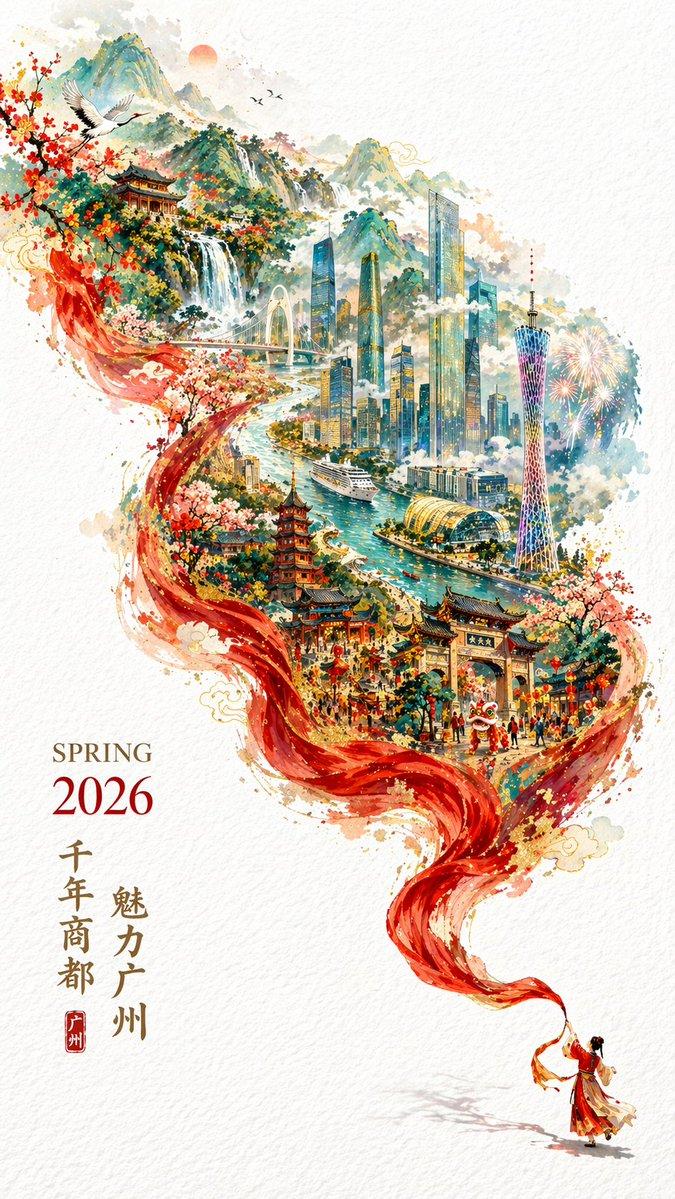
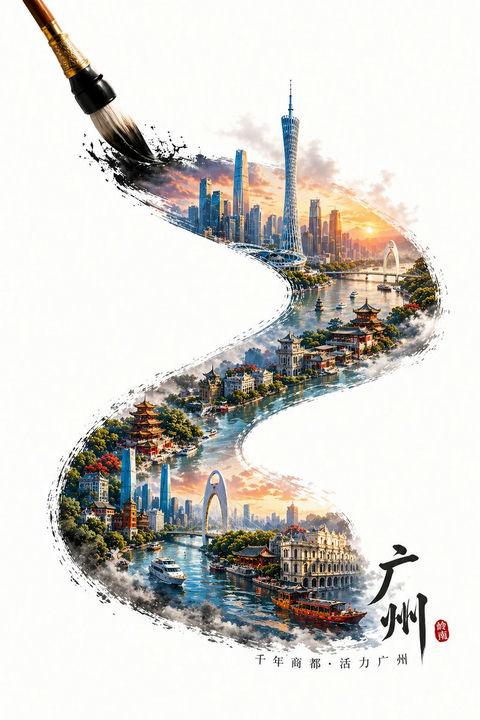
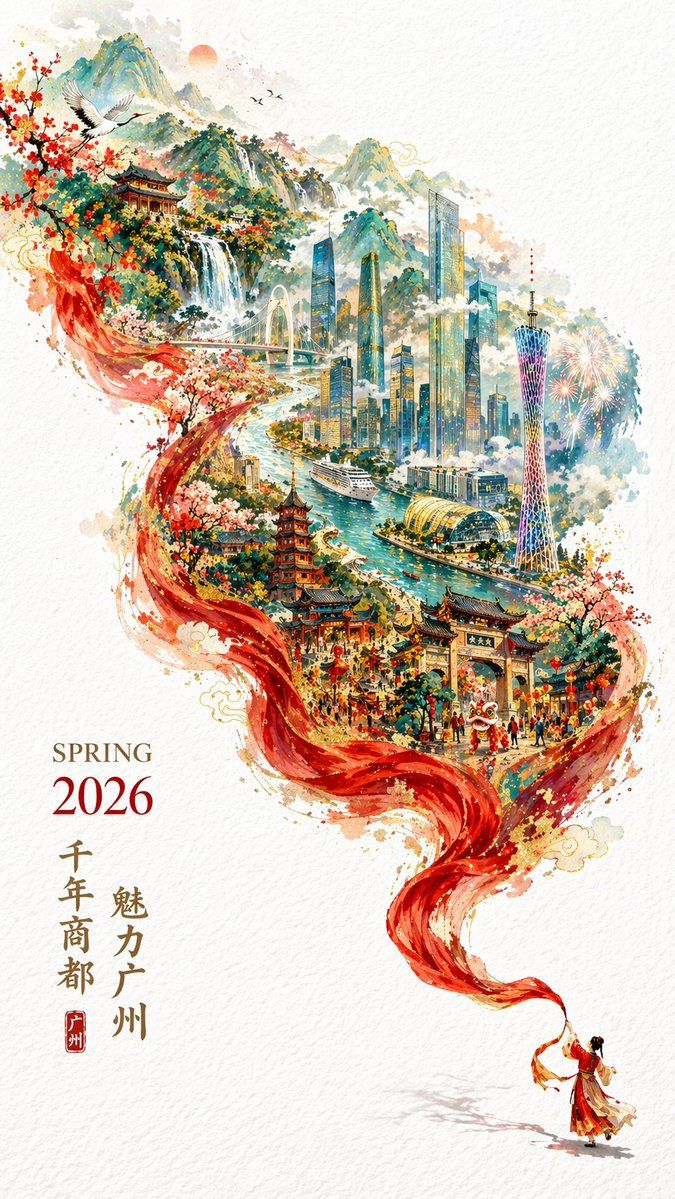
一张充满{argument name="氛围" default="新春喜庆"}氛围但不失高雅格调的 {argument name="年份" default="2026"} 城市宣传海报。双重曝光,构图延续了S型的流动感;在纯白的纹理背景右下角,一个身穿中国传统服饰的微缩人物正在挥舞着一条长长的红色丝绸舞带,这条红绸在空中舞动,不仅展现出丝绸的柔顺质感,更在向左上方飘动的过程中,奇幻地变形成了一条壮丽的山脉河流。在这条“河流”中,叠加了一个有山有海河的广州城市手绘图,国潮,景色尽在眼底,壮阔雄伟,令人震撼。广州的地标建筑(广州塔,珠江新城建筑群,珠江, 广州城里古建筑,游轮,白云山)。云雾环绕,仙气缥缈,色彩丰富,结构复杂,细节丰富,但因为大面积的留白,画面依然显得清新脱俗,左下角排版着“SPRING 2026”和竖排的宣传语,整体寓意“{argument name="宣传语" default="千年商都,魅力广州"}”。文字排版优美,大方,字迹清晰完整,尺寸9:16。
Category
Posters & Typography
Model
GPT Image 2
Creator
李岳
Views3
Source ID
13857
Published
Apr 18, 2026

Guide

About "双重曝光城市宣传海报"

What is this prompt for?

"双重曝光城市宣传海报" AI image prompt for GPT Image 2 (Posters & Typography). 一个用于 2026 年城市宣传海报的复杂提示词,采用双重曝光技术,融合了传统舞蹈、丝绸质感与山水景观。 Copy it on Picva and recreate the look…

The full copyable prompt and example visuals above are ready for AI image generation or one-click recreate in Picva.

How to use this prompt

  1. Step 1

    Open the prompt detail

    Review the example visuals, category, and full prompt text for "双重曝光城市宣传海报".

  2. Step 2

    Copy the prompt

    Copy the prompt body from this page, or load it directly in Studio.

  3. Step 3

    Pick a model (GPT Image 2)

    Prefer GPT Image 2. If you switch models, keep subject and composition and tweak style terms.

  4. Step 4

    Generate and export

    Recreate the look in Picva, or export into your workflow for editing and publishing.

FAQ

What is the "双重曝光城市宣传海报" prompt?
It is an AI image-generation prompt for GPT Image 2 in the Posters & Typography category. This page includes the full prompt text, example visuals, and a one-click recreate path in Picva.
How do I use this prompt to generate an image?
Copy the prompt from this page, or use Generate / Studio. Paste it into a compatible image model, or recreate the look in Picva with optional reference images.
Which model is this prompt for?
This page lists GPT Image 2. Most descriptive prompts also transfer to nearby image models such as GPT Image, Flux, or Midjourney with light style tweaks.
Can I use the result commercially?
You can usually copy the prompt for creation, but commercial use of the final image depends on the model terms, reference-image rights, and the generated content. Follow the source author and platform rules.