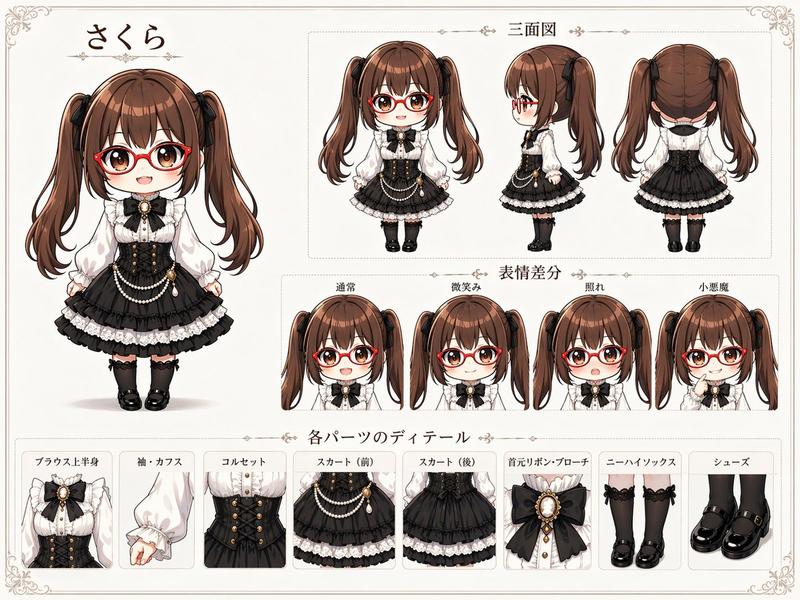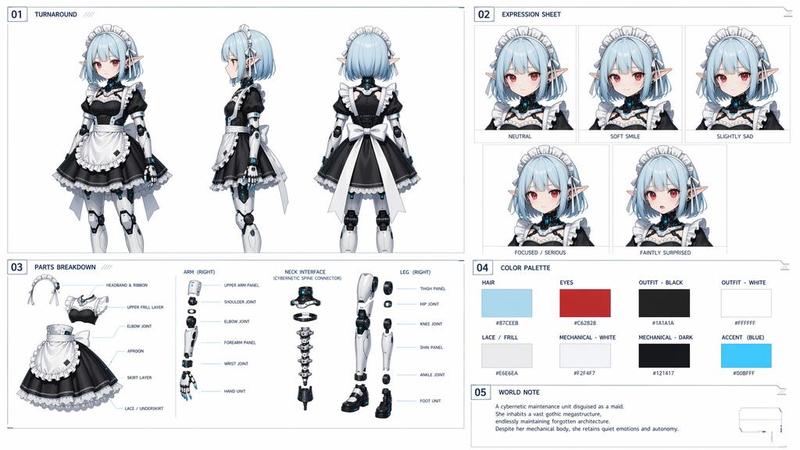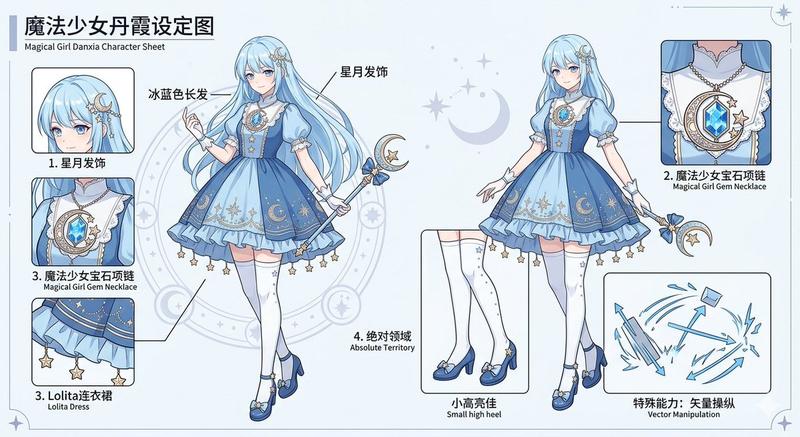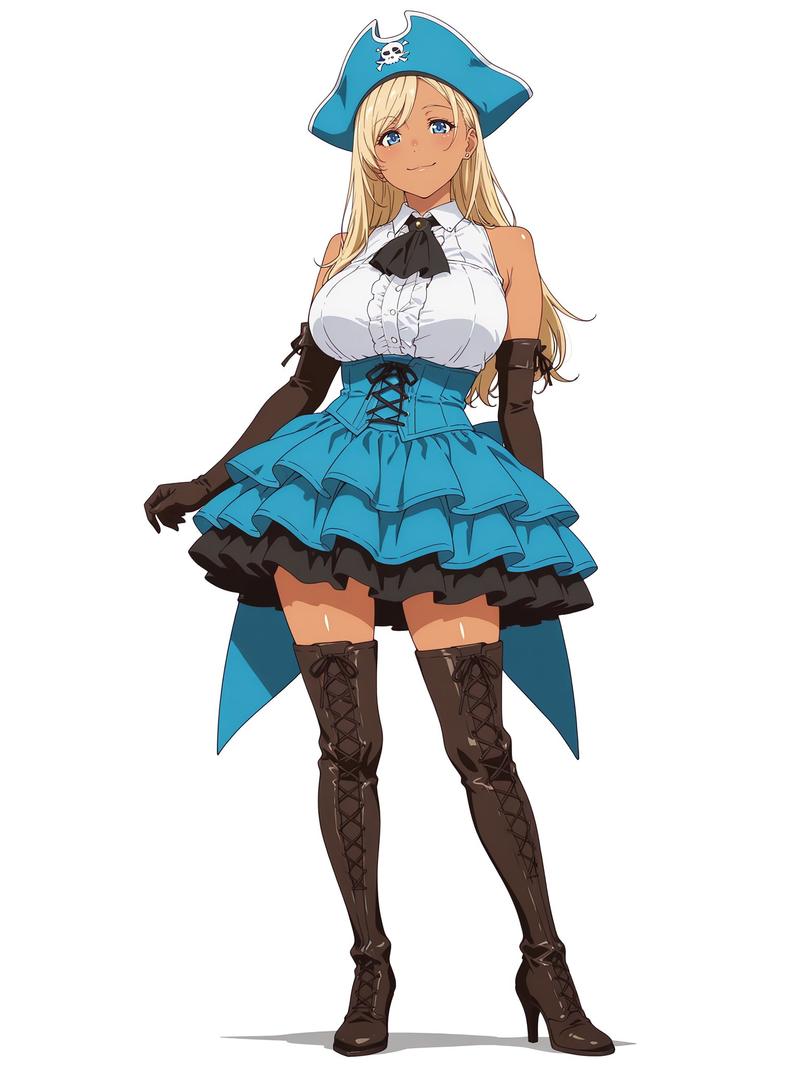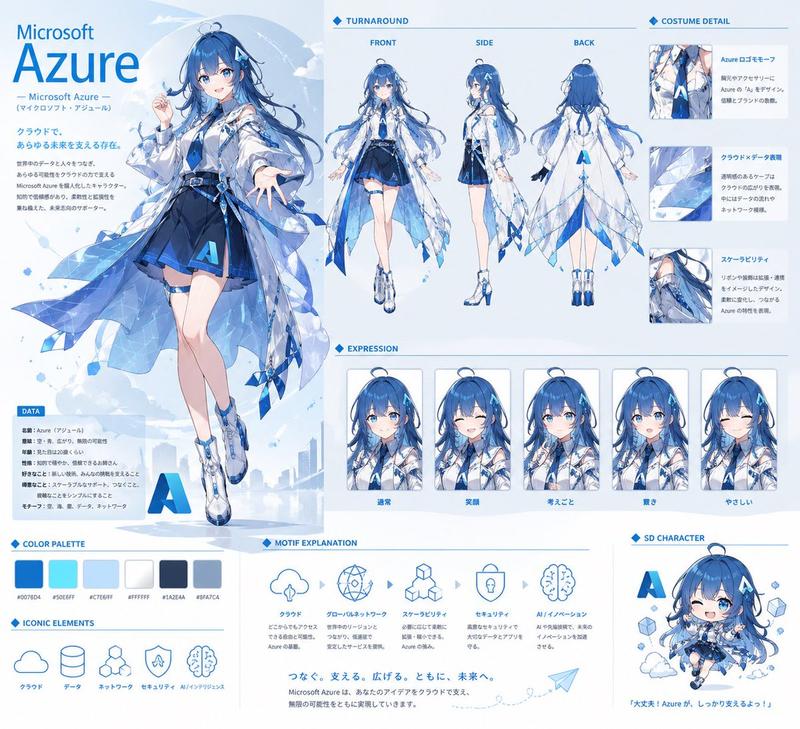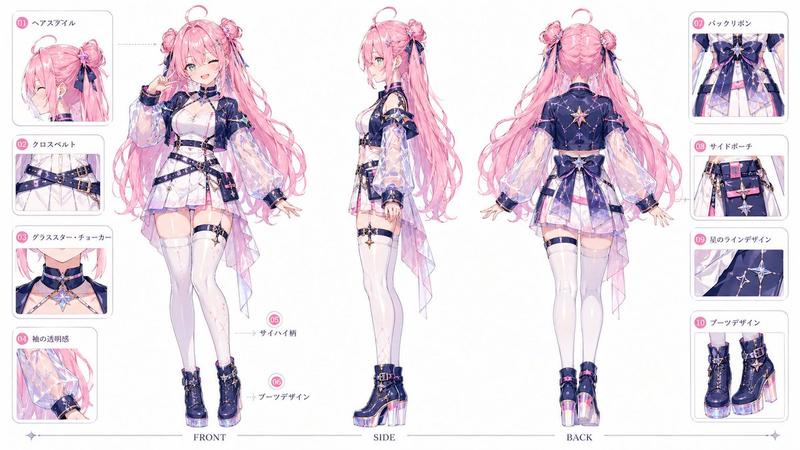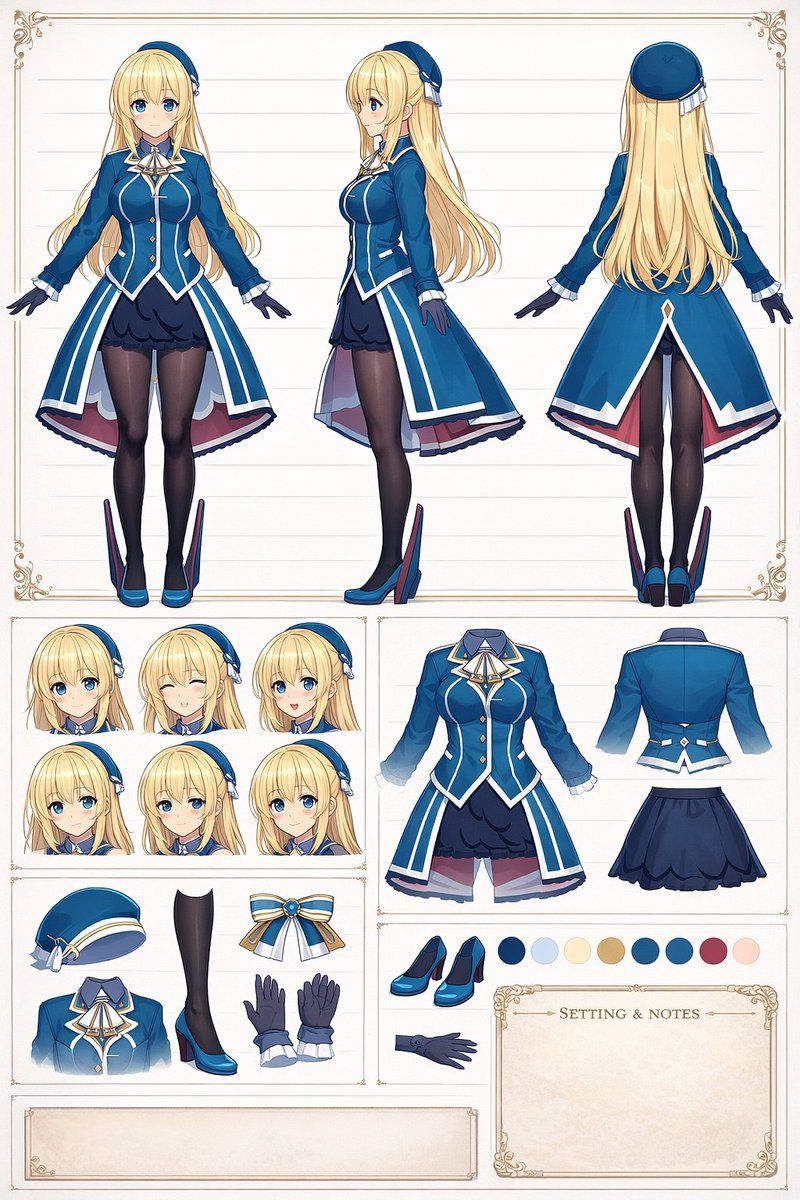
动漫角色设计参考图
Prompt
{
  "type": "anime character reference sheet",
  "character": {
    "hair": "{argument name=\"hair color\" default=\"blonde\"}",
    "eyes": "{argument name=\"eye color\" default=\"blue\"}",
    "outfit": "{argument name=\"uniform style\" default=\"military-style dress with white trim\"}",
    "main_color": "{argument name=\"uniform main color\" default=\"blue\"}"
  },
  "layout": {
    "top_section": {
      "description": "Full body turnaround",
      "count": 3,
      "views": ["front", "side", "back"]
    },
    "bottom_left_top": {
      "description": "Facial expressions",
      "count": 6,
      "expressions": ["neutral", "winking smile", "open mouth smile", "slight smile", "shy", "gentle smile"]
    },
    "bottom_left_bottom": {
      "description": "Accessories and details",
      "count": 5,
      "items": ["beret", "leg with black tights and blue heel with fin attachment", "blue and white ribbon bow", "upper uniform torso", "pair of gloves"]
    },
    "bottom_right_top": {
      "description": "Outfit breakdown",
      "count": 3,
      "items": ["front coat and ruffled skirt", "back of jacket", "back of skirt"]
    },
    "bottom_right_middle": {
      "description": "Additional details and color palette",
      "items": ["pair of blue heels", "single glove"],
      "color_palette_count": 8
    },
    "bottom_right_bottom": {
      "description": "Text box",
      "label": "SETTING & NOTES"
    }
  },
  "style": "clean anime art style, white background with subtle horizontal lines, decorative vintage borders"
}- Category
- Posters & Typography
- Model
- GPT Image 2
- Creator
- グリグリ@ゲーム・艦これ
- Source ID
- 13935
- Published
- Apr 17, 2026
Views4