16

都市街头风格人物研究
Enlarge

都市街头风格人物研究

Prompt
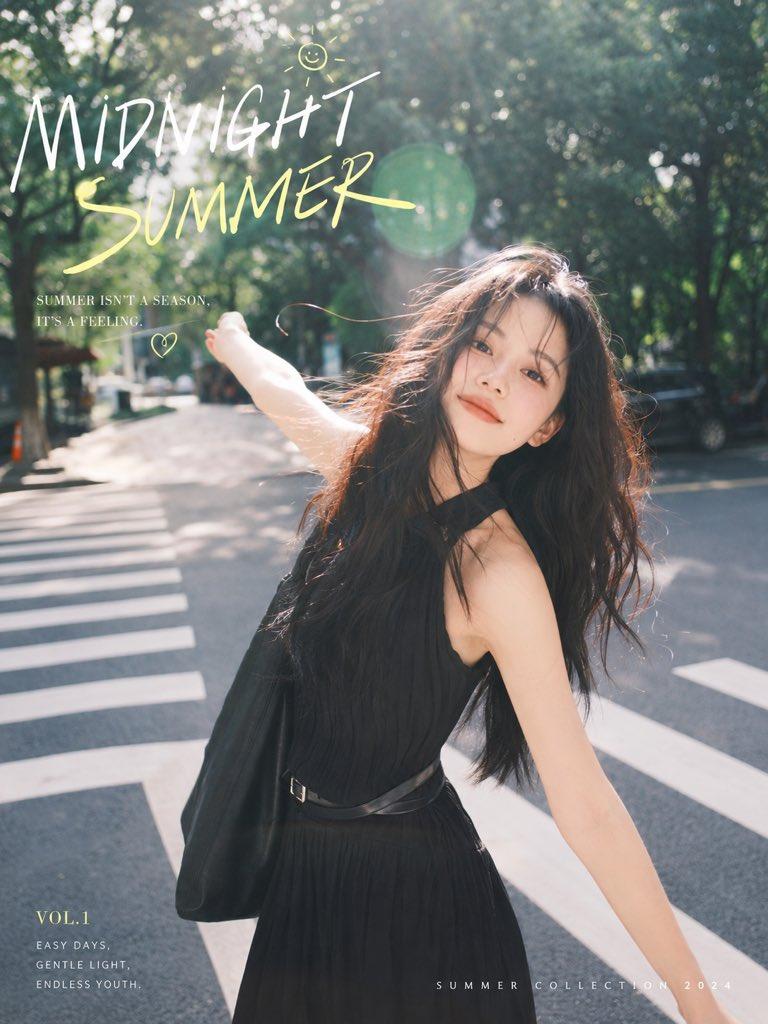
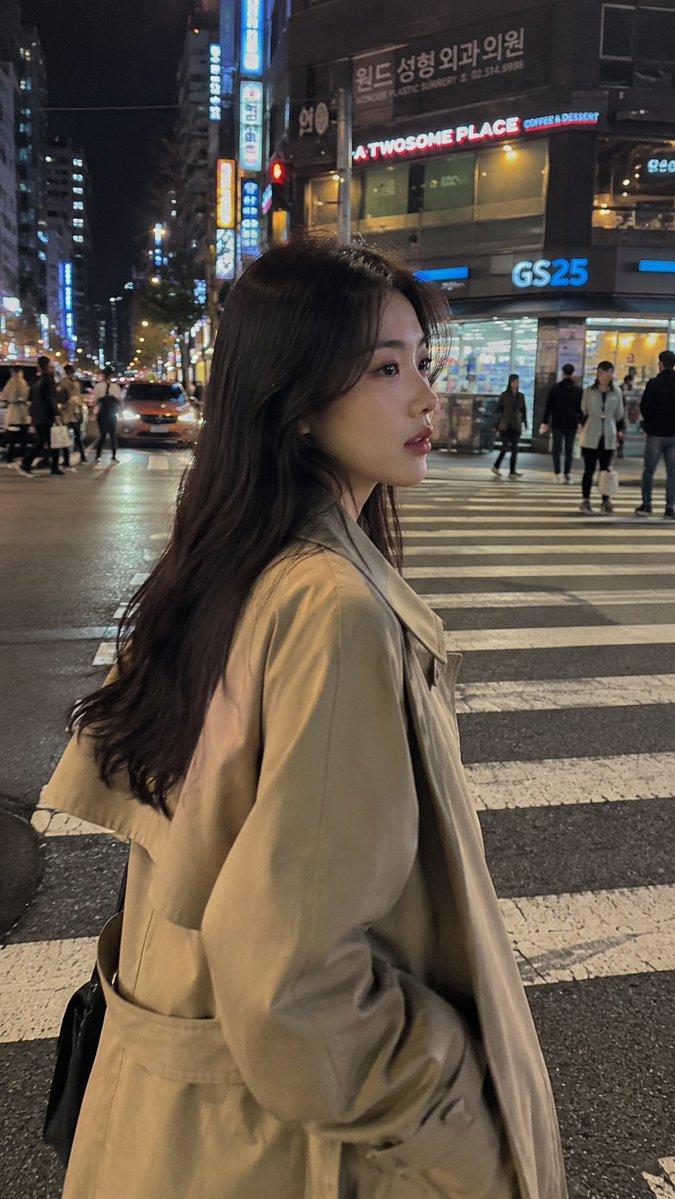
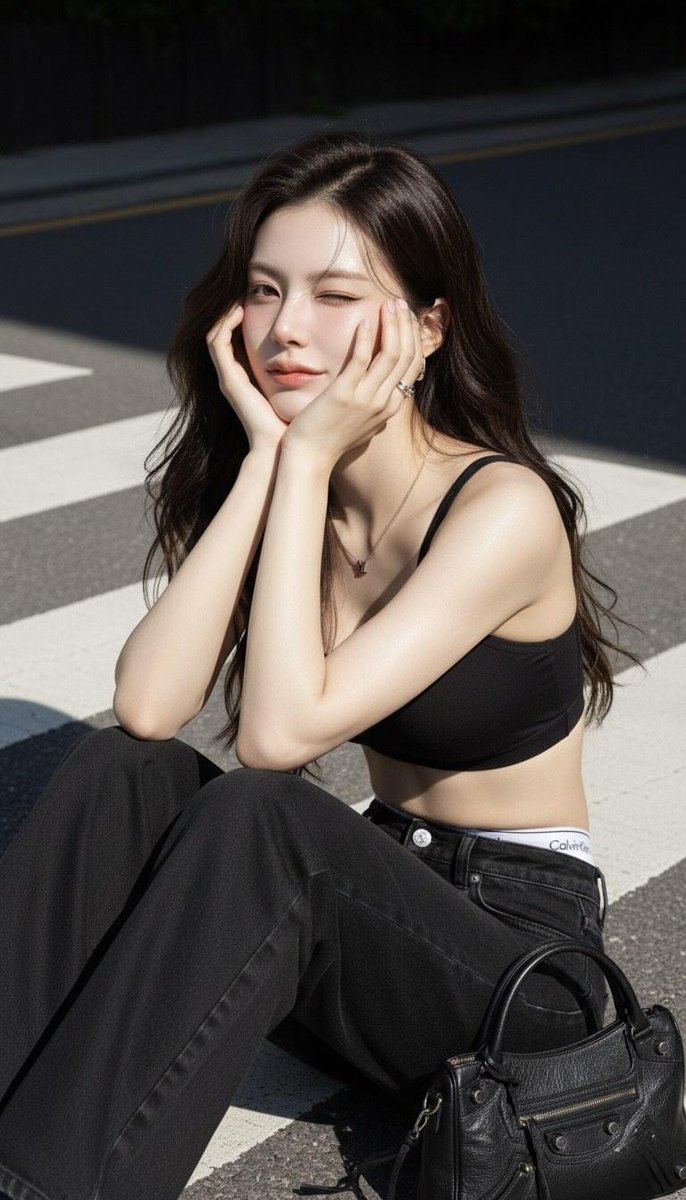
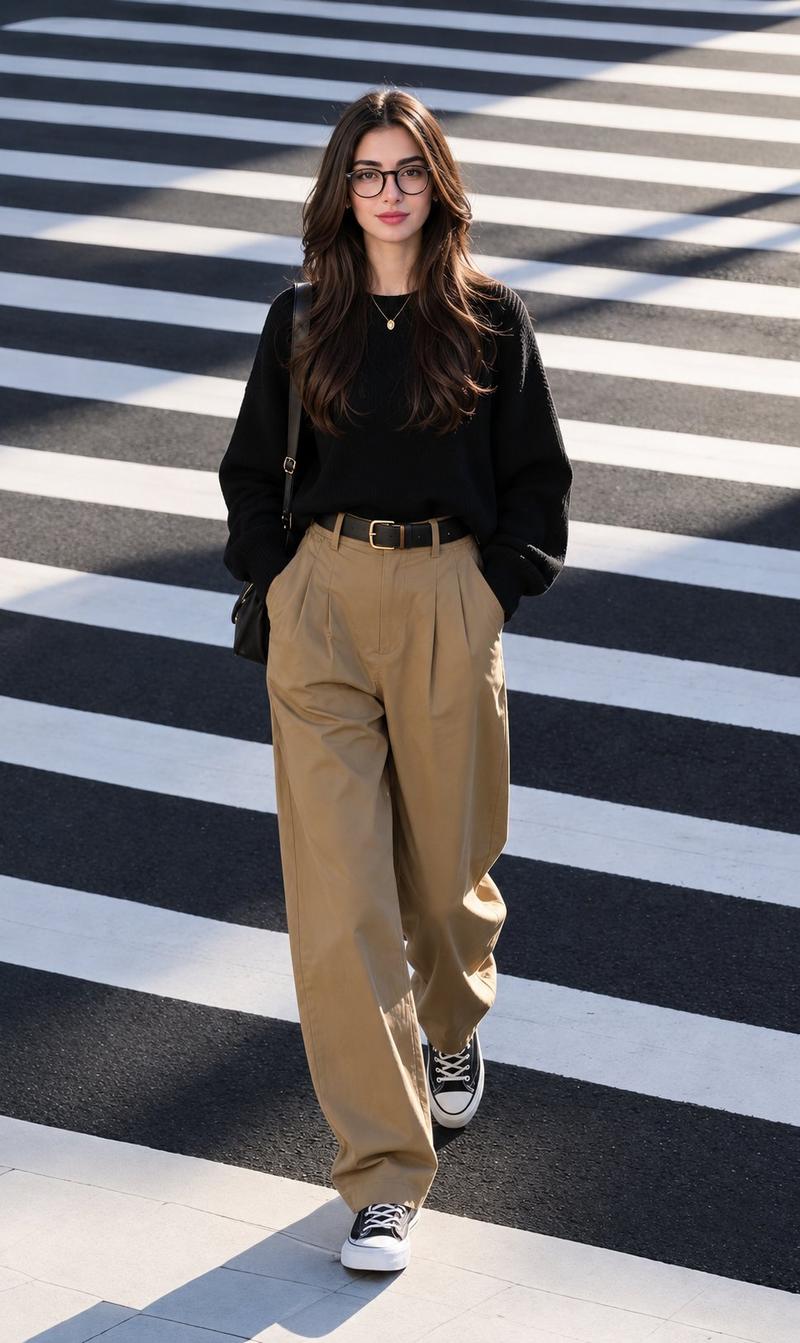
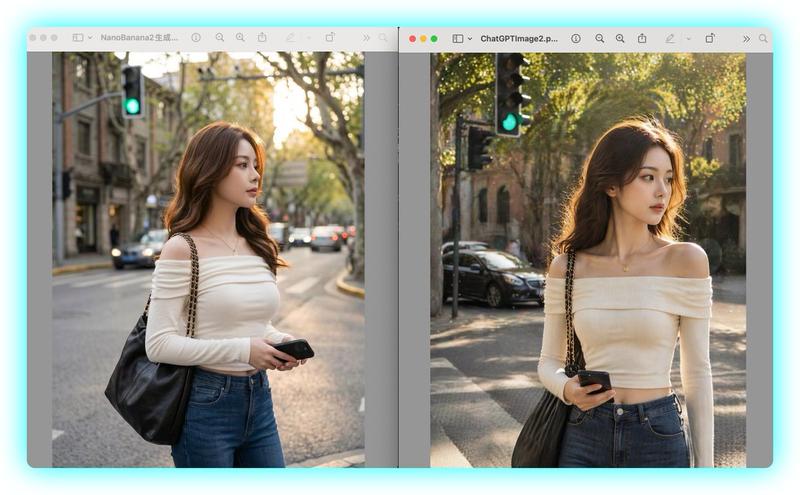
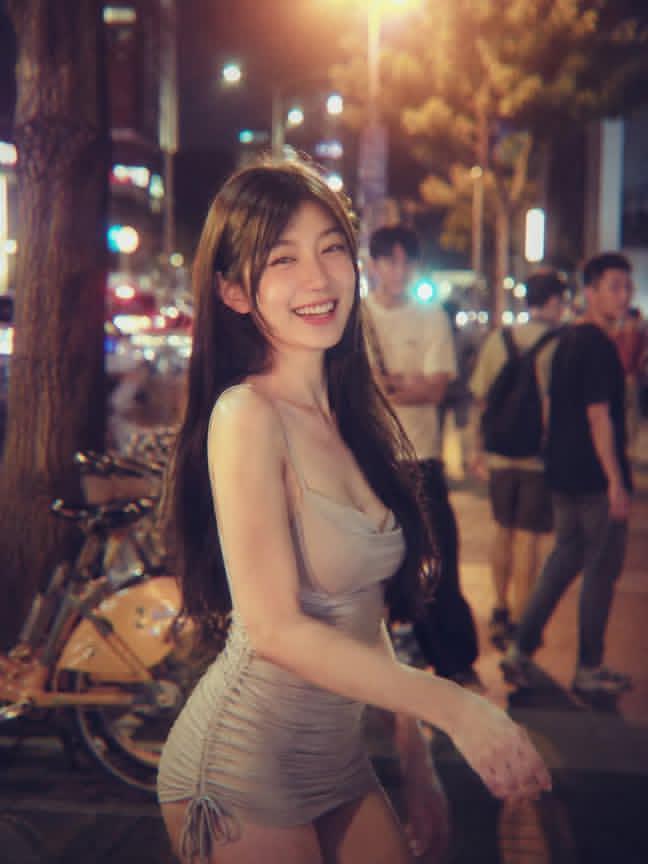
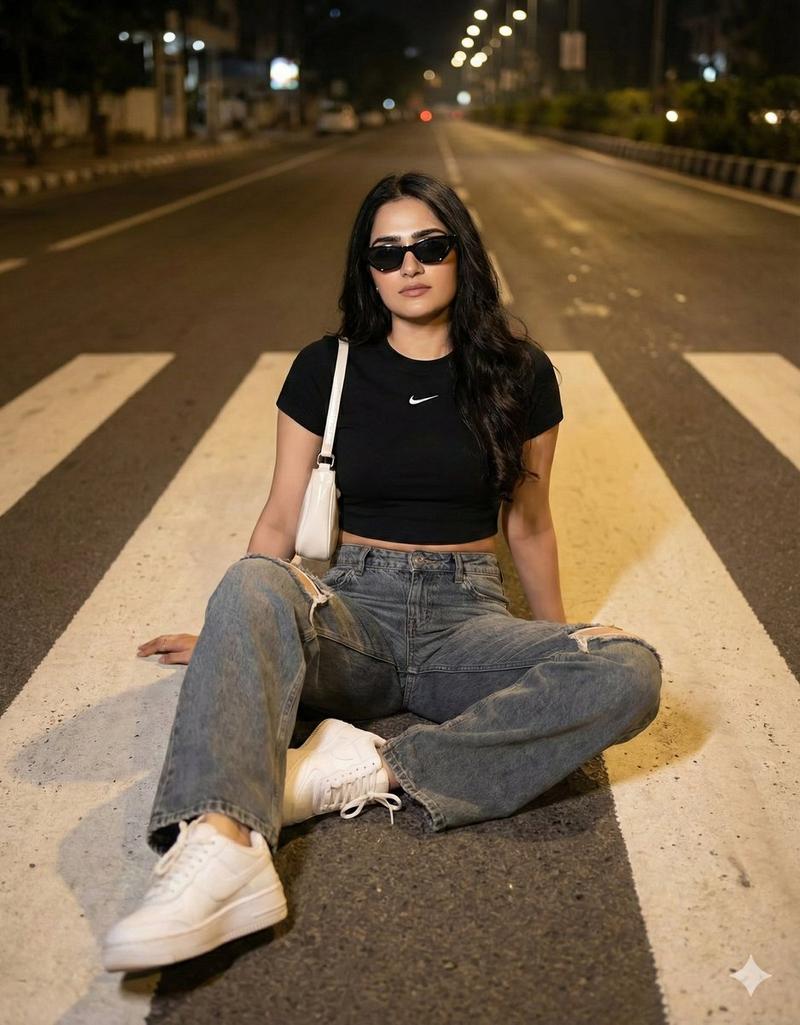
该画面为中近景,采用平视镜头,聚焦于一位{argument name="主体" default="年轻女性"}。她以七分身镜头呈现,身体坐姿略带倾斜,臀部向后撅起,双腿自然交叠,左腿在前,右腿在后,膝盖微屈。她将上半身向右后方扭转,头部则转向镜头方向,形成一个经典的“回眸”姿态,目光直视镜头,眼神清澈而略带一丝俏皮。她的发型是{argument name="发型" default="蓬松的棕色齐肩短发"},刘海自然垂落,发尾微卷,妆容清淡自然,仅在眼部有轻微眼线勾勒,唇色为自然裸粉。画面整体采用自然日光滤镜,光线从画面左上方斜射入,形成柔和的逆光轮廓,面部和身体右侧被温暖的金色光线照亮,左侧则形成自然的阴影过渡,增强了立体感。灯光效果是明亮的自然光,带有轻微的镜头眩光,营造出午后阳光的氛围。拍摄角度为平视,构图上,人物主体位于画面中偏右位置,背景中的斑马线与道路线条形成自然的引导线,将视线引向人物。背景为城市街道,包含道路、斑马线、绿化带和远处的车辆,背景被适度虚化,但依然可辨识出树木、护栏和停放的电动车等元素,构图上利用了三分法,人物位于右侧三分之一处,增强了画面的平衡感。主体穿着一件{argument name="服装" default="军绿色迷彩图案的连帽卫衣"},下身搭配黑色短裤,脚穿白色高帮运动鞋配白色中筒袜。背包为黑色,带有橙黄色装饰条纹和一个橙色毛绒挂件,材质为帆布和皮革拼接。整体风格为街头休闲风,肢体语言放松自然,表情略带好奇与俏皮,整体呈现出一种随性、青春、充满活力的都市少女形象。
Category
Architecture & Spaces
Model
GPT Image 2
Creator
Tz
Views4
Source ID
14136
Published
Apr 19, 2026

Guide

About "都市街头风格人物研究"

What is this prompt for?

"都市街头风格人物研究" AI image prompt for GPT Image 2 (Architecture & Spaces). 一个高度详细且复杂的提示词,旨在测试空间准确性和描述依从性,以都市背景下“回眸”姿态的年轻女性为主角。 Copy it on Picva and recreate the loo…

The full copyable prompt and example visuals above are ready for AI image generation or one-click recreate in Picva.

How to use this prompt

  1. Step 1

    Open the prompt detail

    Review the example visuals, category, and full prompt text for "都市街头风格人物研究".

  2. Step 2

    Copy the prompt

    Copy the prompt body from this page, or load it directly in Studio.

  3. Step 3

    Pick a model (GPT Image 2)

    Prefer GPT Image 2. If you switch models, keep subject and composition and tweak style terms.

  4. Step 4

    Generate and export

    Recreate the look in Picva, or export into your workflow for editing and publishing.

FAQ

What is the "都市街头风格人物研究" prompt?
It is an AI image-generation prompt for GPT Image 2 in the Architecture & Spaces category. This page includes the full prompt text, example visuals, and a one-click recreate path in Picva.
How do I use this prompt to generate an image?
Copy the prompt from this page, or use Generate / Studio. Paste it into a compatible image model, or recreate the look in Picva with optional reference images.
Which model is this prompt for?
This page lists GPT Image 2. Most descriptive prompts also transfer to nearby image models such as GPT Image, Flux, or Midjourney with light style tweaks.
Can I use the result commercially?
You can usually copy the prompt for creation, but commercial use of the final image depends on the model terms, reference-image rights, and the generated content. Follow the source author and platform rules.