18

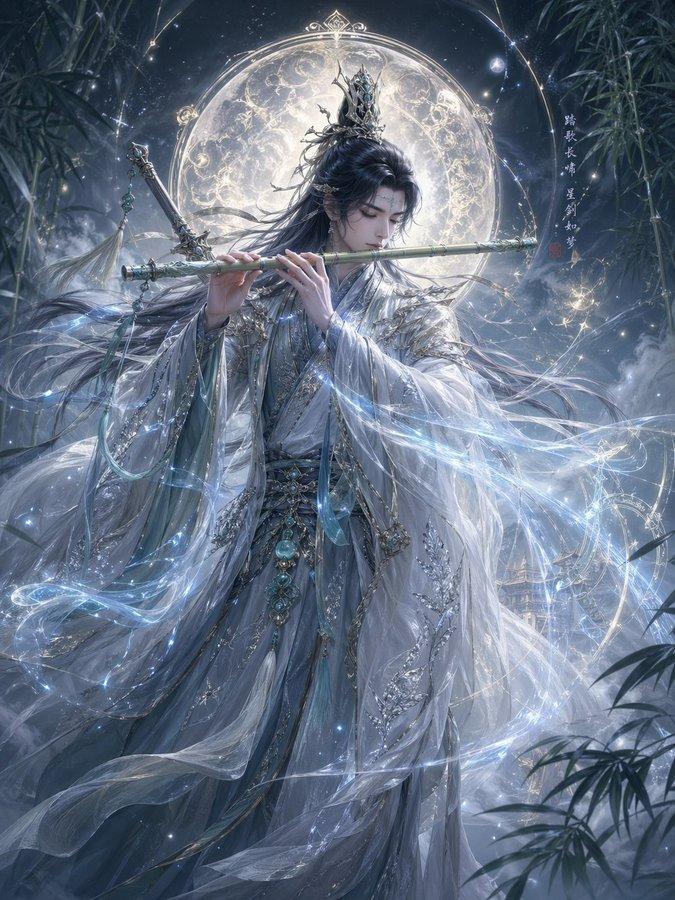
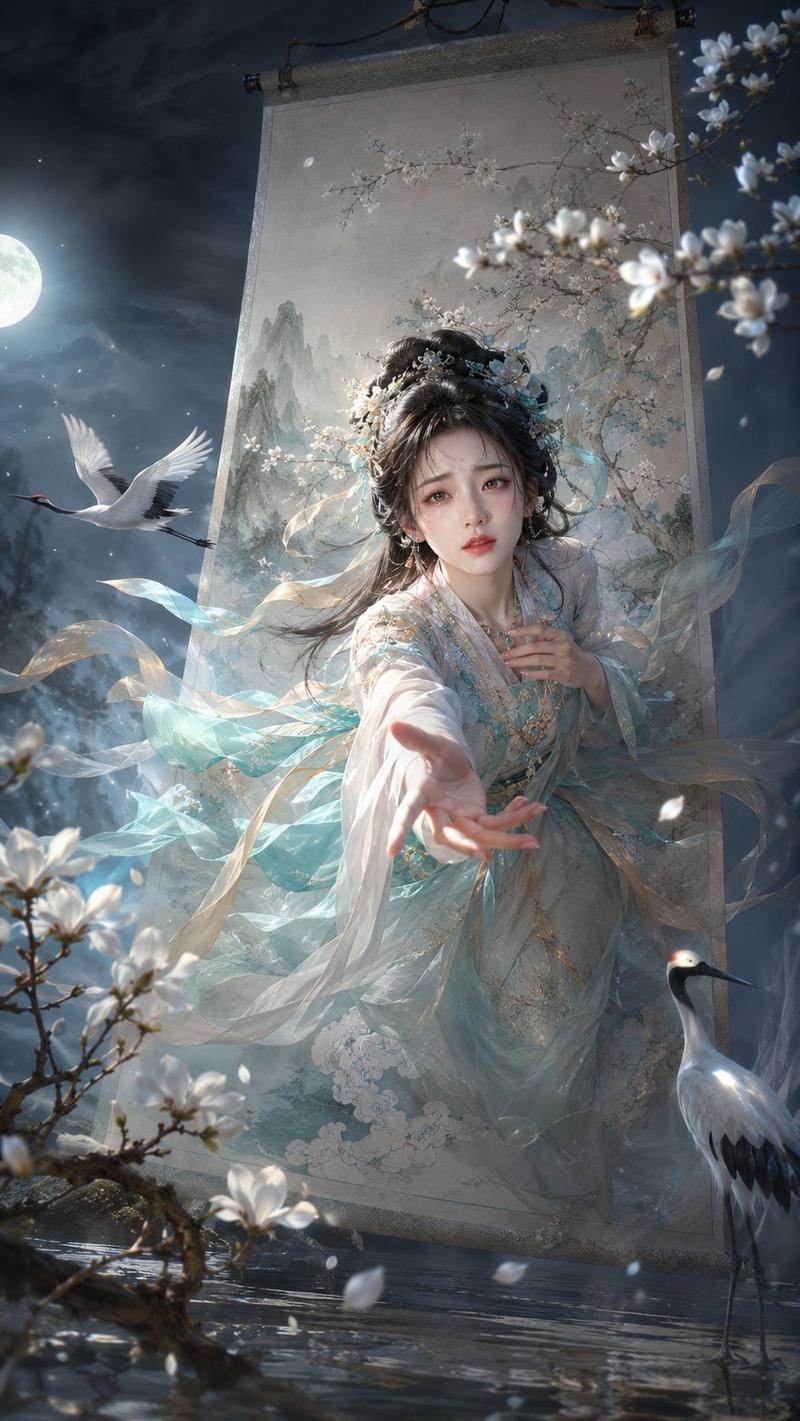
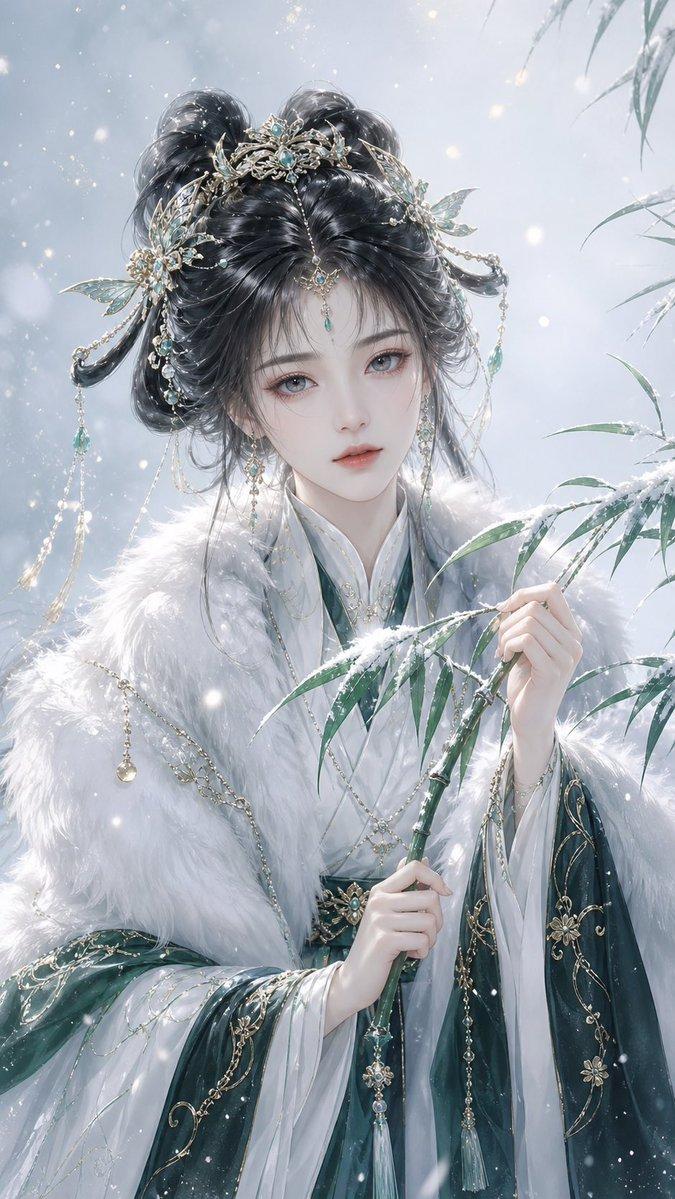
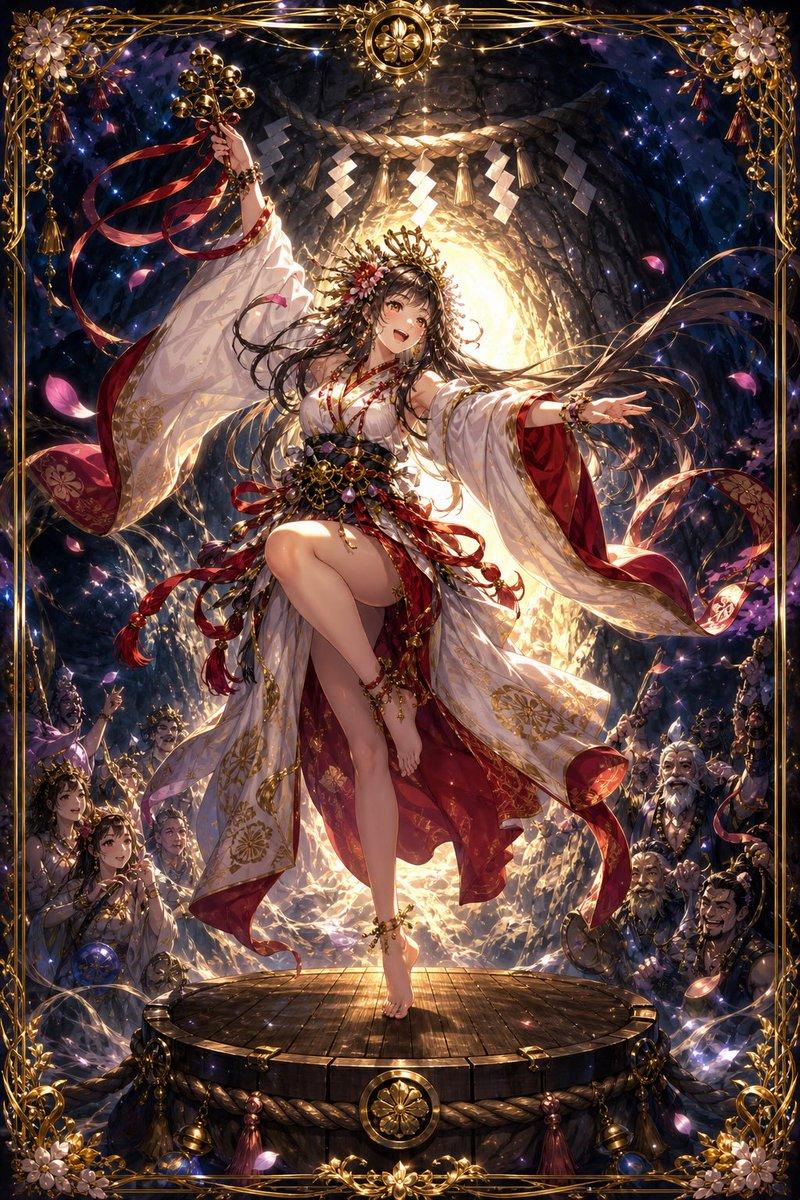
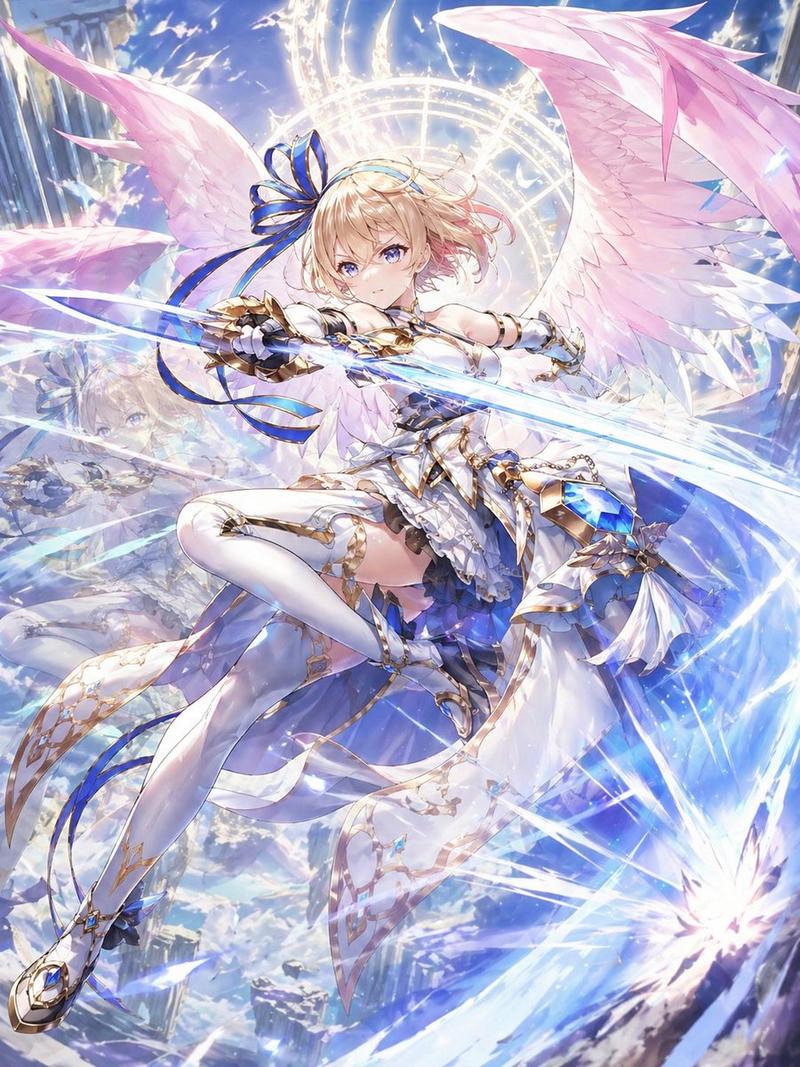
史诗级东方奇幻角色概念
Enlarge

Example images

史诗级东方奇幻角色概念

Prompt
请创作一幅{argument name="人物角色" default="东方幻想人物"}使用{argument name="武器" default="乐器或武器"}的东方幻想人物概念插画。整体风格融合国风仙侠、神话圣像感与电影级CG概念原画质感,画面具有强烈的东方幻想美学、高级审美与史诗感。人物为主视觉核心,气质空灵、神圣、优雅、清冷或威严,根据{argument name="人物角色" default="东方幻想人物"}自动匹配最合适的神态、服饰、发型、配饰与身份设定。如果{argument name="武器" default="乐器或武器"}是乐器,则人物呈现演奏、拨弦、吹奏、执乐而立等充满仪式感与流动感的姿态,强调音乐能量、灵气流动、音波化作光纹、云气、星辉或法阵。如果{argument name="武器" default="乐器或武器"}是武器,则人物呈现持械、蓄势、对峙、施法或战斗前一瞬的姿态,强调力量感、压迫感、气场与能量汇聚。构图以人物居中或偏中心为主,整体平衡、庄严、具有海报级主视觉效果;人物背后可带有月轮、法环、神性光晕、古老纹阵或圣像式圆形结构。服装采用东方幻想风格,材质轻盈华美,带轻纱、飘带、层叠衣摆、金属饰件、玉饰或冠饰,发丝与布料在风中流动,形成强烈的动态美感。背景根据角色气质自动匹配为星空神域、云海天界、月下圣境、竹林仙山、冰雪秘境、幽夜神坛、古风遗迹等东方幻想场景,环境带有薄雾、流光、粒子、神秘能量与空间纵深。色彩以统一且高级的主色调控制画面,可根据角色和道具自动选择冰蓝、月白、青绿、幽紫、赤金、墨黑、银灰等配色,并用少量淡金或冷光进行神性点缀。整体要求:唯美、梦幻、空灵、神秘、超脱、神圣、精致,具有电影级光影、体积光、空气感、超细节CG插画质感,避免俗艳、避免廉价古风写真感、避免网红脸、避免杂乱背景、避免塑料质感。
Category
Posters & Typography
Model
GPT Image 2
Views12
Source ID
14775
Published
Apr 22, 2026

Guide

About "史诗级东方奇幻角色概念"

What is this prompt for?

"史诗级东方奇幻角色概念" AI image prompt for GPT Image 2 (Posters & Typography). 一份用于生成高端电影级东方奇幻 CG 角色的综合提示词,包含对光影、服饰及神话元素的详细描述。 Copy it on Picva and recreate the look in…

The full copyable prompt and example visuals above are ready for AI image generation or one-click recreate in Picva.

How to use this prompt

  1. Step 1

    Open the prompt detail

    Review the example visuals, category, and full prompt text for "史诗级东方奇幻角色概念".

  2. Step 2

    Copy the prompt

    Copy the prompt body from this page, or load it directly in Studio.

  3. Step 3

    Pick a model (GPT Image 2)

    Prefer GPT Image 2. If you switch models, keep subject and composition and tweak style terms.

  4. Step 4

    Generate and export

    Recreate the look in Picva, or export into your workflow for editing and publishing.

FAQ

What is the "史诗级东方奇幻角色概念" prompt?
It is an AI image-generation prompt for GPT Image 2 in the Posters & Typography category. This page includes the full prompt text, example visuals, and a one-click recreate path in Picva.
How do I use this prompt to generate an image?
Copy the prompt from this page, or use Generate / Studio. Paste it into a compatible image model, or recreate the look in Picva with optional reference images.
Which model is this prompt for?
This page lists GPT Image 2. Most descriptive prompts also transfer to nearby image models such as GPT Image, Flux, or Midjourney with light style tweaks.
Can I use the result commercially?
You can usually copy the prompt for creation, but commercial use of the final image depends on the model terms, reference-image rights, and the generated content. Follow the source author and platform rules.