17

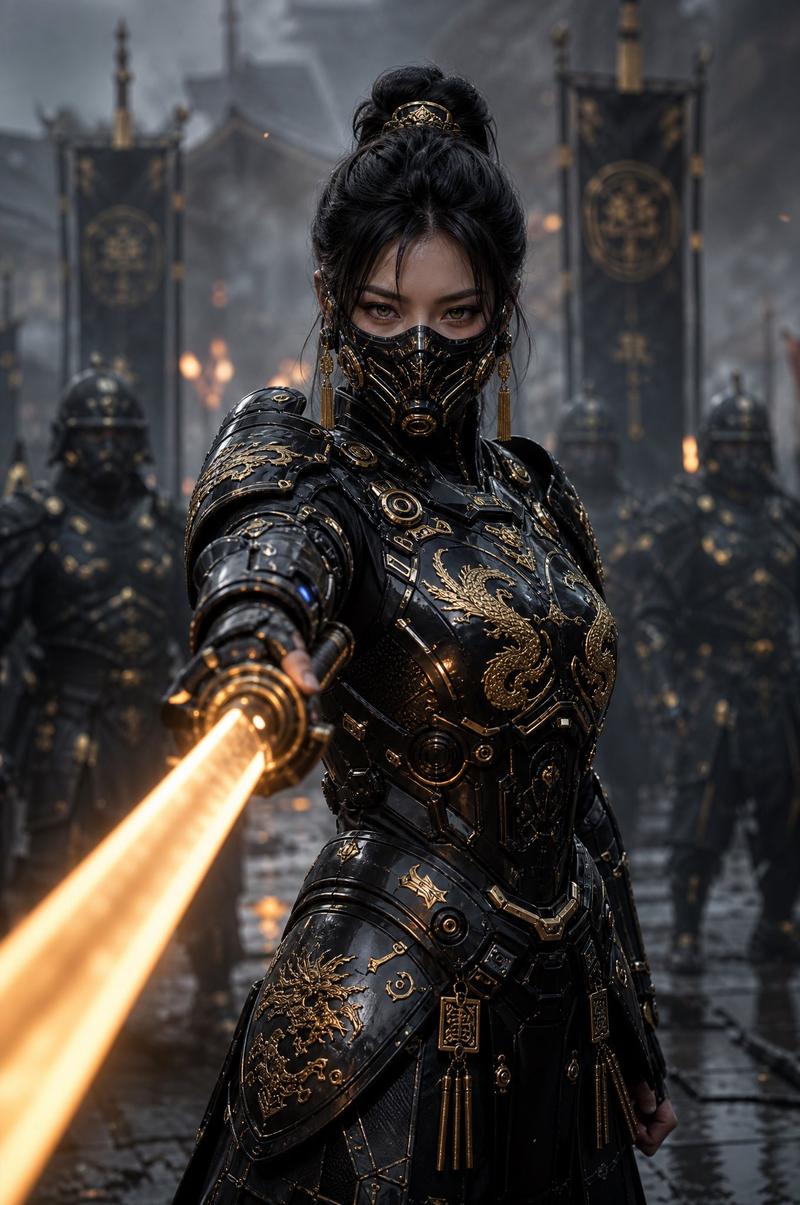
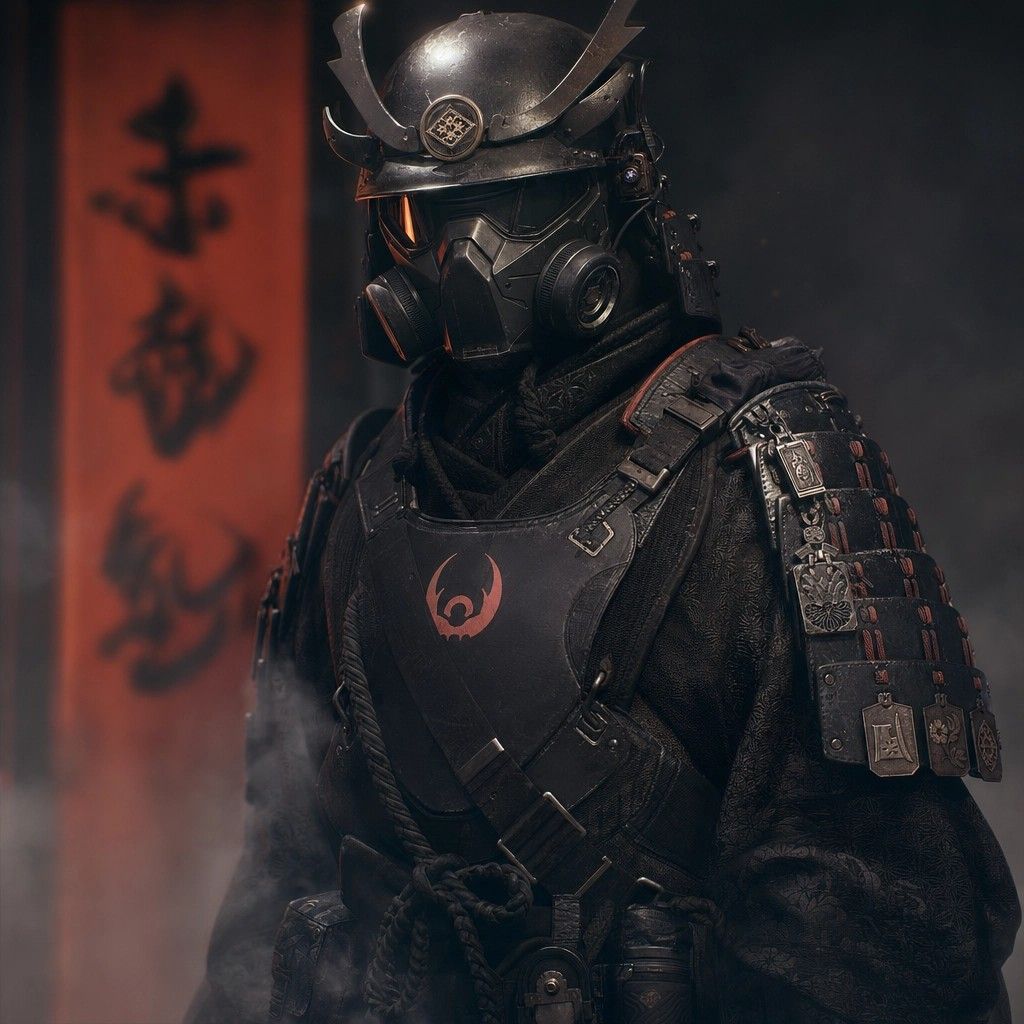
未来感暗黑武士肖像
Enlarge

未来感暗黑武士肖像

Prompt
Create a cinematic dark fantasy portrait of a futuristic samurai warrior standing in a smoky interior, framed from mid-torso upward and turned slightly three-quarters to the viewer's left. The warrior wears {argument name="armor color" default="matte black"} tactical samurai armor with layered shoulder plates, small metal charms and engraved plaques, leather straps, buckles, braided rope cords, and a chest plate marked with a {argument name="chest emblem" default="red horned crescent clan symbol"}. The helmet is a modernized kabuto with tall sweeping crescent antlers, a round crest medallion on the brow, scuffed black metal, and a full respirator gas mask with twin circular filters, angular face plating, and a dark tinted visor that hides the eyes. Use richly textured black brocade fabric under the armor, subtle red stitching and accents, worn edges, scratches, dust, and realistic metal reflections. Behind the figure, place one vertical red-orange banner on the left side with large blurred black Japanese calligraphy, reading {argument name="banner text" default="赤砂鬼"}, while the rest of the background fades into deep charcoal shadow. Atmosphere should be moody and cinematic with drifting smoke at the lower left, warm red rim light from the banner side, cool dim fill light from the right, shallow depth of field, high-detail photorealistic rendering, dramatic contrast, square composition, no visible face, no extra characters, no readable text except the banner calligraphy.
Category
Charts & Infographics
Model
GPT Image 2
Creator
Ethan
Views5
Source ID
18835
Published
May 7, 2026

Guide

About "未来感暗黑武士肖像"

What is this prompt for?

"未来感暗黑武士肖像" AI image prompt for GPT Image 2 (Charts & Infographics). 一个用于生成照片级真实感赛博武士的电影级文生图提示词,武士身着黑色盔甲,佩戴防毒面具,背景为烟雾缭绕的红色光影氛围。 Copy it on Picva and recreate t…

The full copyable prompt and example visuals above are ready for AI image generation or one-click recreate in Picva.

How to use this prompt

  1. Step 1

    Open the prompt detail

    Review the example visuals, category, and full prompt text for "未来感暗黑武士肖像".

  2. Step 2

    Copy the prompt

    Copy the prompt body from this page, or load it directly in Studio.

  3. Step 3

    Pick a model (GPT Image 2)

    Prefer GPT Image 2. If you switch models, keep subject and composition and tweak style terms.

  4. Step 4

    Generate and export

    Recreate the look in Picva, or export into your workflow for editing and publishing.

FAQ

What is the "未来感暗黑武士肖像" prompt?
It is an AI image-generation prompt for GPT Image 2 in the Charts & Infographics category. This page includes the full prompt text, example visuals, and a one-click recreate path in Picva.
How do I use this prompt to generate an image?
Copy the prompt from this page, or use Generate / Studio. Paste it into a compatible image model, or recreate the look in Picva with optional reference images.
Which model is this prompt for?
This page lists GPT Image 2. Most descriptive prompts also transfer to nearby image models such as GPT Image, Flux, or Midjourney with light style tweaks.
Can I use the result commercially?
You can usually copy the prompt for creation, but commercial use of the final image depends on the model terms, reference-image rights, and the generated content. Follow the source author and platform rules.