20

吉卜力风格的公主与锦鲤池
Enlarge

吉卜力风格的公主与锦鲤池

Prompt
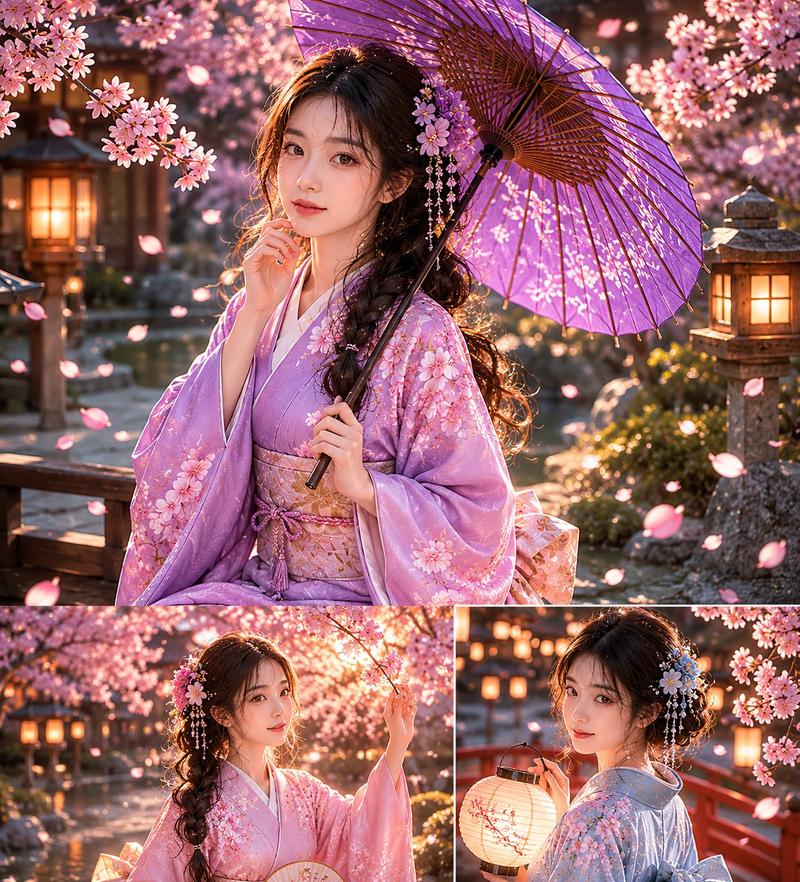
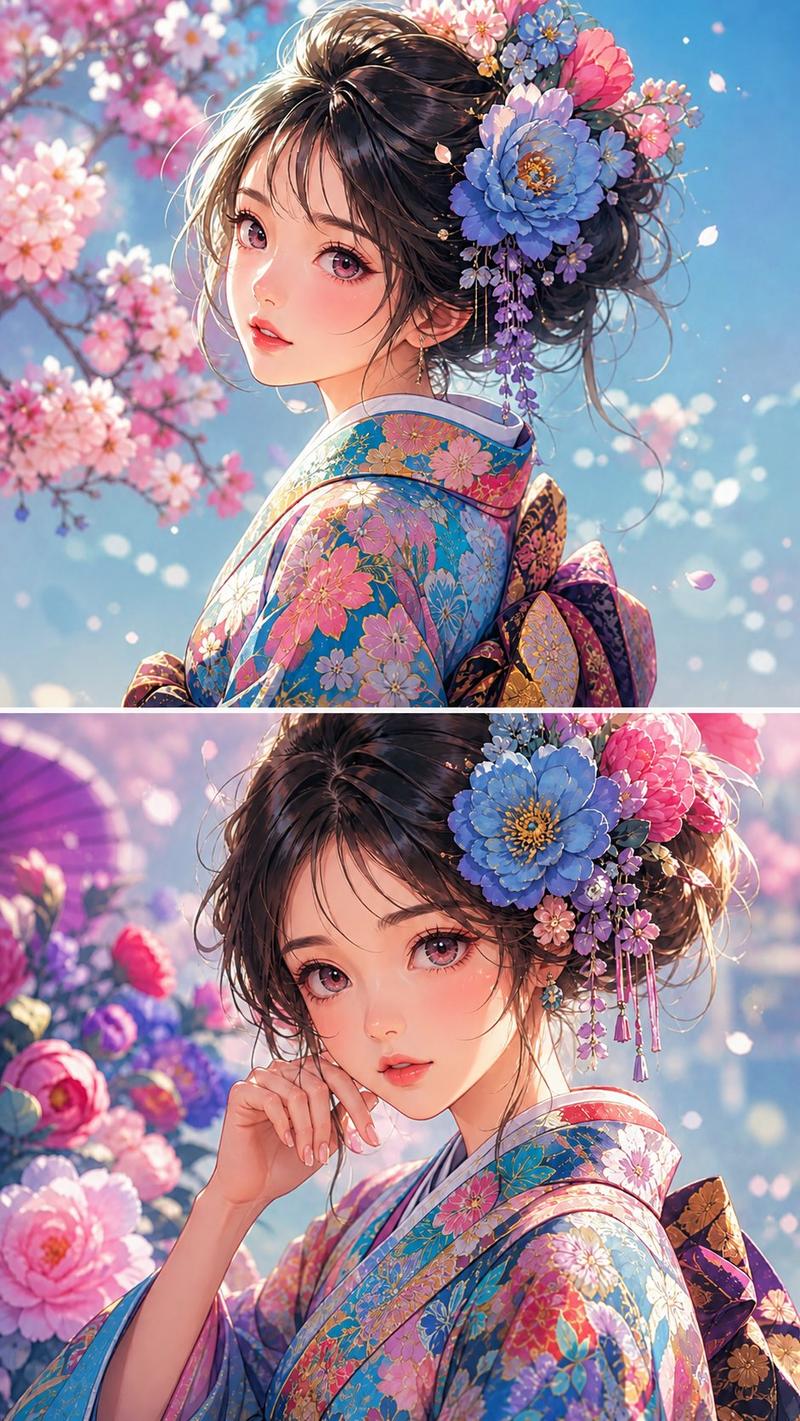
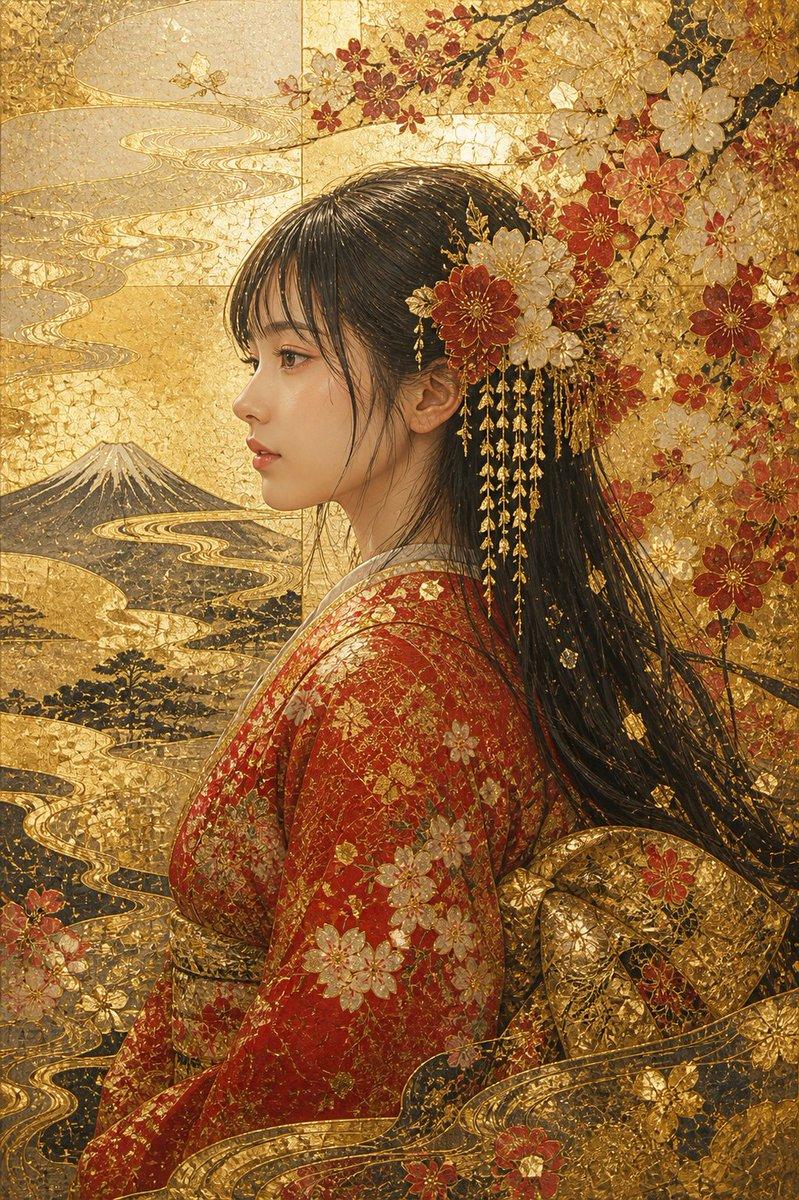
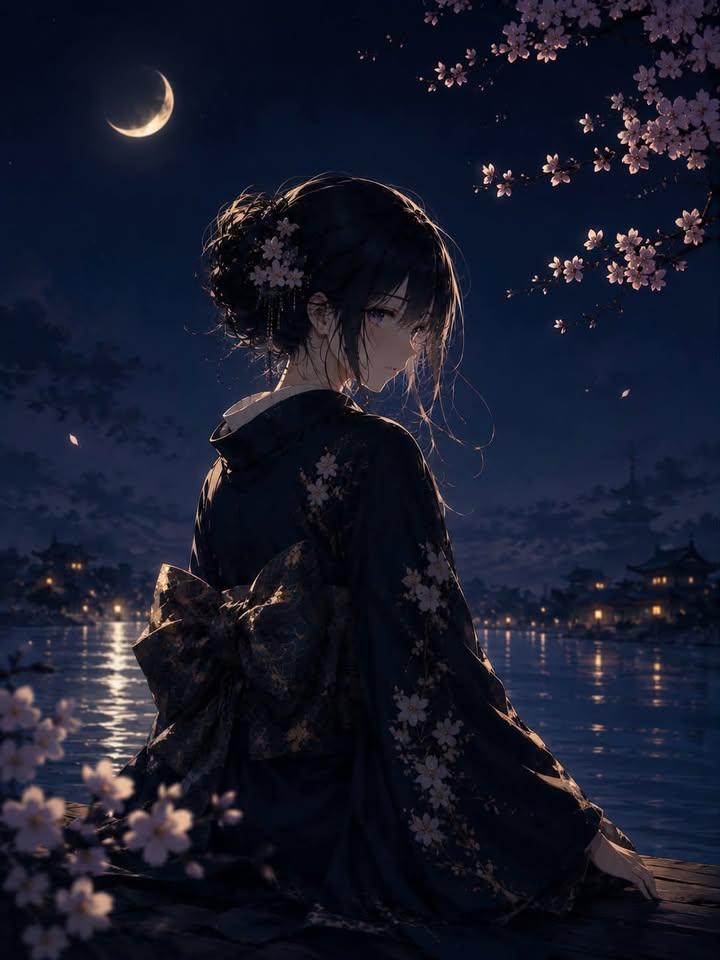
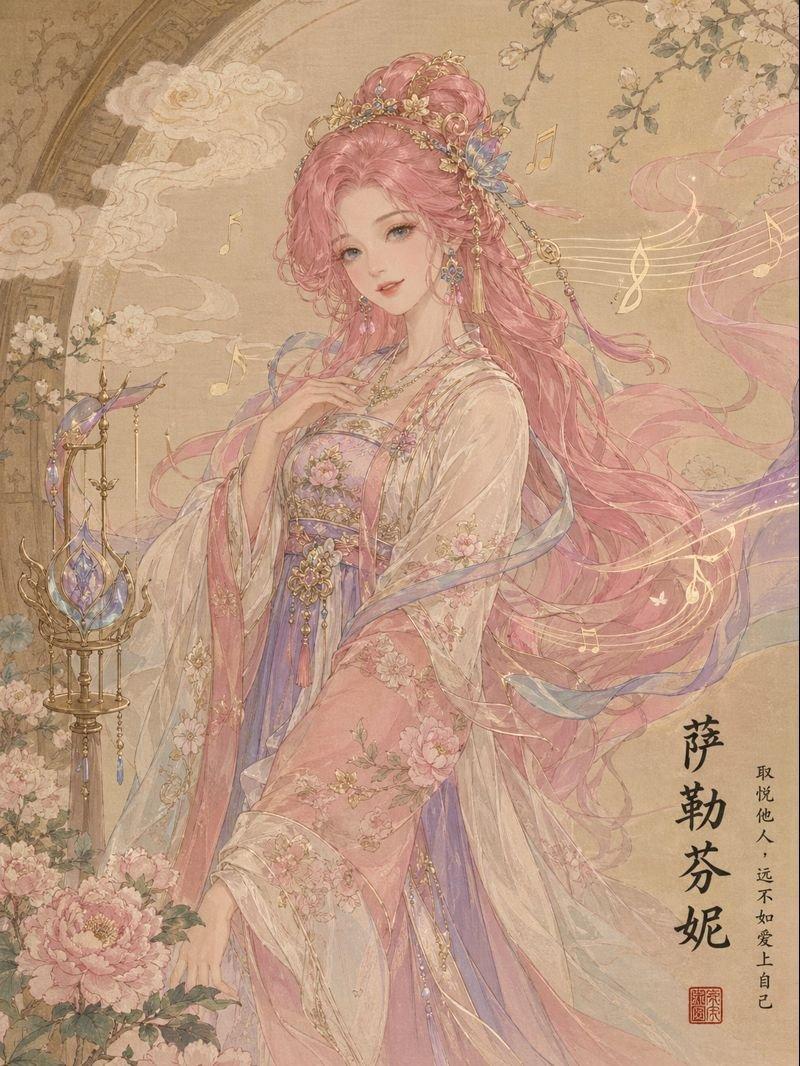
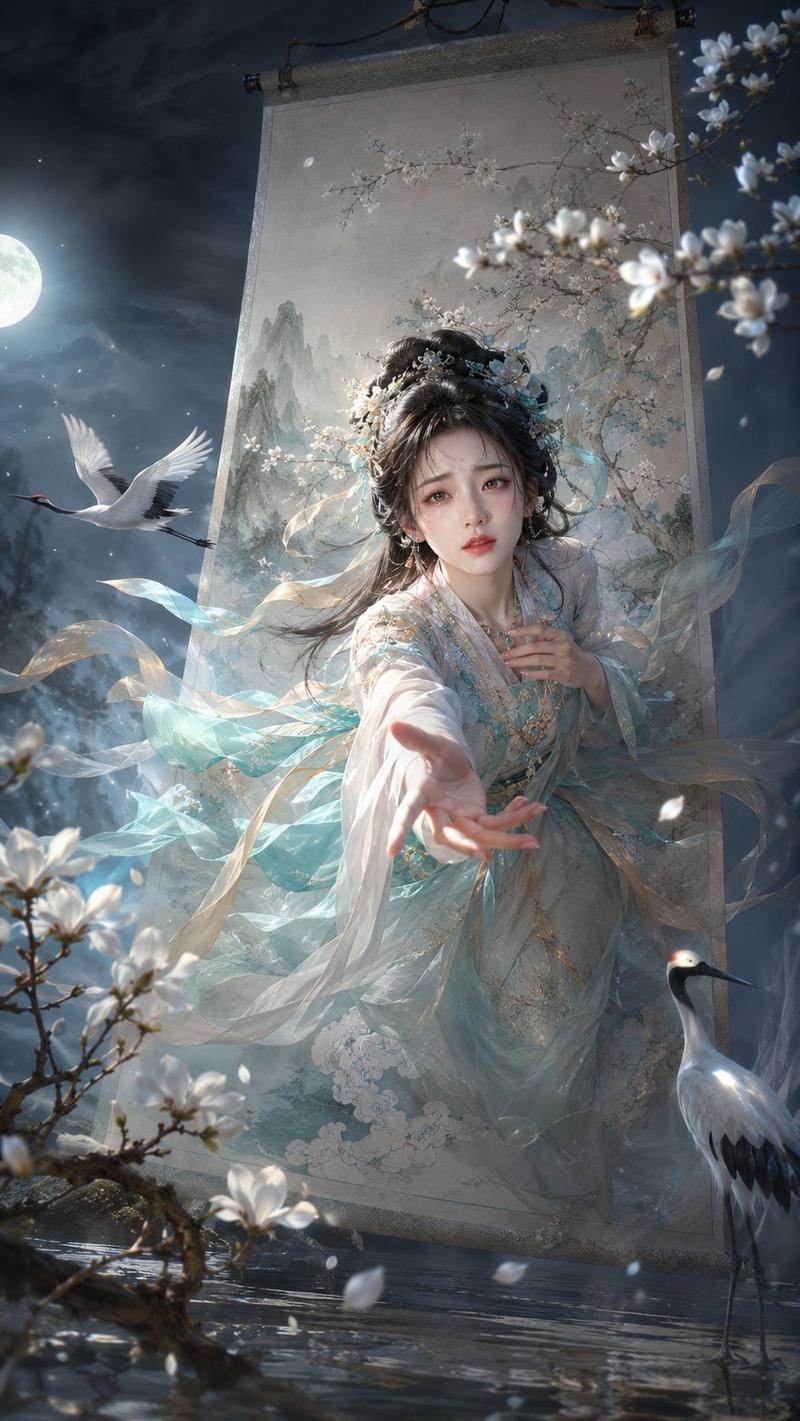
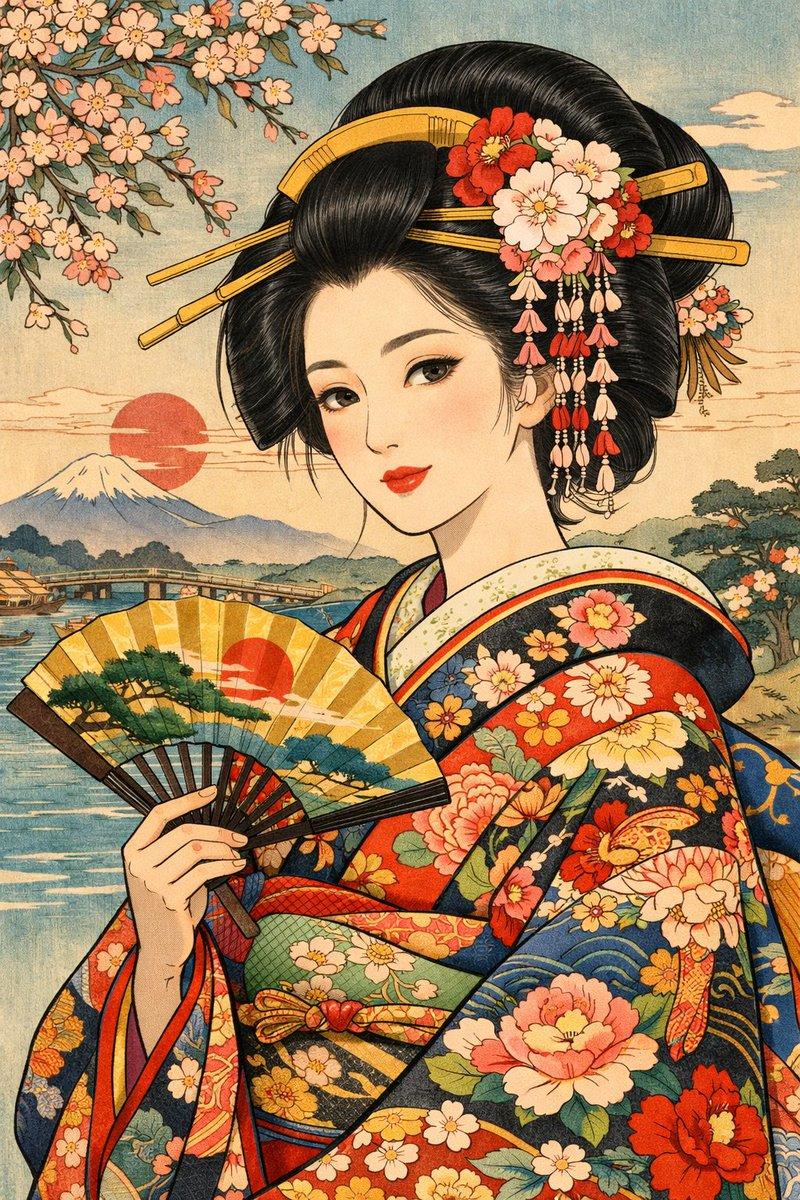
Detailed Ghibli-style portrait of a {argument name="character" default="princess"} kneeling beside a {argument name="background" default="koi pond"} brimming with glowing lotus blossoms. She wears a {argument name="clothing" default="soft blue and cream kimono"} embroidered with swirling waves and fox spirits. A delicate paper parasol rests against her shoulder, and her hair is crowned with cherry blossom branches threaded with tiny rainbow prisms that scatter gentle light onto the water’s surface.
Category
Photography & Realism
Model
GPT Image 2
Creator
宝玉
Views3
Source ID
15169
Published
Apr 23, 2026

Guide

About "吉卜力风格的公主与锦鲤池"

What is this prompt for?

"吉卜力风格的公主与锦鲤池" AI image prompt for GPT Image 2 (Photography & Realism). 创作一幅宁静的吉卜力风格场景,描绘锦鲤池畔的公主,强调柔和的光影与精致的传统服饰。 Copy it on Picva and recreate the look in one…

The full copyable prompt and example visuals above are ready for AI image generation or one-click recreate in Picva.

How to use this prompt

  1. Step 1

    Open the prompt detail

    Review the example visuals, category, and full prompt text for "吉卜力风格的公主与锦鲤池".

  2. Step 2

    Copy the prompt

    Copy the prompt body from this page, or load it directly in Studio.

  3. Step 3

    Pick a model (GPT Image 2)

    Prefer GPT Image 2. If you switch models, keep subject and composition and tweak style terms.

  4. Step 4

    Generate and export

    Recreate the look in Picva, or export into your workflow for editing and publishing.

FAQ

What is the "吉卜力风格的公主与锦鲤池" prompt?
It is an AI image-generation prompt for GPT Image 2 in the Photography & Realism category. This page includes the full prompt text, example visuals, and a one-click recreate path in Picva.
How do I use this prompt to generate an image?
Copy the prompt from this page, or use Generate / Studio. Paste it into a compatible image model, or recreate the look in Picva with optional reference images.
Which model is this prompt for?
This page lists GPT Image 2. Most descriptive prompts also transfer to nearby image models such as GPT Image, Flux, or Midjourney with light style tweaks.
Can I use the result commercially?
You can usually copy the prompt for creation, but commercial use of the final image depends on the model terms, reference-image rights, and the generated content. Follow the source author and platform rules.