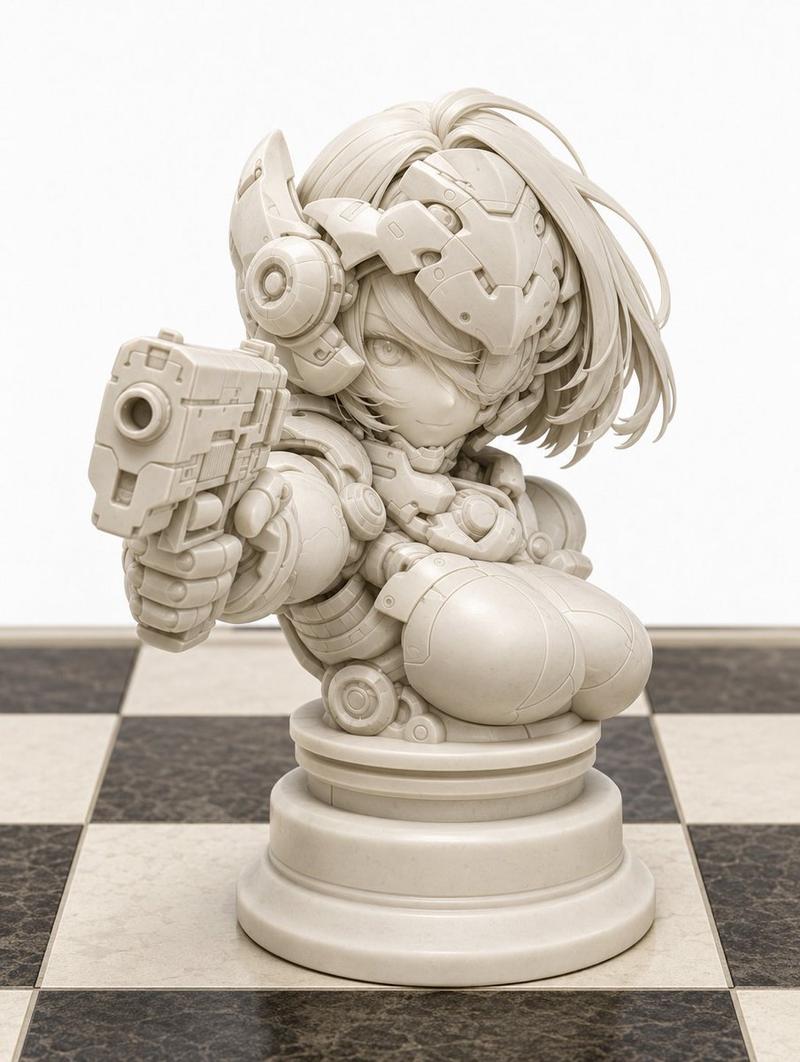
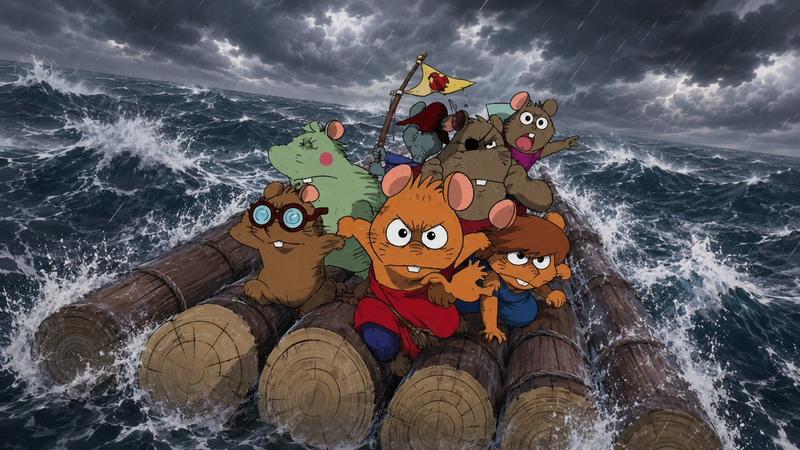
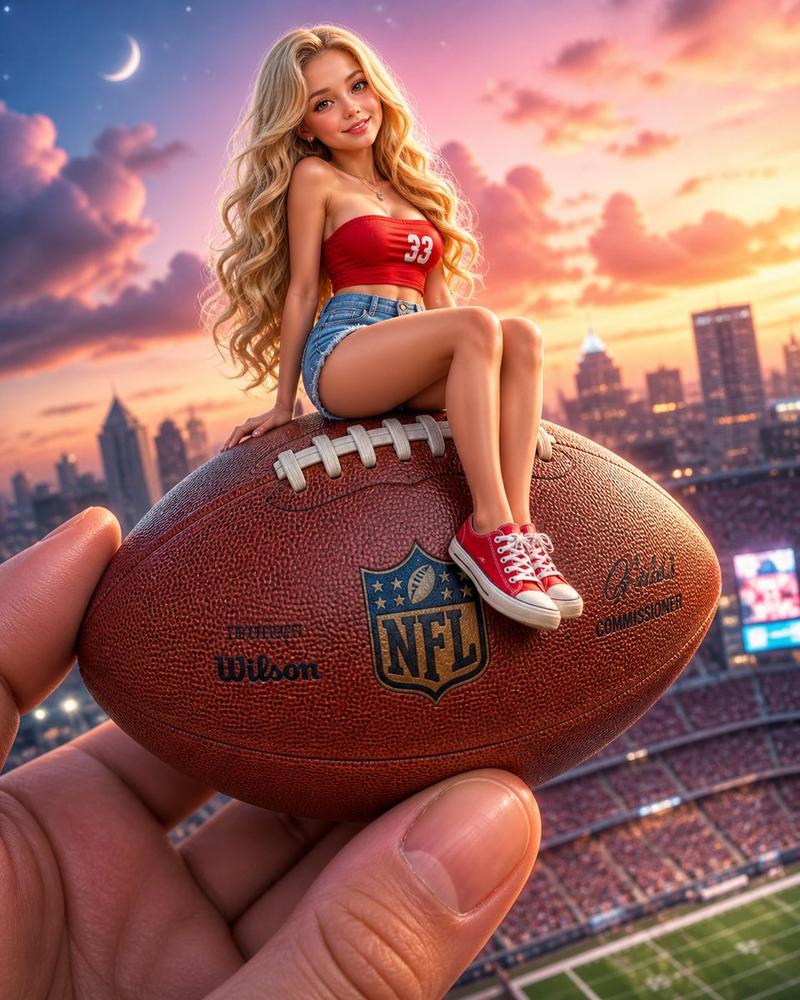
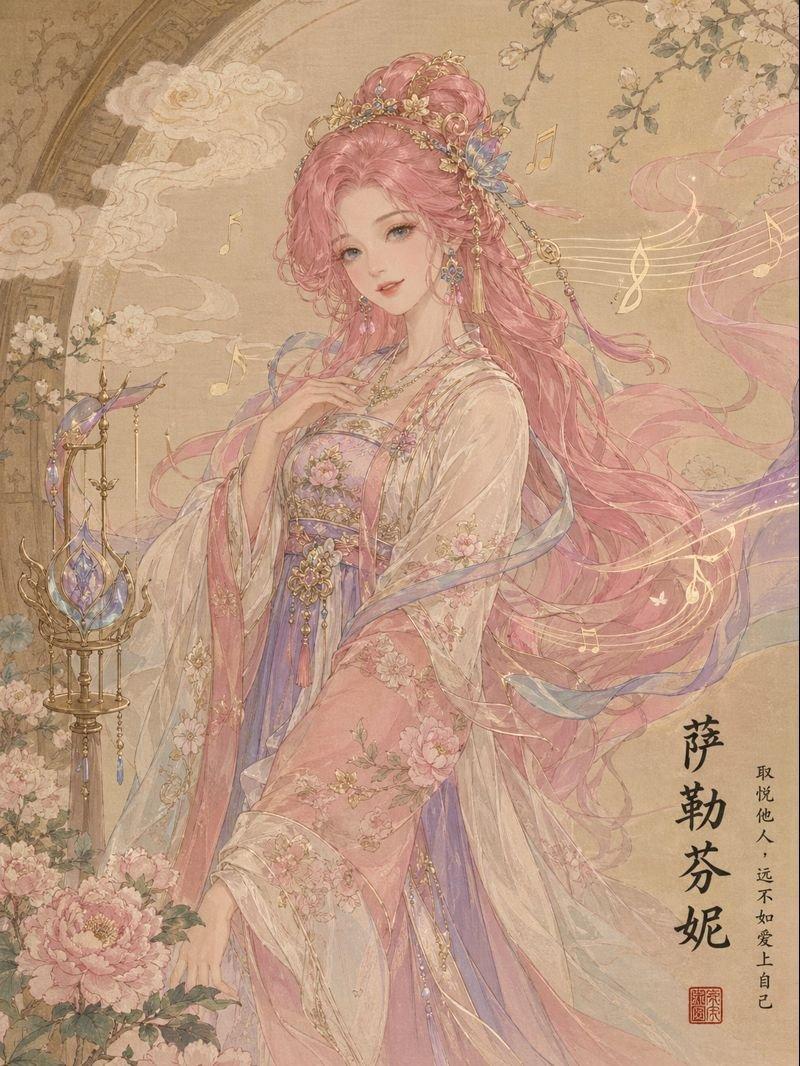
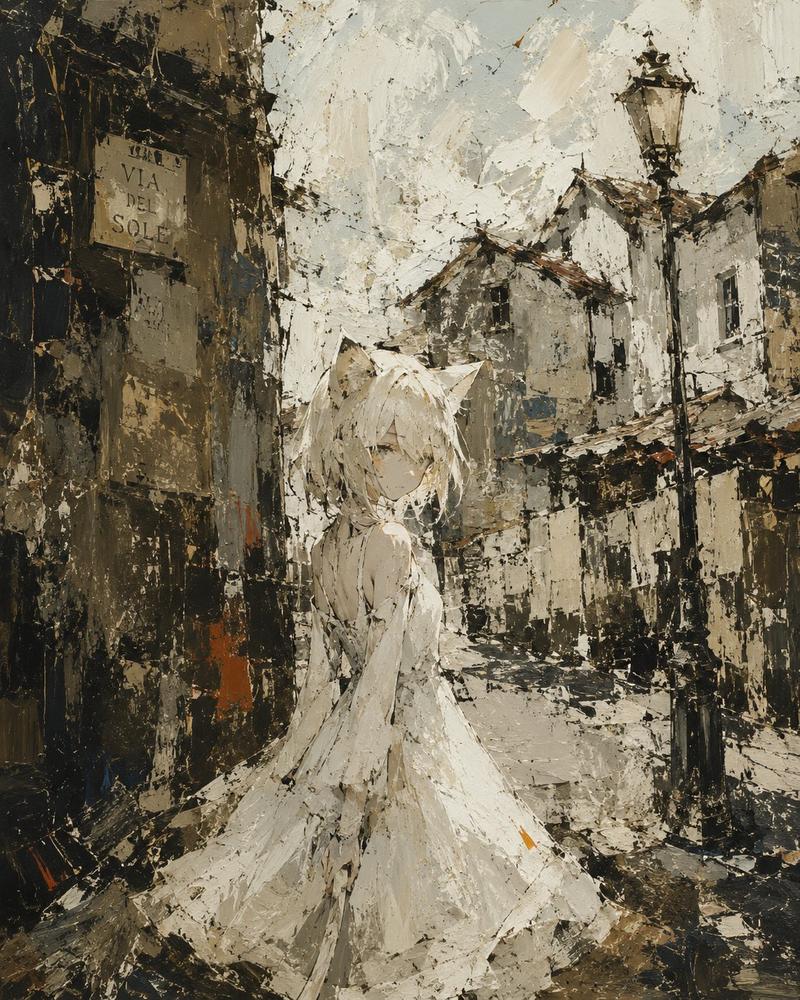
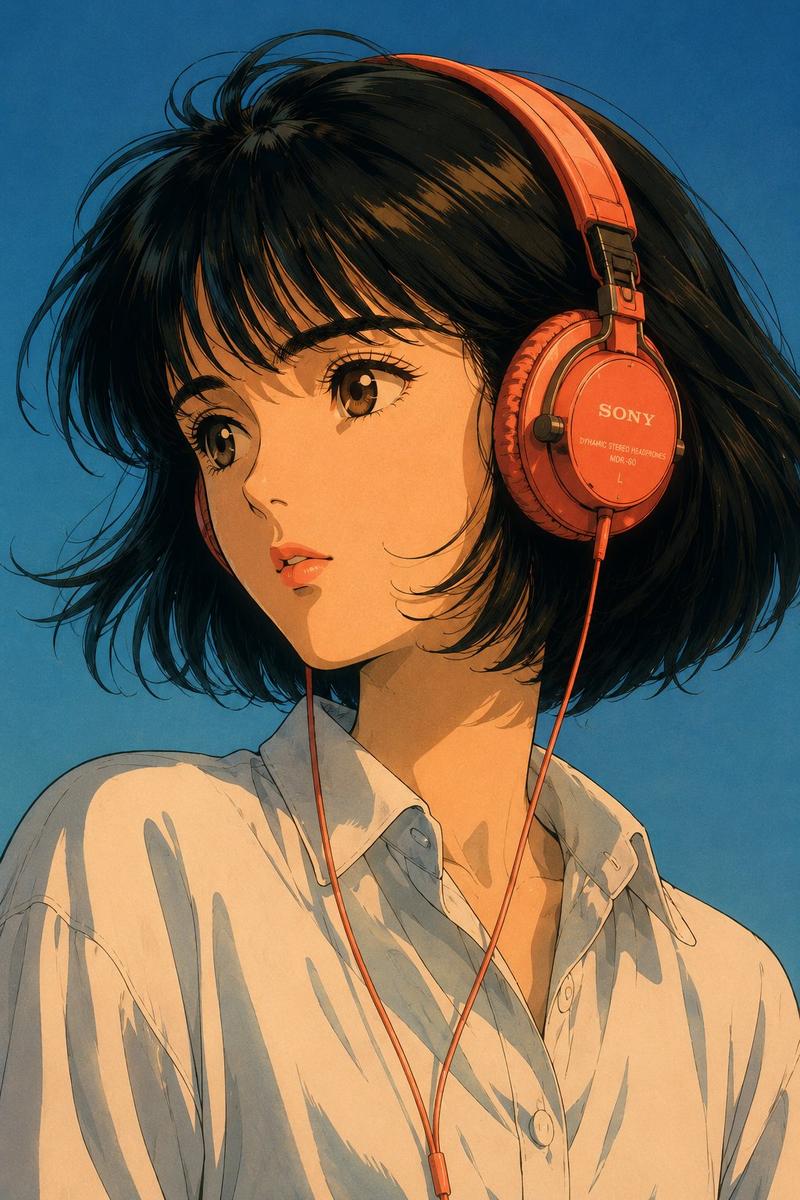
角色风格迁移
Prompt
请将其更改为 {argument name="style" default="Blue Archive style"},同时保持原有的轮廓。- Category
- Characters & People
- Model
- GPT Image 2
- Creator
- くろくま
- Source ID
- 15214
- Published
- Apr 22, 2026
Views0
20

请将其更改为 {argument name="style" default="Blue Archive style"},同时保持原有的轮廓。Guide
"角色风格迁移" AI image prompt for GPT Image 2 (Characters & People). 一个将角色风格转换为 Blue Archive 风格,同时保留原始轮廓的提示词。 Copy it on Picva and recreate the look in one click.
The full copyable prompt and example visuals above are ready for AI image generation or one-click recreate in Picva.
Step 1
Review the example visuals, category, and full prompt text for "角色风格迁移".
Step 2
Copy the prompt body from this page, or load it directly in Studio.
Step 3
Prefer GPT Image 2. If you switch models, keep subject and composition and tweak style terms.
Step 4
Recreate the look in Picva, or export into your workflow for editing and publishing.