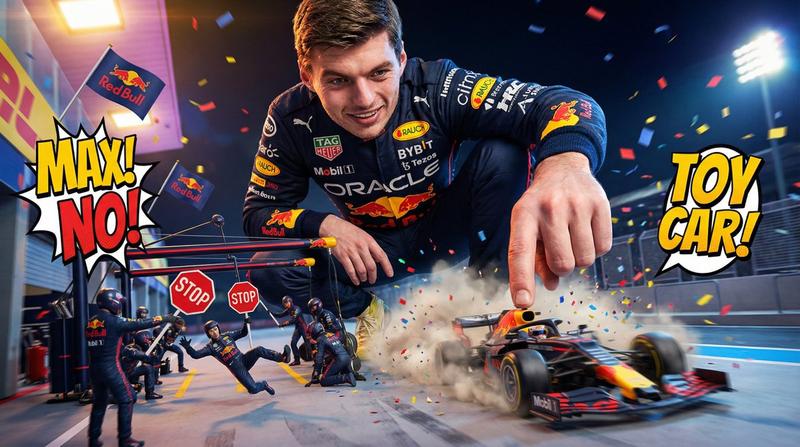
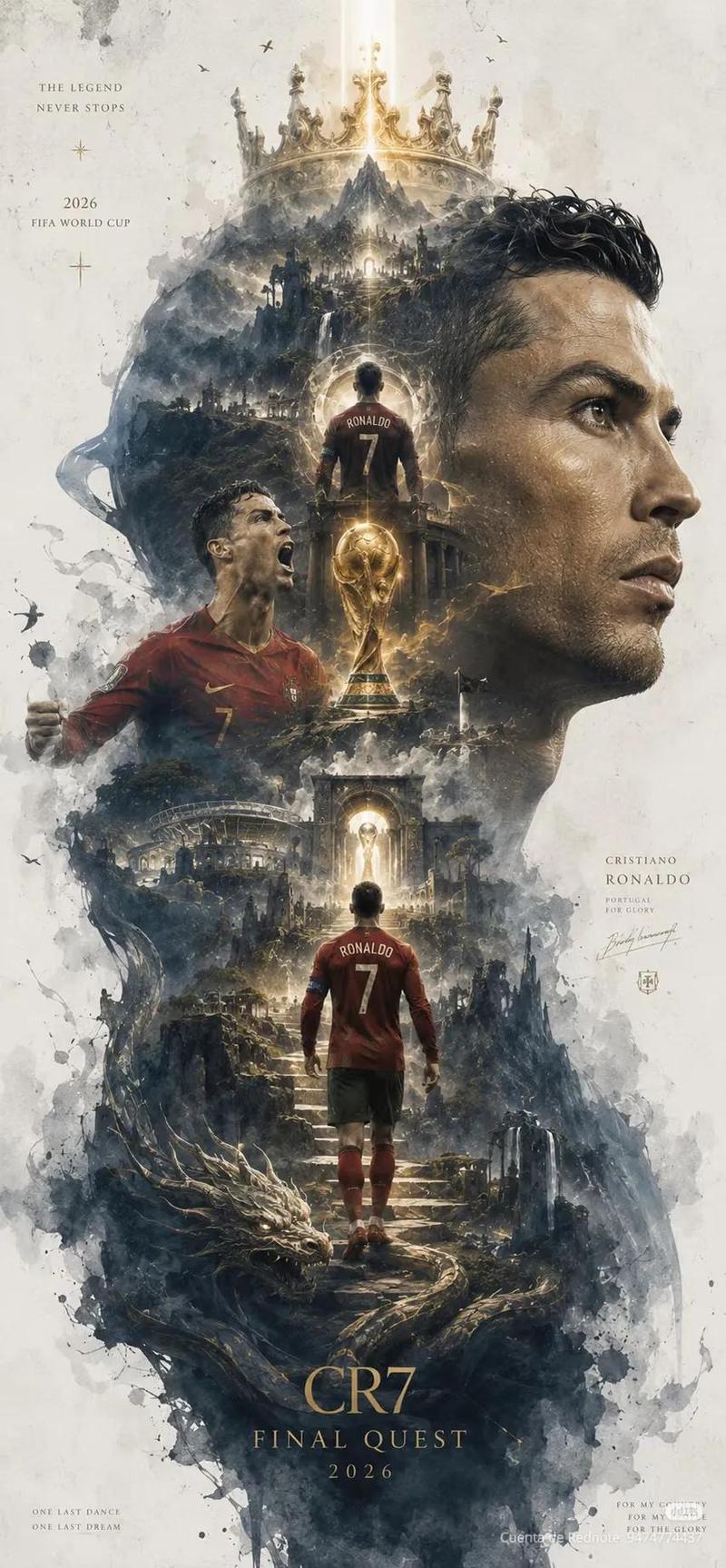
电影感赛车传奇海报
Prompt
Create a dramatic vertical poster-style sports tribute for {argument name="athlete name" default="Lewis Hamilton"}, designed like a cinematic legacy montage with a dark, high-contrast, gold-and-black color grade, gritty smoke, sparks, stadium haze, and celebratory lighting. At the top, place a huge metallic distressed headline reading {argument name="headline text" default="LEWIS HAMILTON"}, with a bold gold subheadline beneath it reading “BEYOND SPEED. BEYOND LIMITS.” and a smaller white line below saying “A LEGEND IN MOTION.” The composition centers on a large, close-up hero portrait of the athlete in a modern black racing suit, shown from the chest up, facing slightly to the side with intense expression, detailed skin texture, braided hair, dramatic rim lighting, and visible sponsor-style logos across the suit. Build a collage around the central portrait using exactly 8 supporting elements: on the upper left, a childhood go-kart scene labeled “1995” with the caption “THE DREAM BEGINS”; below it, a single-seater junior formula car scene labeled “2003” with the caption “F1 IS CALLING”; below that, a victory celebration scene labeled “2008” with the caption “A STAR IS BORN” and a second line “FIRST WIN CANADIAN GP”; lower left, a racing portrait labeled “2013” with the caption “WORLD CHAMPION” and a second line “A NEW ERA”; center torso text block labeled “2014 – 2020” with the title “DOMINANCE” and three stat lines “7 WORLD TITLES”, “6 CONSTRUCTORS’ TITLES”, and “82 RACE WINS”; bottom center, a front-facing black Formula 1 car with number 44 emerging from shadows; upper right, a triumphant full-body figure raising a trophy overhead amid confetti; mid-right, a vertical achievements column titled “ACHIEVEMENTS” with exactly 5 laurel-wreathed stats reading “7× F1 WORLD CHAMPION”, “103 RACE WINS”, “104 POLE POSITIONS”, “197 PODIUM FINISHES”, and “7 BRITISH GP WINS”, followed by a final text callout “SIR” and the line “KNIGHTED FOR SERVICES TO MOTORSPORT”; lower right, a modern portrait of the athlete with hand over chest beside the caption “2021 & BEYOND” and the stacked text “STILL PUSHING. STILL INSPIRING. STILL WINNING.” Add 2 additional cars at the bottom edge: a red Formula 1 car on the lower left streaking diagonally with motion blur, and a smaller black Formula 1 car on the lower right. Place a centered quote near the bottom in white italic caps: {argument name="quote" default="I DON’T RACE TO BE SECOND. I RACE TO BE ONE OF A KIND."}, followed by a gold handwritten signature-style script reading {argument name="signature name" default="Lewis Hamilton"}. Finish with a footer slogan in spaced-out white capitals: “TALENT. DISCIPLINE. PASSION. PURPOSE.” and a final line beneath it: “LEWIS HAMILTON – MORE THAN A DRIVER. A MOVEMENT.” Use layered depth, sharp typography, premium magazine-poster layout, subtle British flag accents, realistic cars, photoreal faces, and an inspirational champion-documentary aesthetic.- Category
- Charts & Infographics
- Model
- GPT Image 2
- Creator
- Guillermo Castellanos
- Source ID
- 15415
- Published
- Apr 23, 2026
Views5