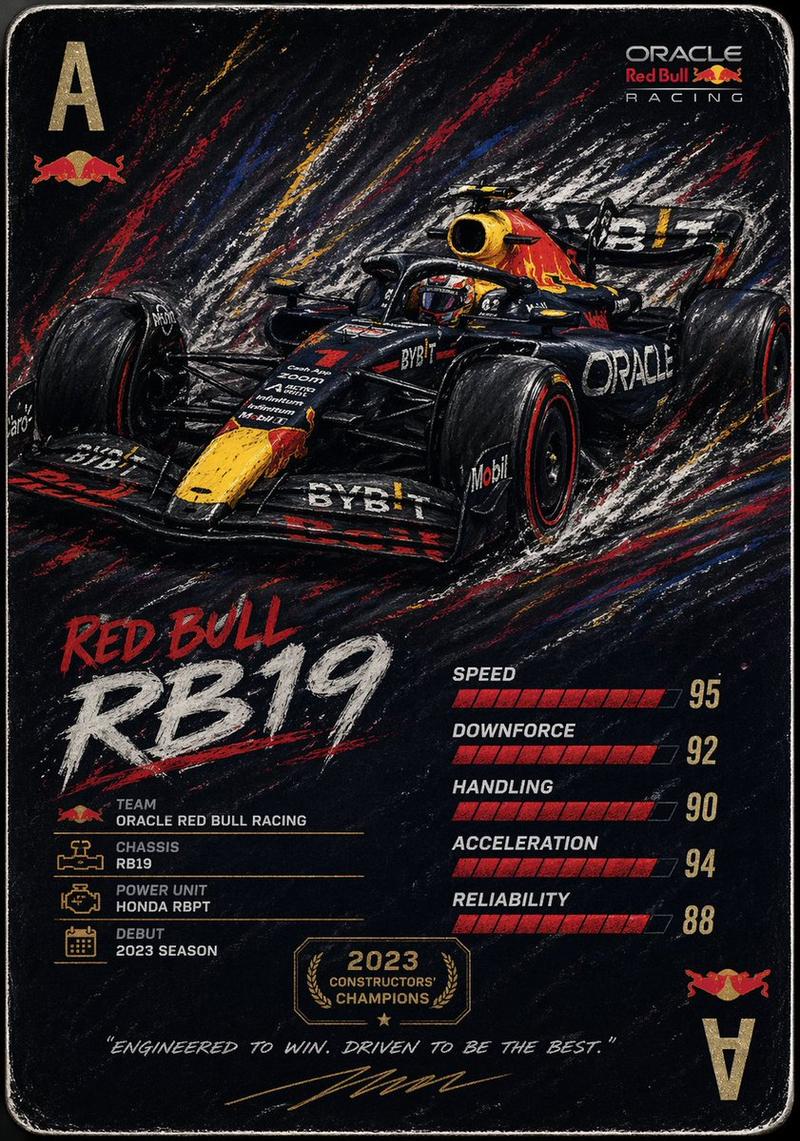
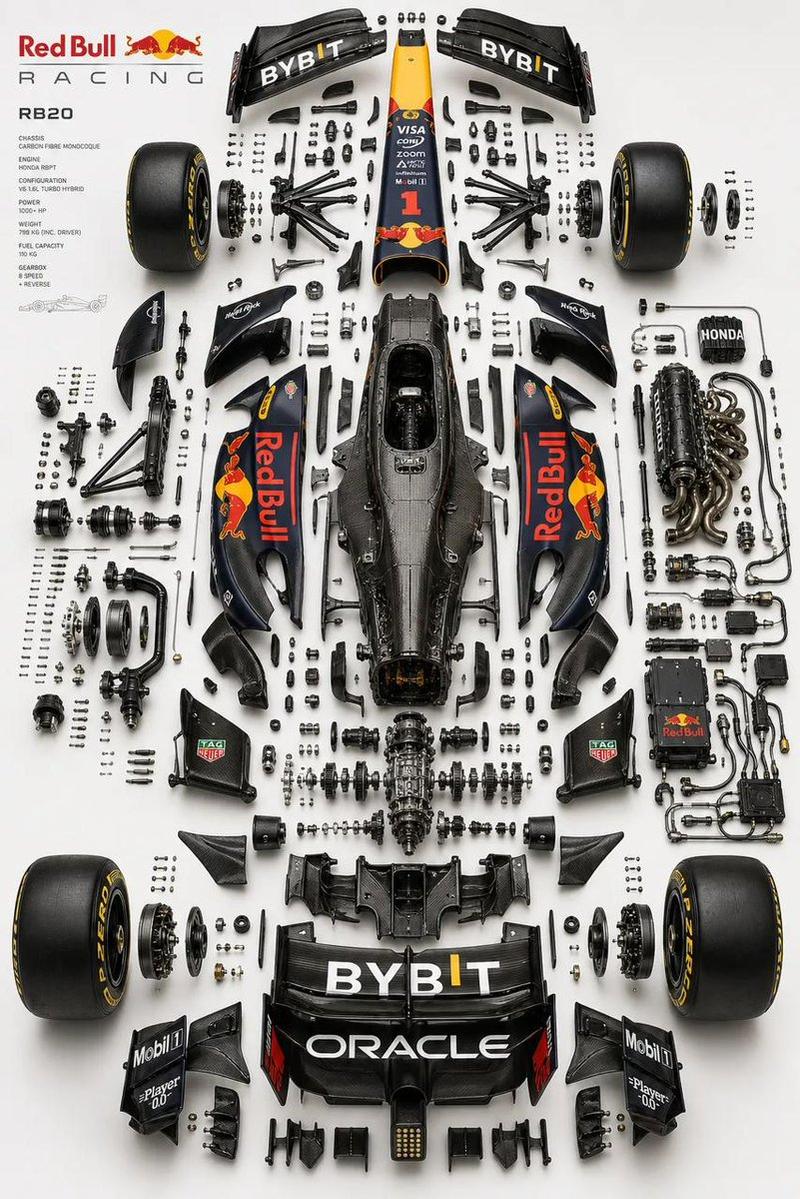
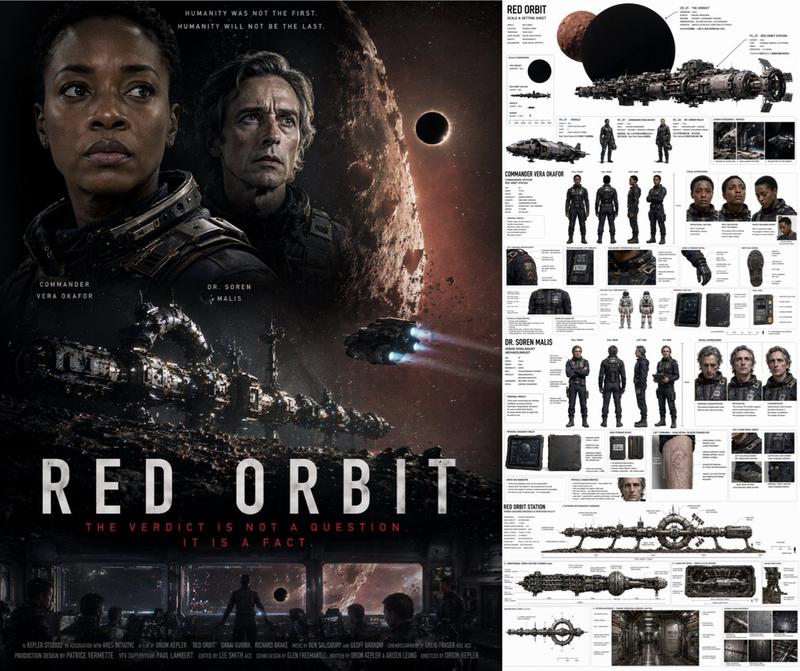
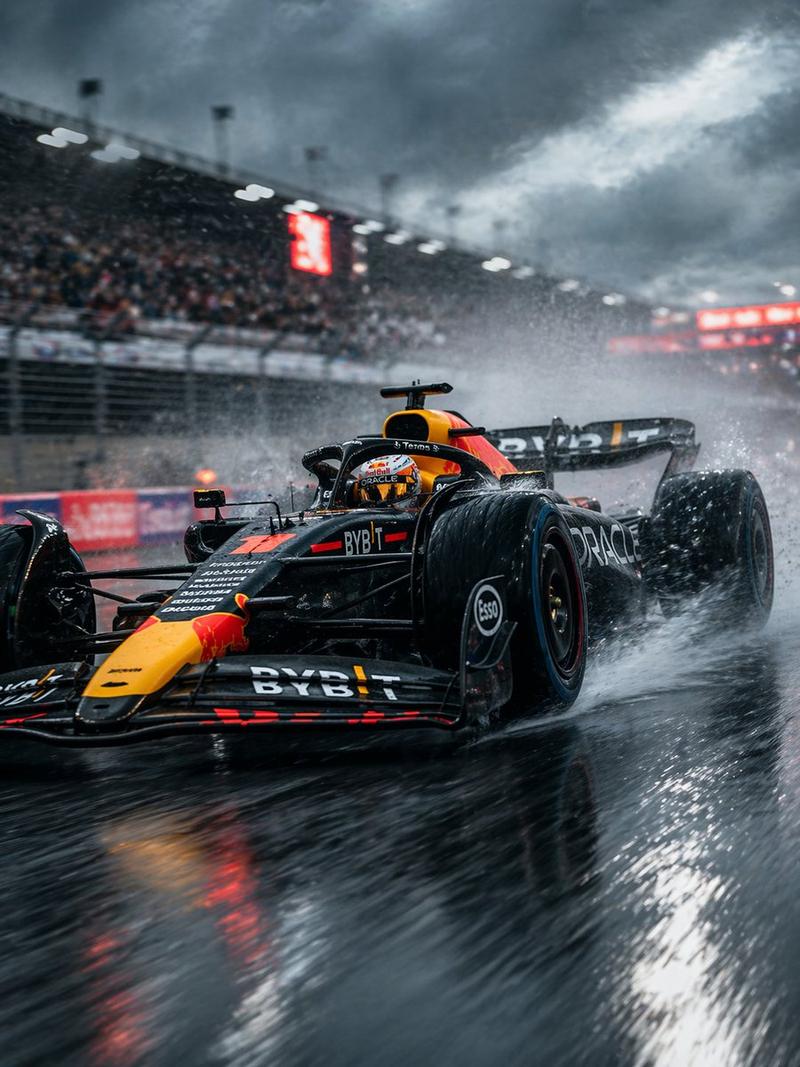
19

可编辑 PSD 图层生成
Enlarge

可编辑 PSD 图层生成

Prompt
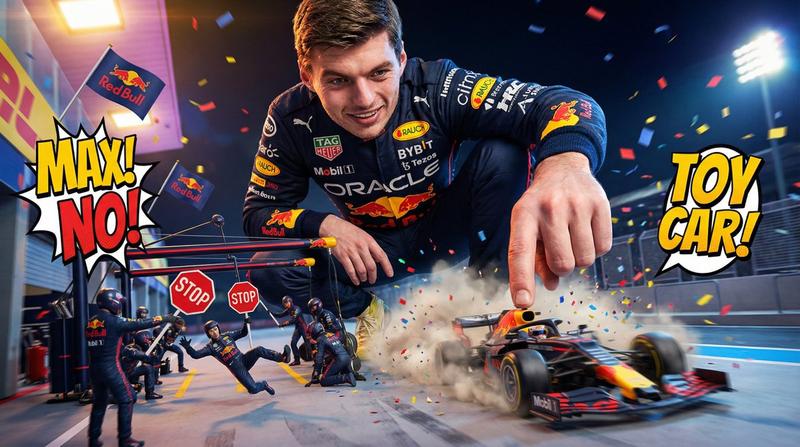
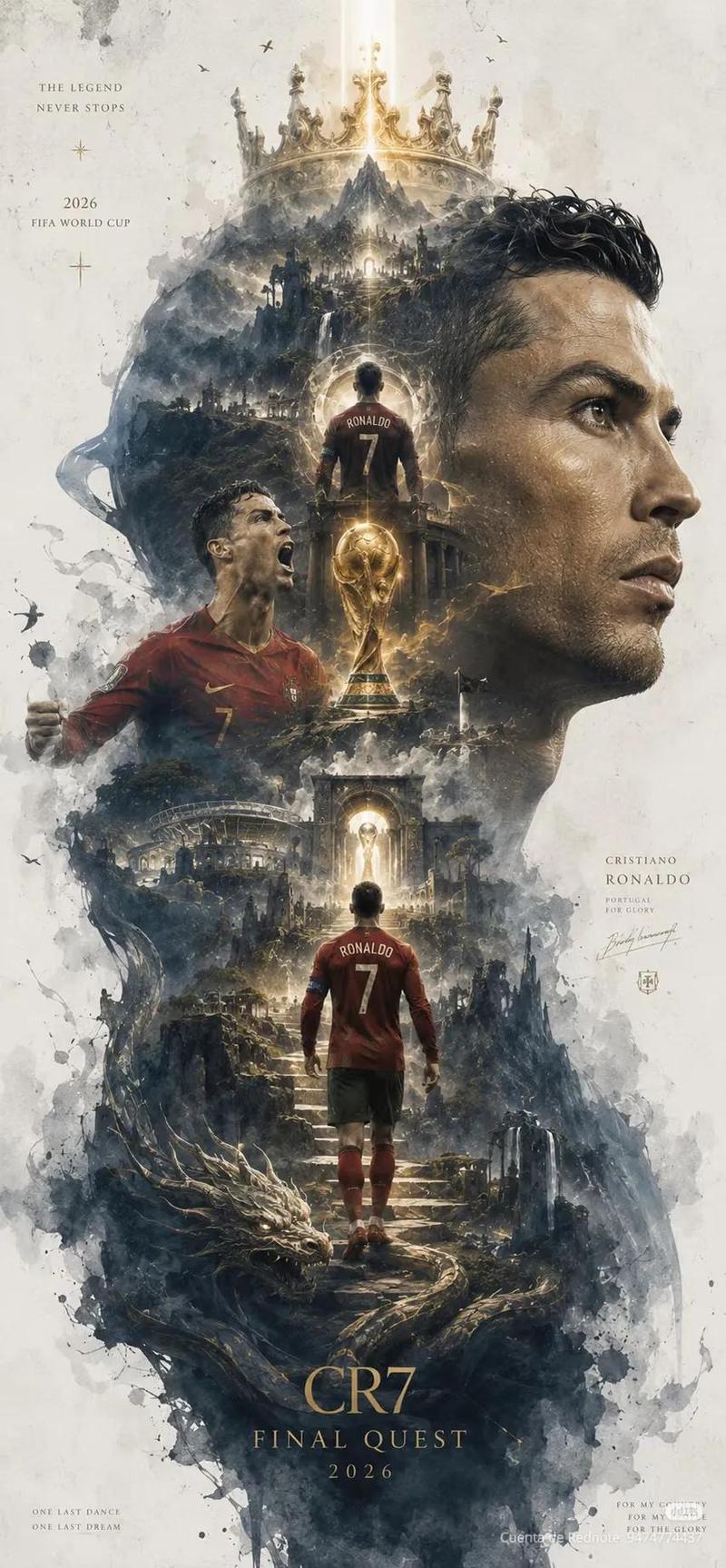
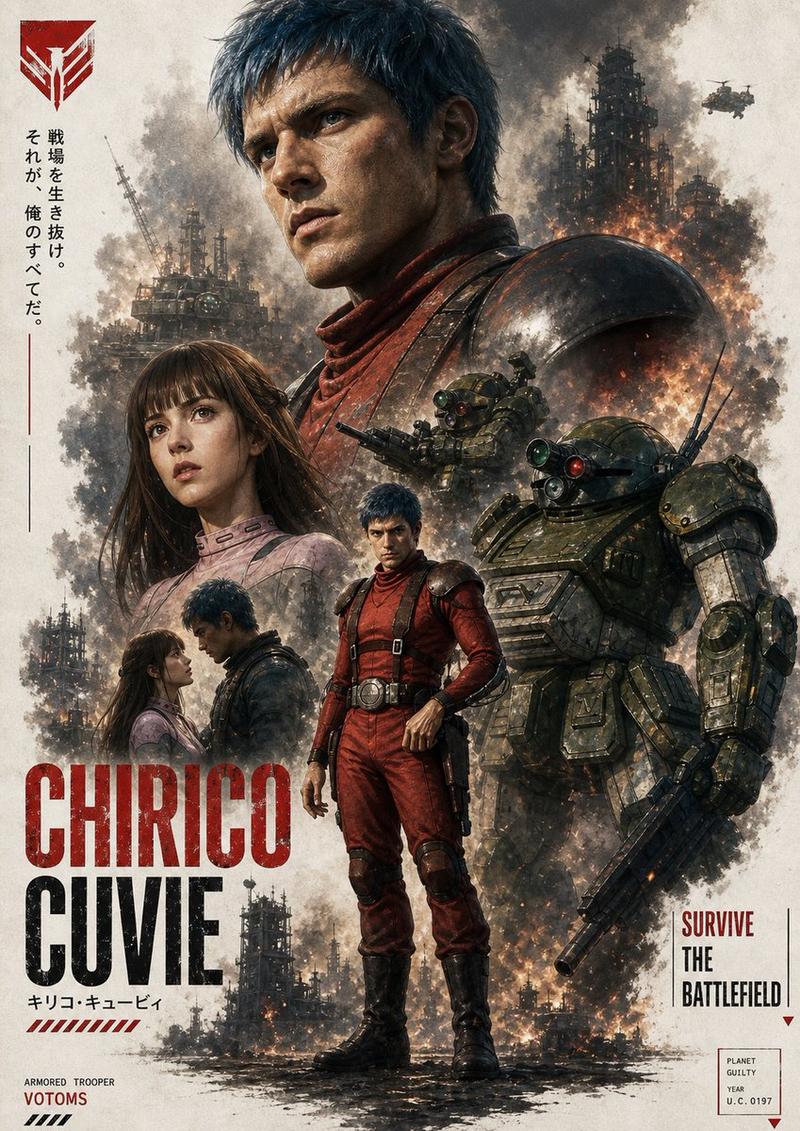
根据参考图生成一个 {argument name="文件格式" default="PS 可以编辑的 PSD 分层文件"}

请将图像拆解成若干个独立元素每一个元素都不要改变原始位置,并在Photoshop 中生成对应图层

1. 图像主体:使用生图工具生成不带背景的 PNG 图片后,再复制到 PS 对应图层中

2.特效元素:例如光效、装饰、氛围元素等,也使用生图工具生成不带背景s的 PNG 图片后,再复制到 PS 对应图层中

3.文字部分:优先使用 Photoshop 自带文本工具生成,并调整字体、字号、颜色和样式;如果无法还原字体,则使用生图工具生成不带背景的 PNG 文字图片,再放入对应位置

4.所有元素都要尽量保持与参考图一致的位置、大小和层级关系

5.最终输出一个可在 Photoshop 中打开并编辑的 PSD 分层文件
Category
Charts & Infographics
Model
GPT Image 2
Creator
serein
Views6
Source ID
16831
Published
Apr 28, 2026

Guide

About "可编辑 PSD 图层生成"

What is this prompt for?

"可编辑 PSD 图层生成" AI image prompt for GPT Image 2 (Charts & Infographics). 这是一个技术提示词,旨在强制 GPT Image 2 通过将图像分解为主题和文本等独立元素,从而输出分层的 PSD 结构。 Copy it on Picva and recr…

The full copyable prompt and example visuals above are ready for AI image generation or one-click recreate in Picva.

How to use this prompt

  1. Step 1

    Open the prompt detail

    Review the example visuals, category, and full prompt text for "可编辑 PSD 图层生成".

  2. Step 2

    Copy the prompt

    Copy the prompt body from this page, or load it directly in Studio.

  3. Step 3

    Pick a model (GPT Image 2)

    Prefer GPT Image 2. If you switch models, keep subject and composition and tweak style terms.

  4. Step 4

    Generate and export

    Recreate the look in Picva, or export into your workflow for editing and publishing.

FAQ

What is the "可编辑 PSD 图层生成" prompt?
It is an AI image-generation prompt for GPT Image 2 in the Charts & Infographics category. This page includes the full prompt text, example visuals, and a one-click recreate path in Picva.
How do I use this prompt to generate an image?
Copy the prompt from this page, or use Generate / Studio. Paste it into a compatible image model, or recreate the look in Picva with optional reference images.
Which model is this prompt for?
This page lists GPT Image 2. Most descriptive prompts also transfer to nearby image models such as GPT Image, Flux, or Midjourney with light style tweaks.
Can I use the result commercially?
You can usually copy the prompt for creation, but commercial use of the final image depends on the model terms, reference-image rights, and the generated content. Follow the source author and platform rules.