19

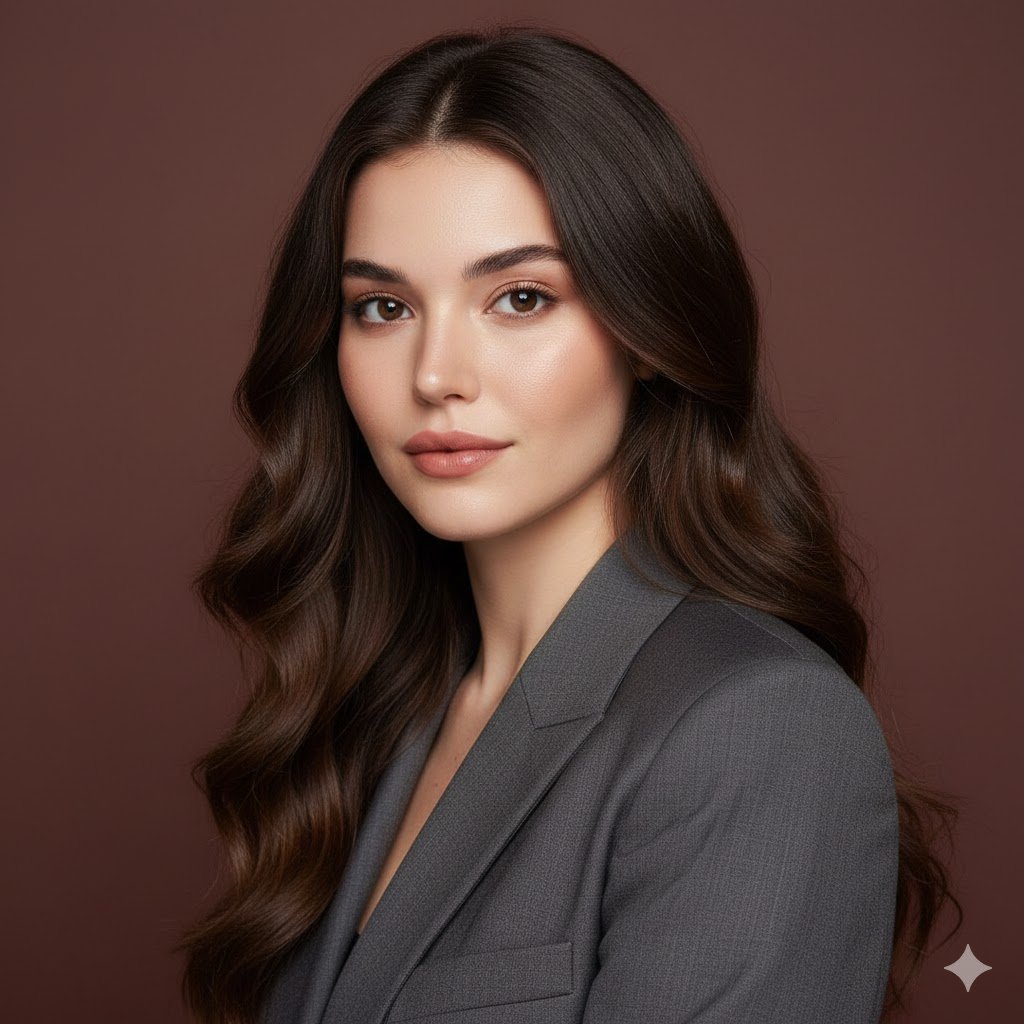
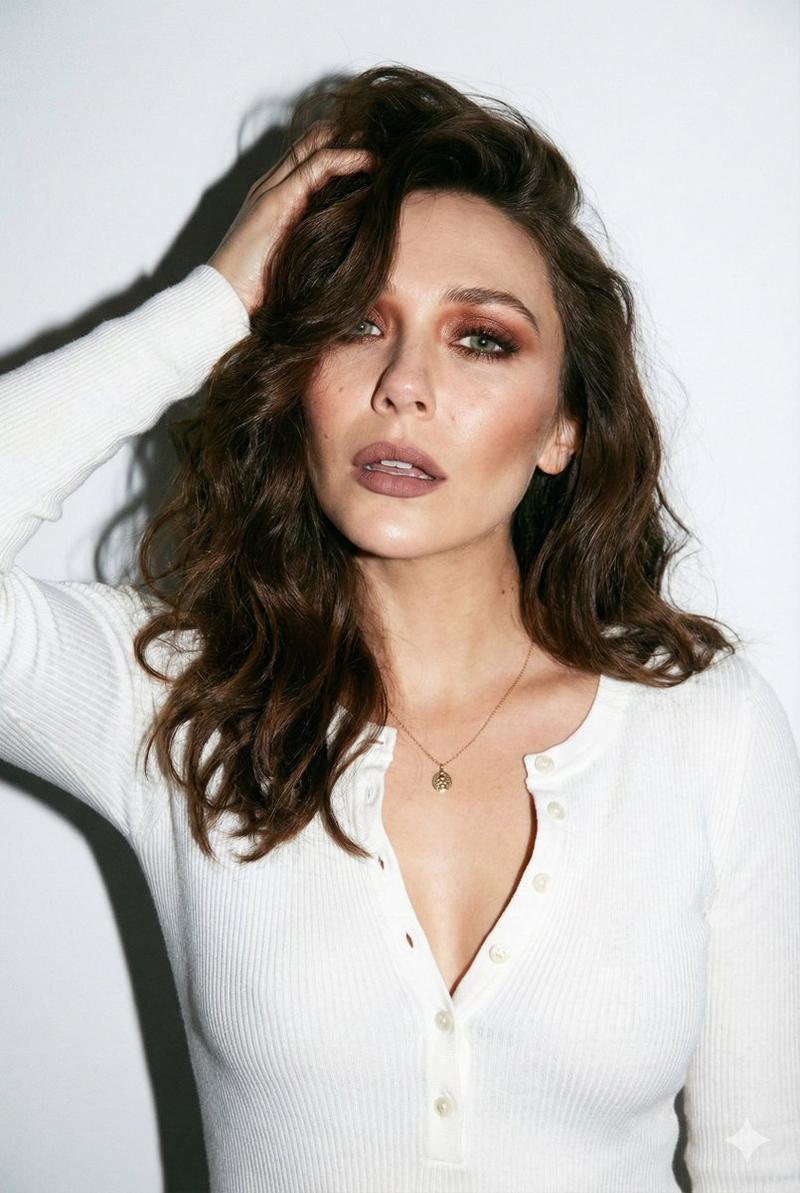
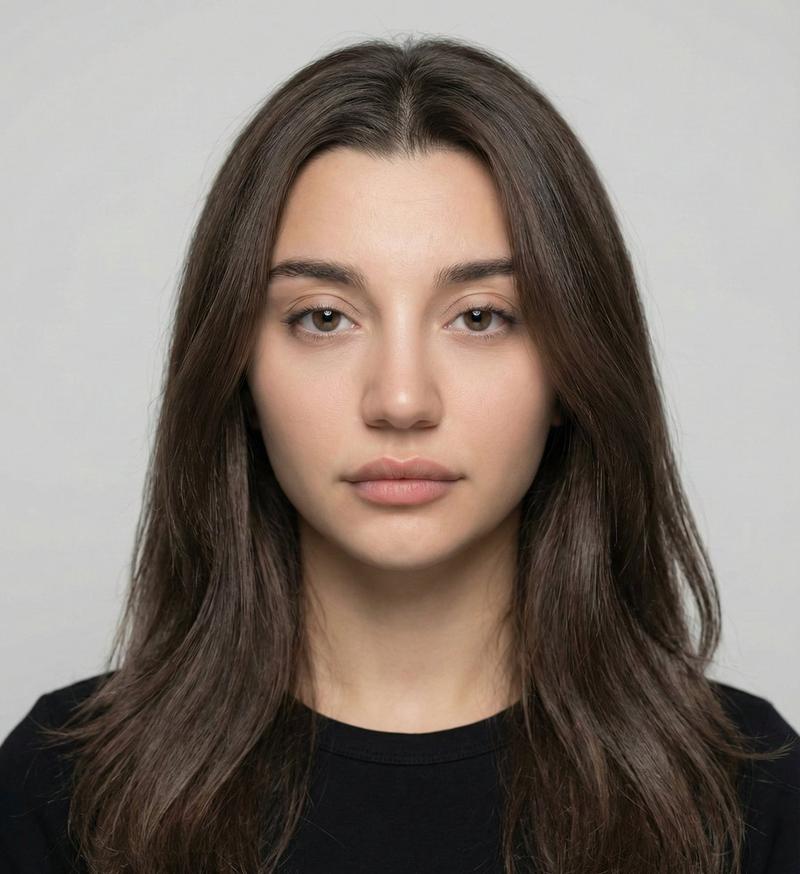
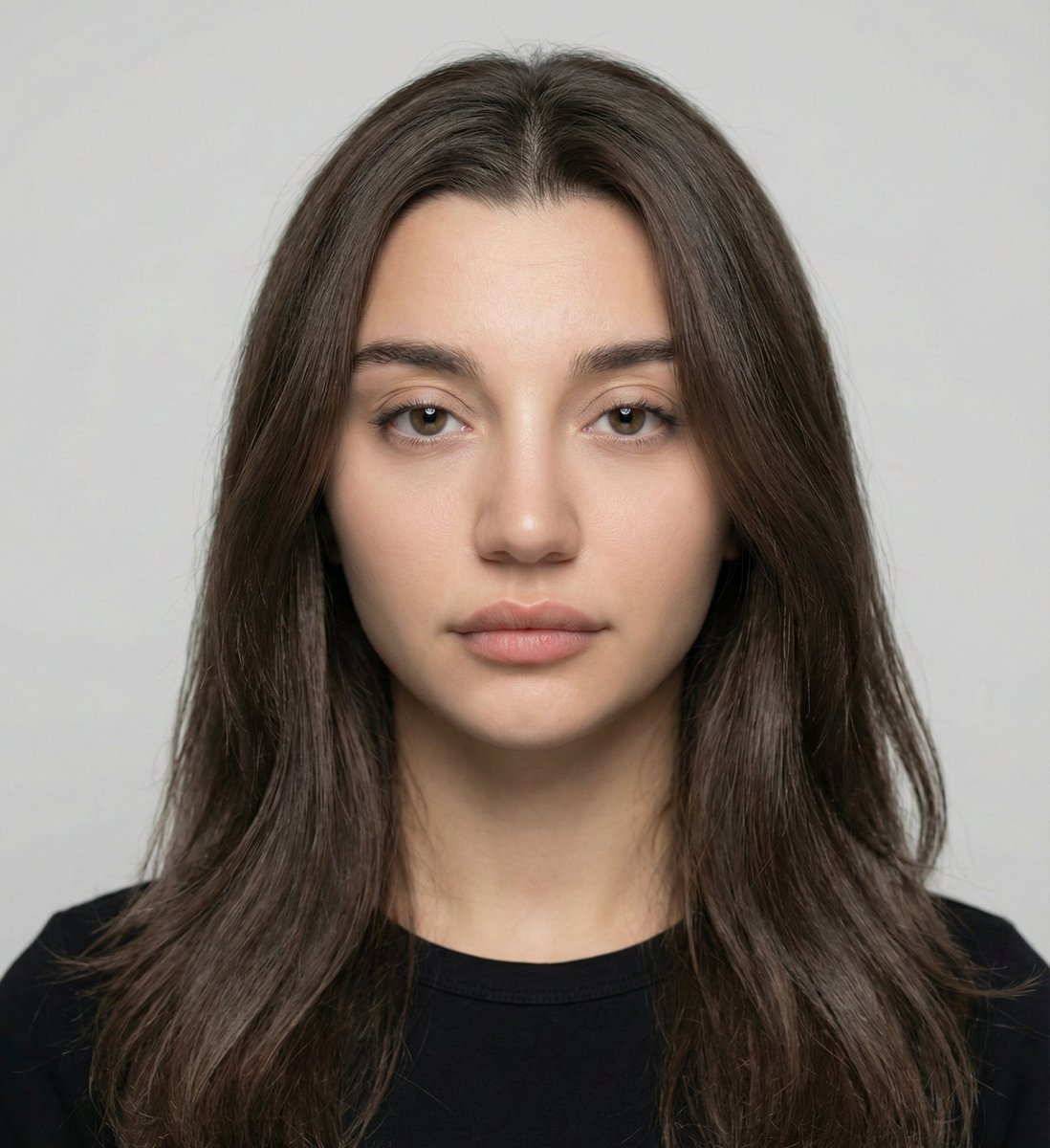
中性色调简约影棚人像
Enlarge

中性色调简约影棚人像

Prompt
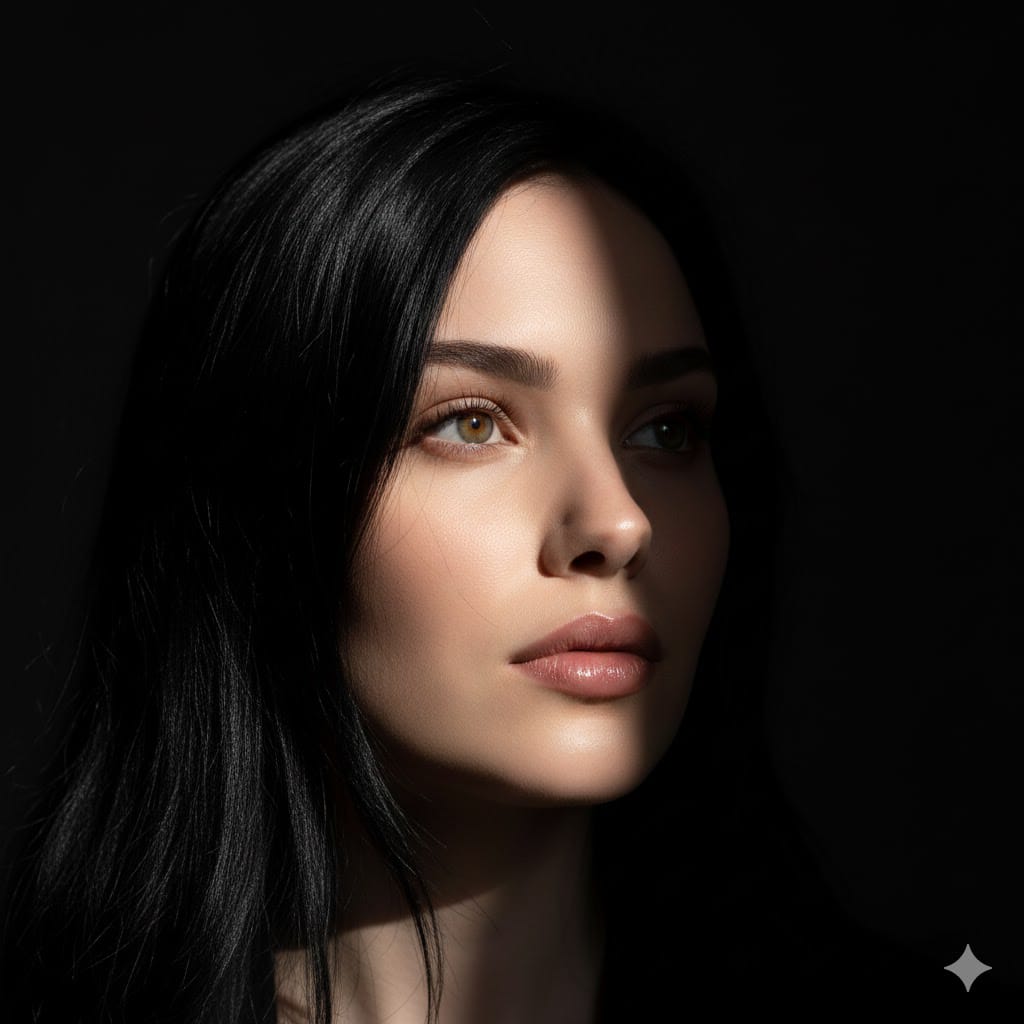
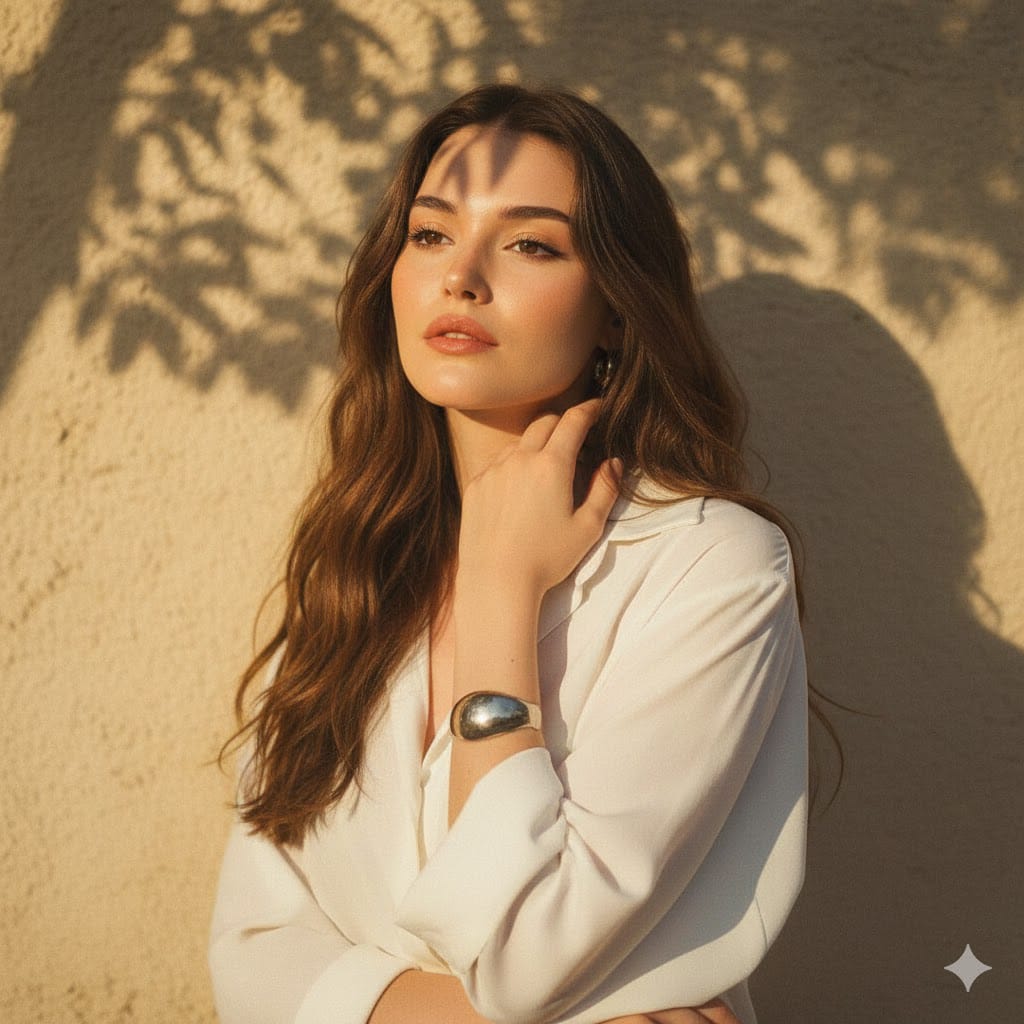
A highly realistic studio portrait of a {argument name="subject gender" default="female"} in her mid-20s with a naturally fit build, framed from the chest up at eye level, centered against a smooth warm beige studio backdrop with no distractions. She has long, thick, dark {argument name="hair color" default="black"} hair styled in loose, slightly messy natural waves with strong volume and a soft center part, falling over both shoulders. Her pose is relaxed and confident, facing the camera straight on with a calm, neutral, self-assured expression. She wears 2 visible clothing layers: a plain white crew-neck T-shirt underneath a lightweight taupe-gray casual zip jacket worn open, with a minimal modern streetwear look in muted neutral tones. Include a small subtle earring visible on one ear. Use professional studio lighting with a soft frontal key light, gentle fill, soft natural shadows, accurate skin tones, and very light separation from the background. Shoot with an 85mm portrait lens look at f/2.8, tack-sharp on the subject with shallow depth of field, editorial fashion portrait style, natural balanced color grading, minimal retouching, ultra-detailed, no filters, no noise, no motion blur, no cartoonish features.
Category
Brand & Logos
Model
GPT Image 2
Creator
Meem
Views2
Source ID
15603
Published
Apr 24, 2026

Guide

About "中性色调简约影棚人像"

What is this prompt for?

"中性色调简约影棚人像" AI image prompt for GPT Image 2 (Brand & Logos). 此提示词可生成具有柔和光影、低调休闲风格及干净中性背景的写实编辑风格影棚人像,适用于时尚、品牌宣传或人像摄影。 Copy it on Picva and recreate the look in…

The full copyable prompt and example visuals above are ready for AI image generation or one-click recreate in Picva.

How to use this prompt

  1. Step 1

    Open the prompt detail

    Review the example visuals, category, and full prompt text for "中性色调简约影棚人像".

  2. Step 2

    Copy the prompt

    Copy the prompt body from this page, or load it directly in Studio.

  3. Step 3

    Pick a model (GPT Image 2)

    Prefer GPT Image 2. If you switch models, keep subject and composition and tweak style terms.

  4. Step 4

    Generate and export

    Recreate the look in Picva, or export into your workflow for editing and publishing.

FAQ

What is the "中性色调简约影棚人像" prompt?
It is an AI image-generation prompt for GPT Image 2 in the Brand & Logos category. This page includes the full prompt text, example visuals, and a one-click recreate path in Picva.
How do I use this prompt to generate an image?
Copy the prompt from this page, or use Generate / Studio. Paste it into a compatible image model, or recreate the look in Picva with optional reference images.
Which model is this prompt for?
This page lists GPT Image 2. Most descriptive prompts also transfer to nearby image models such as GPT Image, Flux, or Midjourney with light style tweaks.
Can I use the result commercially?
You can usually copy the prompt for creation, but commercial use of the final image depends on the model terms, reference-image rights, and the generated content. Follow the source author and platform rules.