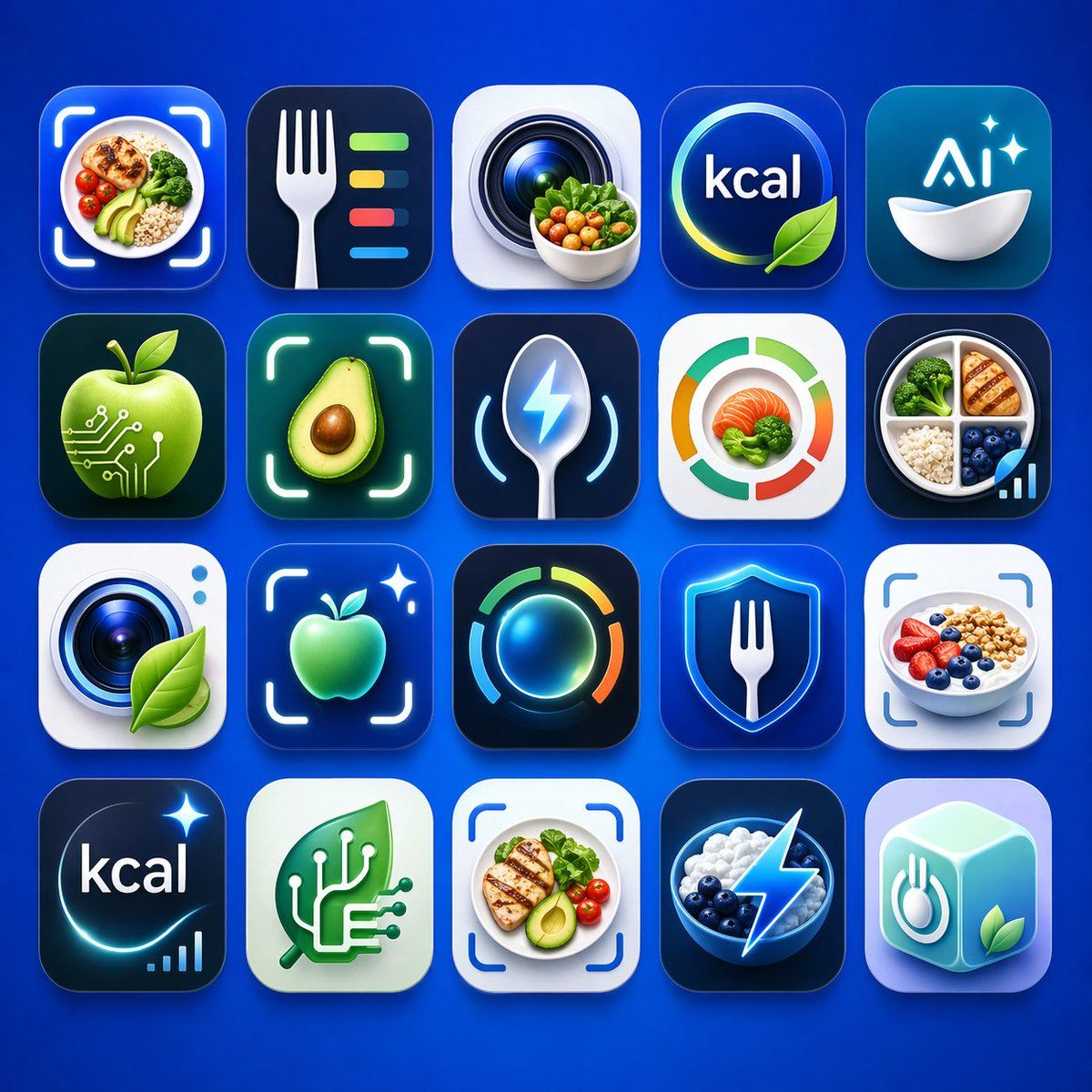
健康营养类 App 图标矩阵
Prompt
A clean presentation grid of 20 modern mobile app logo concepts for nutrition, calorie tracking, healthy eating, food recognition, and AI wellness tools, shown on a vivid electric-blue background with soft studio lighting and subtle shadows. Arrange the icons in 4 rows by 5 columns, evenly spaced, each as a glossy rounded-square app tile with premium iOS-style depth, smooth gradients, glassy highlights, and crisp 3D-rendered detail. The color palette should center on saturated blues, cyan, teal, white, lime green, and small accents of orange and yellow. Include exactly 20 distinct icon designs: 1) a meal bowl with avocado, grains, broccoli, and cherry tomatoes framed by a camera scan bracket, 2) a white fork beside four horizontal nutrition bars in green, yellow, red, and blue on a dark navy tile, 3) a camera lens with a small bowl of vegetables in front, 4) a circular blue badge with the text {argument name="headline text" default="kcal"} and a green leaf overlapping the lower edge, 5) a teal-blue icon with the text {argument name="brand text" default="Ai"} above a white bowl and two sparkles, 6) a glossy green apple with circuit traces and nodes suggesting food-tech AI, 7) a halved avocado centered inside a glowing scan frame, 8) a metallic spoon with a blue lightning bolt symbol and curved tracking lines, 9) a circular segmented nutrition meter in green, orange, and red around salmon and broccoli, 10) a divided plate containing grilled chicken, broccoli, rice, blueberries, and a small ascending analytics bar chart, 11) a camera lens on a white tile with a green leaf attached, 12) a glowing green apple inside a scan bracket with a sparkle, 13) a luminous circular activity ring in blue, green, yellow, and orange on a dark tile, 14) a blue shield with a white fork in the center, 15) a yogurt or oatmeal bowl topped with strawberries, blueberries, and granola inside a scan bracket, 16) a dark navy calorie icon with the text {argument name="calorie text" default="kcal"}, a curved glow, one sparkle, and a tiny bar chart, 17) a mint-green square with a white circuit-tree or branching chip motif, 18) a plated healthy meal with grilled chicken, avocado, tomatoes, and greens inside a scan bracket, 19) a dark bowl of blueberries and white yogurt or cream with a bright electric lightning bolt overlay, 20) a pastel aqua 3D cube icon featuring a fork-and-plate symbol on one face and a green leaf on another. Make the overall style highly polished, slightly futuristic, commercially viable for App Store branding, with consistent visual language across all 20 icons, no extra text beyond the visible short labels, and a premium AI-generated product-design aesthetic.- Category
- Charts & Infographics
- Model
- GPT Image 2
- Creator
- David Attias
- Source ID
- 15755
- Published
- Apr 24, 2026
Views7