18

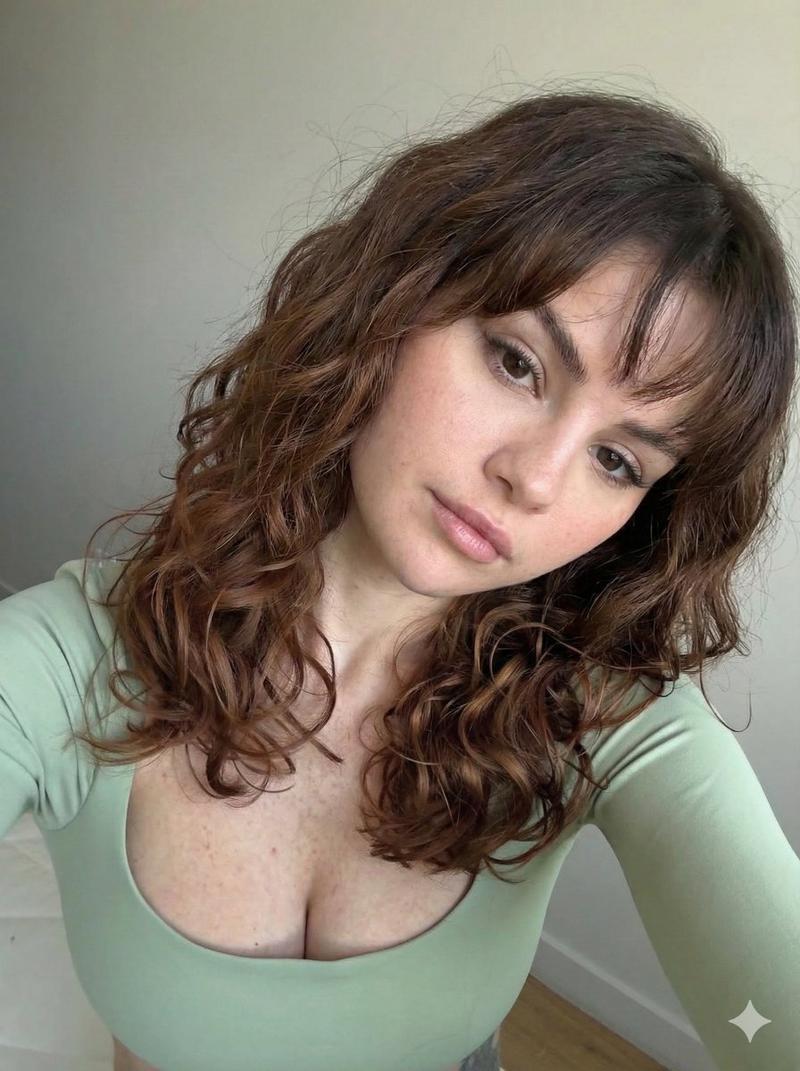
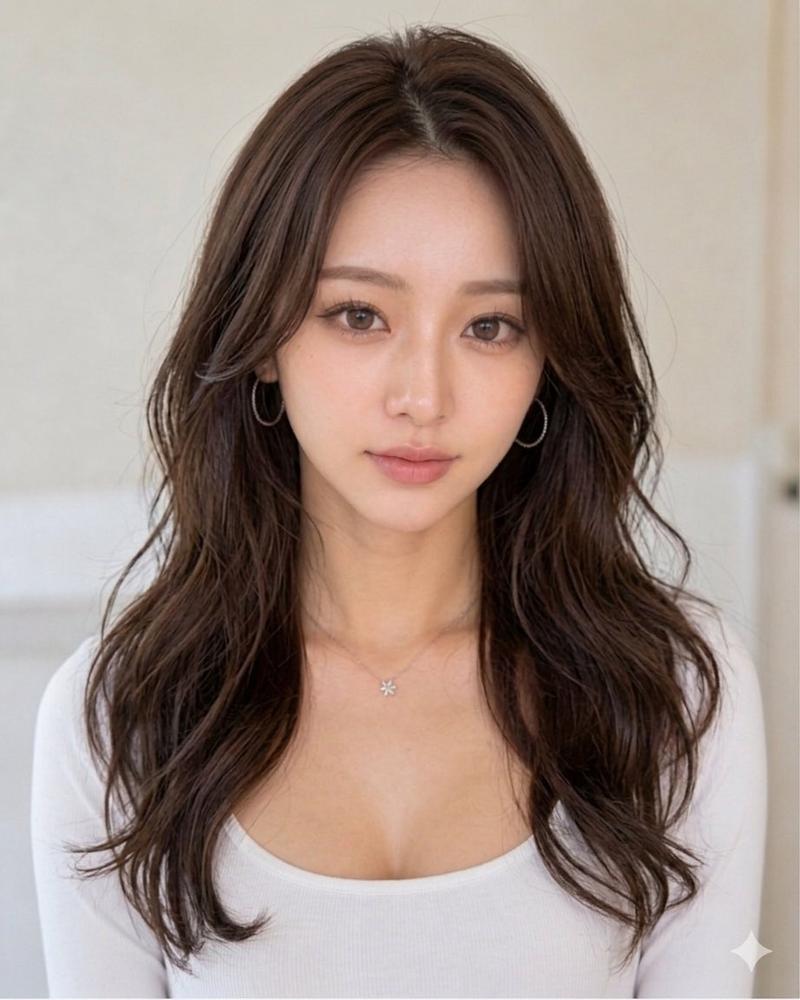
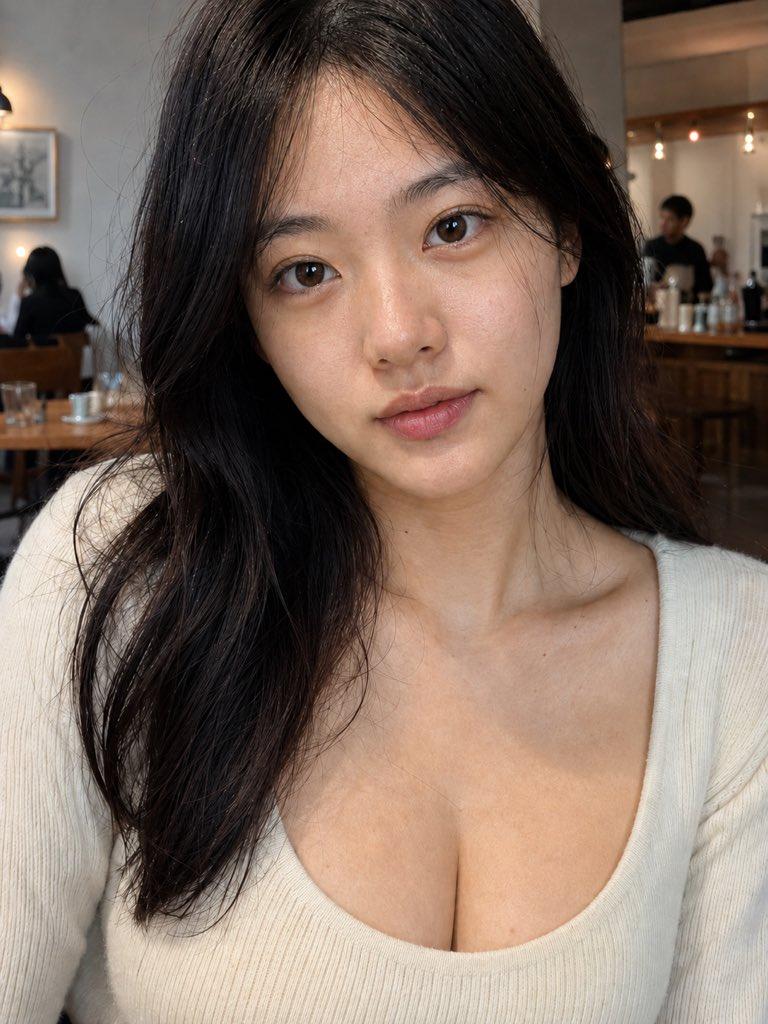
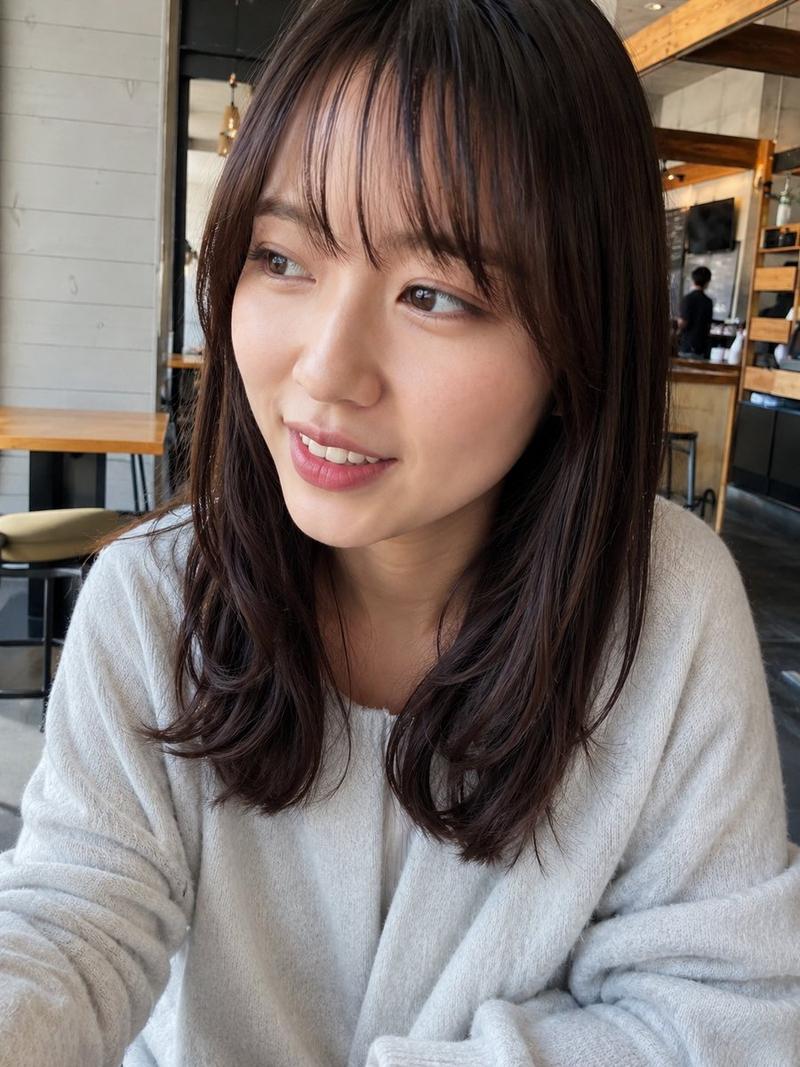
黄金时刻自拍人像
Enlarge

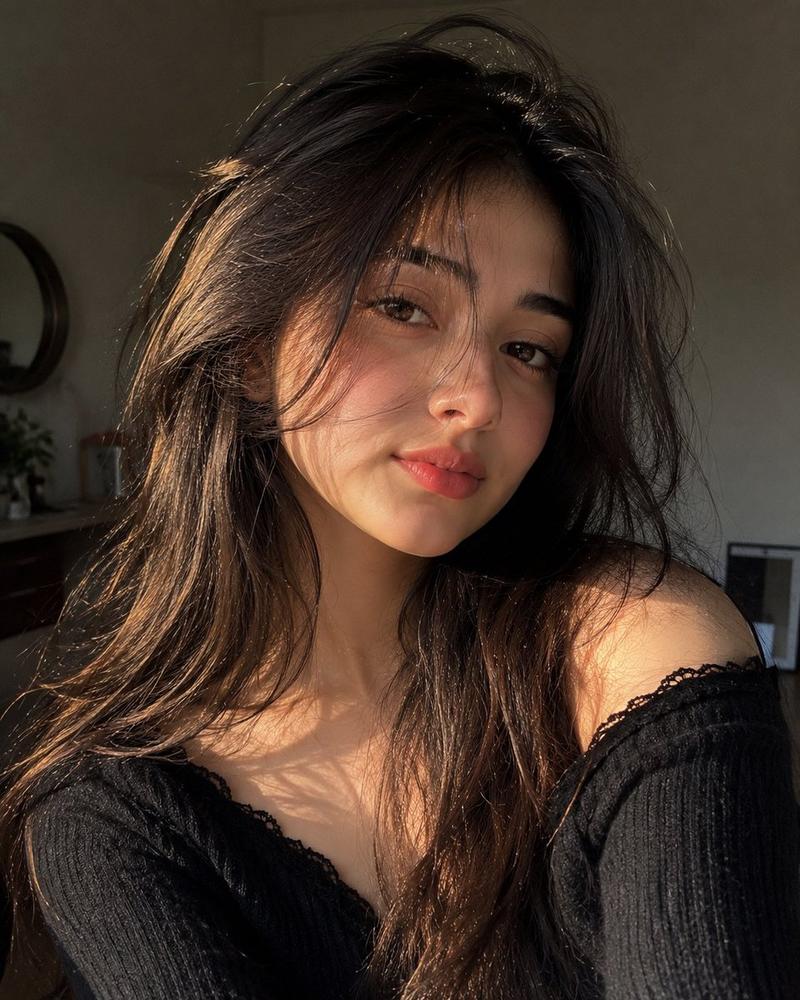
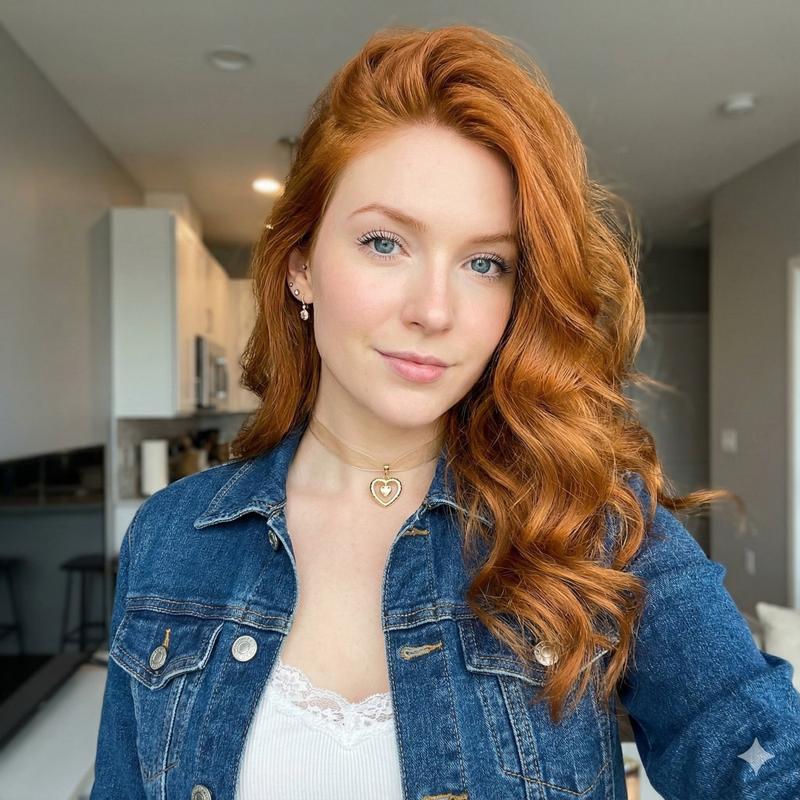
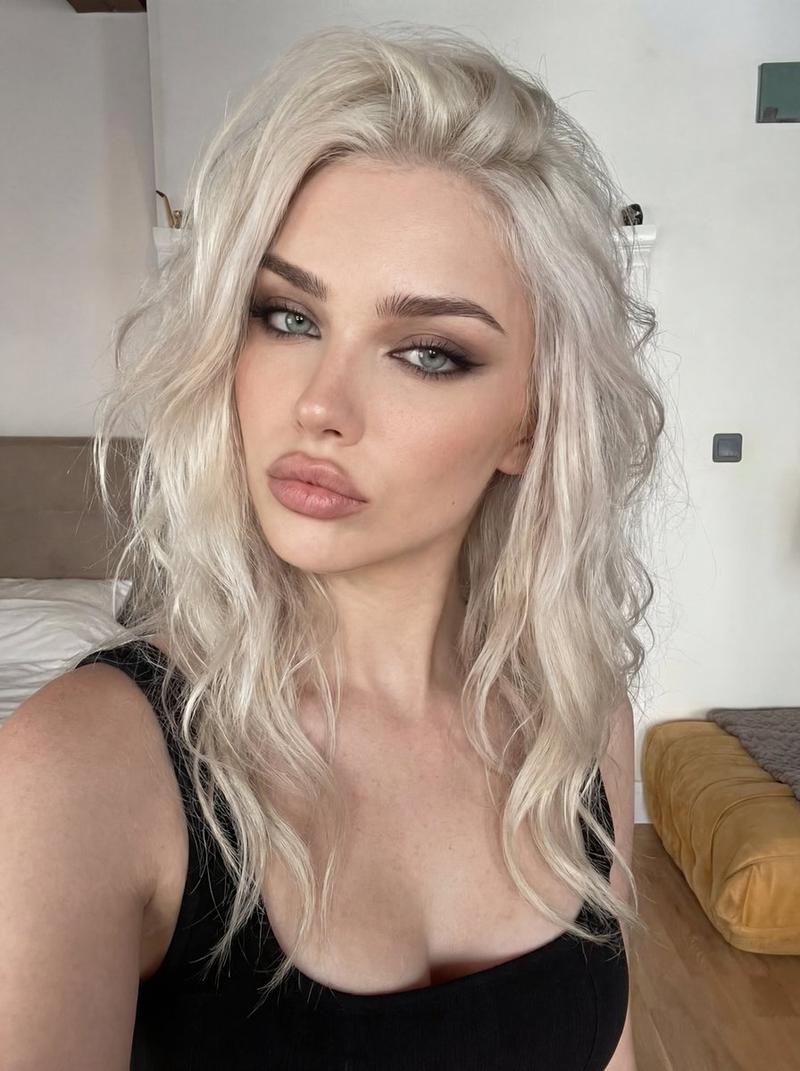
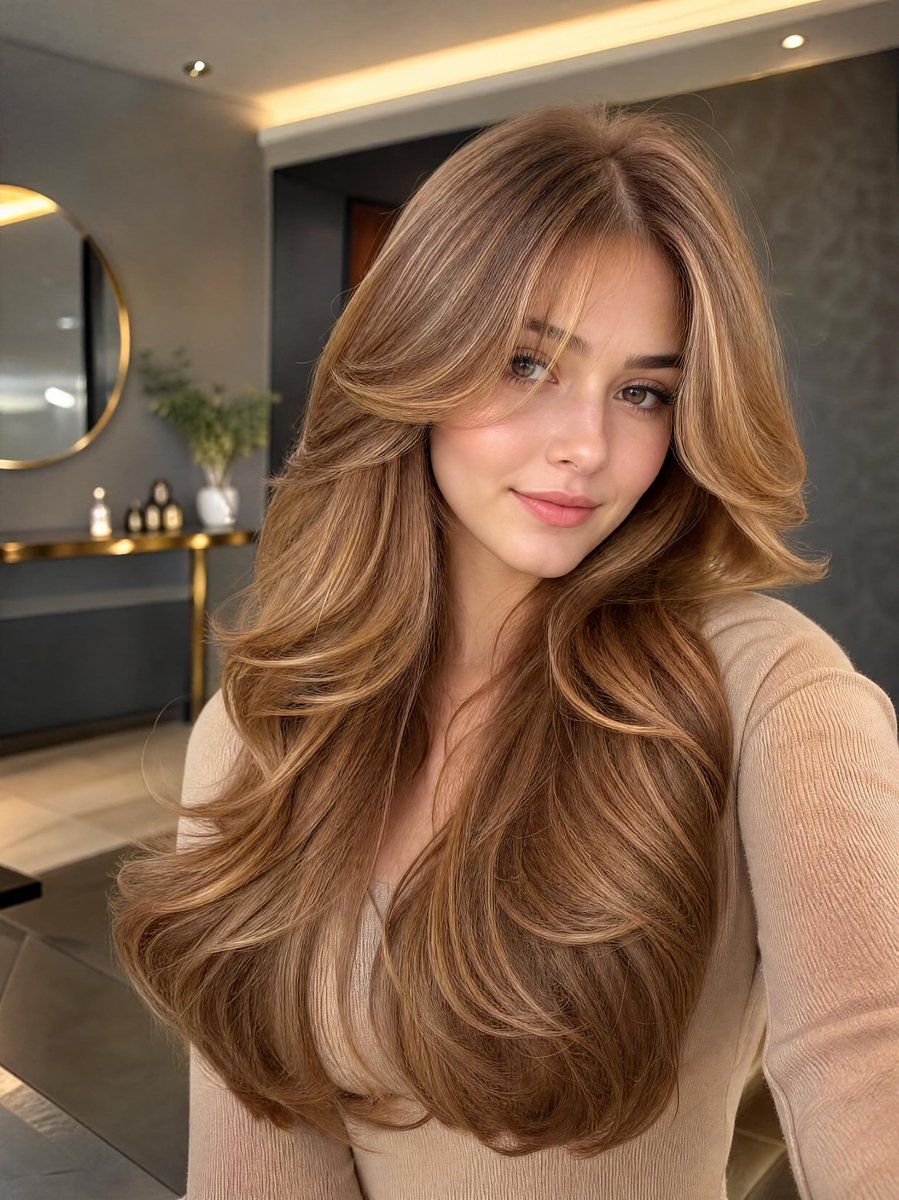
Example images

黄金时刻自拍人像

Prompt
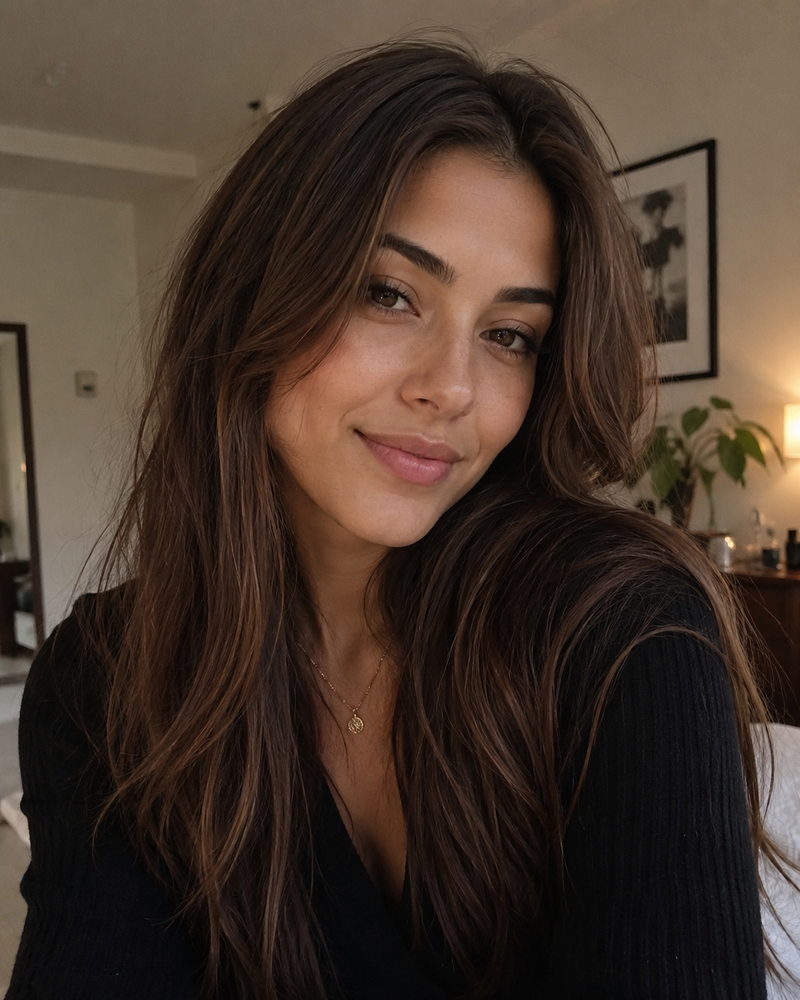
A stunning young woman taking a selfie, beautiful face with flawless skin, subtle makeup, defined eyebrows, {argument name="eye color" default="hazel eyes"}, full pink lips with a soft smile. She has very long, voluminous, layered hair with soft waves and curls at the ends, {argument name="hair color" default="honey blonde and caramel highlights"} with darker roots, rich dimensional color, flowing over her shoulders and chest. She is wearing a {argument name="clothing" default="light beige/off-white ribbed long-sleeve top"}. Modern luxurious interior background with dark grey walls, gold accents, large mirror with gold frame, elegant console table with lamp. Soft warm lighting, cinematic portrait photography, highly detailed, realistic, 8k, photorealistic.
Category
Charts & Infographics
Model
GPT Image 2
Creator
Jahan Zaib
Views5
Source ID
23469
Published
May 31, 2026

Guide

About "黄金时刻自拍人像"

What is this prompt for?

"黄金时刻自拍人像" AI image prompt for GPT Image 2 (Charts & Infographics). 一个用于生成年轻女性在奢华室内环境中自拍的高细节提示词,展现其波浪卷发。 Copy it on Picva and recreate the look in one click.

The full copyable prompt and example visuals above are ready for AI image generation or one-click recreate in Picva.

How to use this prompt

  1. Step 1

    Open the prompt detail

    Review the example visuals, category, and full prompt text for "黄金时刻自拍人像".

  2. Step 2

    Copy the prompt

    Copy the prompt body from this page, or load it directly in Studio.

  3. Step 3

    Pick a model (GPT Image 2)

    Prefer GPT Image 2. If you switch models, keep subject and composition and tweak style terms.

  4. Step 4

    Generate and export

    Recreate the look in Picva, or export into your workflow for editing and publishing.

FAQ

What is the "黄金时刻自拍人像" prompt?
It is an AI image-generation prompt for GPT Image 2 in the Charts & Infographics category. This page includes the full prompt text, example visuals, and a one-click recreate path in Picva.
How do I use this prompt to generate an image?
Copy the prompt from this page, or use Generate / Studio. Paste it into a compatible image model, or recreate the look in Picva with optional reference images.
Which model is this prompt for?
This page lists GPT Image 2. Most descriptive prompts also transfer to nearby image models such as GPT Image, Flux, or Midjourney with light style tweaks.
Can I use the result commercially?
You can usually copy the prompt for creation, but commercial use of the final image depends on the model terms, reference-image rights, and the generated content. Follow the source author and platform rules.