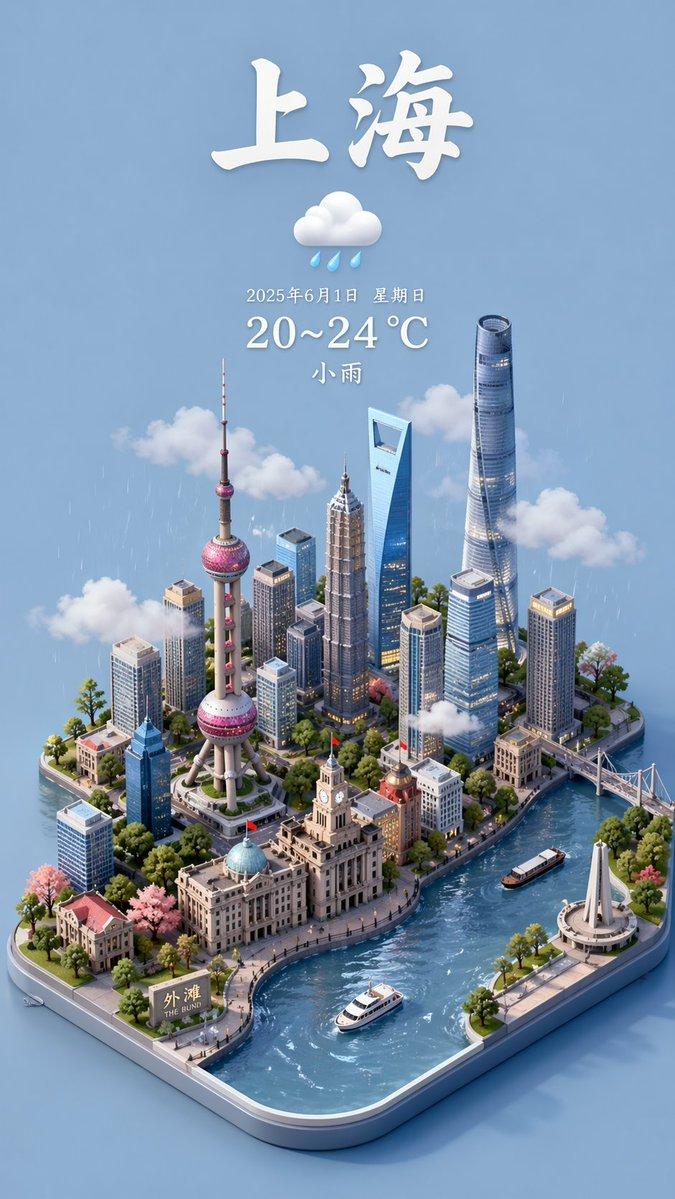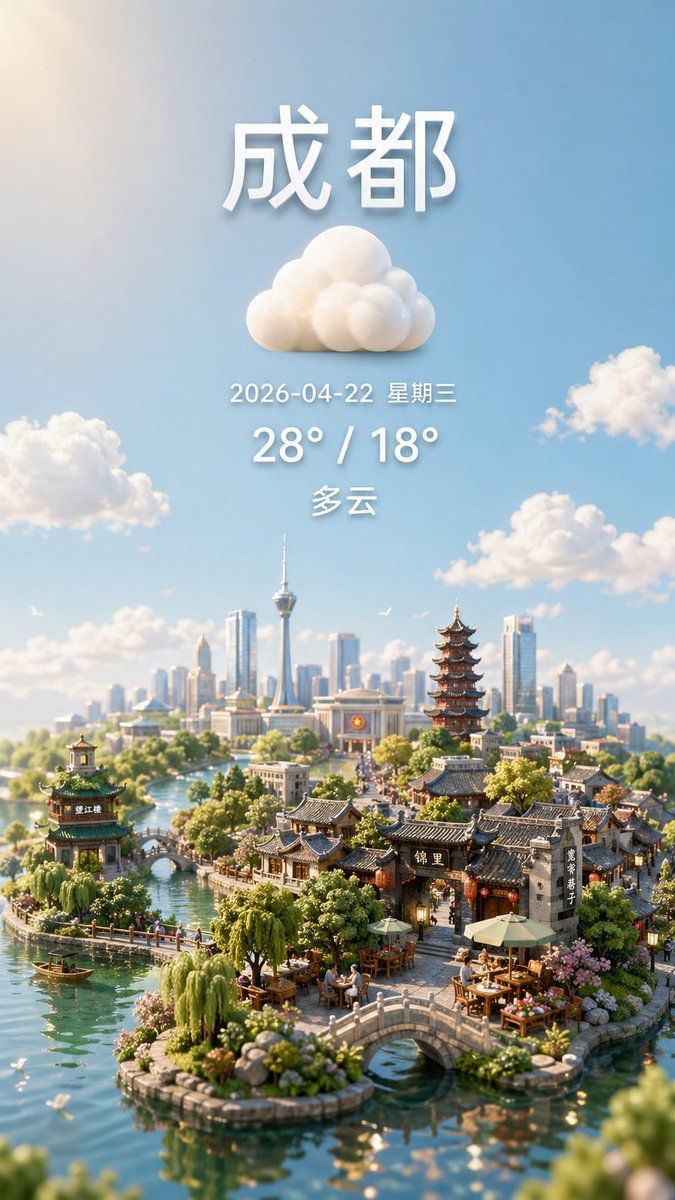
微缩城市天气海报
Prompt
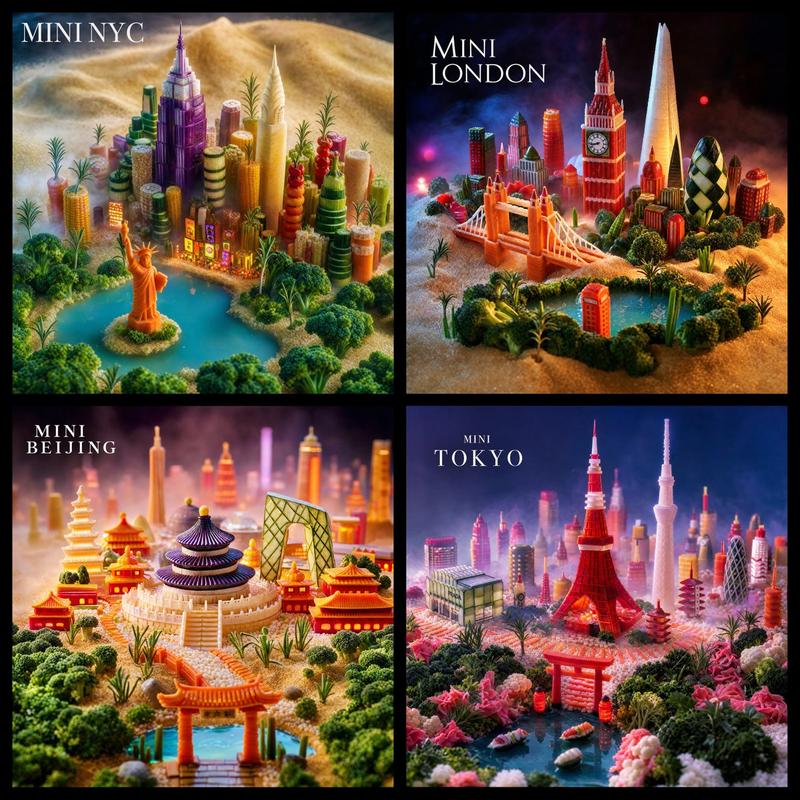
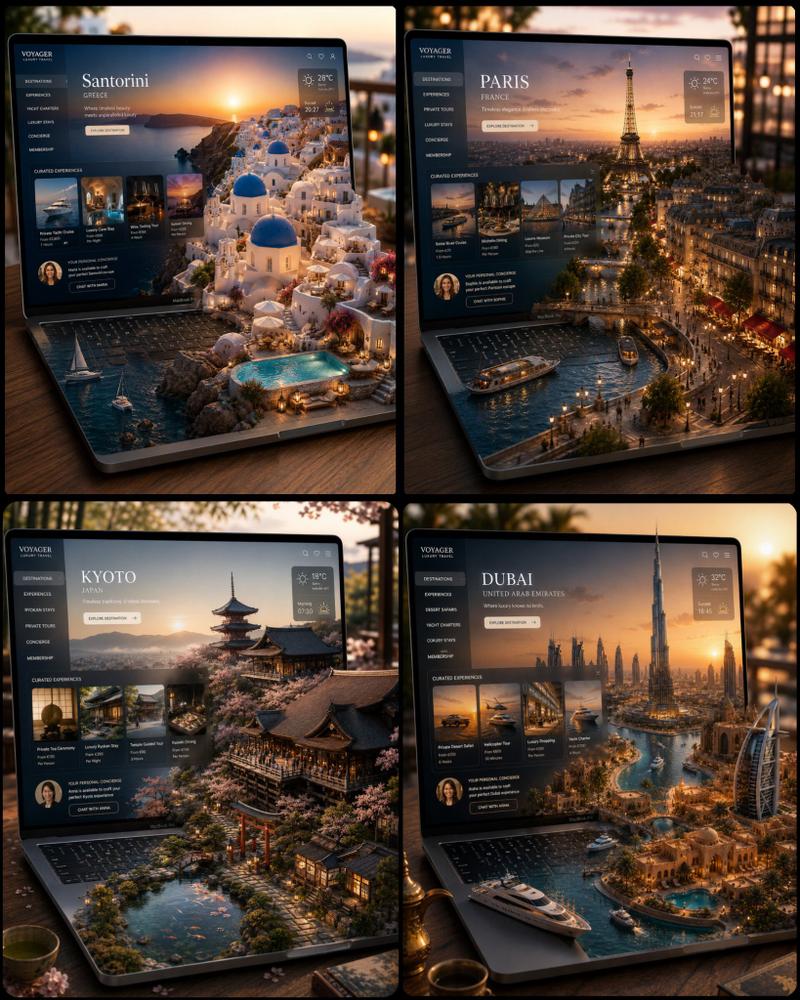
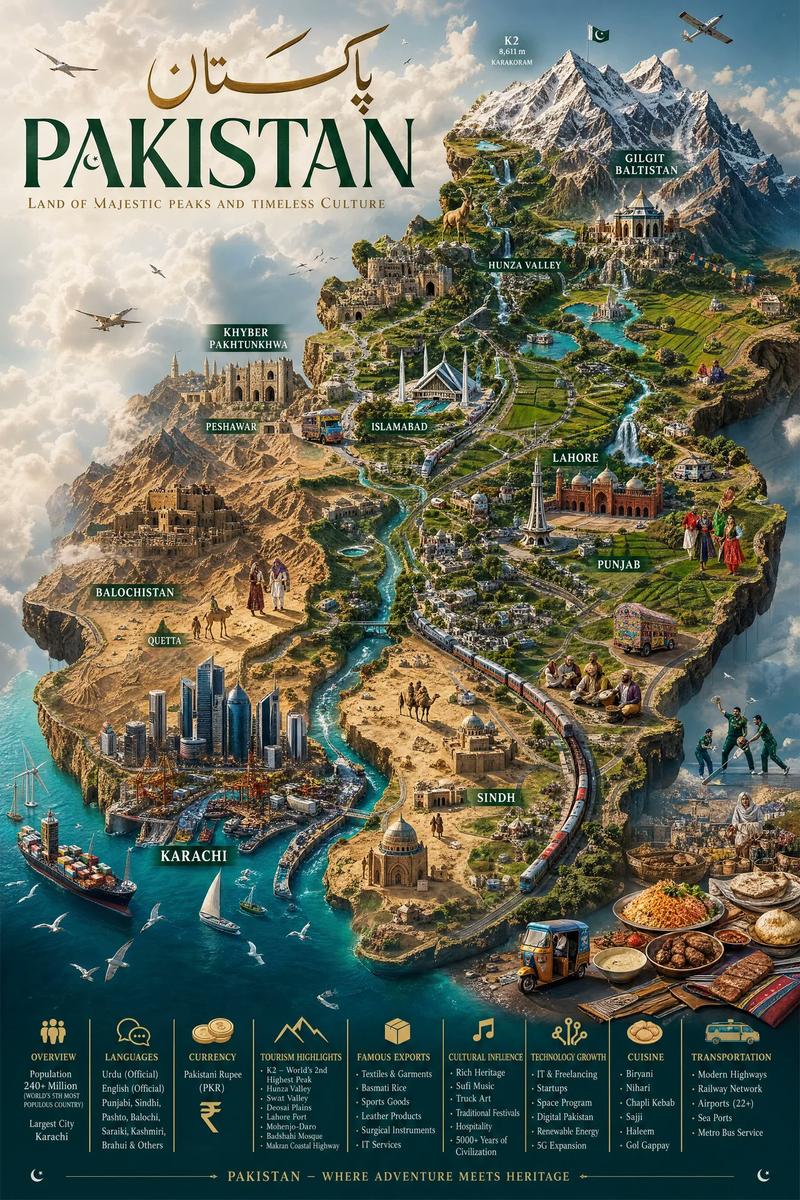
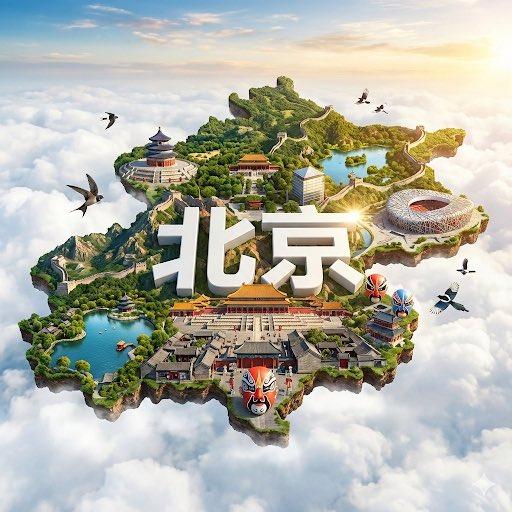
A vertical smartphone-style weather poster for {argument name="city name" default="成都"}, designed as a dreamy ultra-detailed miniature diorama cityscape under a bright blue sky. At the top center, place large bold white Chinese characters for the city name with soft 3D depth and a gentle drop shadow. Directly below it, center a fluffy white cloud icon made of rounded sculpted forms. Under the icon, add one line of smaller white text showing {argument name="date text" default="2026-04-22 星期三"}, then a larger bold white temperature line reading {argument name="temperature text" default="28° / 18°"}, then one more centered weather-condition line in white reading {argument name="condition text" default="多云"}. Keep all text vertically stacked, evenly spaced, and cleanly centered in the upper half of the image. In the lower half, create an enchanting hybrid city of traditional Chinese water-town architecture and a modern skyline: calm turquoise canals winding around tiny islands, 2 small arched stone bridges in the foreground, 1 pavilion on the left island, 1 tall multi-tier pagoda near the right-center, clusters of grey-tiled traditional houses and shopfronts, outdoor tea tables with umbrellas, lush willows, shrubs, flowers, and a few tiny boats on the water. In the distant background, show a contemporary skyline with many glass skyscrapers and 1 prominent needle-like observation tower. Scatter exactly 5 soft cumulus clouds across the sky including the central weather icon area, and add a few tiny birds for life. Use warm morning sunlight, cinematic atmospheric perspective, shallow depth of field, tilt-shift miniature photography aesthetics, highly realistic materials, delicate reflections in the water, and a polished whimsical travel-poster mood. Preserve a clean composition with generous sky above and the miniature city concentrated at the bottom, like a premium weather app hero image.- Category
- Charts & Infographics
- Model
- GPT Image 2
- Creator
- 云儿淡风也轻
- Source ID
- 16004
- Published
- Apr 25, 2026
Views7