舞蹈编排说明表提示词
Prompt
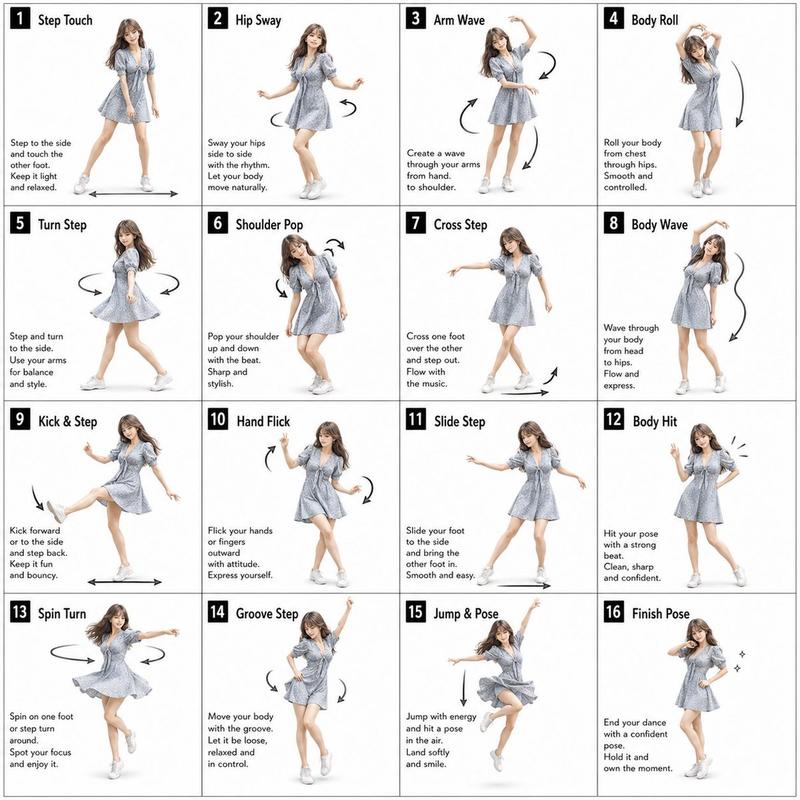
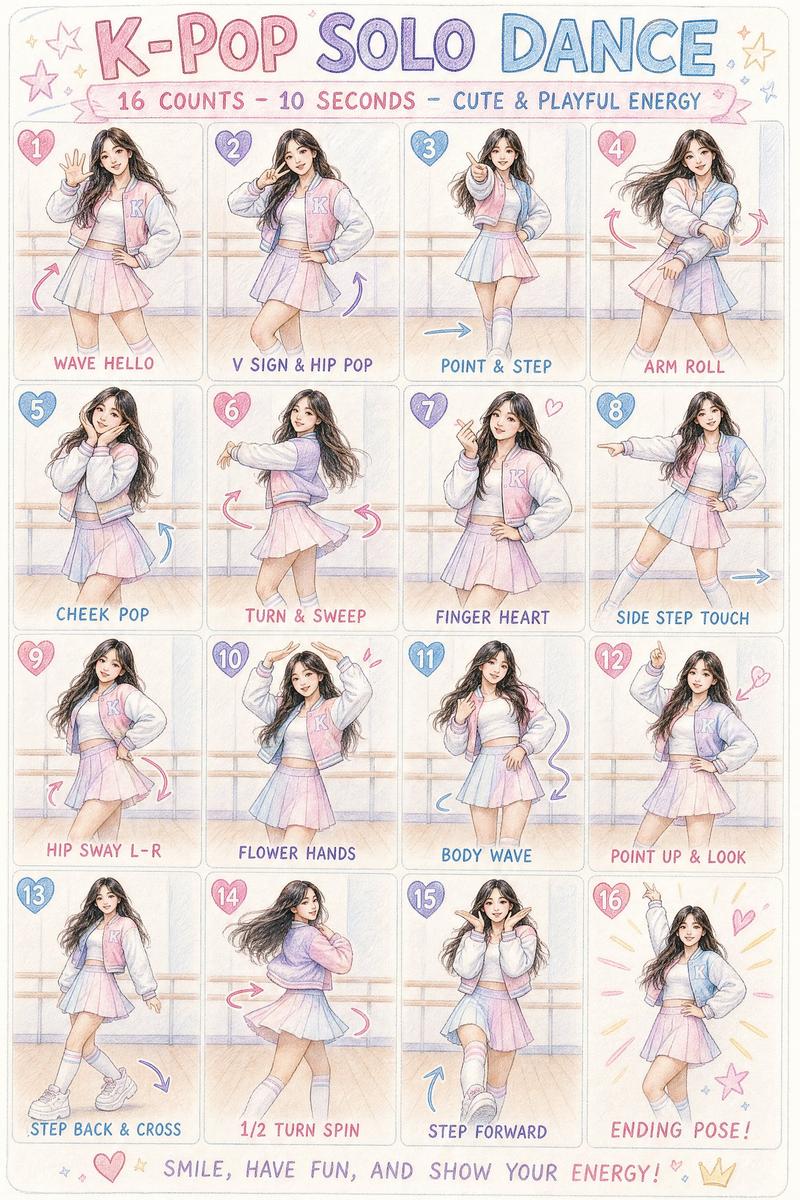
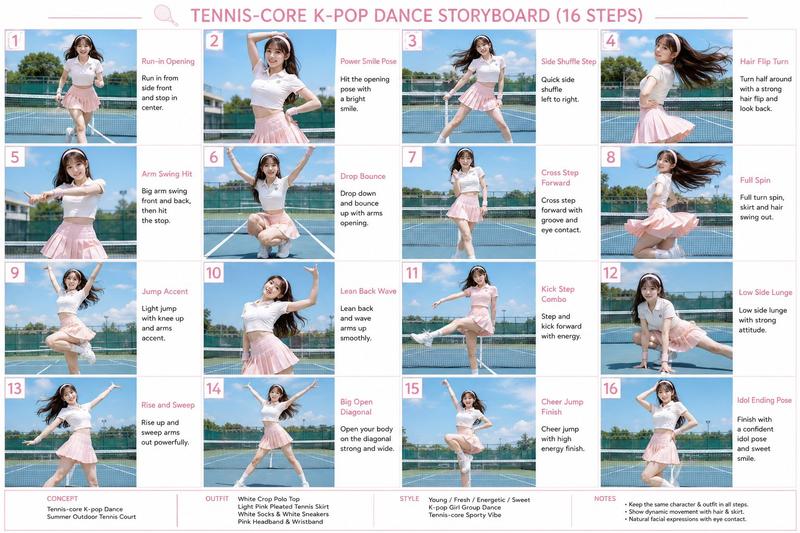
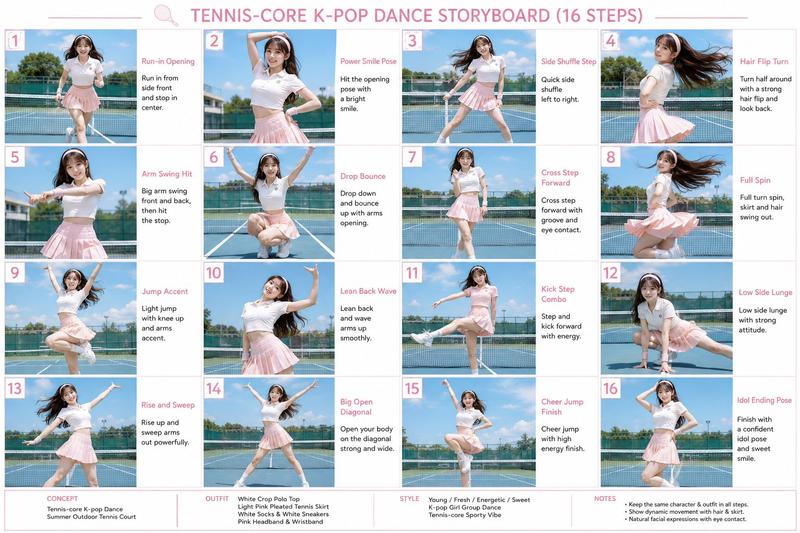
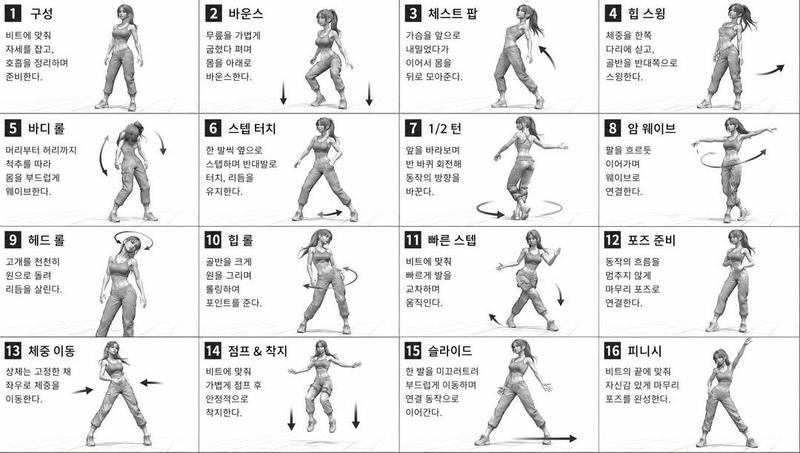
Dance Sequence Instruction Sheet [VISUAL STYLE] A composition featuring a highly detailed 3D-rendered female dancer. Designed like a professional choreography guide with a technical, diagram-inspired layout. Clean white background, soft studio lighting, and strong contrast to highlight body movement and posture. [GRID LAYOUT] Structured 4×4 panel grid (16 frames total), evenly spaced with thin black divider lines. Each panel is identical in size and clearly numbered from 1 to 16 to show a continuous dance progression. [CHARACTER] Use image1 as the base character. The same female dancer appears consistently across all panels with accurate likeness and proportions. [WARDROBE] The dancer wears a stylish, performance-ready outfit: a well-fitted top paired with a short, flowy skirt. The look should feel modern and visually appealing while still practical for dance movement. Fabric should subtly respond to motion (slight flow and folds), even in grayscale. [PANEL STRUCTURE – EACH FRAME] Top-left: Step number + short dance move title (e.g., “Step 5 – Spin Transition”) Center: Full-body pose capturing a precise moment in the choreography Bottom-left: 3–4 lines of concise instruction describing the move Overlay: Motion arrows and directional guides illustrating how the dancer transitions [MOTION INDICATORS] Incorporate curved arrows for fluid motion, straight arrows for directional steps, and circular indicators for spins or turns. Emphasize rhythm, weight shifts, and body isolation. [RENDER QUALITY] High-detail sculpted 3D style with smooth grayscale shading, subtle shadows, and clean linework. Maintain a polished, concept-art level finish with clarity in every pose. [RESTRICTIONS] No color, no background scenery, no extra characters, no visual clutter, only the dancer and instructional elements.
- Category
- Charts & Infographics
- Model
- GPT Image 2
- Creator
- Johnn
- Source ID
- 16266
- Published
- Apr 26, 2026
Views3