18

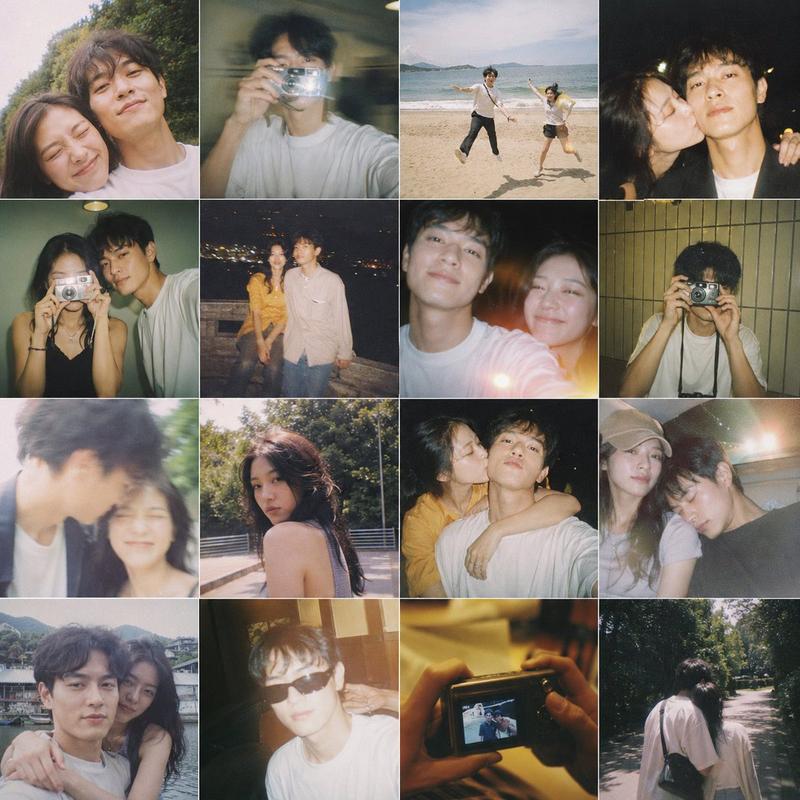
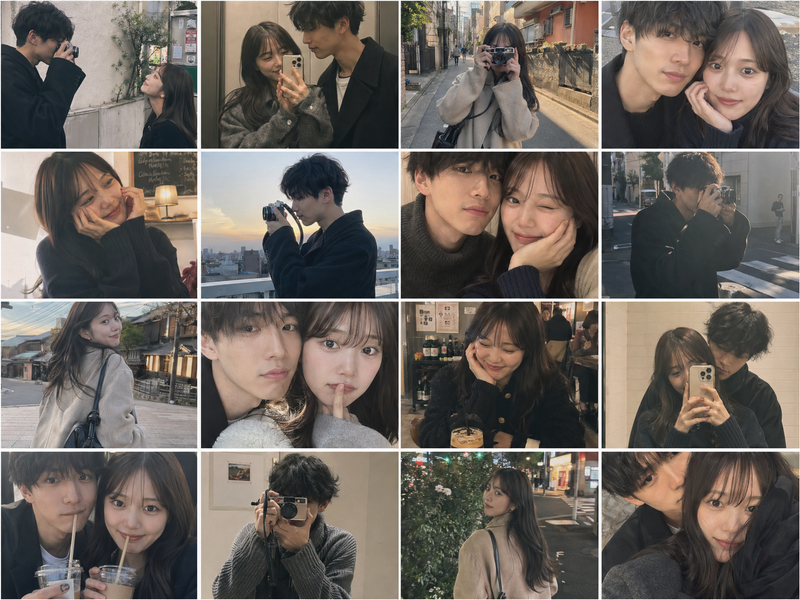
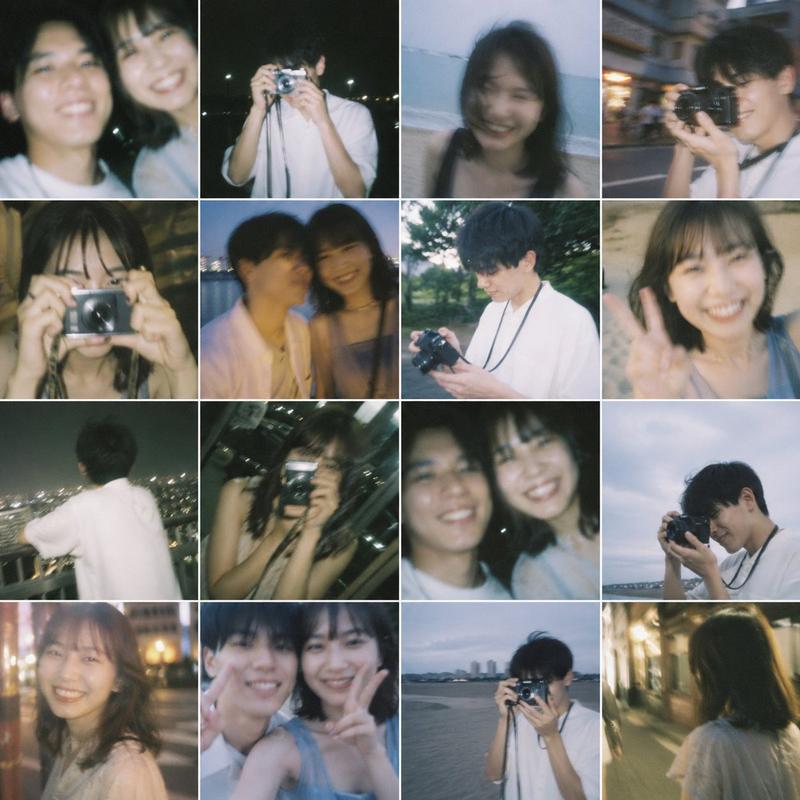
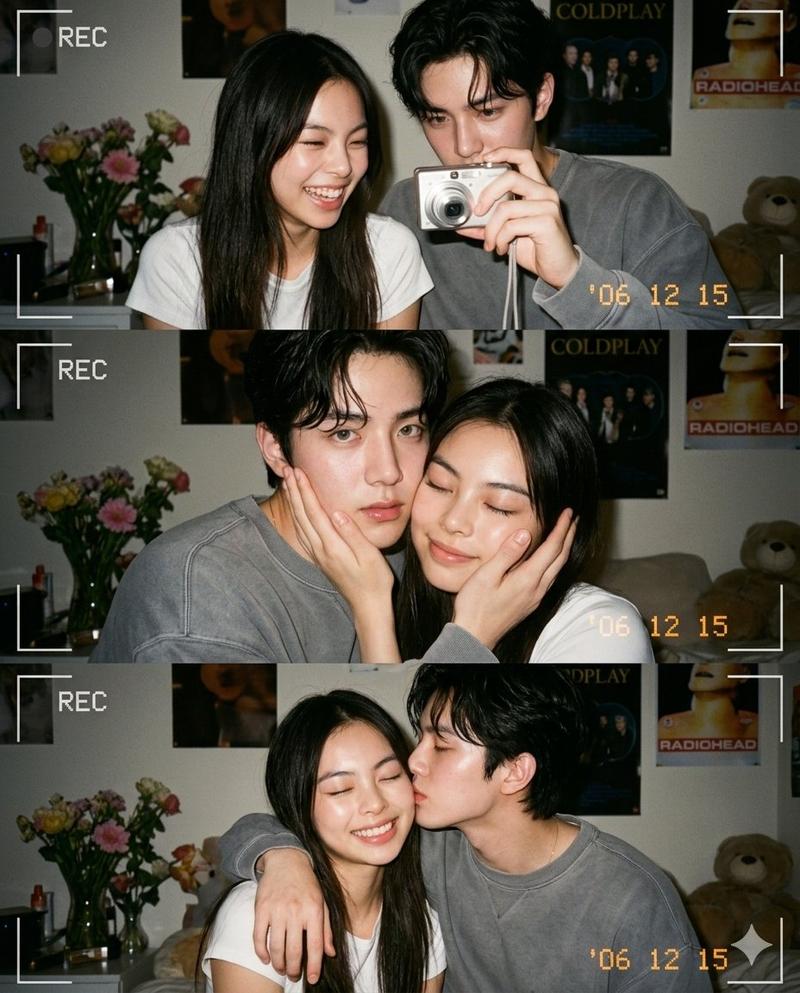
虚构情侣照片合集拼图
Enlarge

虚构情侣照片合集拼图

Prompt
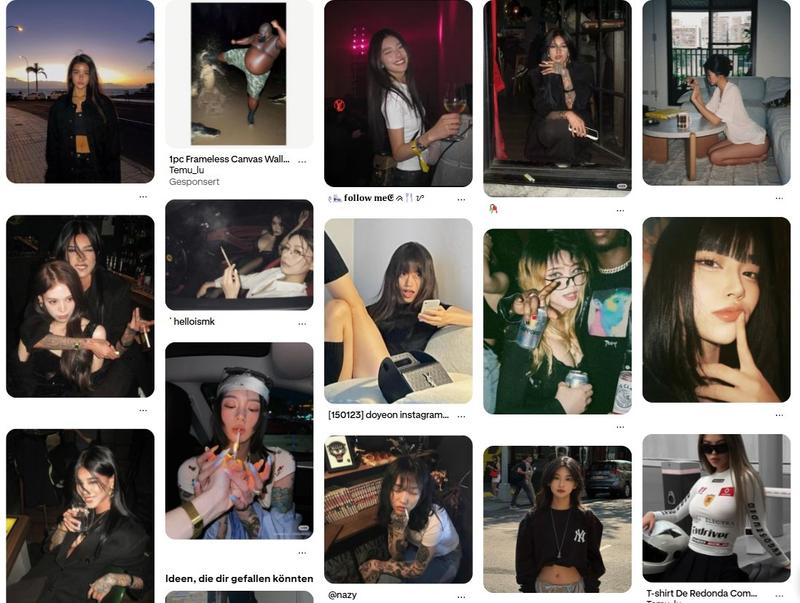
Using the provided reference image as the base for the man, transform it into a realistic casual smartphone photo collage showing him as if he has a girlfriend. Keep his identity, hairstyle, age, white sweatshirt, and candid non-model look consistent, but place him together with a young woman across 16 square snapshots arranged in a 4x4 grid with thin white borders. Add exactly 1 recurring female companion with long dark hair, styled like a real person rather than a glam model, and vary her outfits subtly across the collage, including a cream knit cardigan, a dark top, and a muted blue top. Make the photos feel like authentic couple memories shot on a phone: close mirror selfie together, dark blurry selfie, indoor peace-sign selfie, night street selfie, motion-blur closeup, outdoor daytime shot under a tree, indoor shoulder-leaning shot, another blurry affectionate shot, seated restaurant shot with glasses on the table, warm night bokeh shot, rooftop or balcony mirror selfie with city lights, nighttime urban walking shot, cozy leaning-together shot, shoulder-around pose, close side-by-side portrait, and another intimate close crop. Mix indoor home scenes, nighttime city scenes, one daytime outdoor scene, and one restaurant setting. Use imperfect framing, slight blur, flash, grain, and spontaneous candid composition so it feels like a real person's saved couple photo dump, not a polished campaign.
Category
Charts & Infographics
Model
GPT Image 2
Views3
Source ID
16617
Published
Apr 27, 2026

Guide

About "虚构情侣照片合集拼图"

What is this prompt for?

"虚构情侣照片合集拼图" AI image prompt for GPT Image 2 (Charts & Infographics). 此提示词可将单张个人参考照片转化为 16 张逼真的智能手机风格情侣生活照拼图,适用于“如果……会怎样”的生活方式编辑及虚构恋爱照片分享。 Copy it on Picva and…

The full copyable prompt and example visuals above are ready for AI image generation or one-click recreate in Picva.

How to use this prompt

  1. Step 1

    Open the prompt detail

    Review the example visuals, category, and full prompt text for "虚构情侣照片合集拼图".

  2. Step 2

    Copy the prompt

    Copy the prompt body from this page, or load it directly in Studio.

  3. Step 3

    Pick a model (GPT Image 2)

    Prefer GPT Image 2. If you switch models, keep subject and composition and tweak style terms.

  4. Step 4

    Generate and export

    Recreate the look in Picva, or export into your workflow for editing and publishing.

FAQ

What is the "虚构情侣照片合集拼图" prompt?
It is an AI image-generation prompt for GPT Image 2 in the Charts & Infographics category. This page includes the full prompt text, example visuals, and a one-click recreate path in Picva.
How do I use this prompt to generate an image?
Copy the prompt from this page, or use Generate / Studio. Paste it into a compatible image model, or recreate the look in Picva with optional reference images.
Which model is this prompt for?
This page lists GPT Image 2. Most descriptive prompts also transfer to nearby image models such as GPT Image, Flux, or Midjourney with light style tweaks.
Can I use the result commercially?
You can usually copy the prompt for creation, but commercial use of the final image depends on the model terms, reference-image rights, and the generated content. Follow the source author and platform rules.