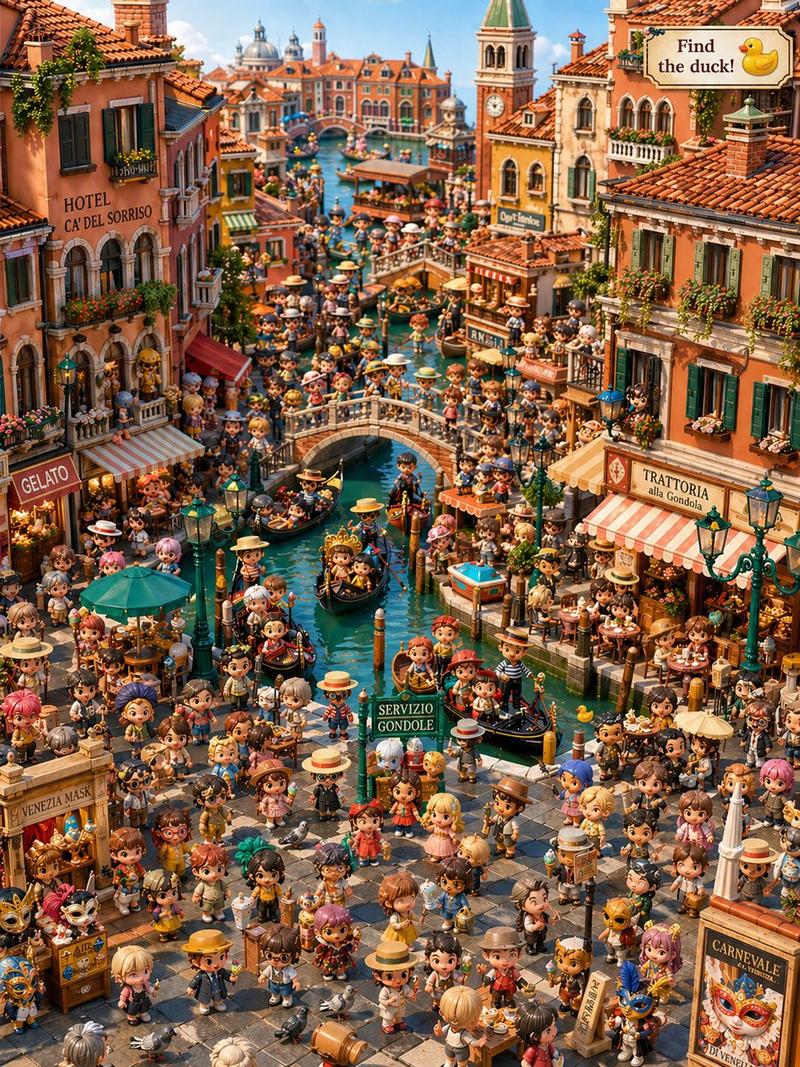
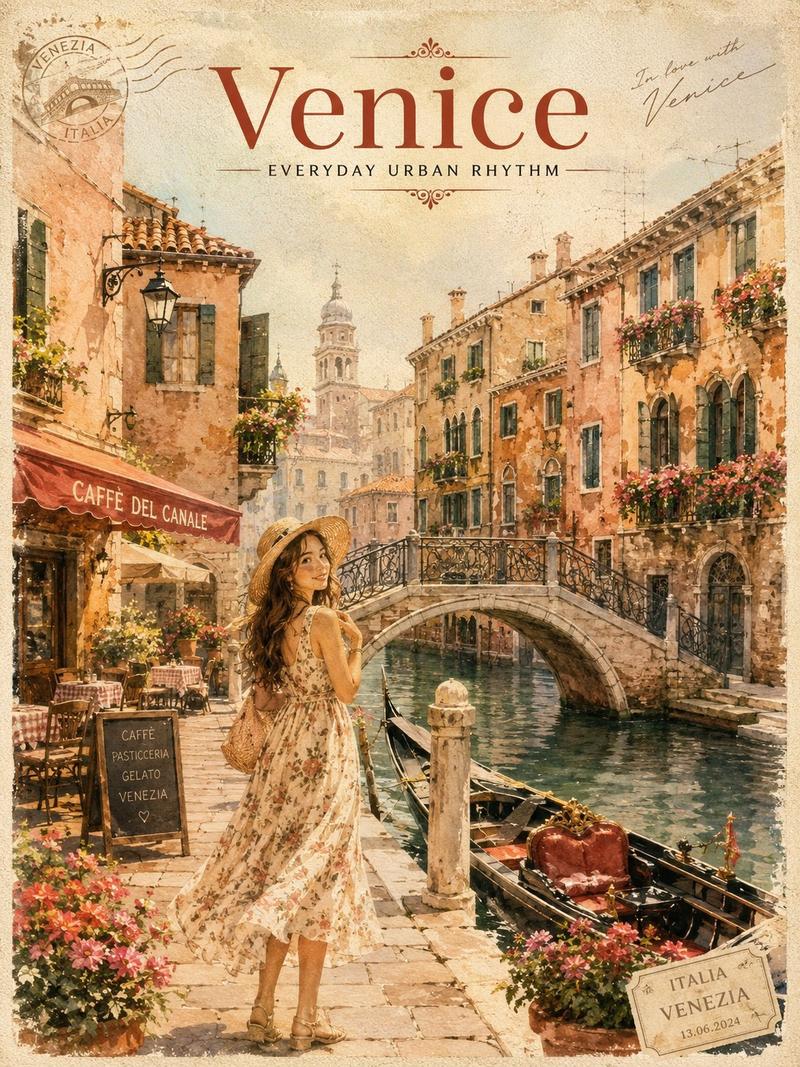
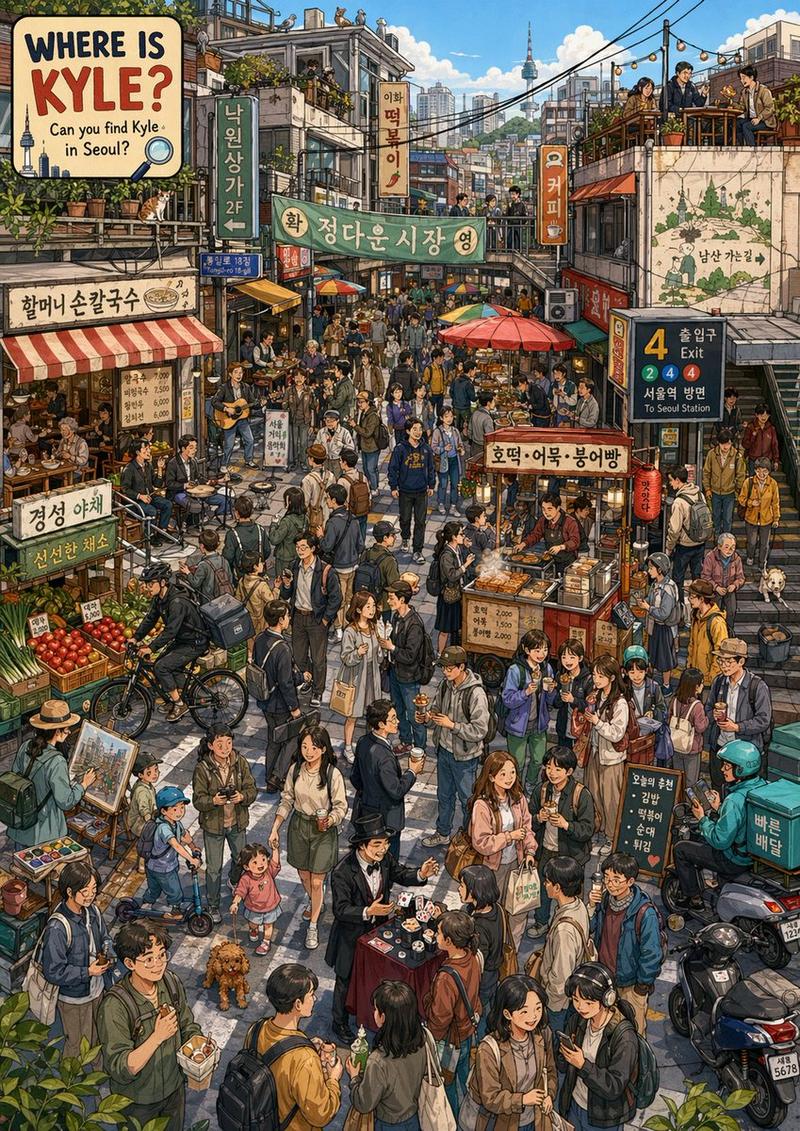
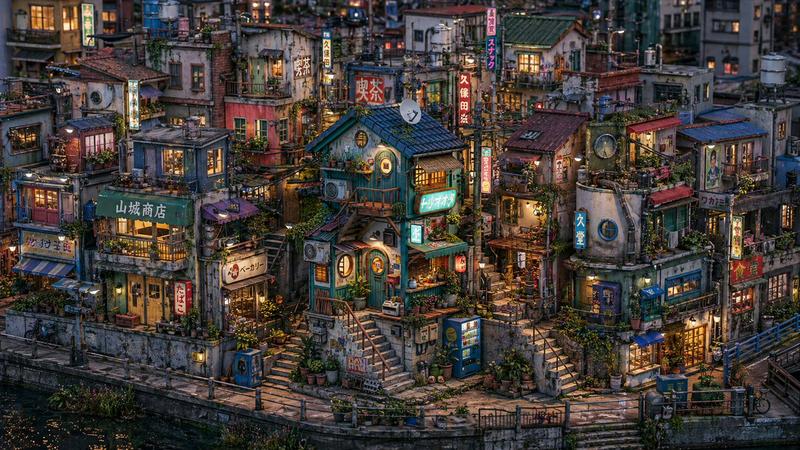
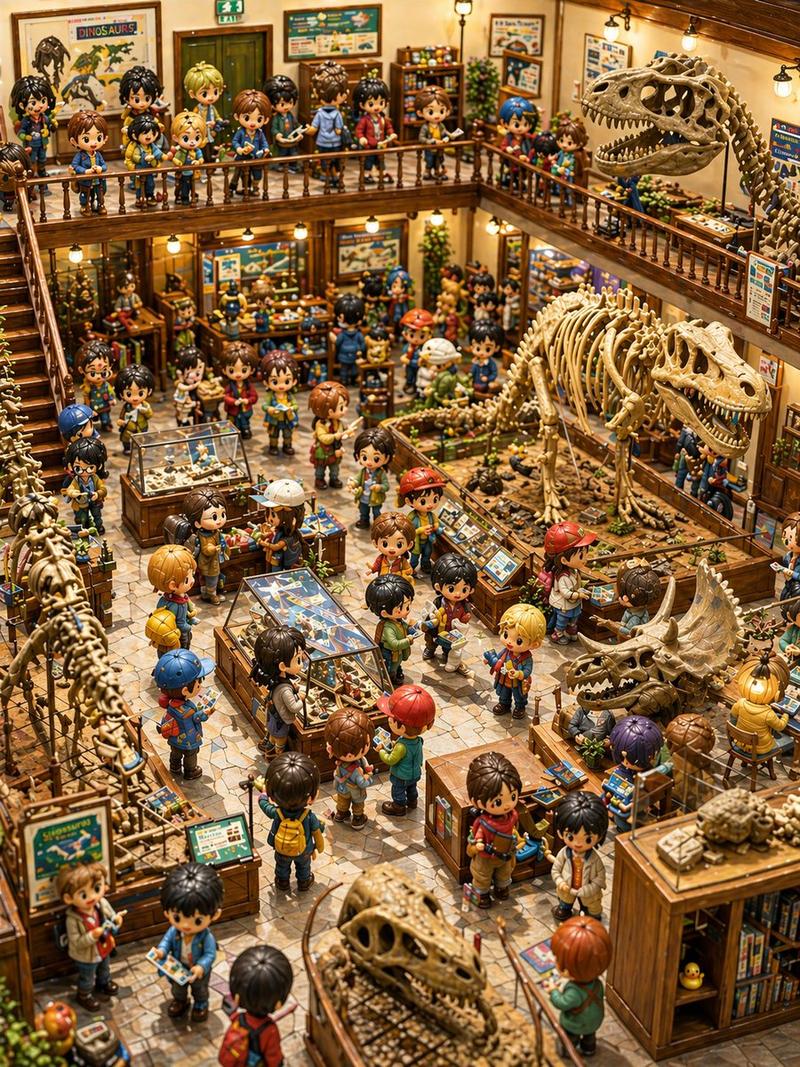
Q 版威尼斯里的隐藏小鸭
Prompt
A highly detailed isometric toy-diorama illustration of a crowded Venetian canal district in a cute chibi style, designed as a hidden-object “find the duck” scene. Show a bustling old Venice street and canal packed with exactly hundreds of tiny stylized people with oversized heads, glossy eyes, and varied outfits, filling nearly every walkway, bridge, balcony, gondola, and café seat. The composition is a vertical overhead three-quarter view looking down a narrow canal running through the center, with a stone footbridge crossing the canal in the upper middle and dense warm-toned historic buildings on both sides. Architecture should feature terracotta roof tiles, stucco walls in faded orange, ochre, cream, and brick red, green shutters, flower boxes, striped awnings, hanging signs, lanterns, and richly detailed shopfronts. Include a tall bell tower on the upper left with a sign reading “PONTE DEI SOSPIRI,” a red awning reading “Cafe Venezia” on the right side near the bridge, a large “TRATTORIA” sign on the upper right building, a green sign reading “AL VAPORETTO San Marco - Rialto,” a striped awning with “GELATO” on the left, a small “FOTO” sign, a kiosk in the lower left plaza labeled “CARNEVALE DI VENEZIA,” a glowing shop on the lower right labeled “MURANO GLASS,” and a small “SUPRI” sign near the right canal edge. Fill the canal with exactly 7 gondolas, each with passengers and gondoliers in striped shirts and straw hats, plus red-and-white striped mooring poles in the water. Populate the square and canal edges with market tables, café tables under exactly 2 large parasols, carnival masks, balloons, framed art, pastries, glassware, souvenirs, flowers, and streetlamps. In windows, balconies, and doorways, place more chibi figures watching the scene. Hide exactly 1 small yellow rubber duck in an upper-right window beside the “TRATTORIA” building so it is visible but easy to miss. Add a decorative signboard in the top-right corner that reads “Find the duck!” with a duck icon. Render everything in an ultra-dense handcrafted miniature aesthetic with crisp detail, saturated warm colors, soft cinematic lighting, playful travel-poster charm, and a whimsical vacation puzzle-book feeling.
- Category
- Charts & Infographics
- Model
- GPT Image 2
- Creator
- 藍澤 ミライ
- Source ID
- 16719
- Published
- Apr 27, 2026
Views2