19

粉发大教堂骑士
Enlarge

粉发大教堂骑士

Prompt
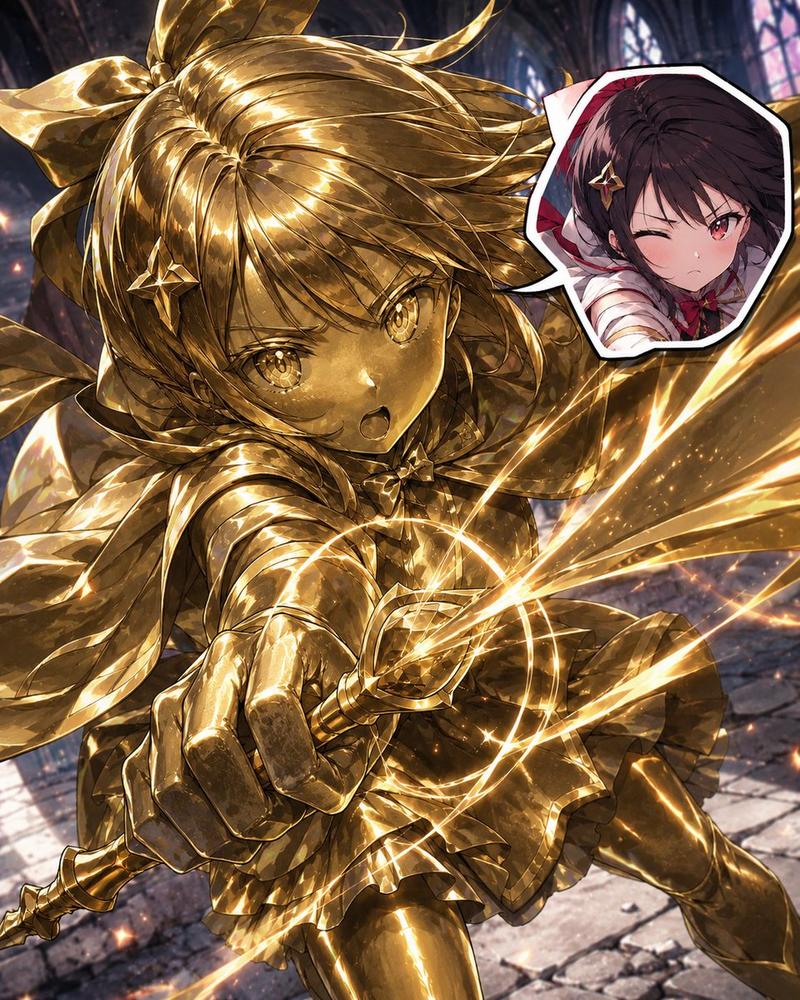
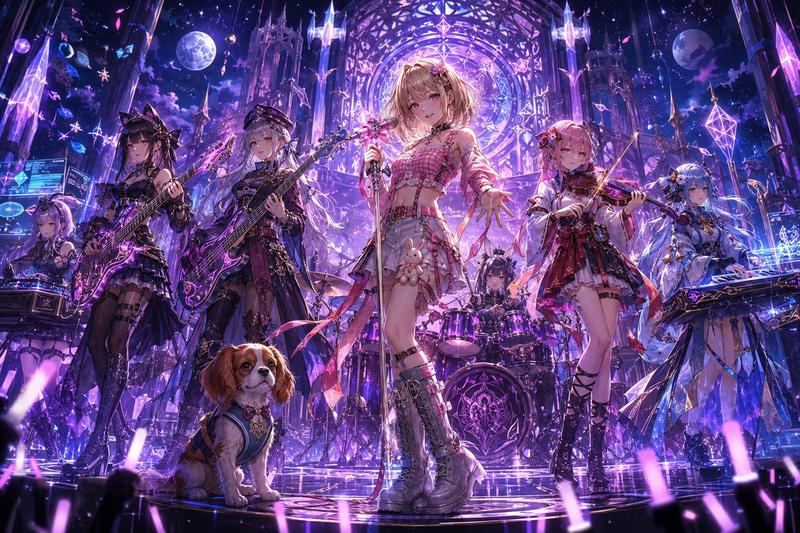
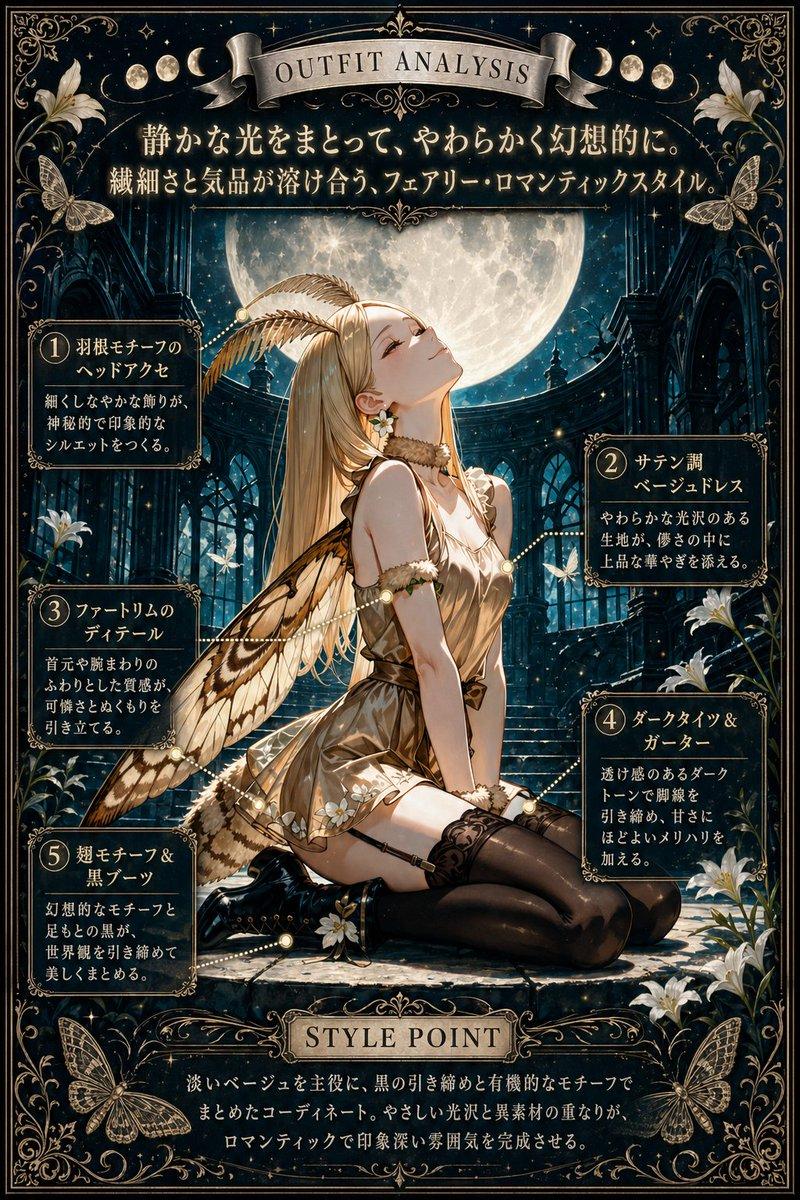
A full-body anime fantasy heroine in a grand stained-glass cathedral, viewed from a dramatic low angle. She is a beautiful young knight-princess with very long, flowing twin-tail hair in {argument name="hair color" default="pastel pink"}, the hair streaming outward in luminous ribbons as if caught by magical wind. Her face is intentionally obscured by a simple rectangular blur block. She wears ornate white and deep royal blue ceremonial armor with lavish gold filigree, a fitted breastplate, layered shoulder armor, long armored sleeves, a short blue skirt with gold trim, white thigh-high stockings with lace tops, and intricate gold knee and shin guards. A large crimson cape with a pale inner lining billows around her. One hand rests near her chest while the other hangs gracefully at her side. At her hip is an elegant sword with a glowing blue blade and a highly decorated gold-and-jewel hilt. The setting is flooded with radiant sunlight pouring through towering multicolored stained-glass windows and gothic arches, filling the scene with sparkling highlights, prism-like reflections, floating glitter, and magical particles. Use an ultra-detailed, highly polished anime illustration style with rich gemlike colors, intense backlighting, glossy surfaces, shimmering metal, dynamic cloth motion, and a majestic holy-fantasy atmosphere. Emphasize cinematic composition, heroic presence, and breathtaking luminous detail.
Category
Charts & Infographics
Model
GPT Image 2
Views8
Source ID
16918
Published
Apr 28, 2026

Guide

About "粉发大教堂骑士"

What is this prompt for?

"粉发大教堂骑士" AI image prompt for GPT Image 2 (Charts & Infographics). 此提示词可生成一位身处发光彩色玻璃大教堂内、身着华丽盔甲的戏剧性全身动漫女骑士,非常适合奇幻角色艺术创作及高细节 AI 插画展示。 Copy it on Picva and recre…

The full copyable prompt and example visuals above are ready for AI image generation or one-click recreate in Picva.

How to use this prompt

  1. Step 1

    Open the prompt detail

    Review the example visuals, category, and full prompt text for "粉发大教堂骑士".

  2. Step 2

    Copy the prompt

    Copy the prompt body from this page, or load it directly in Studio.

  3. Step 3

    Pick a model (GPT Image 2)

    Prefer GPT Image 2. If you switch models, keep subject and composition and tweak style terms.

  4. Step 4

    Generate and export

    Recreate the look in Picva, or export into your workflow for editing and publishing.

FAQ

What is the "粉发大教堂骑士" prompt?
It is an AI image-generation prompt for GPT Image 2 in the Charts & Infographics category. This page includes the full prompt text, example visuals, and a one-click recreate path in Picva.
How do I use this prompt to generate an image?
Copy the prompt from this page, or use Generate / Studio. Paste it into a compatible image model, or recreate the look in Picva with optional reference images.
Which model is this prompt for?
This page lists GPT Image 2. Most descriptive prompts also transfer to nearby image models such as GPT Image, Flux, or Midjourney with light style tweaks.
Can I use the result commercially?
You can usually copy the prompt for creation, but commercial use of the final image depends on the model terms, reference-image rights, and the generated content. Follow the source author and platform rules.