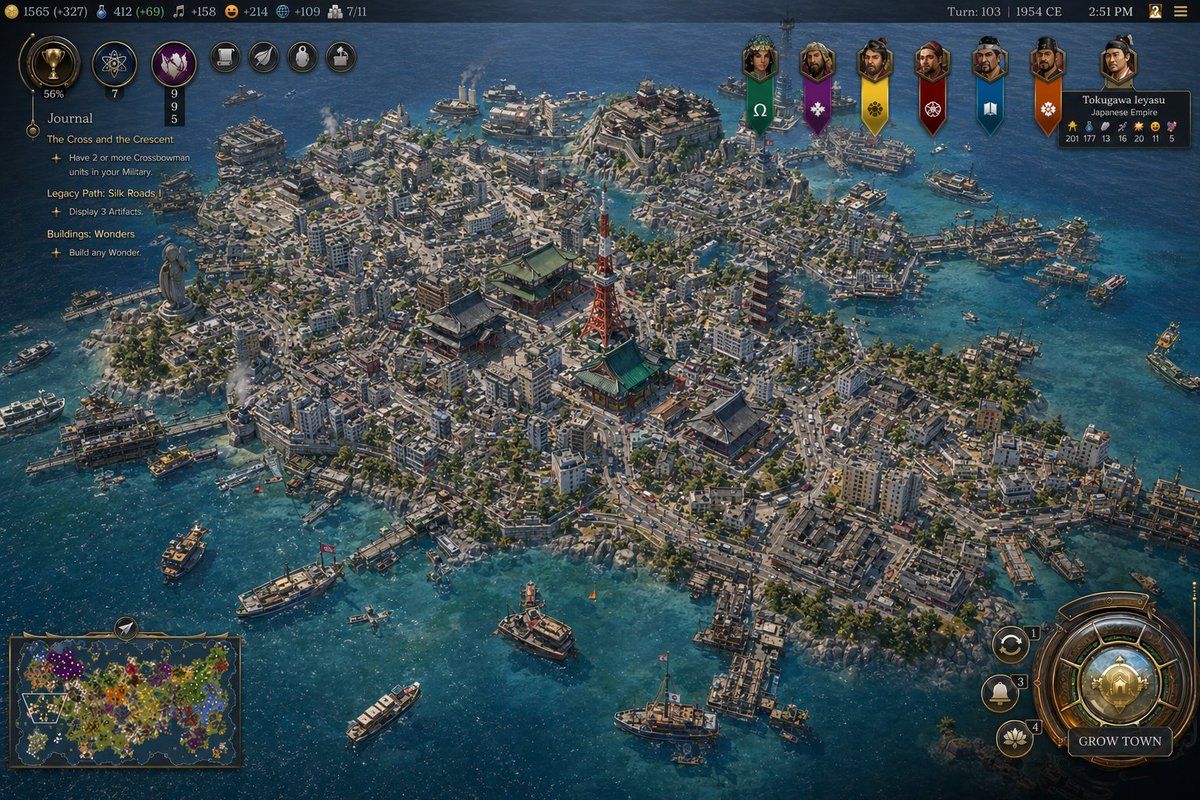
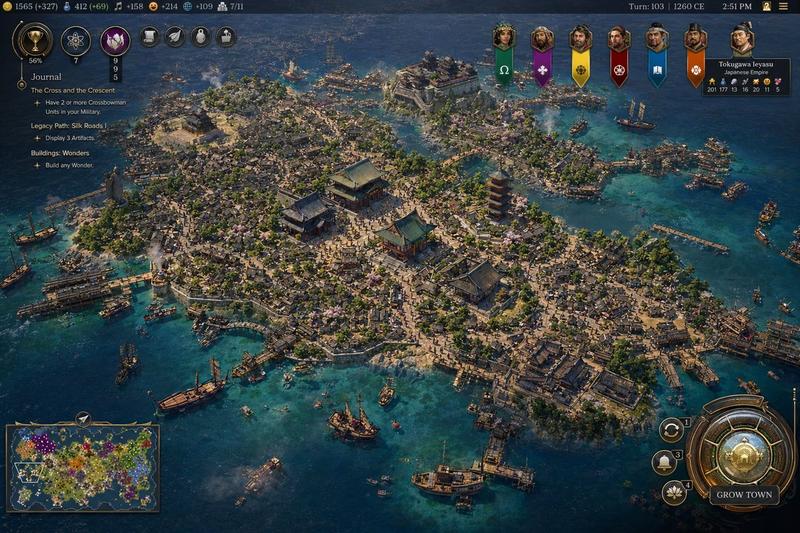
文明风格 1954 年东京港口游戏截图
Prompt
A high-detail grand strategy game screenshot in the style of a modern Civilization VII interface, showing an isometric aerial view of a dense coastal island metropolis inspired by {argument name="city location" default="Tokyo, Japan"} in {argument name="year" default="1954 CE"}. The city fills a compact island and several connected reclaimed islets in a bright blue harbor, with intricate urban density, narrow streets, mid-century low- and mid-rise concrete buildings, docks, ferries, cargo boats, patrol vessels, and small ships scattered across the water. At the visual center, include a cluster of iconic Japanese landmarks: a red-and-white lattice broadcast tower resembling Tokyo Tower, a large traditional temple complex with green roofs, and a multi-tier pagoda, surrounded by tightly packed neighborhoods. Add a large waterfront statue on the left side of the island, industrial smoke stacks near the shoreline, bridges, piers, seawalls, and layered districts climbing gentle hills. The architecture should mix postwar urban Japan with traditional shrines and temples, conveying a believable historical city simulation with accurate transportation details and harbor infrastructure. Use crisp strategy-game rendering, cinematic sunlight, realistic water reflections, tiny moving vehicles and ships, and rich texture detail across roads, rooftops, trees, and coastlines.

Overlay a complete 4X strategy game UI: a dark top bar with resource counters on the left, exactly 7 circular action or technology icons near the upper left, turn and date text at the top right reading {argument name="turn label" default="Turn: 103 | 1954 CE"}, and a small time readout. On the left side, add a journal panel titled {argument name="journal title" default="Journal"} with 3 visible quest sections: "The Cross and the Crescent", "Legacy Path: Silk Roads", and "Buildings: Wonders", each with short objective lines beneath. Across the upper center-right, place exactly 7 vertical civilization banners with portrait medallions. On the upper right, include a leader info card for "Tokugawa Ieyasu" and "Japanese Empire" with small stat values. On the bottom left, include a minimap framed in bronze showing a colorful world map. On the bottom right, add a large ornate circular command dial with smaller adjacent buttons and a prominent button labeled "GROW TOWN". The whole image should look like an authentic in-game screenshot rather than concept art, with polished UI, readable but small text, and the composition focused on the spectacular cityscape and harbor.- Category
- Charts & Infographics
- Model
- GPT Image 2
- Creator
- David Chang
- Source ID
- 16960
- Published
- Apr 28, 2026
Views3







![A hyper-realistic 3D world guide infographic poster for [SHOW]](https://i.pixshop.app/storage/v1/render/image/public/prompt-source-media/promptsref/work-2519/image-1-c923c74e9444681d.png?width=800&quality=75&resize=contain)

