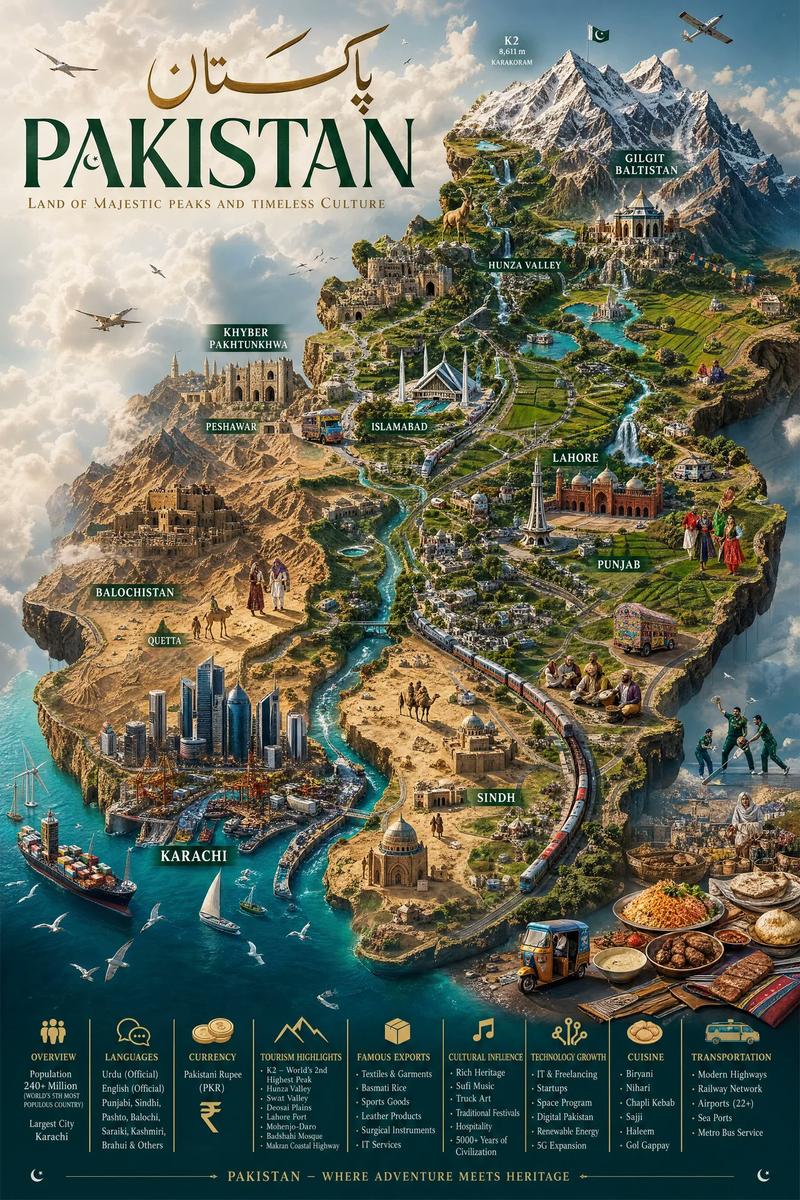
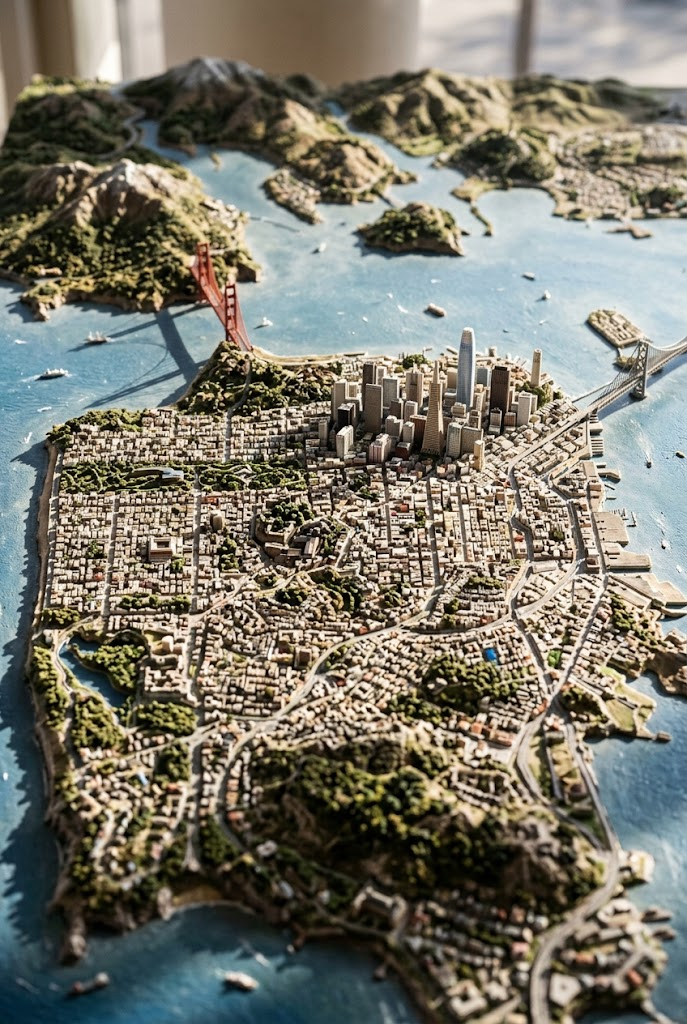
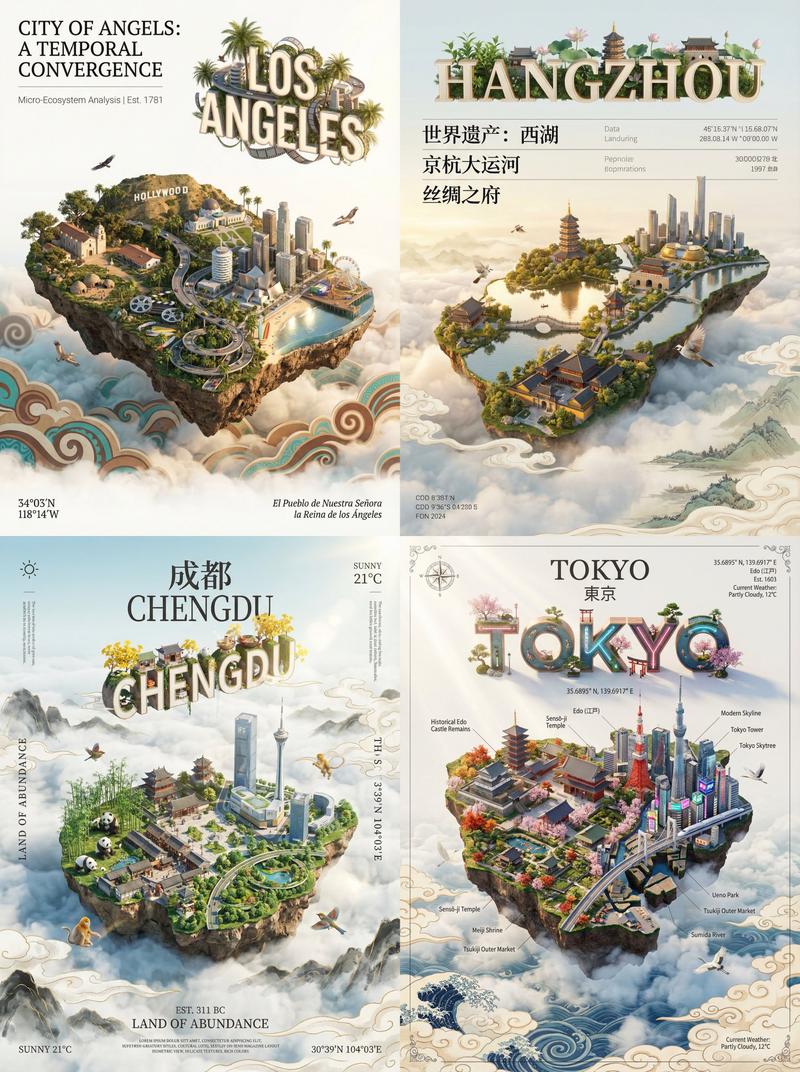
复古 3D 微缩城市地图
Prompt
{
  "type": "isometric 3D map illustration",
  "style": "vintage cartography mixed with highly detailed miniature diorama, warm lighting, tilt-shift effect",
  "background": "aged parchment paper with faint contour lines and map grids",
  "title_section": {
    "position": "top-left",
    "main_text": "{argument name=\"city name\" default=\"汕頭\"}",
    "subtitle_english": "{argument name=\"english city name\" default=\"SHANTOU\"}",
    "subtitle_chinese": "海滨邹鲁 · 鮀城通商",
    "seal": "red square stamp"
  },
  "map_elements": {
    "terrain": "coastal city peninsula surrounded by blue water with small boats, rocky shores, and autumn-colored trees",
    "architecture": "dense mix of traditional Chinese pavilions, European-style historical buildings, and modern skyscrapers",
    "infrastructure": "elevated train line with a modern train, large suspension bridge in the background, winding coastal roads"
  },
  "labels": {
    "style": "vertical rectangular wooden signs with black Chinese text",
    "count": 9,
    "locations": [
      "汕头小公园",
      "中山公园",
      "礐石大桥",
      "汕头国际会展中心",
      "镇邦美食街",
      "南澳灯塔",
      "汕头老城",
      "西堤公园",
      "妈屿岛风景区"
    ]
  },
  "water_labels": {
    "text": "南海",
    "position": "mid-left water area"
  },
  "bottom_left_info": {
    "title": "汕頭地圖",
    "subtitle": "广东省汕头市",
    "coordinates": "116°40'E 23°22'N",
    "compass": "classic compass rose in the water above the info box"
  },
  "bottom_right_poem": {
    "text": "百载商埠通四海\n潮汕文脉蕴千秋\n海天胜迹多俊秀\n岭东门户展宏图",
    "seal": "red square stamp"
  }
}- Category
- Charts & Infographics
- Model
- GPT Image 2
- Creator
- boon陈庚阳
- Source ID
- 14255
- Published
- Apr 20, 2026
Views2