19

赛博朋克角色重塑
Enlarge

赛博朋克角色重塑

Prompt
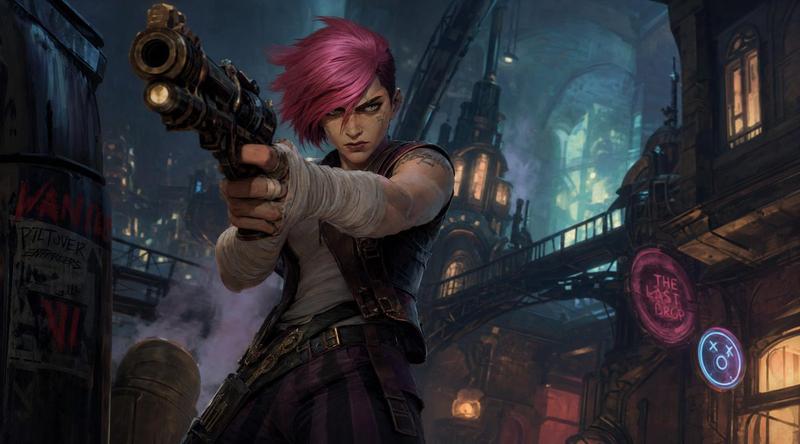
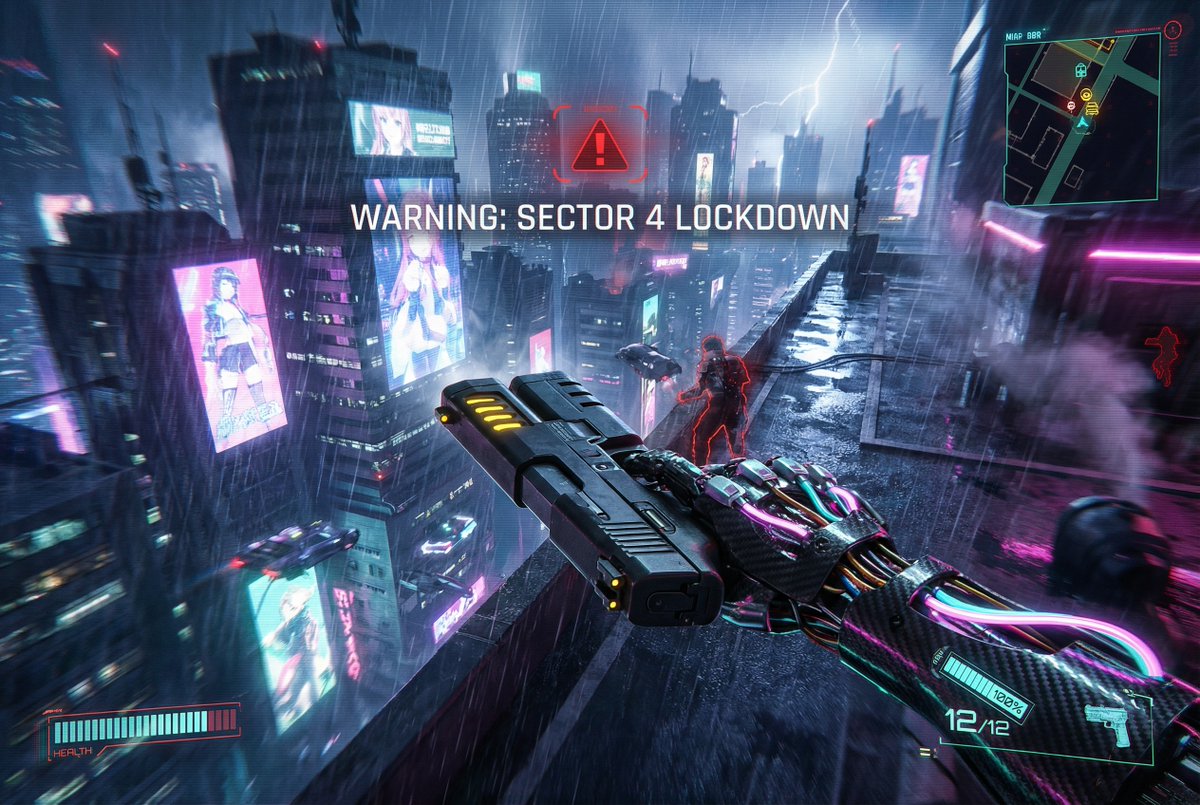
based on the provided image, redesign as a cyberpunk AAA game character, keep face identity, keep original outfit, hyper-realistic game character, near-photoreal but still game-rendered, cinematic realism, in-game cutscene quality, cinematic lighting, strong contrast, realistic materials, depth of field, subject in sharp focus, background slightly blurred, strong foreground-background separation, Night City inspired environment, dense futuristic megacity, neon signage, wet streets, reflections, industrial details, fully human appearance, clean natural skin, no mechanical lines, no implants, no cyber patterns, character holding a highly designed futuristic weapon, dynamic action-ready pose, confident and intense expression, 16:9 AAA key visual, strong composition, character dominant, no logo, generate a unique character name fitting the character personality, character name in graffiti-style typography, medium-to-small size, integrated into layout, not dominant, refined character info module, editorial layout style, minimal, no background panel, only 1–2 short traits, extremely concise labels, grid-aligned typography-driven layout, Cyberpunk style UI, neon yellow text only, flat geometric layout, strict alignment, only one info module, no additional graphics, clean image, no heavy grain, no film grain, smooth surfaces, high polish, no anime, illustration, raw photography, metallic UI, gold color, cluttered layout, dense UI, boxes, background panels, color blocks, arrows, mechanical skin lines, cyber patterns
Category
Charts & Infographics
Model
GPT Image 2
Creator
Latte
Views8
Source ID
17010
Published
Apr 29, 2026

Guide

About "赛博朋克角色重塑"

What is this prompt for?

"赛博朋克角色重塑" AI image prompt for GPT Image 2 (Charts & Infographics). 一个角色转换提示词,可将参考照片重新设计为带有 UI 布局的赛博朋克游戏角色。 Copy it on Picva and recreate the look in one click.

The full copyable prompt and example visuals above are ready for AI image generation or one-click recreate in Picva.

How to use this prompt

  1. Step 1

    Open the prompt detail

    Review the example visuals, category, and full prompt text for "赛博朋克角色重塑".

  2. Step 2

    Copy the prompt

    Copy the prompt body from this page, or load it directly in Studio.

  3. Step 3

    Pick a model (GPT Image 2)

    Prefer GPT Image 2. If you switch models, keep subject and composition and tweak style terms.

  4. Step 4

    Generate and export

    Recreate the look in Picva, or export into your workflow for editing and publishing.

FAQ

What is the "赛博朋克角色重塑" prompt?
It is an AI image-generation prompt for GPT Image 2 in the Charts & Infographics category. This page includes the full prompt text, example visuals, and a one-click recreate path in Picva.
How do I use this prompt to generate an image?
Copy the prompt from this page, or use Generate / Studio. Paste it into a compatible image model, or recreate the look in Picva with optional reference images.
Which model is this prompt for?
This page lists GPT Image 2. Most descriptive prompts also transfer to nearby image models such as GPT Image, Flux, or Midjourney with light style tweaks.
Can I use the result commercially?
You can usually copy the prompt for creation, but commercial use of the final image depends on the model terms, reference-image rights, and the generated content. Follow the source author and platform rules.