14

东方美学海报设计
Enlarge

Example images

东方美学海报设计

Prompt
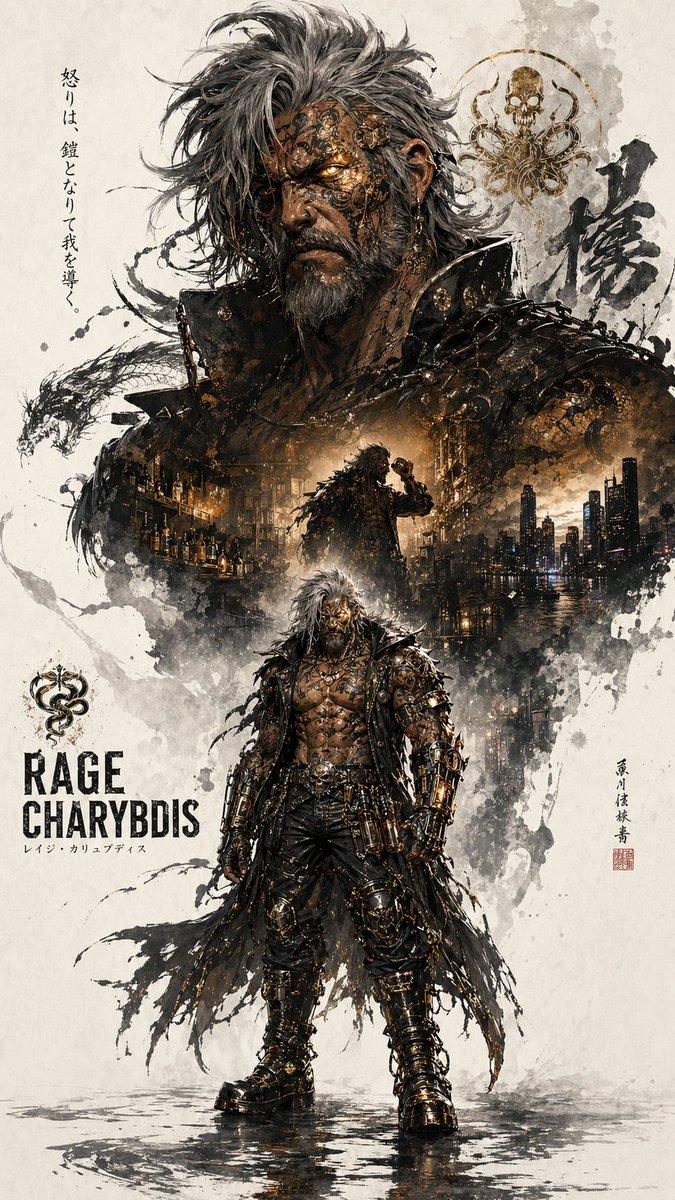
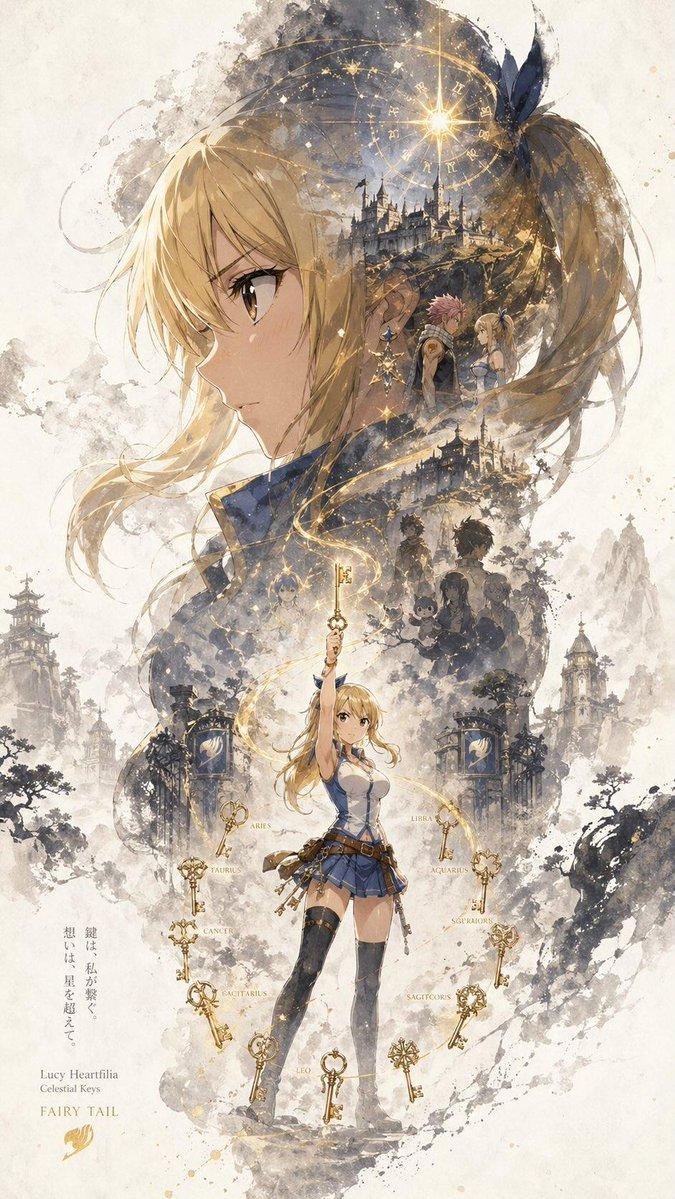
Generate a "{argument name="subject" default="cat"}" character promotional poster with a straight main visual composition. Each poster uses the upper and lower hierarchy: the most recognizable head, face outline, mask or outer outline of the figure is the large visual subject, forming a highly recognizable silhouette main shape; the middle and lower part is arranged with the complete figure as the second subject. Double exposure and collage narrative compositions inside and around the large outline, combining multiple scenes, images, small character relationships, auxiliary elements and environmental layers in clouds, ink, and whitening. The overall picture retains a large area of whiteness, and the edge is stained with ink and virtual broken, creating a real relationship and breath in the {argument name="style" default="Oriental aesthetics"}. Size: 3:4
Category
Posters & Typography
Model
GPT Image 2
Creator
simply
Views2
Source ID
17012
Published
Apr 29, 2026

Guide

About "东方美学海报设计"

What is this prompt for?

"东方美学海报设计" AI image prompt for GPT Image 2 (Posters & Typography). 一套结合东方美学、双重曝光与水墨晕染效果的角色剪影海报设计提示词。 Copy it on Picva and recreate the look in one click.

The full copyable prompt and example visuals above are ready for AI image generation or one-click recreate in Picva.

How to use this prompt

  1. Step 1

    Open the prompt detail

    Review the example visuals, category, and full prompt text for "东方美学海报设计".

  2. Step 2

    Copy the prompt

    Copy the prompt body from this page, or load it directly in Studio.

  3. Step 3

    Pick a model (GPT Image 2)

    Prefer GPT Image 2. If you switch models, keep subject and composition and tweak style terms.

  4. Step 4

    Generate and export

    Recreate the look in Picva, or export into your workflow for editing and publishing.

FAQ

What is the "东方美学海报设计" prompt?
It is an AI image-generation prompt for GPT Image 2 in the Posters & Typography category. This page includes the full prompt text, example visuals, and a one-click recreate path in Picva.
How do I use this prompt to generate an image?
Copy the prompt from this page, or use Generate / Studio. Paste it into a compatible image model, or recreate the look in Picva with optional reference images.
Which model is this prompt for?
This page lists GPT Image 2. Most descriptive prompts also transfer to nearby image models such as GPT Image, Flux, or Midjourney with light style tweaks.
Can I use the result commercially?
You can usually copy the prompt for creation, but commercial use of the final image depends on the model terms, reference-image rights, and the generated content. Follow the source author and platform rules.