18

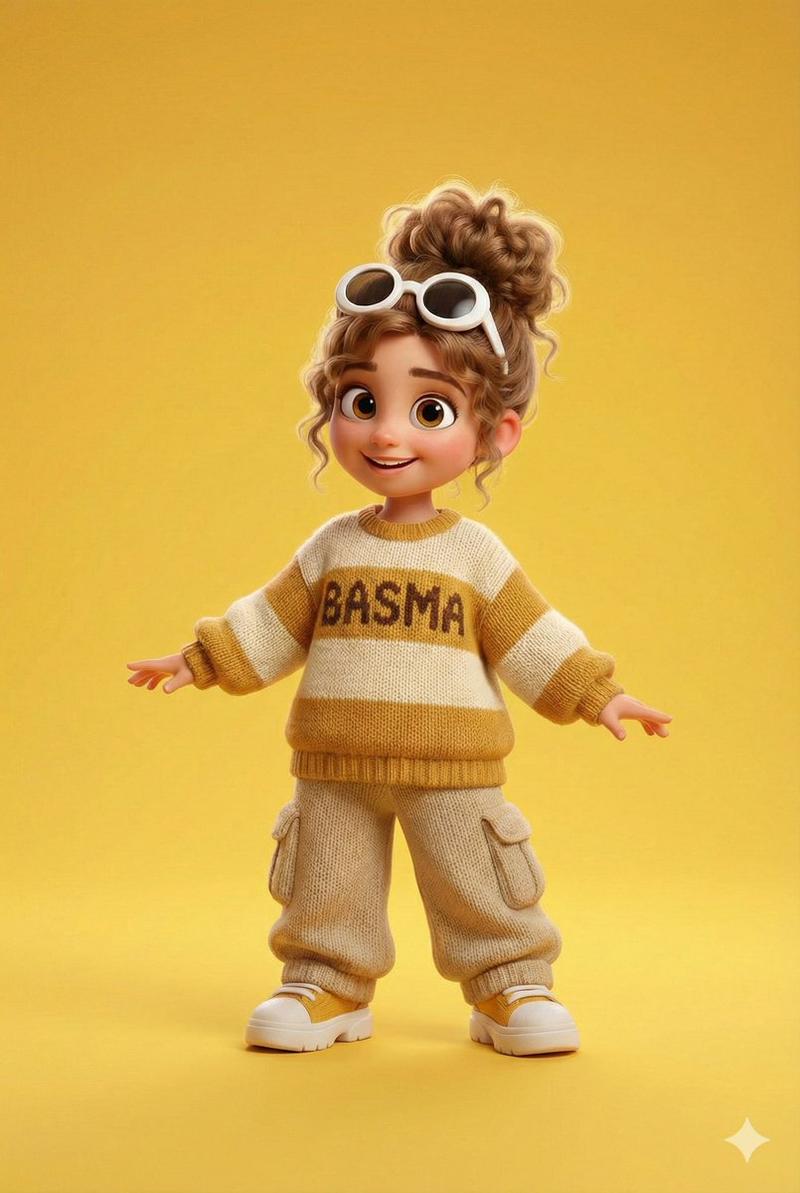
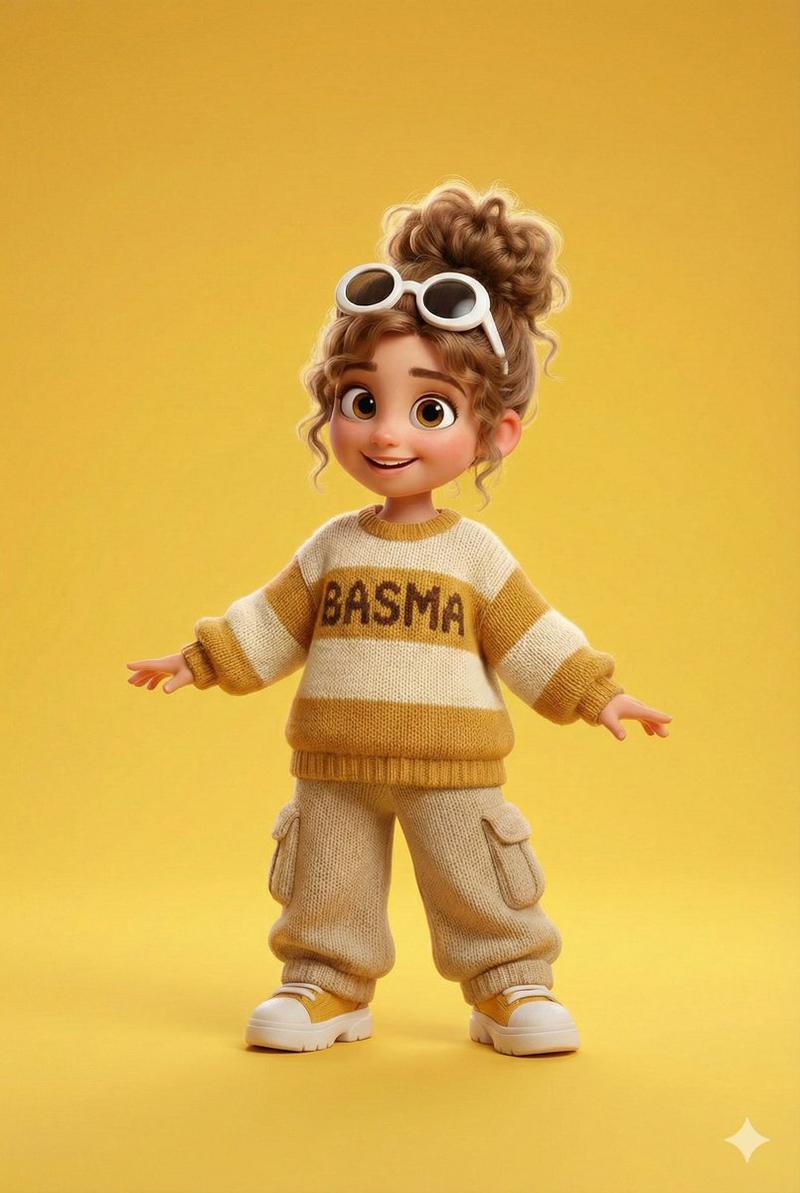
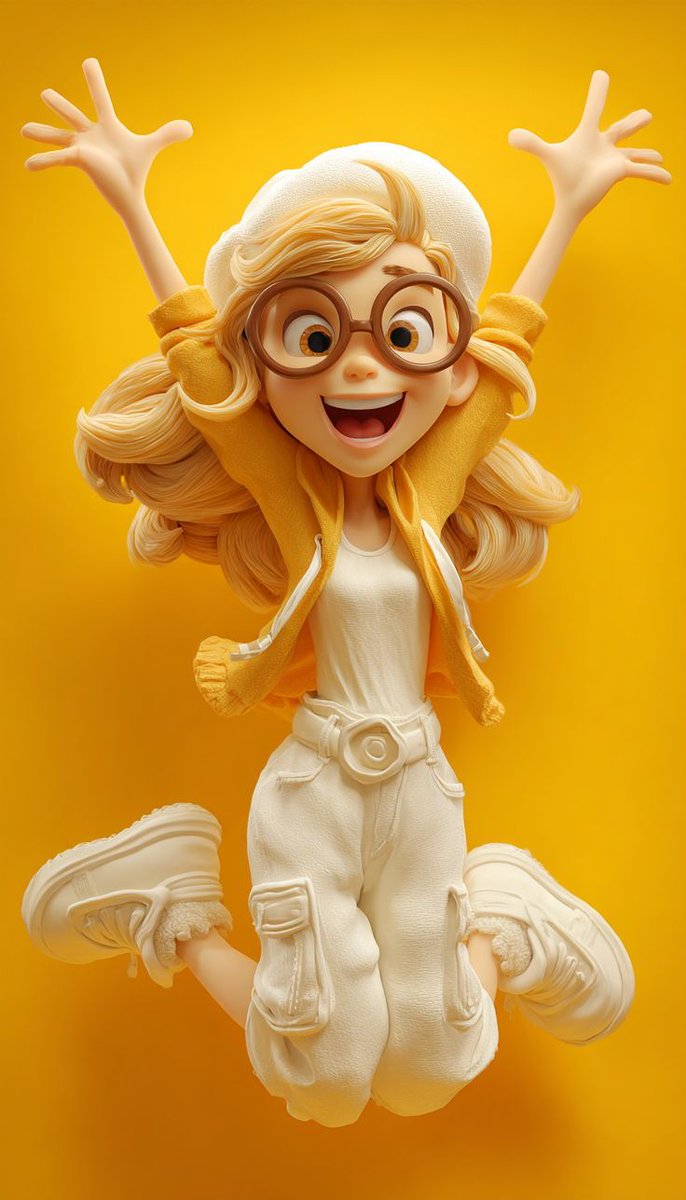
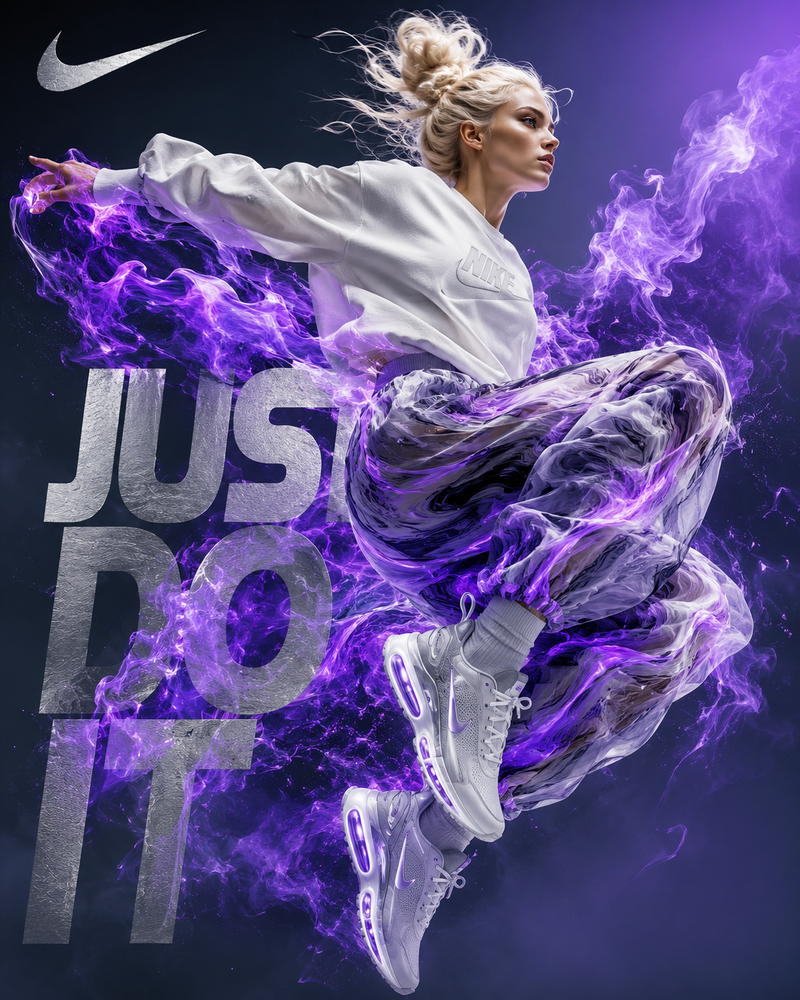
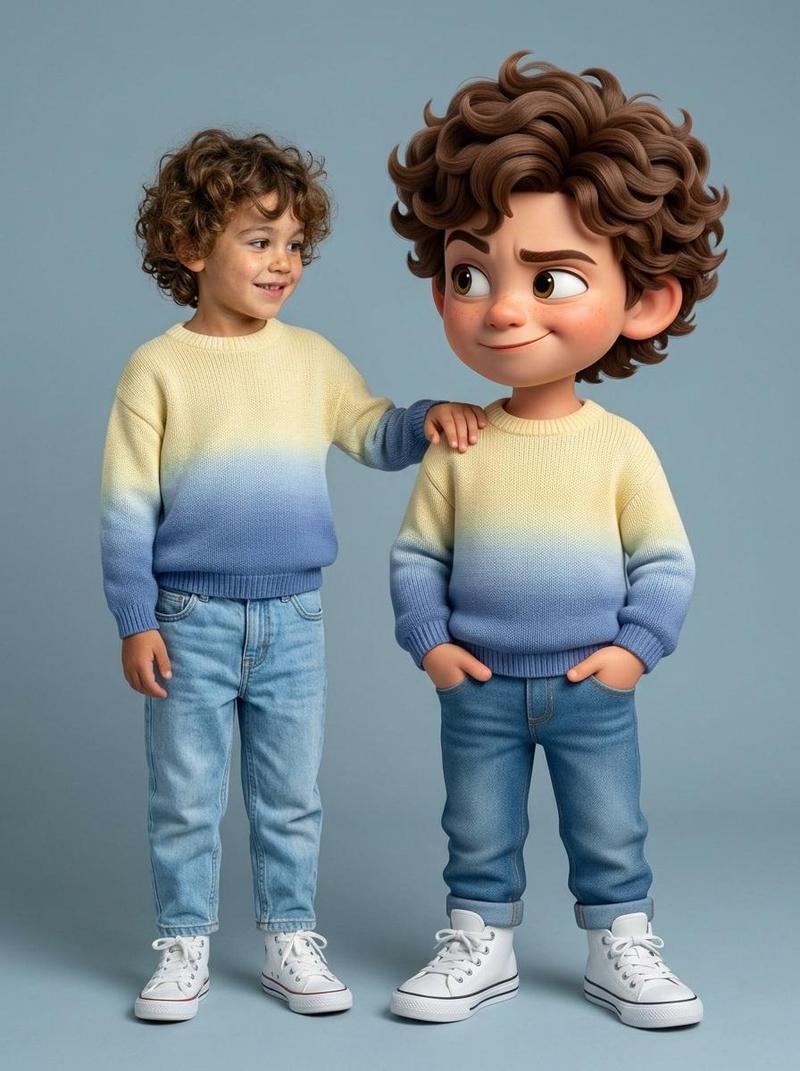
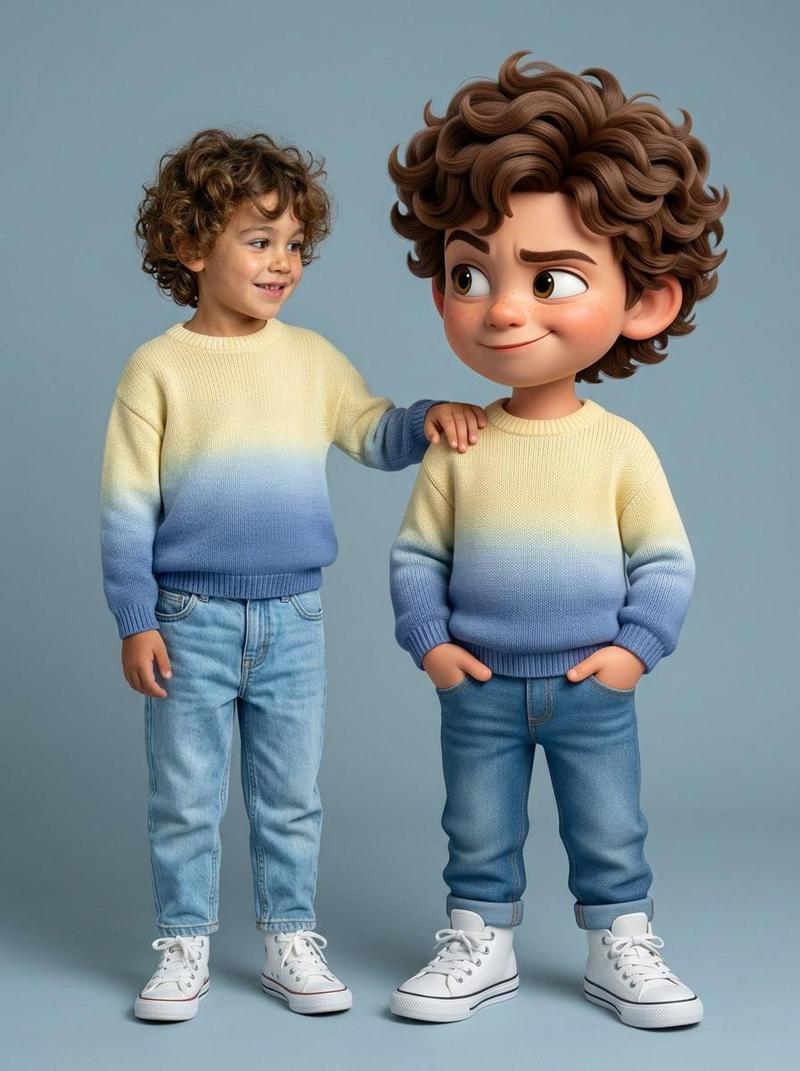
3D 卡通角色姿势图
Enlarge

3D 卡通角色姿势图

Prompt
Create a high-quality 3D cartoon character illustration of a {argument name="subject" default="cheerful young girl"} with {argument name="accessory" default="oversized round glasses"}, expressive big eyes, and messy curly hair tied in a voluminous bun. She is shown in multiple energetic jumping and dancing poses on a {argument name="background" default="clean turquoise studio background"}.

Each pose must feature a completely different stylish outfit: oversized sweaters, denim jackets, overalls, hoodies, skirts, cargo pants, sneakers, pastel fashion, streetwear, cozy knitted textures, and playful accessories.

The character should have Pixar/Disney-inspired styling, ultra-detailed fabric textures, soft cinematic lighting, vibrant colors, cute proportions, dynamic body movement, and joyful facial expressions.

Full-body composition, floating/jumping action poses, highly detailed 3D render, depth of field, smooth shadows, whimsical and trendy aesthetic, studio-quality character design, colorful modern fashion, adorable animated look, high resolution.
Category
Architecture & Spaces
Model
GPT Image 2
Creator
Aijaz
Views2
Source ID
21862
Published
May 21, 2026

Guide

About "3D 卡通角色姿势图"

What is this prompt for?

"3D 卡通角色姿势图" AI image prompt for GPT Image 2 (Architecture & Spaces). 创作一张高质量的 3D 卡通角色插画,展示女孩在多种活力姿势下的形象,采用皮克斯风格及细腻的布料纹理。 Copy it on Picva and recreate the loo…

The full copyable prompt and example visuals above are ready for AI image generation or one-click recreate in Picva.

How to use this prompt

  1. Step 1

    Open the prompt detail

    Review the example visuals, category, and full prompt text for "3D 卡通角色姿势图".

  2. Step 2

    Copy the prompt

    Copy the prompt body from this page, or load it directly in Studio.

  3. Step 3

    Pick a model (GPT Image 2)

    Prefer GPT Image 2. If you switch models, keep subject and composition and tweak style terms.

  4. Step 4

    Generate and export

    Recreate the look in Picva, or export into your workflow for editing and publishing.

FAQ

What is the "3D 卡通角色姿势图" prompt?
It is an AI image-generation prompt for GPT Image 2 in the Architecture & Spaces category. This page includes the full prompt text, example visuals, and a one-click recreate path in Picva.
How do I use this prompt to generate an image?
Copy the prompt from this page, or use Generate / Studio. Paste it into a compatible image model, or recreate the look in Picva with optional reference images.
Which model is this prompt for?
This page lists GPT Image 2. Most descriptive prompts also transfer to nearby image models such as GPT Image, Flux, or Midjourney with light style tweaks.
Can I use the result commercially?
You can usually copy the prompt for creation, but commercial use of the final image depends on the model terms, reference-image rights, and the generated content. Follow the source author and platform rules.