17

专业影棚肖像提示词
Enlarge

专业影棚肖像提示词

Prompt
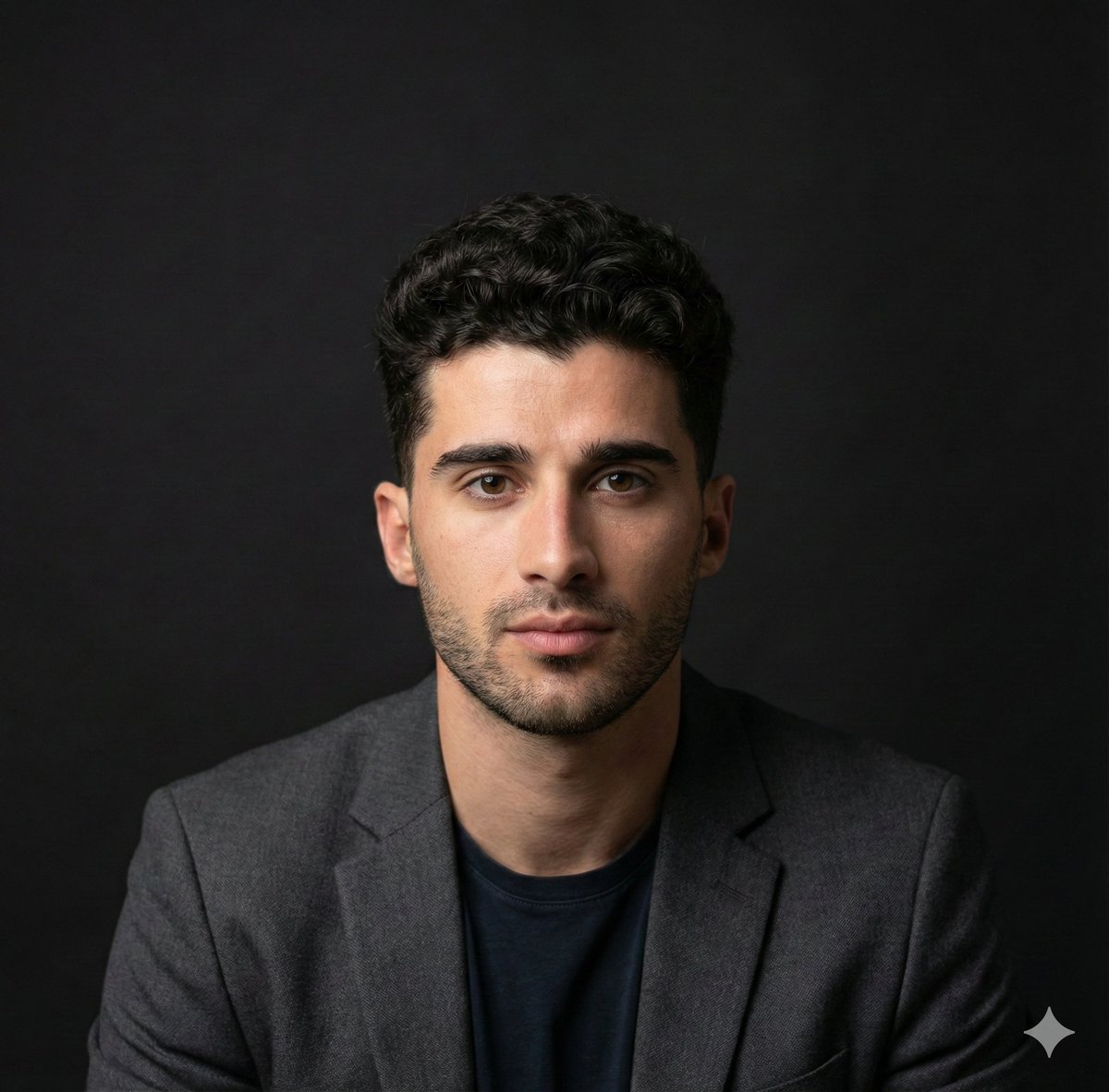
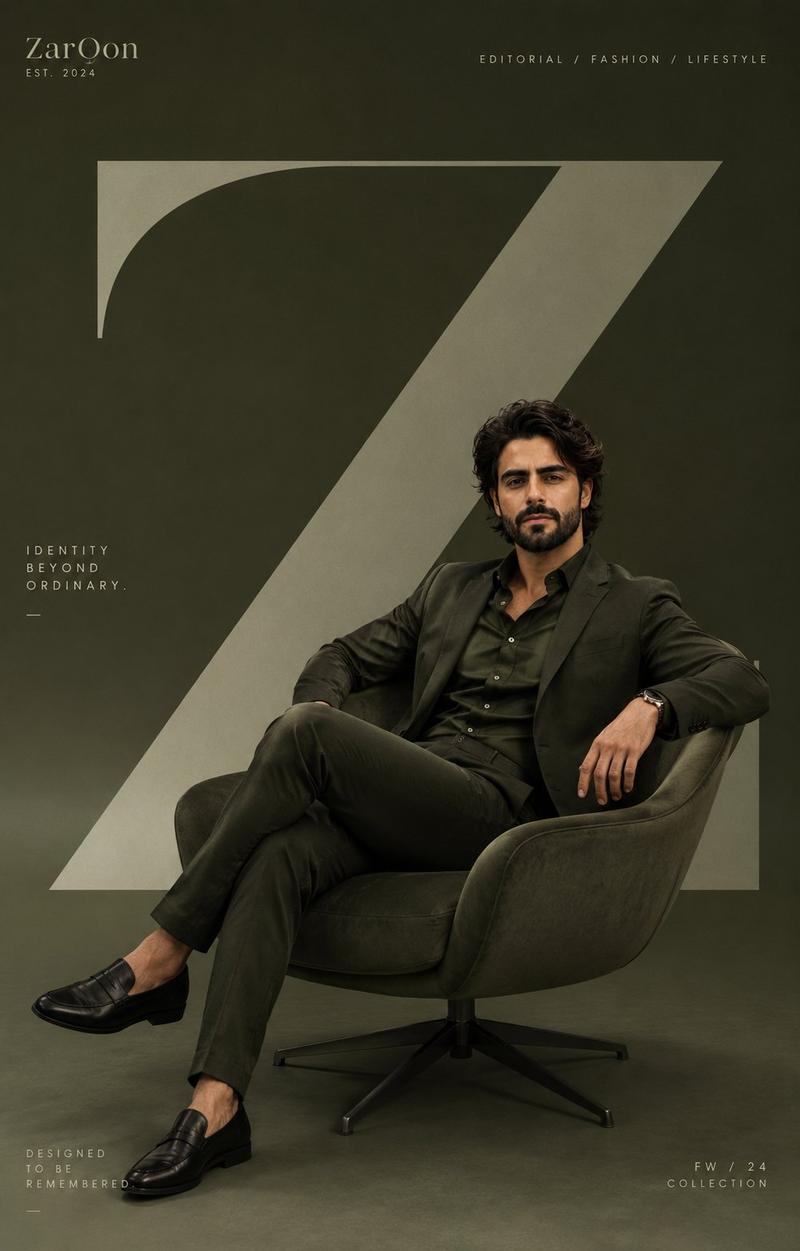
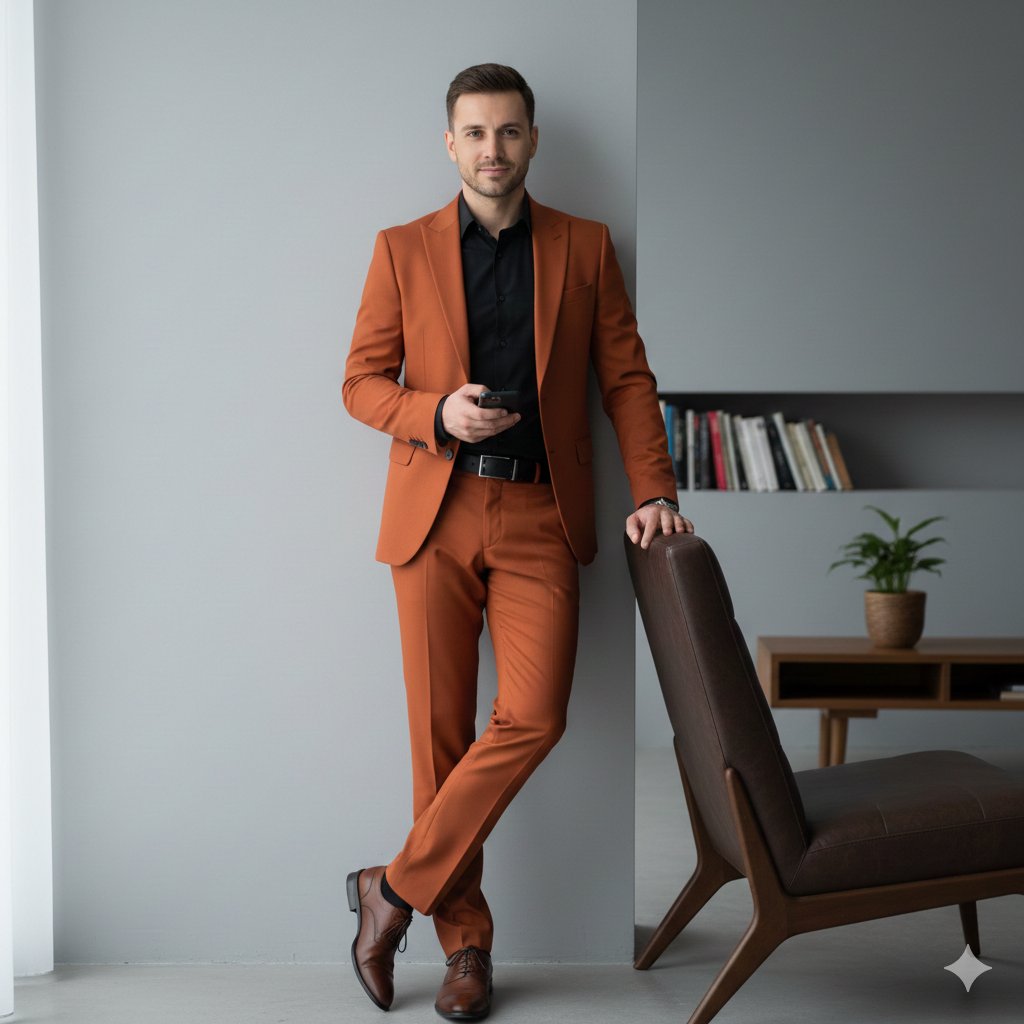
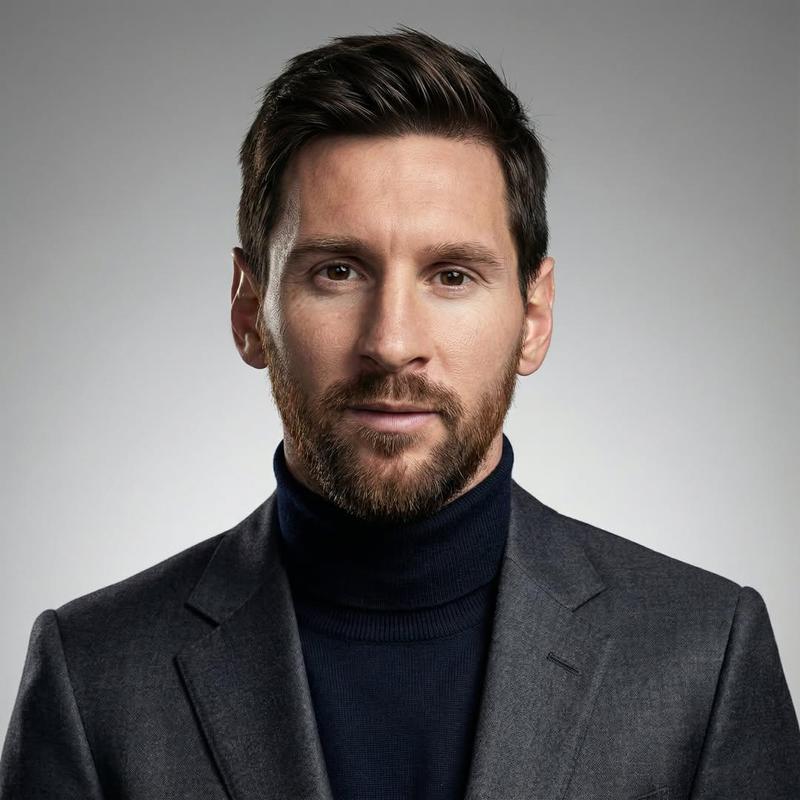
A professional, high-resolution portrait of a smiling {argument name="subject" default="man"} with a neat beard and short {argument name="hair color" default="brown"} hair, sitting in a plush {argument name="chair style" default="dark teal velvet armchair"}. He is seated at a slight three-quarter angle, body tilted toward the left while his head is turned to face the camera directly with a friendly expression.
Details & Props: He is wearing a sophisticated tan or camel-colored blazer over a crisp white t-shirt. On his left wrist, a black smartwatch is visible. He is holding a sleek silver tablet in his right hand and a white stylus (Apple Pencil) in his left hand, resting them naturally on his lap.
Lighting & Atmosphere: The scene features soft, cinematic side-lighting (Chiaroscuro style) that creates gentle shadows on one side of his face and body, adding depth. The background is a minimalist, solid dark charcoal grey, ensuring all focus remains on the subject.
Technical Specifications: Ultra-realistic photography, 8K resolution, sharp focus on facial features, shallow depth of field, shot on a 50mm lens, professional studio lighting, clean composition, aspect ratio 4:5.
Category
Charts & Infographics
Model
GPT Image 2
Creator
SPEEDYAI
Views13
Source ID
17291
Published
Apr 30, 2026

Guide

About "专业影棚肖像提示词"

What is this prompt for?

"专业影棚肖像提示词" AI image prompt for GPT Image 2 (Charts & Infographics). 一份高度详细的提示词,用于在影棚环境下拍摄专业男性肖像,包含特定的灯光和姿势说明。 Copy it on Picva and recreate the look in one cl…

The full copyable prompt and example visuals above are ready for AI image generation or one-click recreate in Picva.

How to use this prompt

  1. Step 1

    Open the prompt detail

    Review the example visuals, category, and full prompt text for "专业影棚肖像提示词".

  2. Step 2

    Copy the prompt

    Copy the prompt body from this page, or load it directly in Studio.

  3. Step 3

    Pick a model (GPT Image 2)

    Prefer GPT Image 2. If you switch models, keep subject and composition and tweak style terms.

  4. Step 4

    Generate and export

    Recreate the look in Picva, or export into your workflow for editing and publishing.

FAQ

What is the "专业影棚肖像提示词" prompt?
It is an AI image-generation prompt for GPT Image 2 in the Charts & Infographics category. This page includes the full prompt text, example visuals, and a one-click recreate path in Picva.
How do I use this prompt to generate an image?
Copy the prompt from this page, or use Generate / Studio. Paste it into a compatible image model, or recreate the look in Picva with optional reference images.
Which model is this prompt for?
This page lists GPT Image 2. Most descriptive prompts also transfer to nearby image models such as GPT Image, Flux, or Midjourney with light style tweaks.
Can I use the result commercially?
You can usually copy the prompt for creation, but commercial use of the final image depends on the model terms, reference-image rights, and the generated content. Follow the source author and platform rules.