18

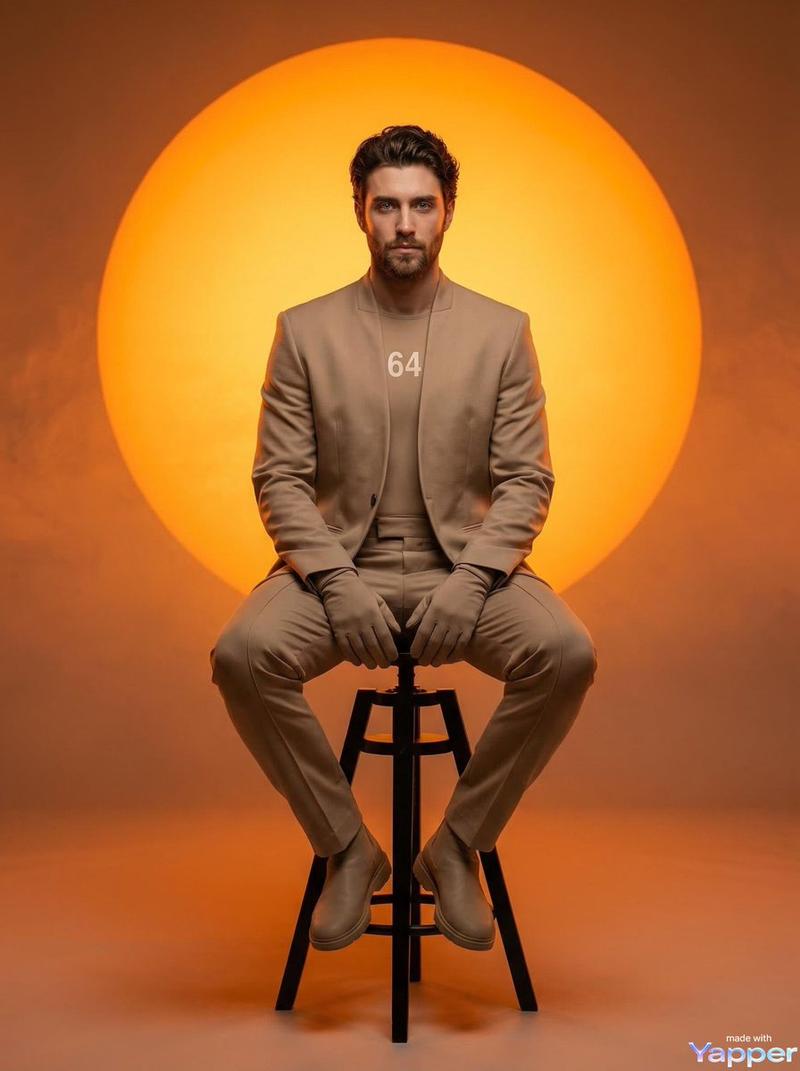
电影级影棚西装肖像
Enlarge

电影级影棚西装肖像

Prompt
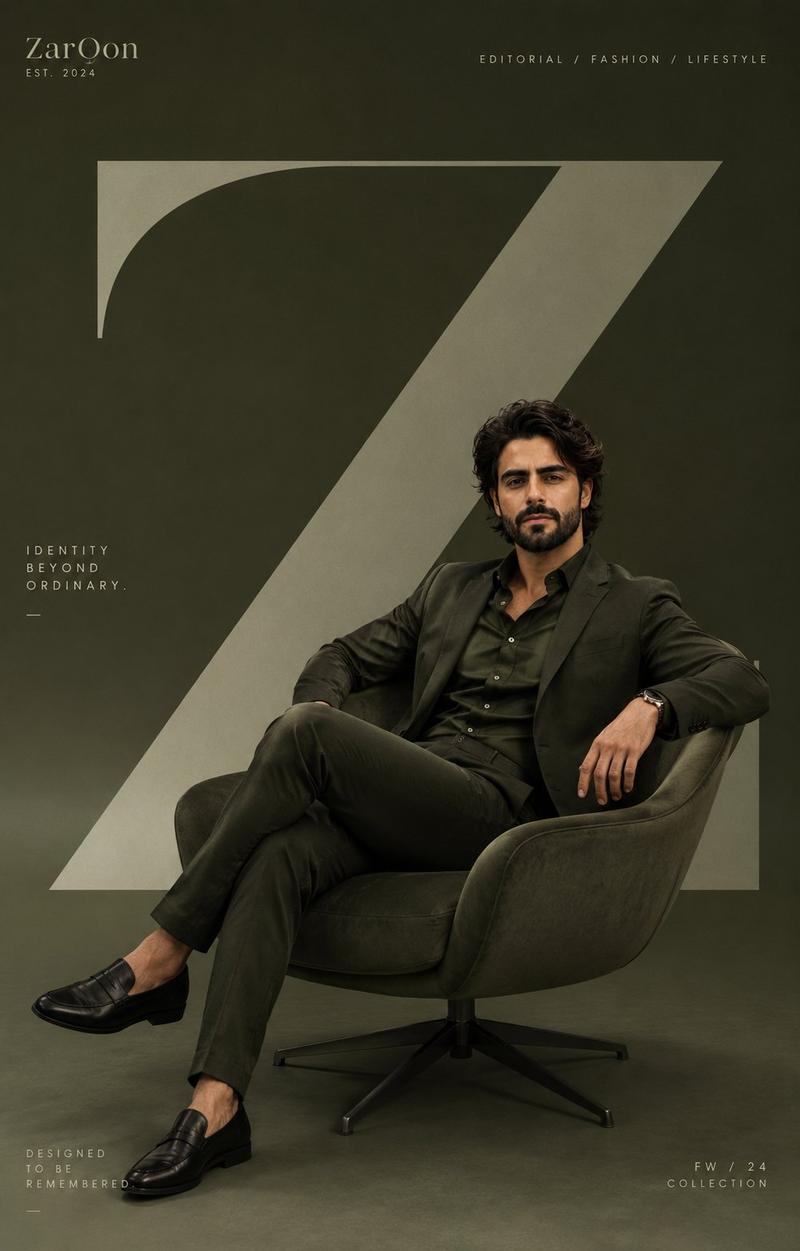
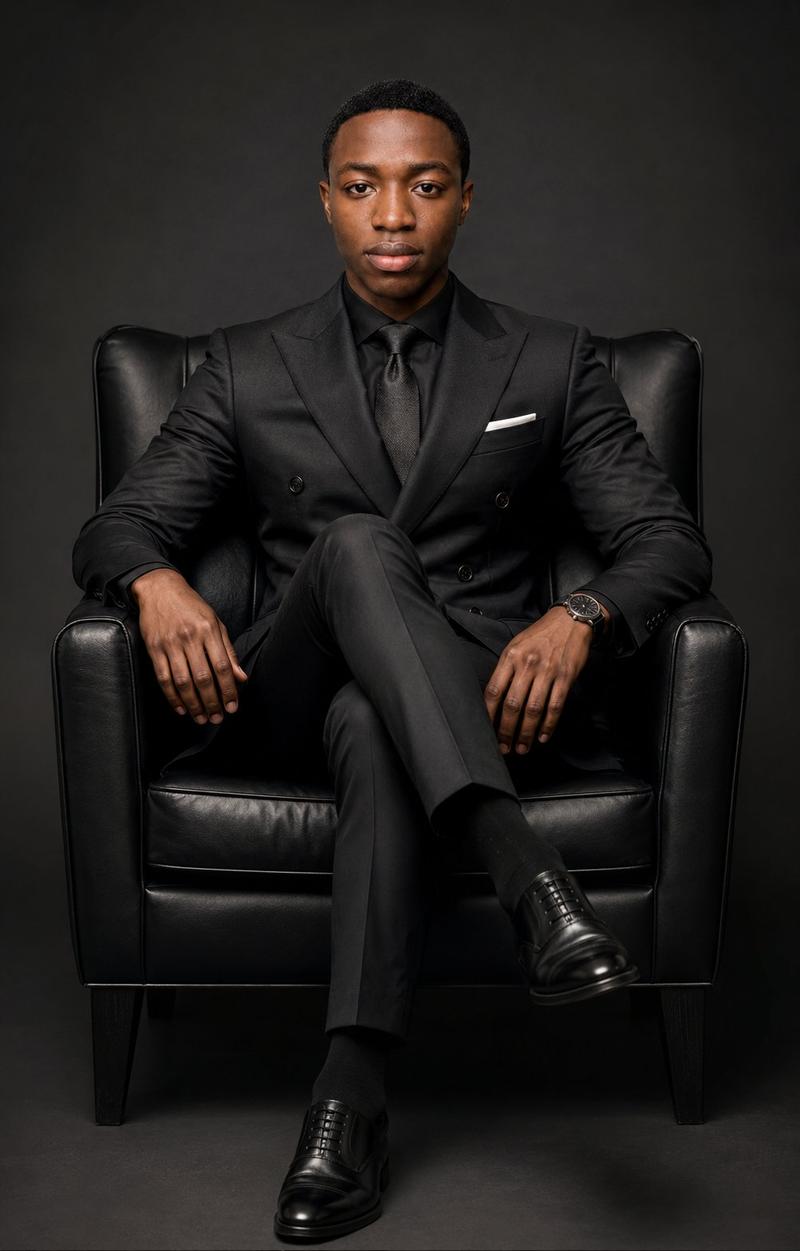
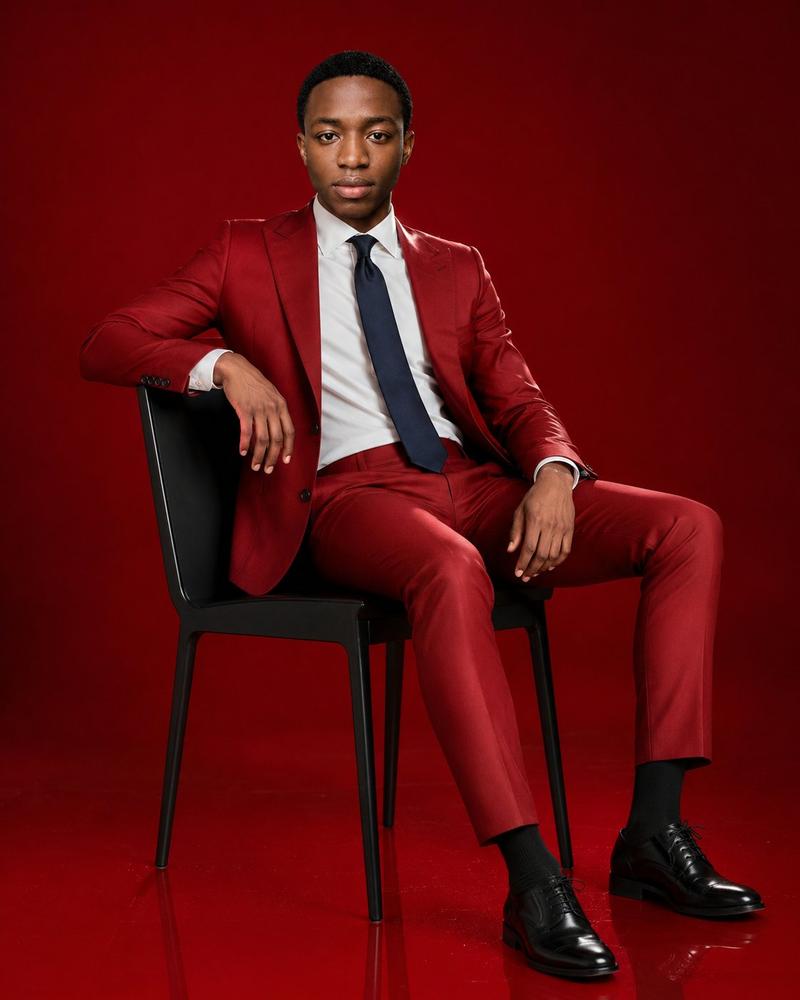
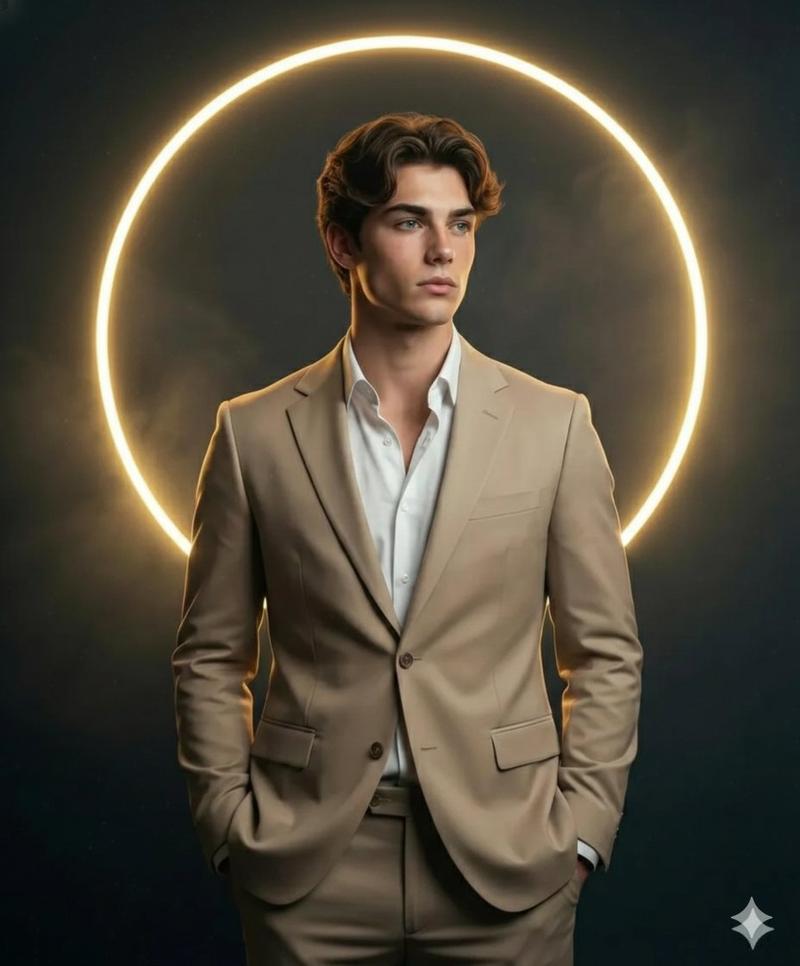
Use The Uploaded Reference Photo As The Model For The Face, Hairstyle, And Beard, Keeping Them Exactly As In The Reference. Render A Cinematic Studio Portrait Of A Young Man With A Sporty Body Sitting Casually On A Futuristic, Minimalistic, Designer Chair, Legs Crossed. Outfit: {argument name="outfit color" default="Brown"} Suit (#483c32 Jacket And Pants), Black Shirt Under The Jacket, Dark Brown Loafers, Black Oneplus Watch 346mm On Left Wrist. Background: Solid #483c32 With A Large White Circle Behind The Head, Filled And Slightly Glowing. Lighting: Bright Soft Studio Light, Producing Sharp Shadows And Moody Atmosphere. Pose: Relaxed, Slightly Leaning, One Hand On The Chair's Backrest, Face Turned To The Side. Ultra-detailed, Photo Realistic, Cinematic Contrast, Fabric Texture Emphasized. Ensure The Hairstyle, Beard, And Face Remain Exactly As In The Uploaded Reference Photo.
Category
Photography & Realism
Model
GPT Image 2
Views2
Source ID
21284
Published
May 18, 2026

Guide

About "电影级影棚西装肖像"

What is this prompt for?

"电影级影棚西装肖像" AI image prompt for GPT Image 2 (Photography & Realism). 生成一张高端影棚肖像,展示身着设计师西装的人物坐在充满未来感的椅子上,并配以深沉的灯光效果。 Copy it on Picva and recreate the look in o…

The full copyable prompt and example visuals above are ready for AI image generation or one-click recreate in Picva.

How to use this prompt

  1. Step 1

    Open the prompt detail

    Review the example visuals, category, and full prompt text for "电影级影棚西装肖像".

  2. Step 2

    Copy the prompt

    Copy the prompt body from this page, or load it directly in Studio.

  3. Step 3

    Pick a model (GPT Image 2)

    Prefer GPT Image 2. If you switch models, keep subject and composition and tweak style terms.

  4. Step 4

    Generate and export

    Recreate the look in Picva, or export into your workflow for editing and publishing.

FAQ

What is the "电影级影棚西装肖像" prompt?
It is an AI image-generation prompt for GPT Image 2 in the Photography & Realism category. This page includes the full prompt text, example visuals, and a one-click recreate path in Picva.
How do I use this prompt to generate an image?
Copy the prompt from this page, or use Generate / Studio. Paste it into a compatible image model, or recreate the look in Picva with optional reference images.
Which model is this prompt for?
This page lists GPT Image 2. Most descriptive prompts also transfer to nearby image models such as GPT Image, Flux, or Midjourney with light style tweaks.
Can I use the result commercially?
You can usually copy the prompt for creation, but commercial use of the final image depends on the model terms, reference-image rights, and the generated content. Follow the source author and platform rules.