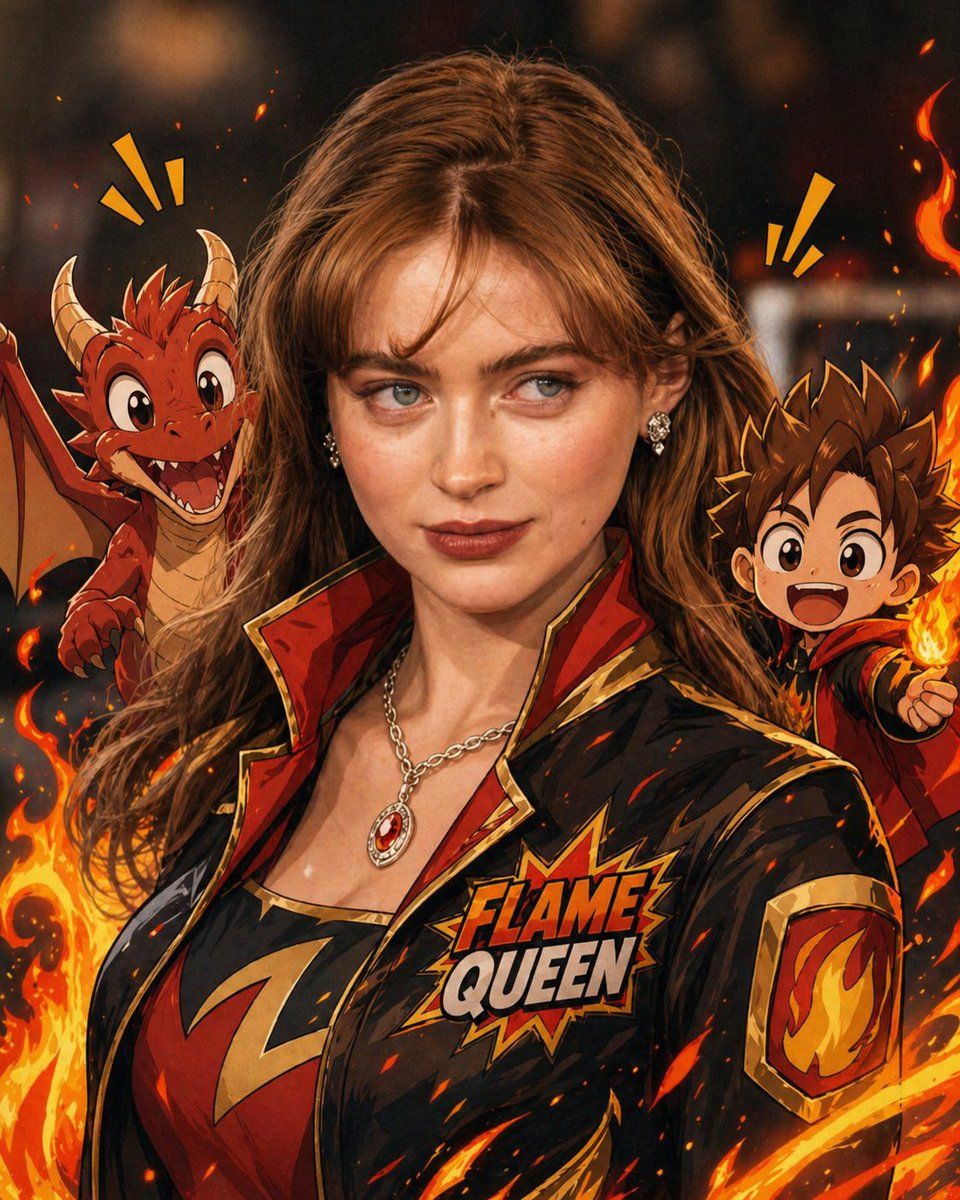
混合现实漫画风格转换
Prompt
Convert the subject in this image into a 4:5 mixed-reality transformation with a fully realistic background and a realistically rendered face, combined with bold {argument name="style" default="cartoon apparel"}, hand-drawn comic fire effects, and playful cartoon companions. Use a live-action hybrid composition with the subject preserved as the clear identity anchor while the stylized elements read as designed overlays inside one coherent scene.

CHARACTER:
Preserve the subject’s recognizable facial identity, hair state, and facial hair pattern if presented exactly, then re-render the face with realistic live-action AAA structure, natural skin response, and clean hybrid integration. Ensure high brightness, low contrast, medium saturation, low sharpness details. Dress the figure in exaggerated cartoon clothing with simplified seams, and graphic trims that feel intentionally designed rather than photographed. Add funny cartoon characters as supporting visual accents with expressive silhouettes, rounded forms, and lively attitude, while keeping the subject as the primary focal figure. The body should remain human and believable, but the clothing and accessories should carry comic exaggeration and strong graphic personality.

FACE & ANATOMY:
Keep the subject’s core facial proportions, expression logic, and likeness intact, rendered with realistic but controlled hybrid facial detail. Use natural eye depth, believable skin, while avoiding any plastic toy look or full caricature distortion. The body should read as live-action proportioned, with the stylization concentrated in the outfit, props, and surrounding comic elements.

ENVIRONMENT:
Restyle the exact same environment as a realistic setting with clear depth and natural perspective. Build the scene as a mixed-reality stage where comic fire drawings, playful animated accents, and graphic energy bursts sit visibly inside the real space without breaking spatial coherence. Keep the background believable, structured, and physically present, with the stylized elements integrated as deliberate designed interventions.

RENDER PIPELINE:
Use a mixed-reality rendering pipeline that combines realistic plate-like environment treatment with stylized 2D graphic overlays and hybrid character compositing. Preserve live-action shading on the face and background, then layer cartoon clothing, comic effect shapes, and illustrated fire forms with crisp contour control and clean edge separation. The final finish must feel like a polished real-world composite with intentional animated design language, not a pure cartoon render and not a standard photograph.

COLOR & LIGHT:
Use clean low contrast, and bright comic-highlight behavior against a realistic ambient base. Shadows remain natural in the background and face, while the stylized garments and effects carry punchy neon-like energy and high chroma separation.- Category
- Charts & Infographics
- Model
- GPT Image 2
- Creator
- Saul Goodman
- Source ID
- 17309
- Published
- Apr 30, 2026
Views6

















