19

古典中国风宠物肖像
Enlarge

古典中国风宠物肖像

Prompt
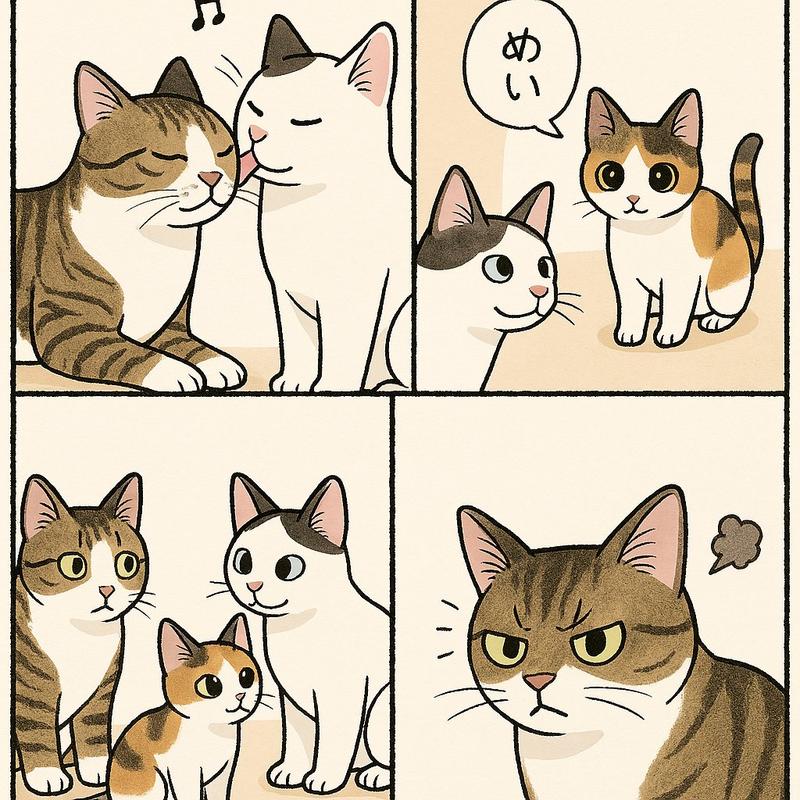
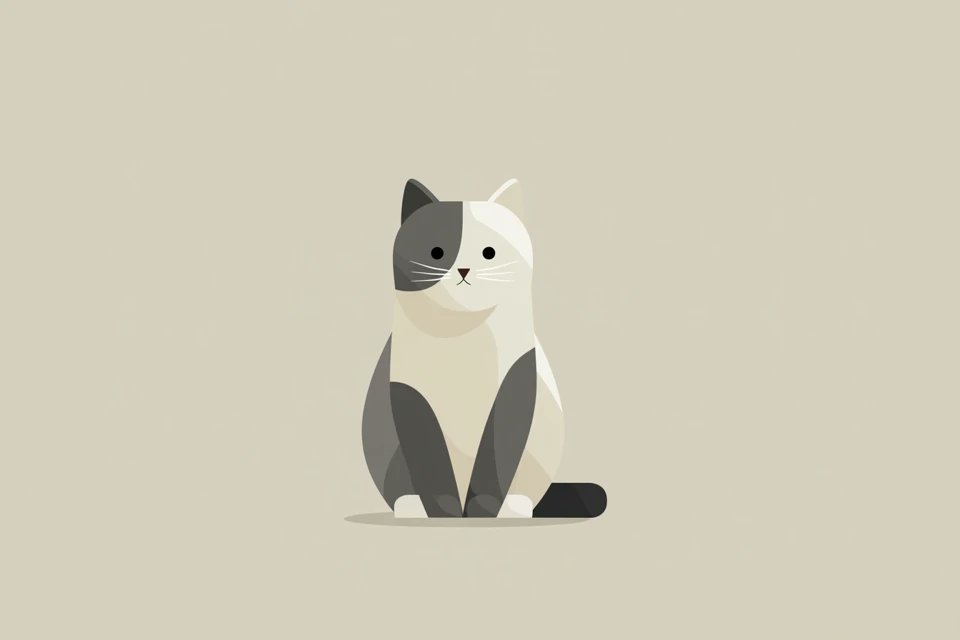
Using REFERENCE_0 as the pet base, transform the cat into a refined traditional Chinese ink-and-color painting in the style of an antique literati portrait. Keep the cat’s identity, silver tabby markings, round face, large eyes, and front-facing seated posture recognizable, but remove all modern indoor objects and place the cat in an elegant classical composition on stone. Add a soft aged rice-paper background, 1 pale full moon near the upper center-left, 1 bamboo cluster along the upper right, 1 ornamental scholar’s rock on the right, and 1 magnolia branch with 3 large white blossoms in the lower left. Add vertical Chinese calligraphy on the upper left with 4 large characters, a second narrower vertical inscription beneath it, and 2 red seal stamps near the inscription. Use delicate brushwork, muted beige-gray tones, subtle washes, fine fur detailing, and a serene poetic atmosphere like an old Eastern painting scroll.
Category
Charts & Infographics
Model
GPT Image 2
Creator
探路AI
Views14
Source ID
17376
Published
Apr 30, 2026

Guide

About "古典中国风宠物肖像"

What is this prompt for?

"古典中国风宠物肖像" AI image prompt for GPT Image 2 (Charts & Infographics). 此提示词可将宠物照片转化为优雅的中国传统画作,非常适合为猫咪或其他宠物创作富有诗意的古风肖像。 Copy it on Picva and recreate the look in…

The full copyable prompt and example visuals above are ready for AI image generation or one-click recreate in Picva.

How to use this prompt

  1. Step 1

    Open the prompt detail

    Review the example visuals, category, and full prompt text for "古典中国风宠物肖像".

  2. Step 2

    Copy the prompt

    Copy the prompt body from this page, or load it directly in Studio.

  3. Step 3

    Pick a model (GPT Image 2)

    Prefer GPT Image 2. If you switch models, keep subject and composition and tweak style terms.

  4. Step 4

    Generate and export

    Recreate the look in Picva, or export into your workflow for editing and publishing.

FAQ

What is the "古典中国风宠物肖像" prompt?
It is an AI image-generation prompt for GPT Image 2 in the Charts & Infographics category. This page includes the full prompt text, example visuals, and a one-click recreate path in Picva.
How do I use this prompt to generate an image?
Copy the prompt from this page, or use Generate / Studio. Paste it into a compatible image model, or recreate the look in Picva with optional reference images.
Which model is this prompt for?
This page lists GPT Image 2. Most descriptive prompts also transfer to nearby image models such as GPT Image, Flux, or Midjourney with light style tweaks.
Can I use the result commercially?
You can usually copy the prompt for creation, but commercial use of the final image depends on the model terms, reference-image rights, and the generated content. Follow the source author and platform rules.