19

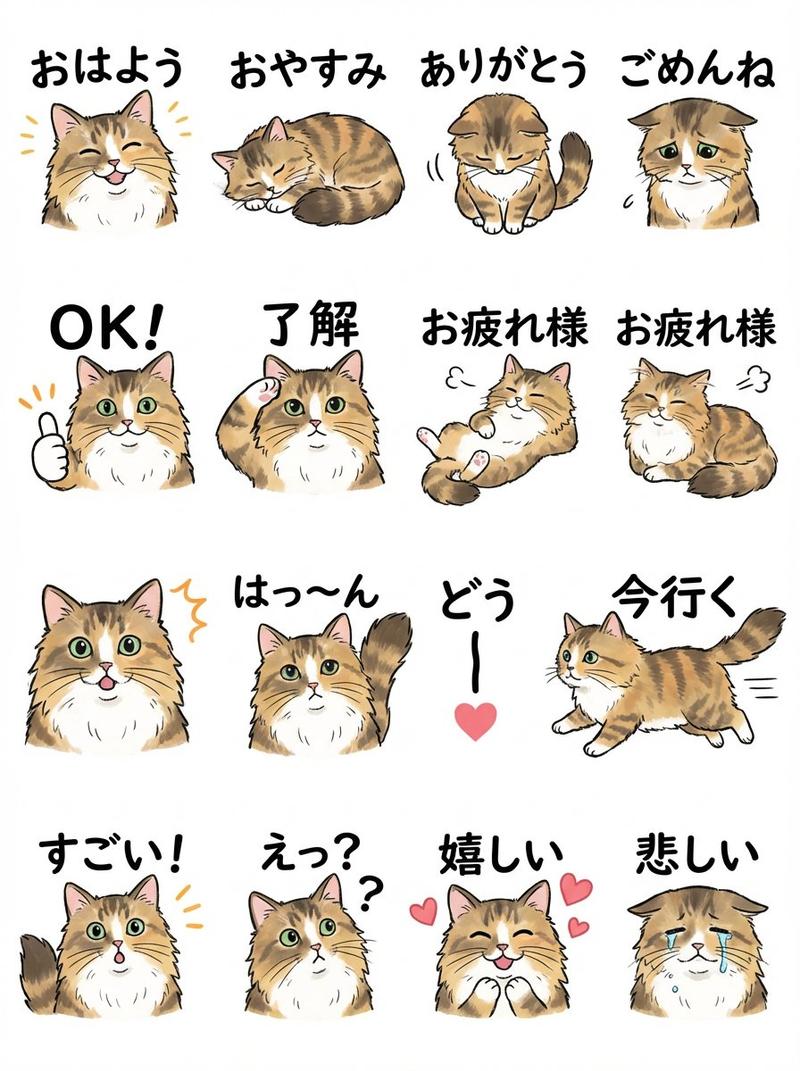
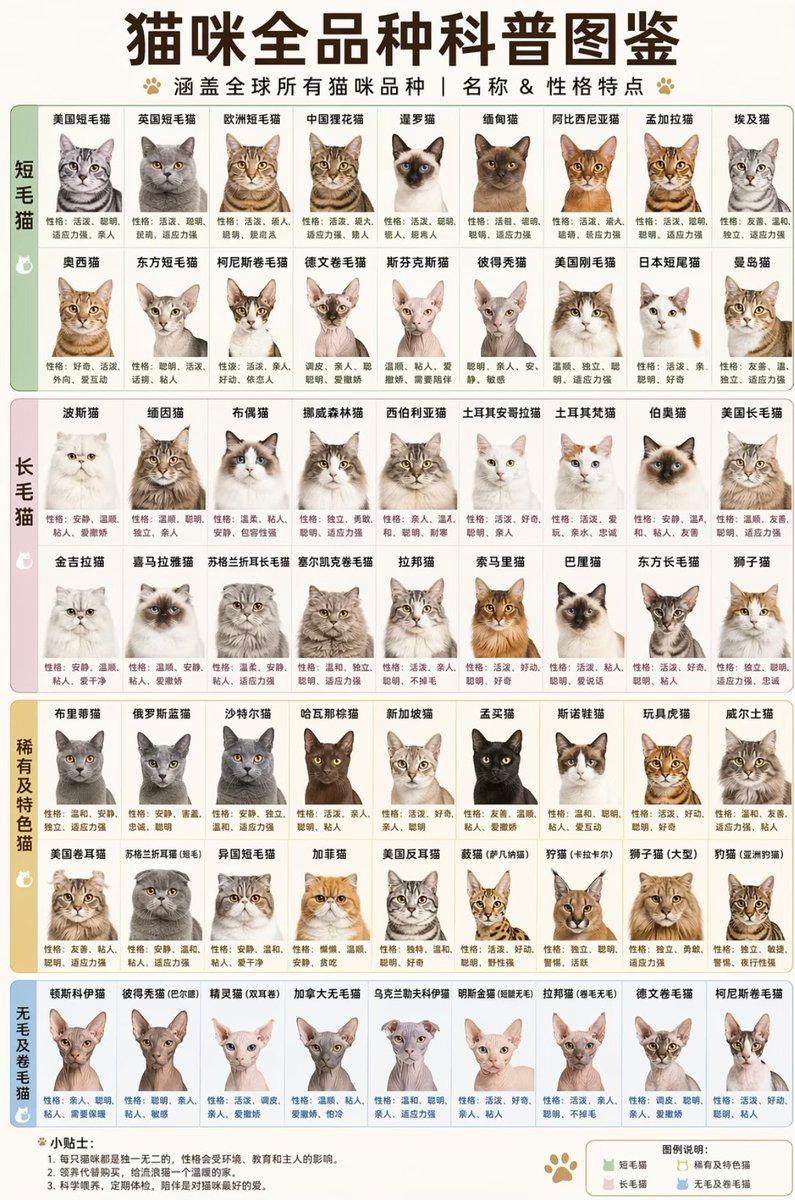
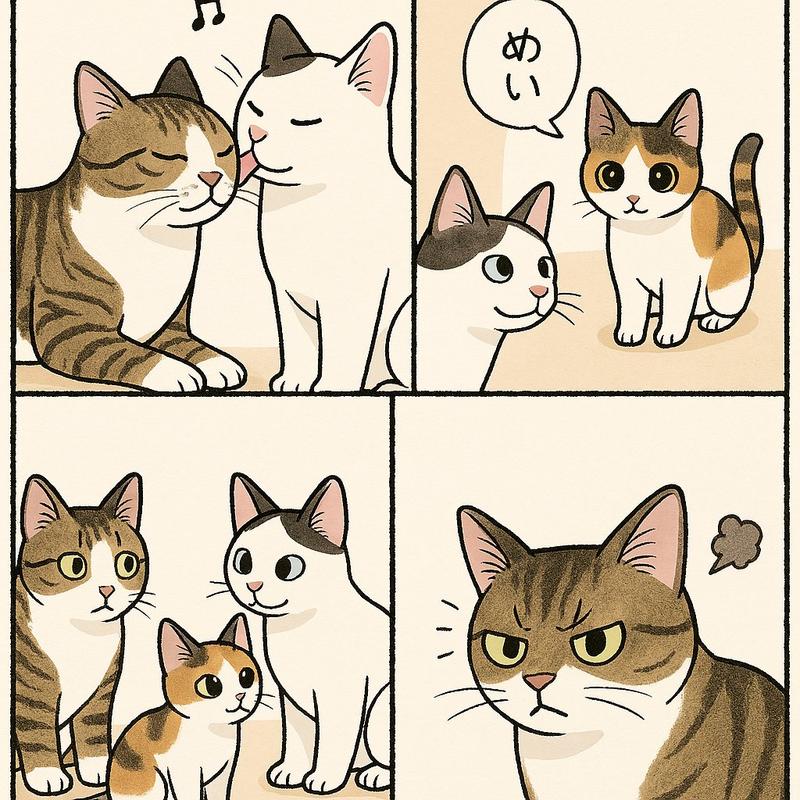
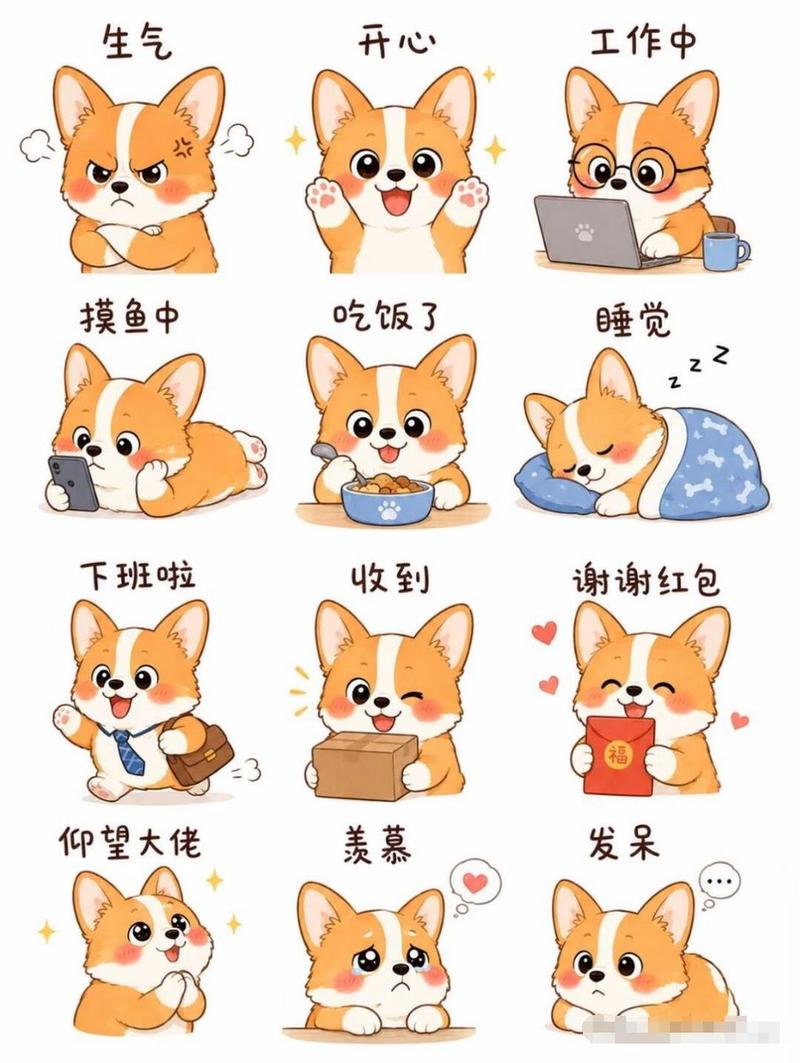
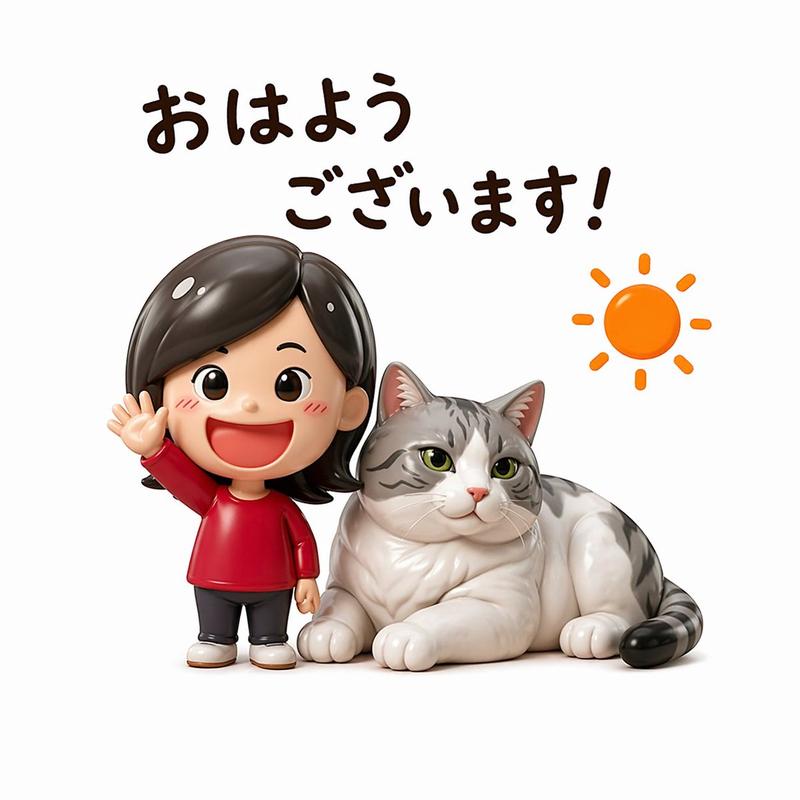
IP形象Q版萌系表情包展示海报
Enlarge

IP形象Q版萌系表情包展示海报

Prompt
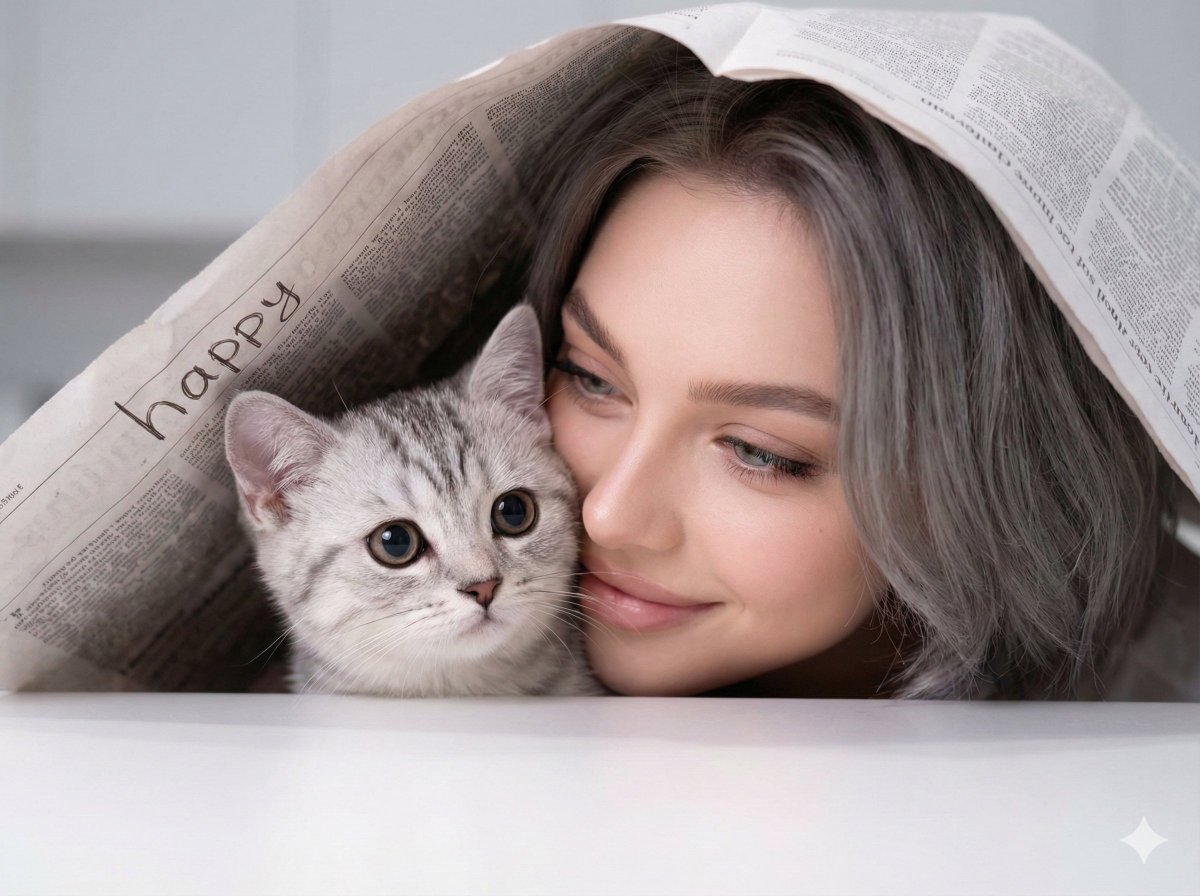
You are an exclusive IP sticker designer. Based on the subject image uploaded by the user, generate a vertical Q-version (Chibi) sticker display poster. Core Requirements: All expressions must be based on the uploaded subject image; do not create generic stickers. Maintain core identification features: silhouette, color, facial features, hairstyle/fur, clothing, accessories, ears, tail, and signature items. Do not swap faces, species, clothing, color schemes, or hairstyles. If it's a person, transform into a cute Chibi version; for pets, retain markings and fur; for objects, anthropomorphize while retaining original shapes. The set must appear as an official sticker pack with unified style and consistent character design. Automatically determine the suitable temperament (Healing, Funny, Worker, Tsundere, Cool, Intimate, Pet, or Neutral) and select 9-12 expressions accordingly. Each sticker must include: the same subject, a clear action, distinct emotion, Chinese short phrases, white sticker borders, and soft shadows. Poster Layout: Cute title at the top, a large main character image, and 9-12 small sticker stickers arranged around it. Background: Warm and simple (off-white, light yellow, light pink, etc.) with small decorative elements like hearts or stars. Visual Style: Q-version, rounded, healing, sticker-style, high definition, clean layout. Text Requirement: Chinese text must be clearly legible without distortion or errors.
Category
Posters & Typography
Model
ChatGPT
Creator
@TanLuAI
Views116
Source ID
14464
Published
May 15, 2026

Guide

About "IP形象Q版萌系表情包展示海报"

What is this prompt for?

"IP形象Q版萌系表情包展示海报" AI image prompt for ChatGPT (Posters & Typography). 你是一名专属 IP 表情包设计师。请根据用户上传的主体形象,生成一张竖版 Q 版表情包展示海报。 核心要求: 所有表情都必须基于上传主体形象生成,不要做泛用表情包。 保持主体的核…

The full copyable prompt and example visuals above are ready for AI image generation or one-click recreate in Picva.

How to use this prompt

  1. Step 1

    Open the prompt detail

    Review the example visuals, category, and full prompt text for "IP形象Q版萌系表情包展示海报".

  2. Step 2

    Copy the prompt

    Copy the prompt body from this page, or load it directly in Studio.

  3. Step 3

    Pick a model (ChatGPT)

    Prefer ChatGPT. If you switch models, keep subject and composition and tweak style terms.

  4. Step 4

    Generate and export

    Recreate the look in Picva, or export into your workflow for editing and publishing.

FAQ

What is the "IP形象Q版萌系表情包展示海报" prompt?
It is an AI image-generation prompt for ChatGPT in the Posters & Typography category. This page includes the full prompt text, example visuals, and a one-click recreate path in Picva.
How do I use this prompt to generate an image?
Copy the prompt from this page, or use Generate / Studio. Paste it into a compatible image model, or recreate the look in Picva with optional reference images.
Which model is this prompt for?
This page lists ChatGPT. Most descriptive prompts also transfer to nearby image models such as GPT Image, Flux, or Midjourney with light style tweaks.
Can I use the result commercially?
You can usually copy the prompt for creation, but commercial use of the final image depends on the model terms, reference-image rights, and the generated content. Follow the source author and platform rules.