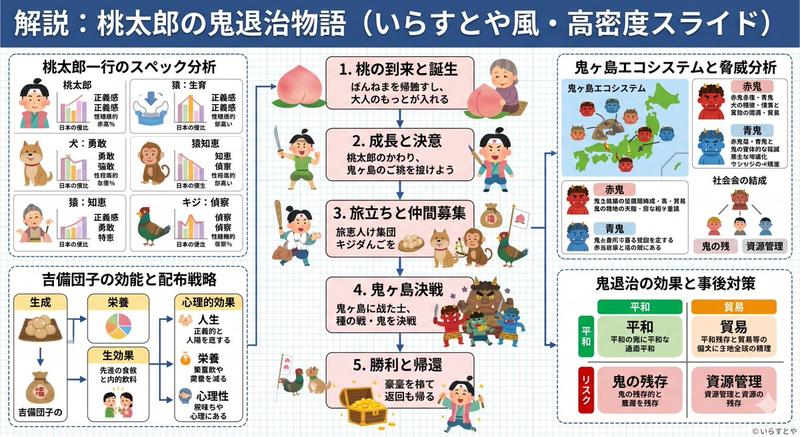
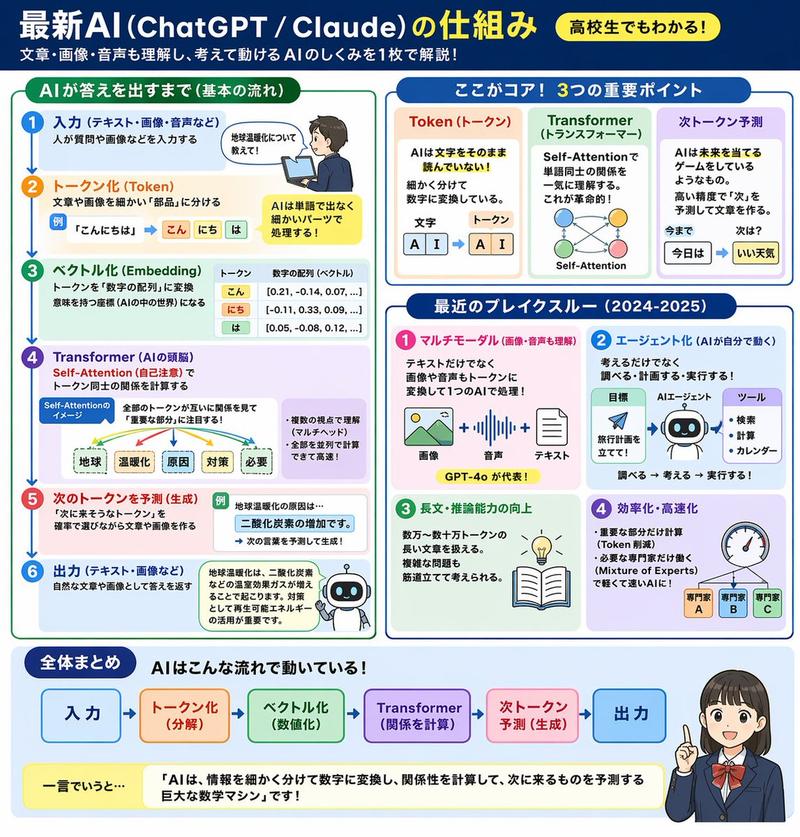
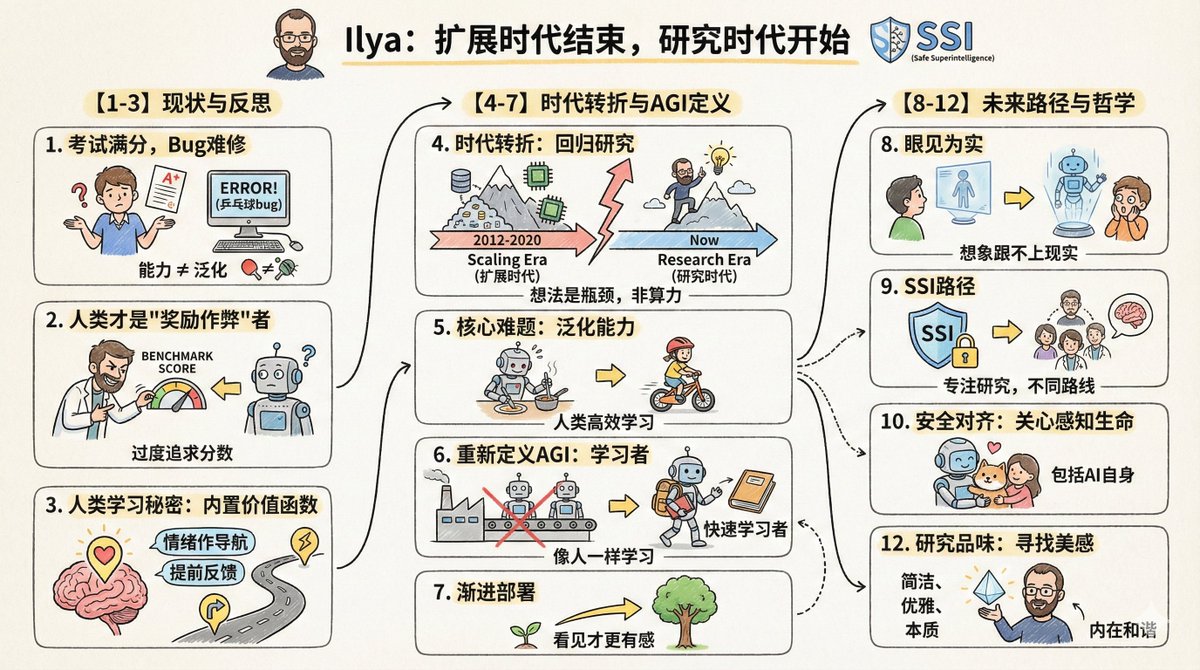
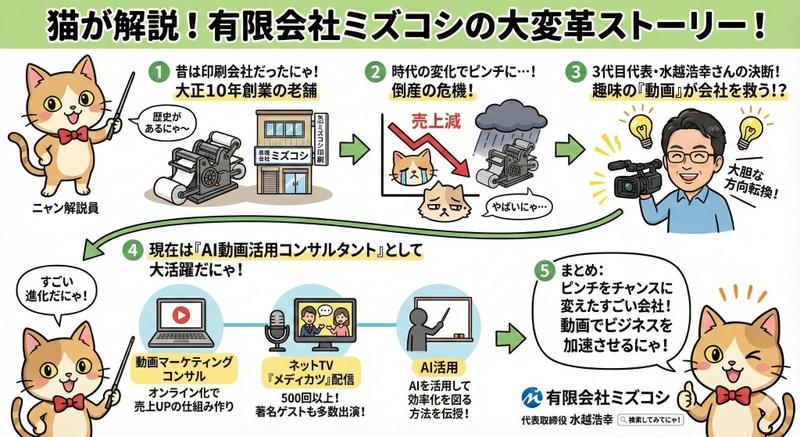
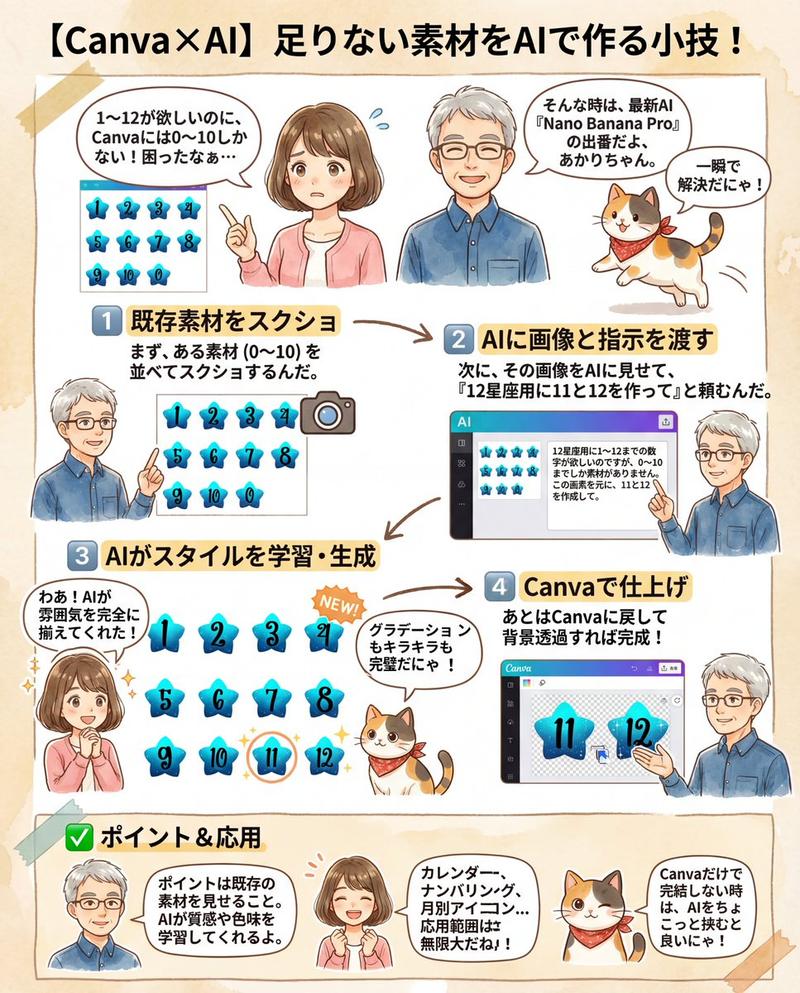
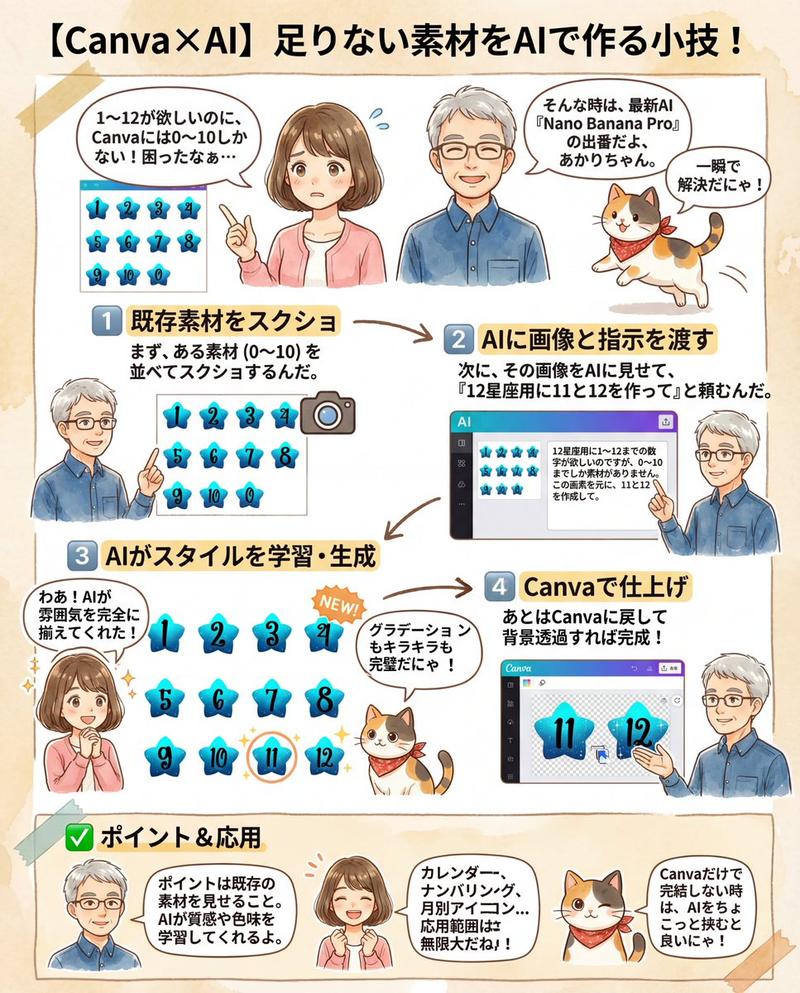
分镜网格生成器
Prompt
创建一个 {argument name="grid format" default="3x3"} 比例的 16:9 分镜网格。- Category
- Characters & People
- Model
- GPT Image 2
- Creator
- 池田 朋弘 | ChatGPT最強の仕事術4万部突破!
- Source ID
- 17574
- Published
- May 1, 2026
Views3
18

创建一个 {argument name="grid format" default="3x3"} 比例的 16:9 分镜网格。Guide
"分镜网格生成器" AI image prompt for GPT Image 2 (Characters & People). 一个简单的提示词,可根据上传的角色图像创建专业的分镜网格,帮助创作者规划电影序列或漫画布局。 Copy it on Picva and recreate the look in one c…
The full copyable prompt and example visuals above are ready for AI image generation or one-click recreate in Picva.
Step 1
Review the example visuals, category, and full prompt text for "分镜网格生成器".
Step 2
Copy the prompt body from this page, or load it directly in Studio.
Step 3
Prefer GPT Image 2. If you switch models, keep subject and composition and tweak style terms.
Step 4
Recreate the look in Picva, or export into your workflow for editing and publishing.